
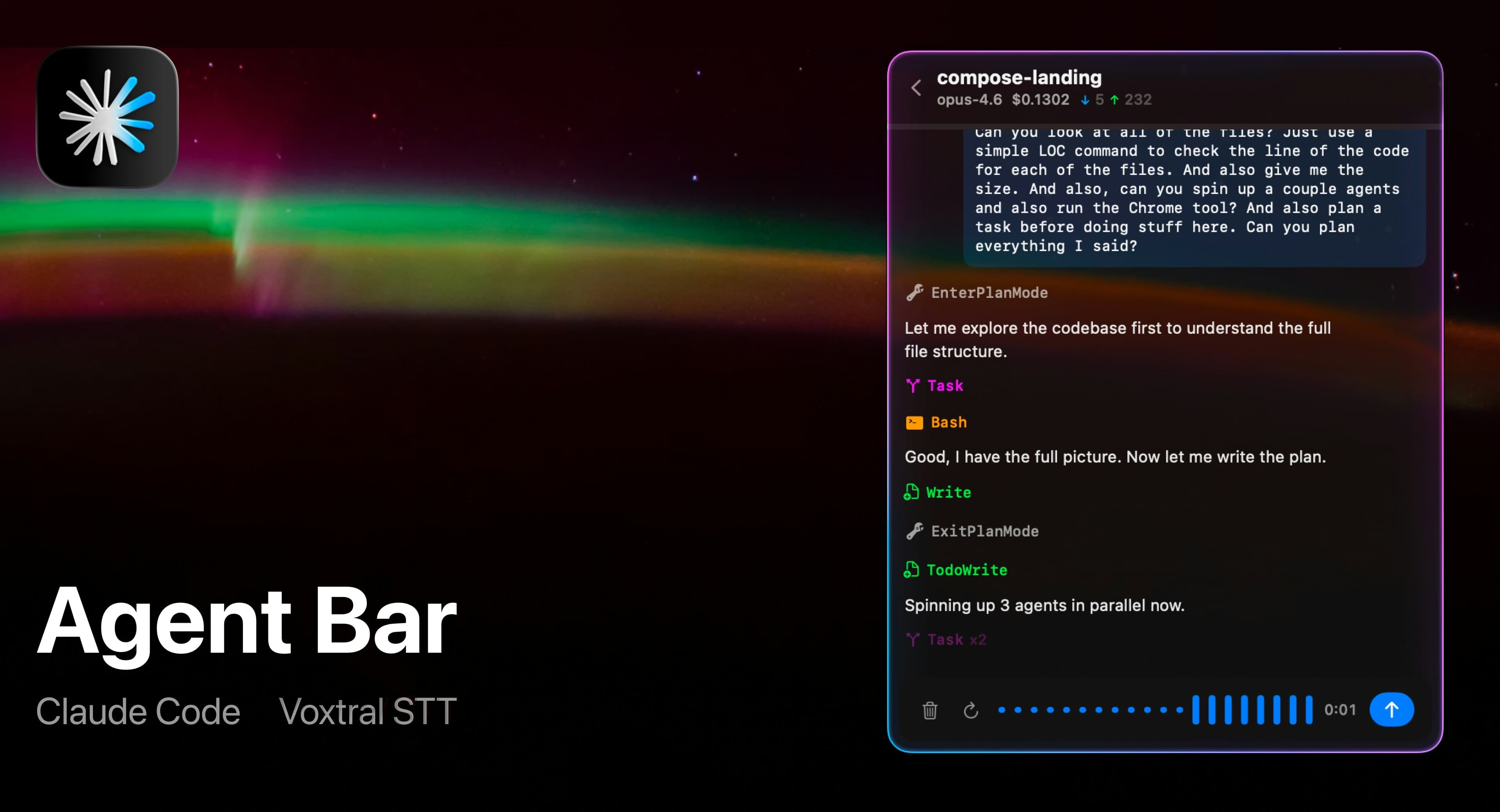
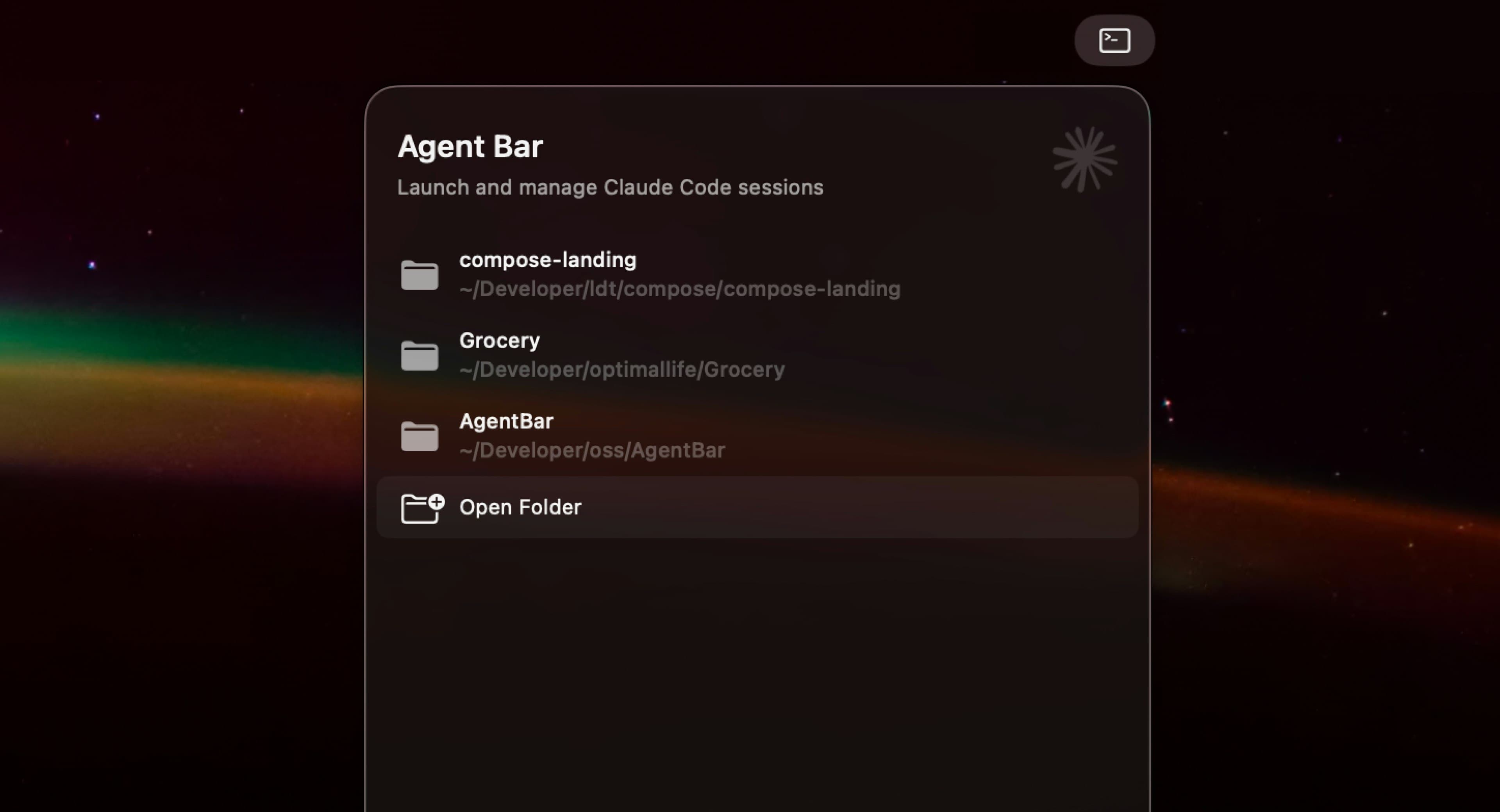
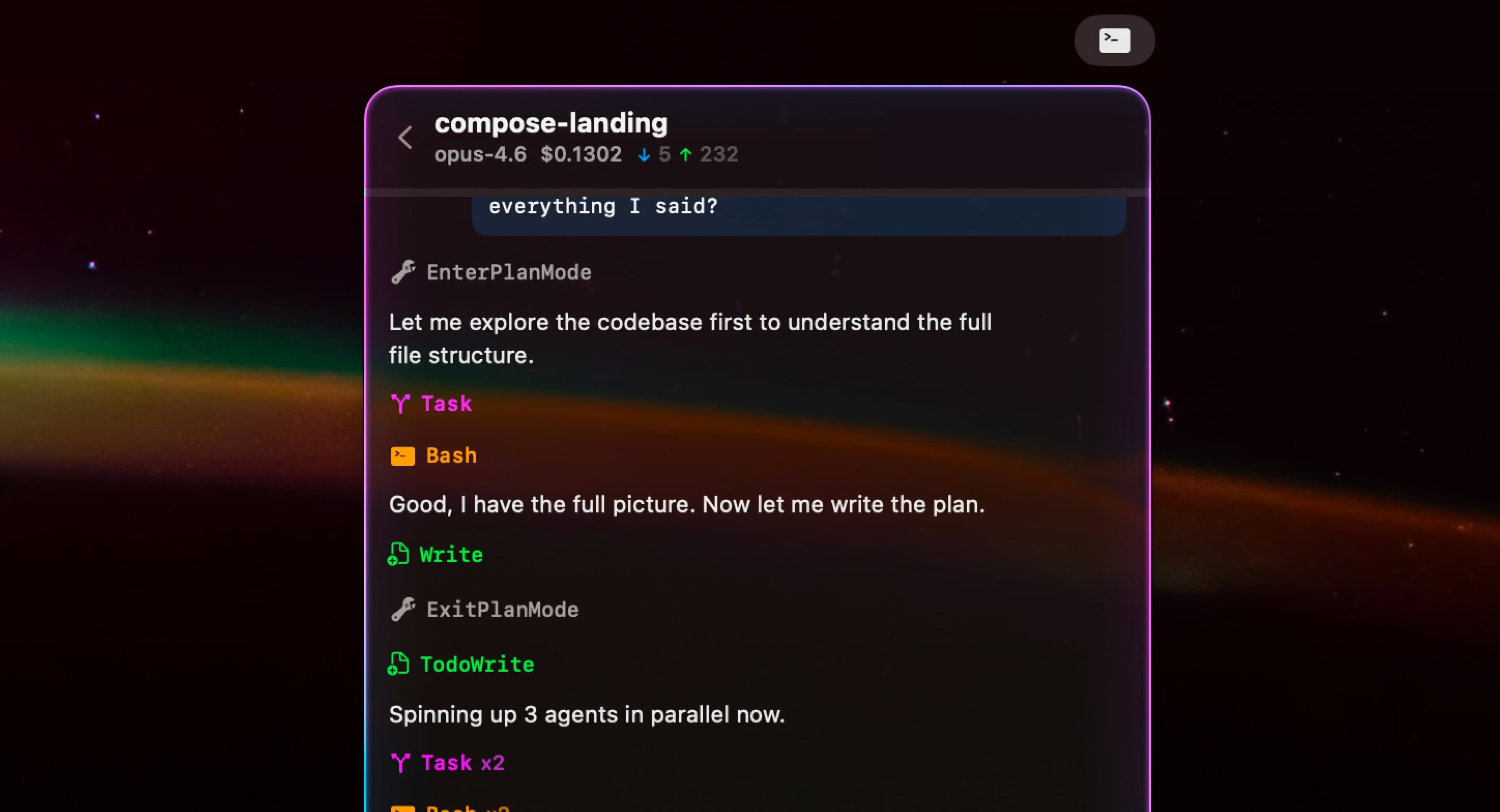
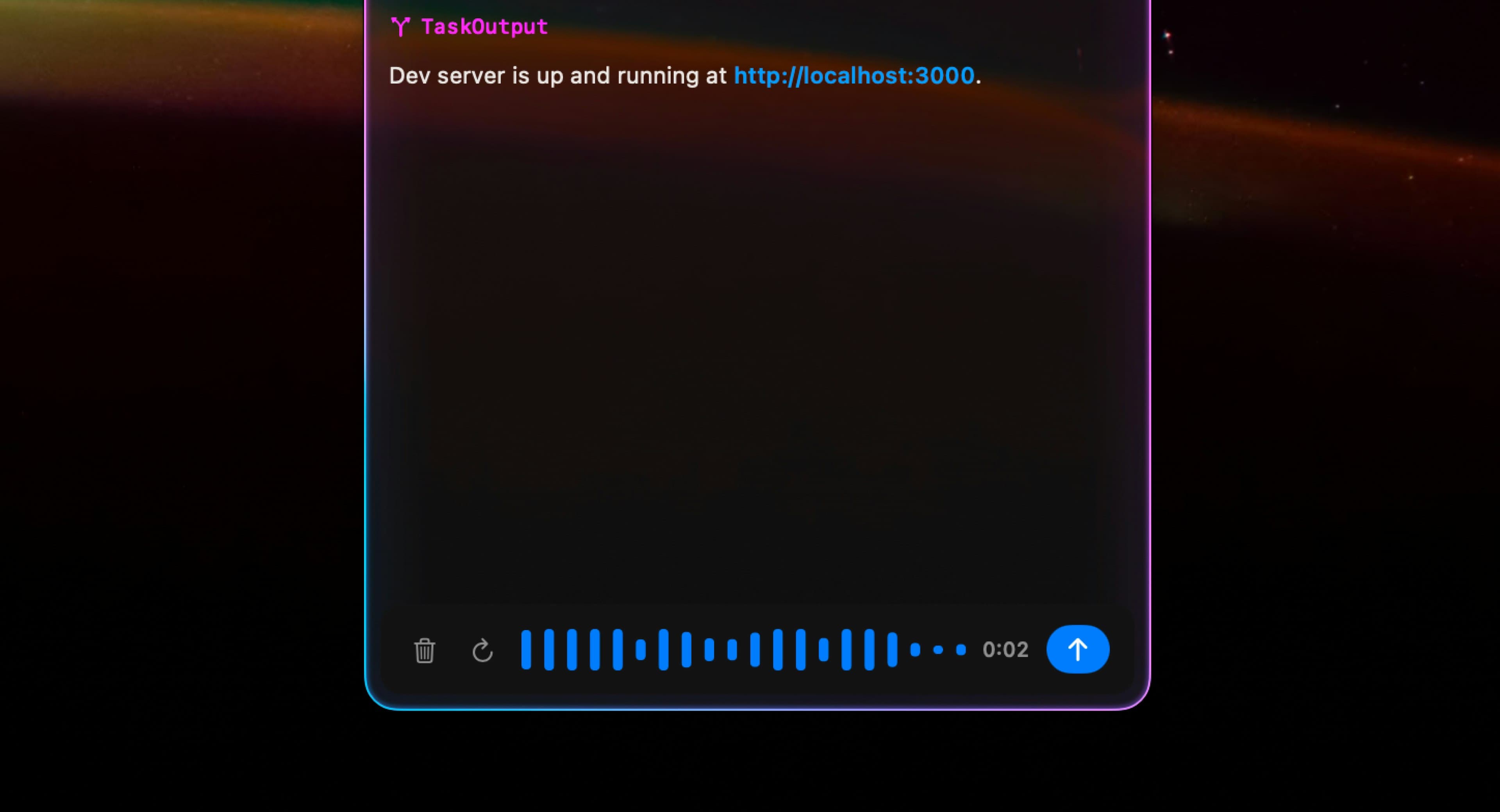
Agent Bar lives in your menu bar and gives you a native GUI for Claude Code. Pick a project, talk to it with your voice, watch tool calls stream in real-time, approve or auto-approve actions, and track token costs — all without leaving your desktop.
Founder
Screenshots
About
Imagine having the power of advanced AI coding assistance right where you need it most: seamlessly integrated into your daily workflow. That’s exactly what Agent Bar delivers. This isn't just another application you have to switch to; it lives quietly and efficiently in your Mac's menu bar, offering instant, native access to Claude Code whenever inspiration strikes or a complex problem arises. Forget the friction of opening multiple windows or navigating clunky web interfaces. With Agent Bar, you can simply click the icon and start collaborating with your AI agent immediately. Whether you need to quickly draft a complex function, debug an obscure error, or explore a new architectural pattern, the interface is designed for speed and clarity. You can communicate your needs naturally, even using your voice, making the interaction feel less like commanding a machine and more like brainstorming with a highly skilled colleague who never needs a coffee break.
What truly sets Agent Bar apart is the transparency and control it places directly in your hands. As your agent begins processing your request, you get a front-row seat to the entire operation. Watch tool calls stream in real time, giving you unprecedented insight into how the AI is solving the problem step by step. This visibility is crucial for building trust and for learning alongside the technology. Furthermore, you maintain ultimate authority over execution. You can choose to manually approve every significant action the agent proposes, ensuring no unintended changes slip through, or, if you trust the agent's context for routine tasks, you can set it to auto-approve for maximum velocity. This flexible governance means you dictate the level of automation that suits your comfort and project requirements.
Beyond the immediate productivity gains, Agent Bar brings essential project management features right to the forefront. You can easily select which project context the AI should operate within, ensuring relevant knowledge is always applied. And because we understand that powerful tools come with usage considerations, Agent Bar diligently tracks token costs as they accumulate. This built-in cost awareness means you can optimize your prompts and manage your AI budget proactively, all from that familiar spot in your menu bar. It’s the perfect marriage of high-powered AI capability and intuitive, desktop-native convenience, designed specifically for developers who value efficiency, control, and a clean workspace.