
Better Clipboard: fast macOS clipboard manager with floating carousel for copy-paste history. Browse, search, pin via shortcut/menu bar. Supports text, links, images, emojis, code—built for speed. New: Translate selected text shortcut. Apple Intelligence rewrite/translate on compatible Macs (no cloud). Animated cards > plain lists. Features: history search, link previews, inline images/code, large emojis, shortcuts, menu bar. Free: 10 entries/3 pins. Pro: unlimited.see more
Founder
Screenshots
About
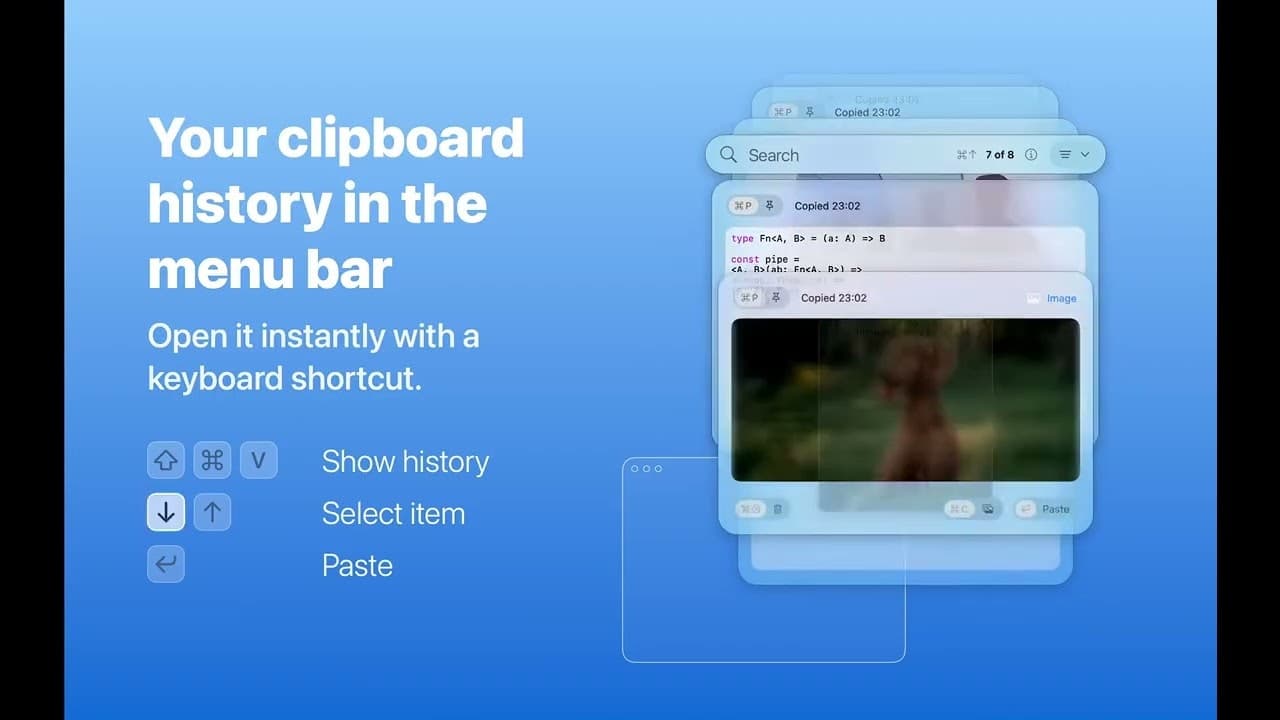
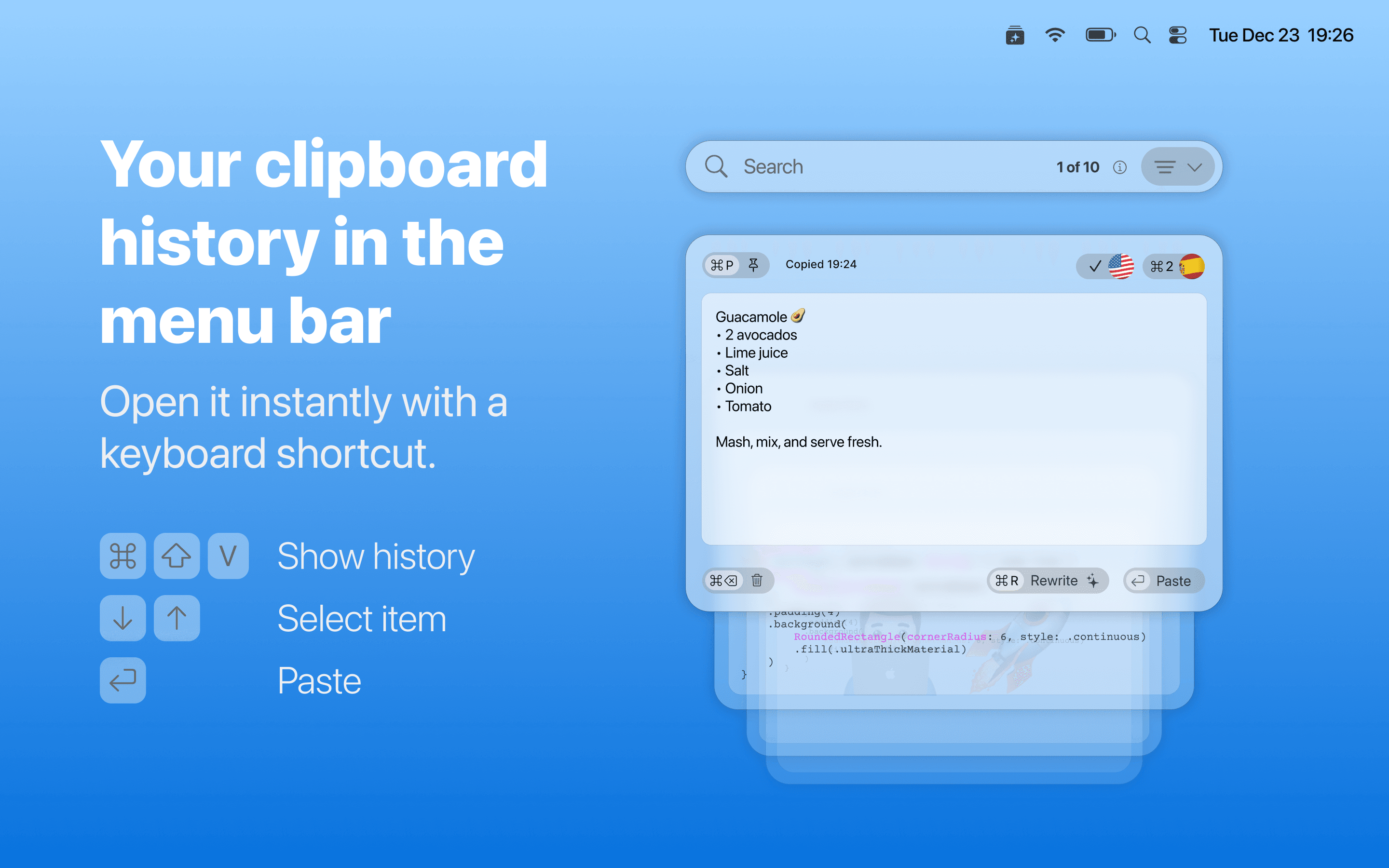
Tired of the frustrating limitations of your Mac's standard clipboard? Meet Better Clipboard, the essential upgrade designed to revolutionize how you work with copied information. This isn't just another history log; it’s a dynamic, intelligent extension of your workflow, built specifically for macOS power users who demand speed and efficiency. Imagine effortlessly accessing everything you’ve recently copied—text snippets, crucial links, complex code blocks, vibrant emojis, and even images—all without ever leaving your current application. Better Clipboard presents this history in a beautiful, intuitive floating carousel, allowing you to browse, preview, and paste with lightning speed, directly from a keyboard shortcut or the convenient menu bar. We’ve moved beyond simple lists; our animated cards give you a richer, more visual way to manage your copied items, ensuring you can instantly spot that vital piece of data you need, exactly when you need it. This tool is engineered to eliminate the constant back and forth, saving you precious seconds on every task, which quickly adds up to hours of regained productivity throughout your week.
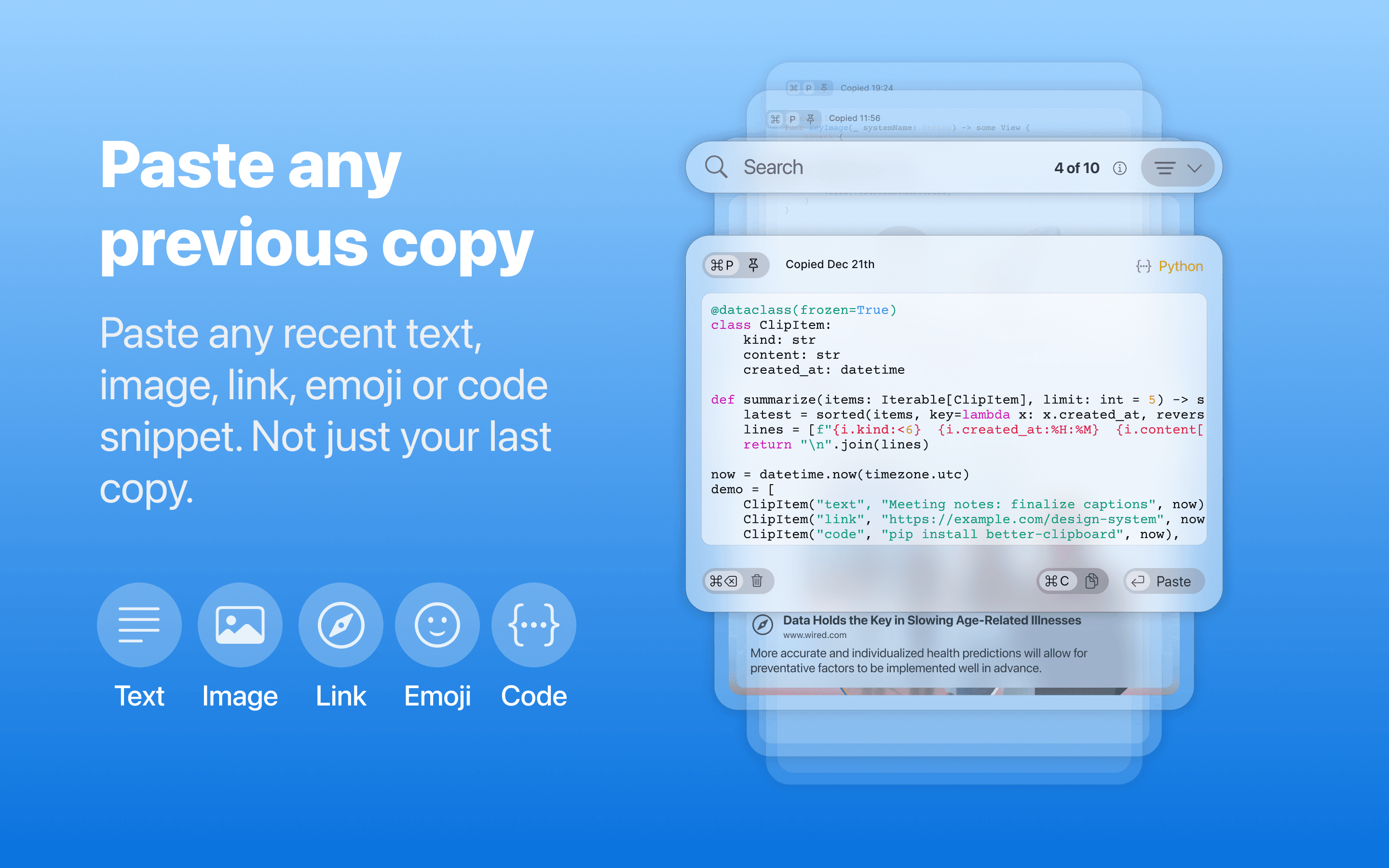
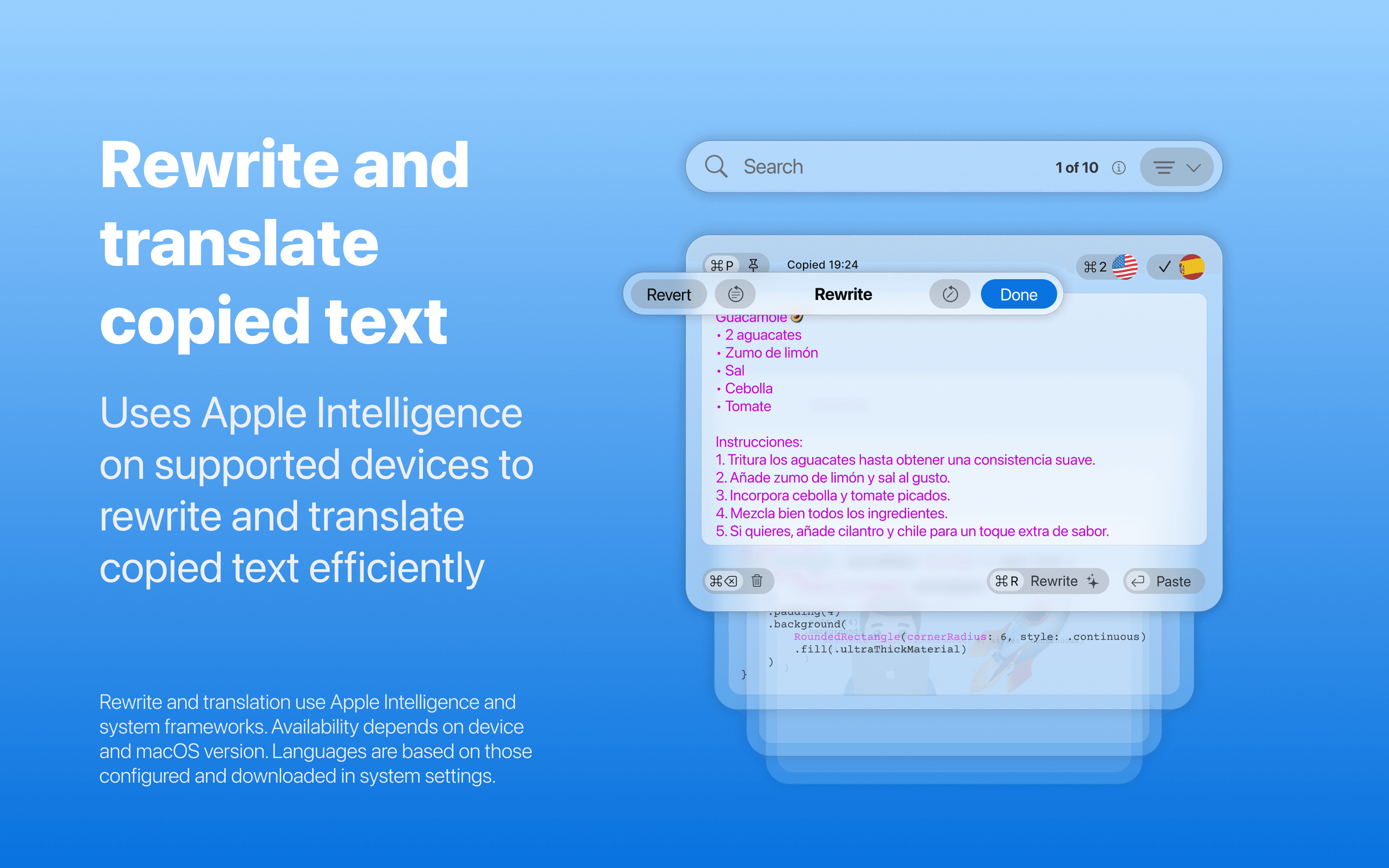
What truly sets Better Clipboard apart is its commitment to smart functionality that adapts to your modern needs. Beyond simple recall, you gain powerful organizational tools like instant history search and the ability to pin your most frequently used items, ensuring your essential assets are always just a click away. For those working across languages or needing quick comprehension, the new integrated translation shortcut is a game-changer, offering immediate context without needing to open a separate application. Furthermore, on compatible newer Macs, we leverage the power of on-device intelligence for rewriting and translating selections, keeping your data secure and private while still providing cutting-edge assistance. Whether you are a developer pasting configurations, a writer managing research links, or a designer handling multiple image assets, Better Clipboard integrates seamlessly, providing previews for links and inline views for code and graphics, making your copy paste process smarter, faster, and infinitely less annoying.
We understand that power users rely on accessibility, which is why Better Clipboard offers a generous free tier to let you experience the immediate benefits—perfect for managing up to ten entries and three pinned items. However, for those ready to unlock the full potential of limitless history and pinning capabilities, the Pro version ensures that your entire working memory is always available, organized, and ready for deployment. Stop overwriting valuable information and start building a truly efficient digital workspace. Better Clipboard isn't just a utility; it’s the foundational improvement your macOS experience has been waiting for, transforming the mundane act of copy-pasting into a streamlined, powerful interaction.