
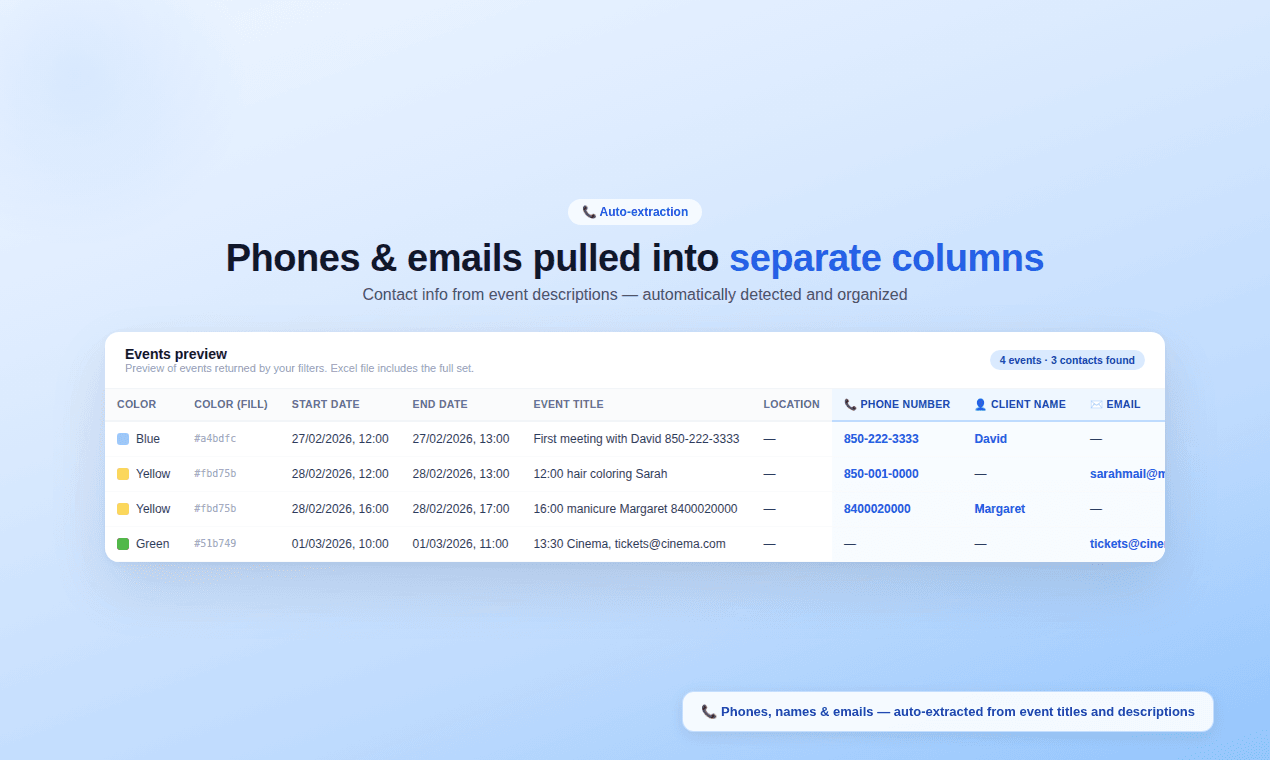
If you use Google Calendar to book clients, you already have a CRM - you just can't access it. Phones and emails are buried in event descriptions. Colors mark client types. But Google's export gives you a uselessics with none of that. Calendar Export Tool pulls it all into Excel: 📇 Phones, emails & names - auto-extracted into separate columns 🎨 Event colors preserved - filterable in Excel 📊 One click - clean xlsx ready for follow-ups or CRM import 500 free events. No credit card.see more
Founder
Screenshots
About
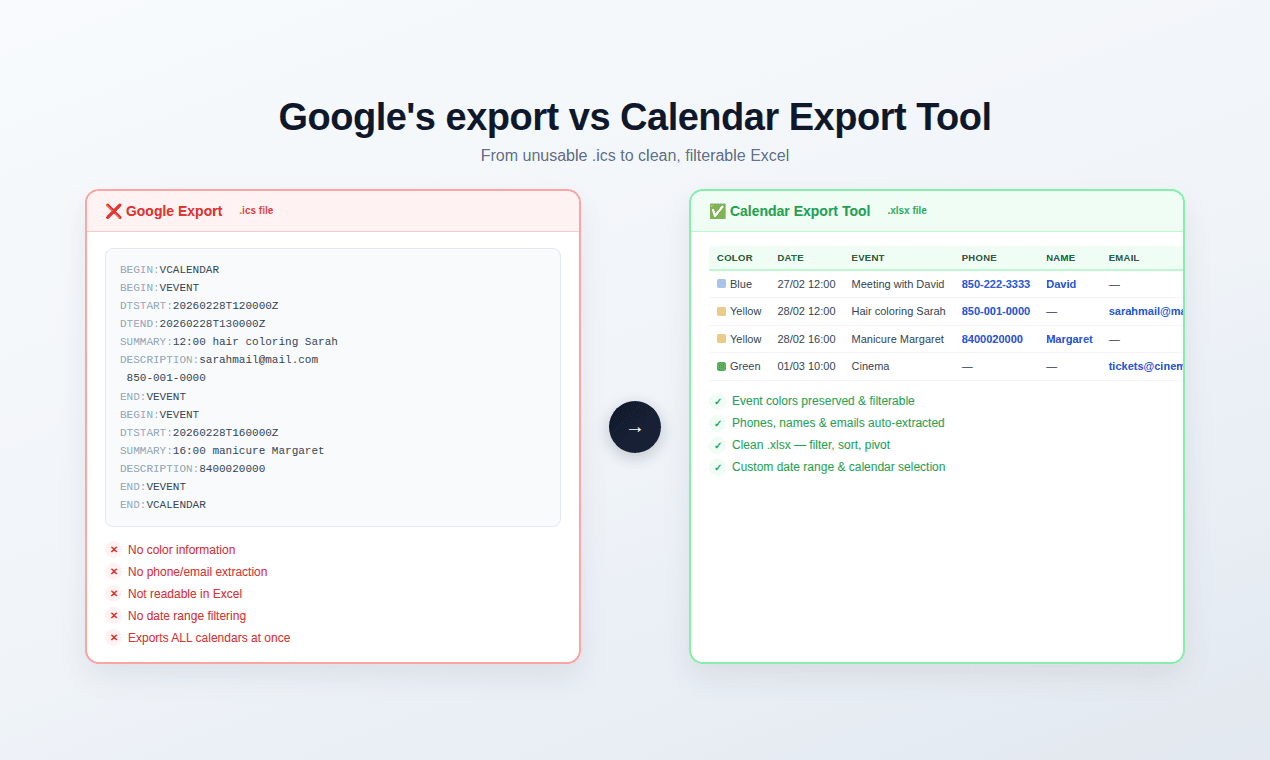
Imagine unlocking the hidden power within your Google Calendar. For so many professionals, that calendar isn't just a schedule; it’s an accidental, yet incredibly valuable, client relationship management system. You meticulously color-code meetings to distinguish between VIP prospects, ongoing projects, and personal appointments, and every client interaction holds crucial details like phone numbers and email addresses buried deep within the event notes. The problem is, when you try to export this data directly from Google, you get a messy, unusable spreadsheet that strips away all the context—the colors vanish, and contact details become trapped in long text blocks. That’s where the 248. Calendar Export Tool steps in to bridge the gap between your scheduling tool and your need for actionable data. This isn't just another export utility; it’s a smart translator that understands the true value of your organized time.
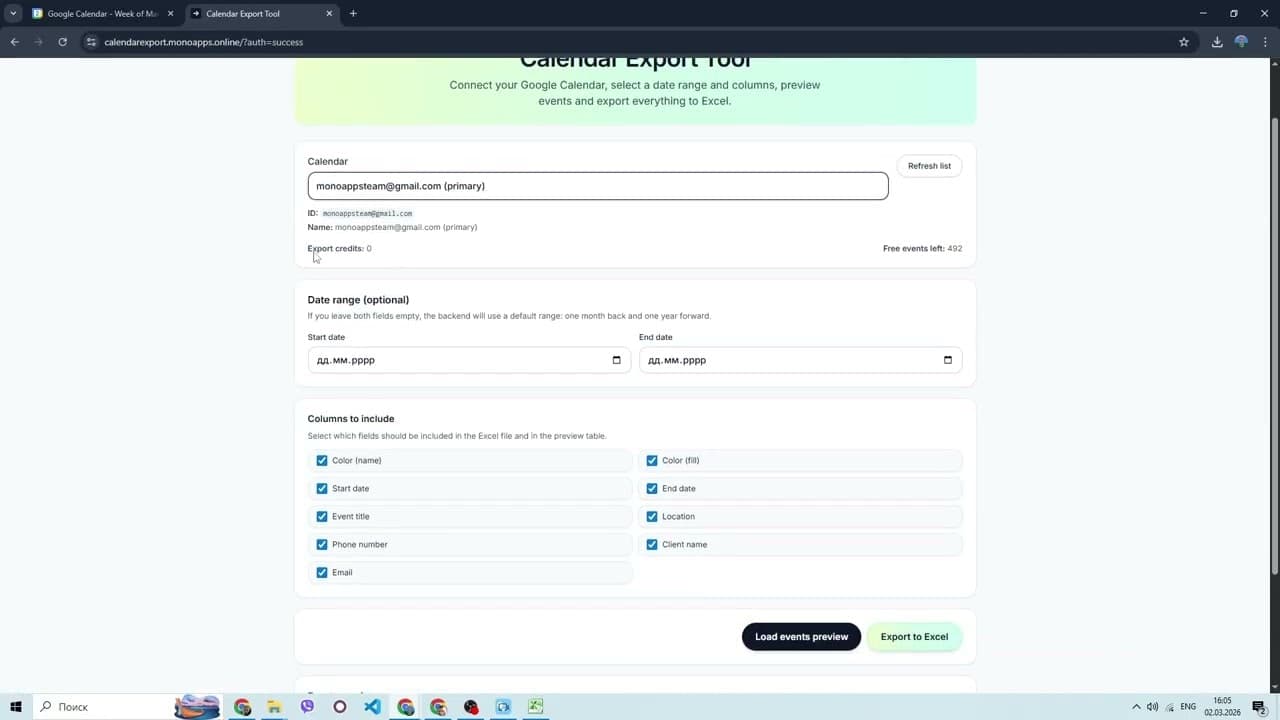
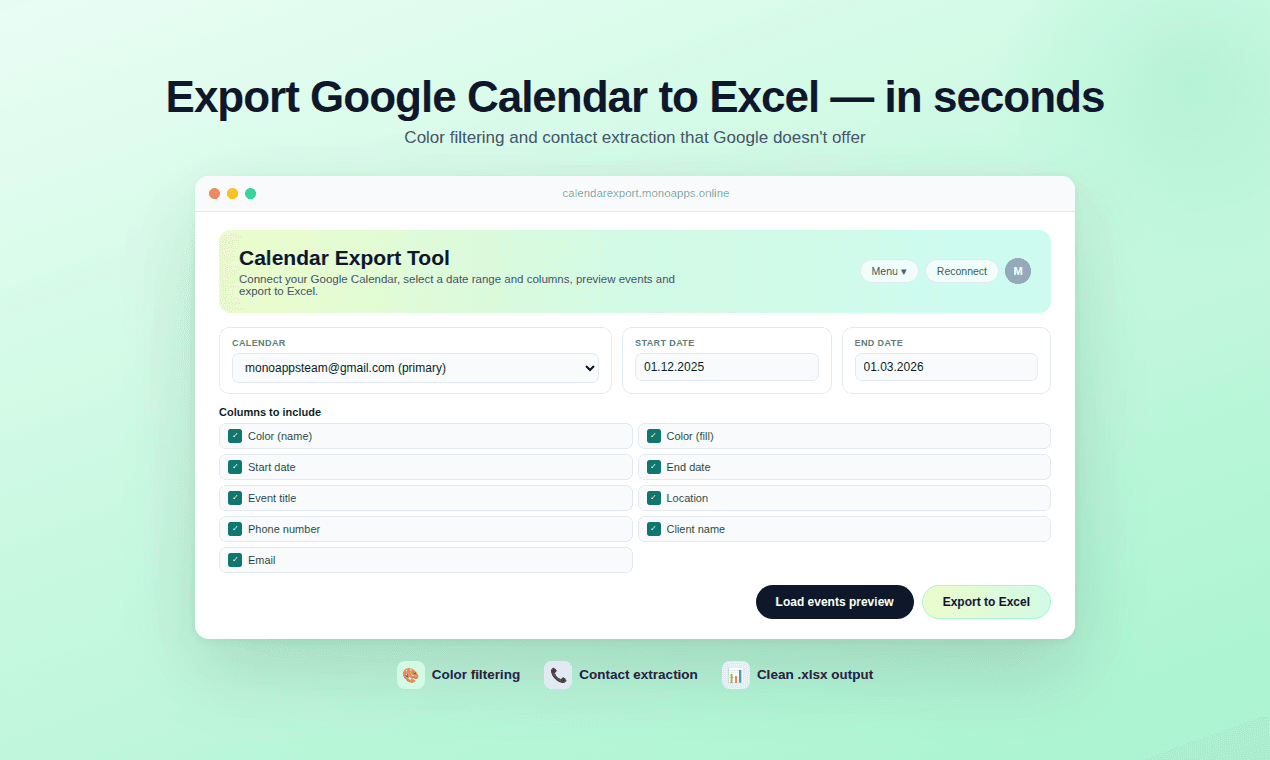
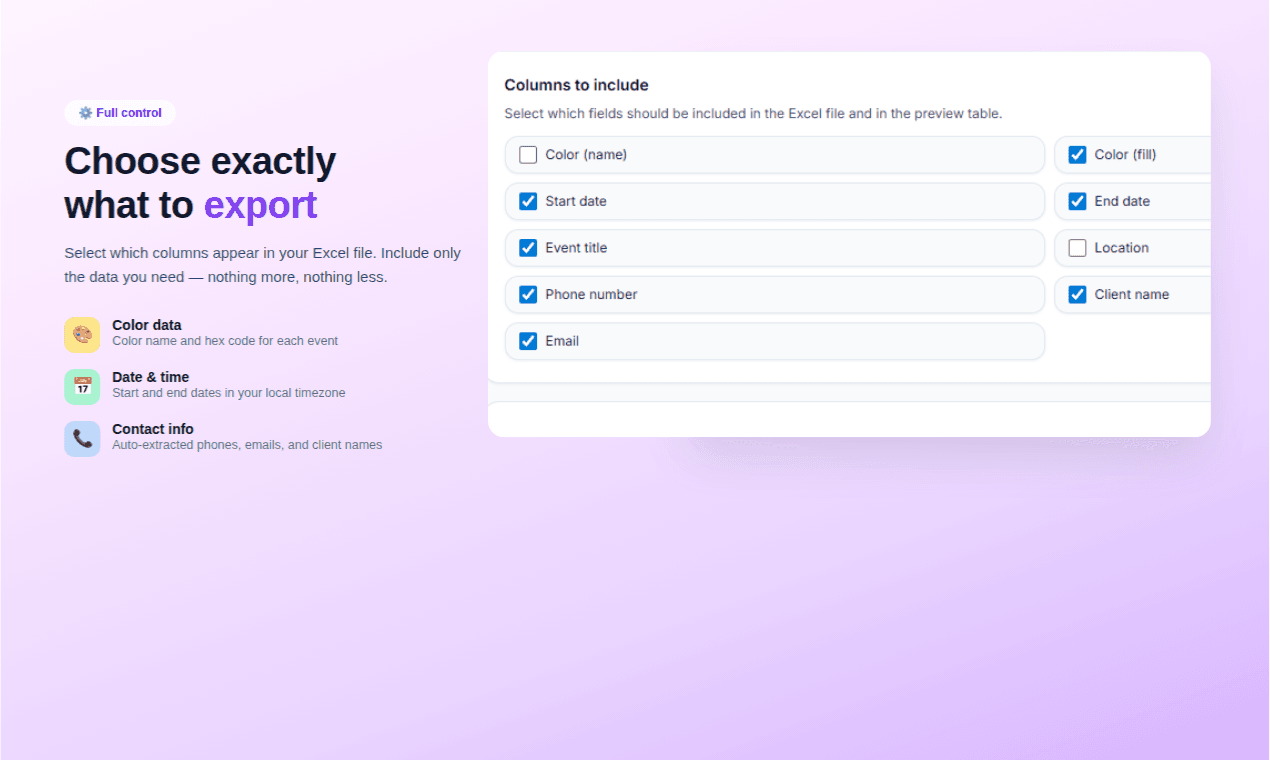
This powerful yet simple tool takes the chaos of your calendar events and transforms them into a perfectly structured, ready to use Excel file. We focus on extracting the intelligence you’ve already put in. The tool automatically scans your events and intelligently pulls out phone numbers, email addresses, and names, placing each piece of contact information into its own dedicated, clean column. Furthermore, we honor your system: those important color codes you use to categorize clients or meeting types are perfectly preserved and carried over into the resulting XLSX file, allowing you to instantly filter, sort, and analyze your client base right within Excel. Think about the time saved not having to manually copy and paste dozens of contacts or guess which color meant which client tier.
With just a single click, you generate a clean, professional spreadsheet ready for immediate action. Whether your next step is importing this data directly into a dedicated CRM system, running targeted follow-up campaigns based on client type (using those preserved colors), or simply getting a clear overview of your business activity over the last quarter, the Calendar Export Tool makes it effortless. We believe in showing you the value first, which is why we offer 500 free events to process without ever needing a credit card. Stop letting valuable client data languish inside your calendar and start leveraging it today to streamline your follow ups, enhance your organization, and truly master your client pipeline.