
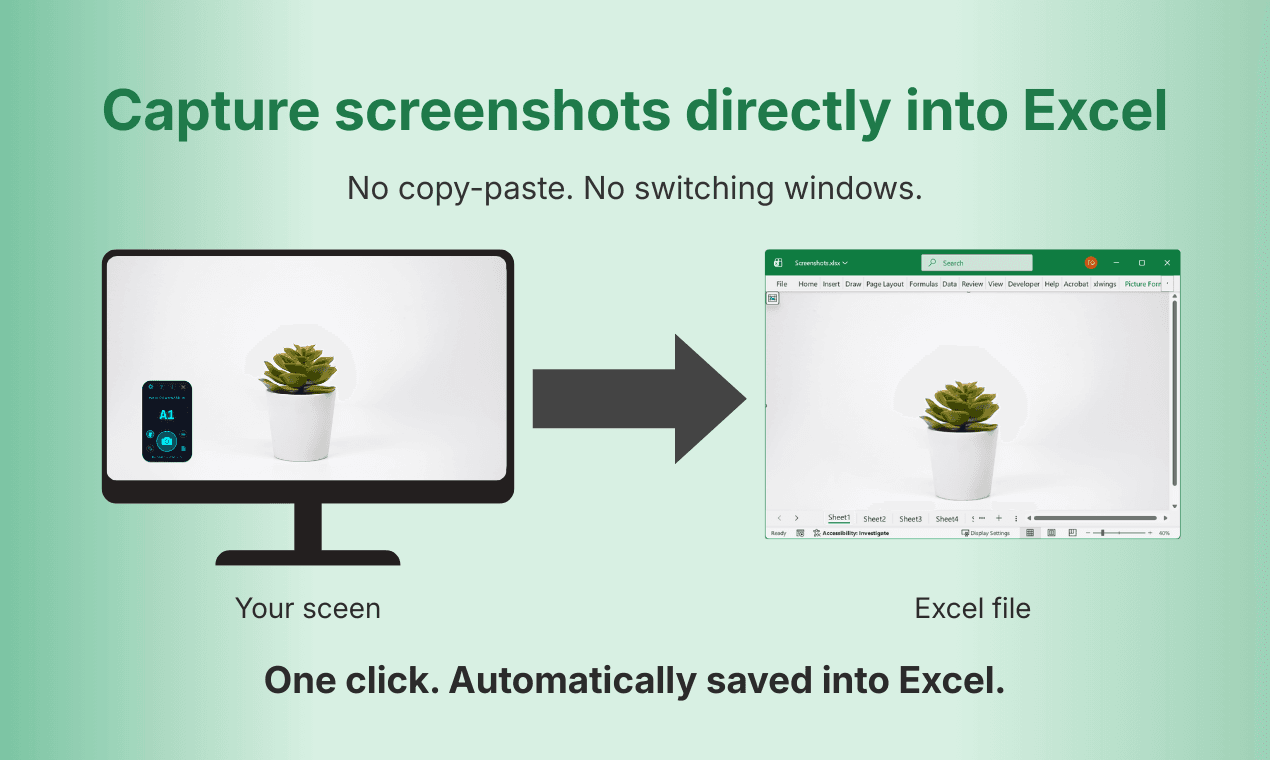
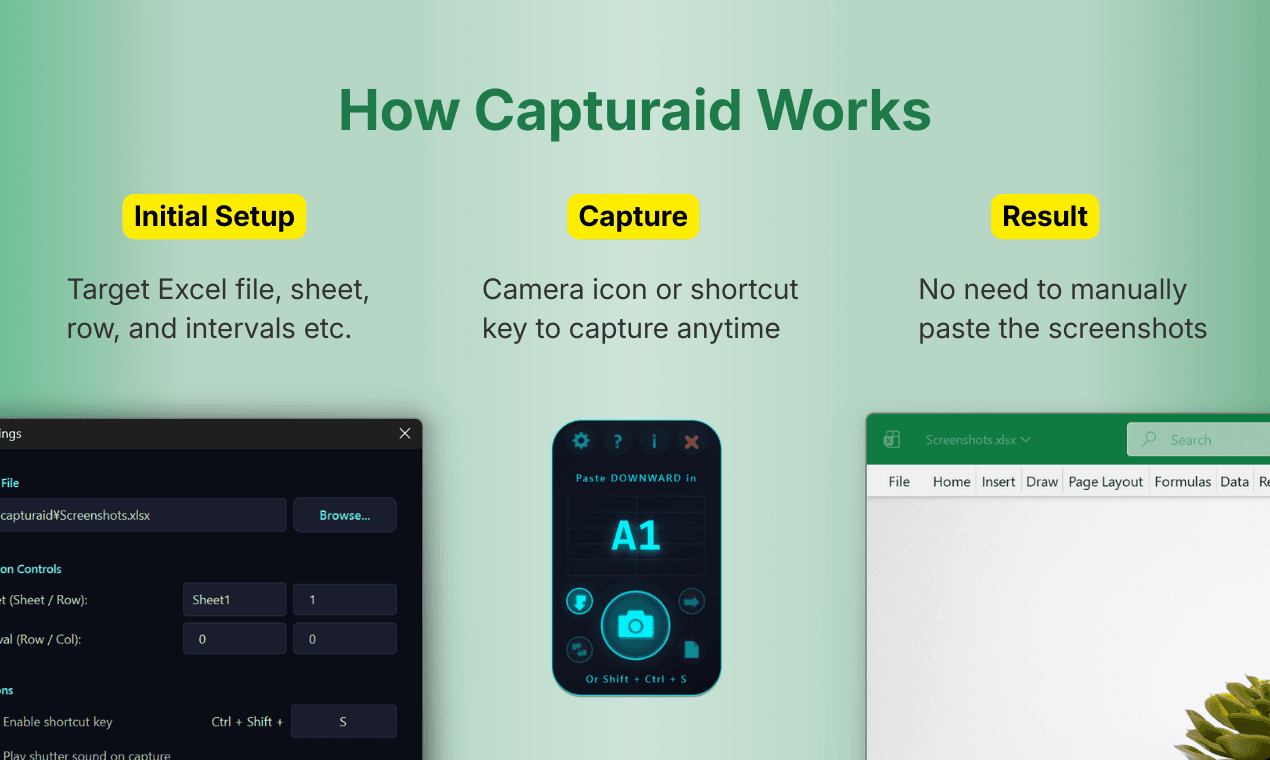
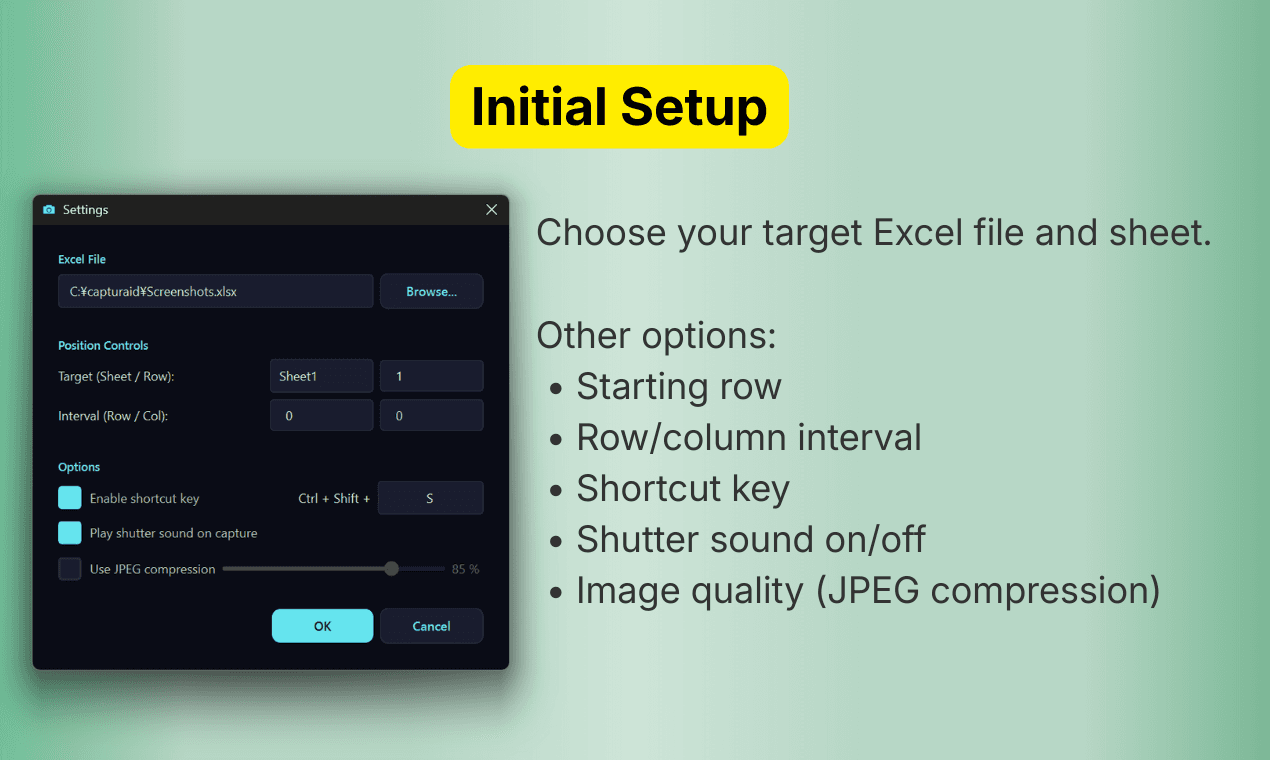
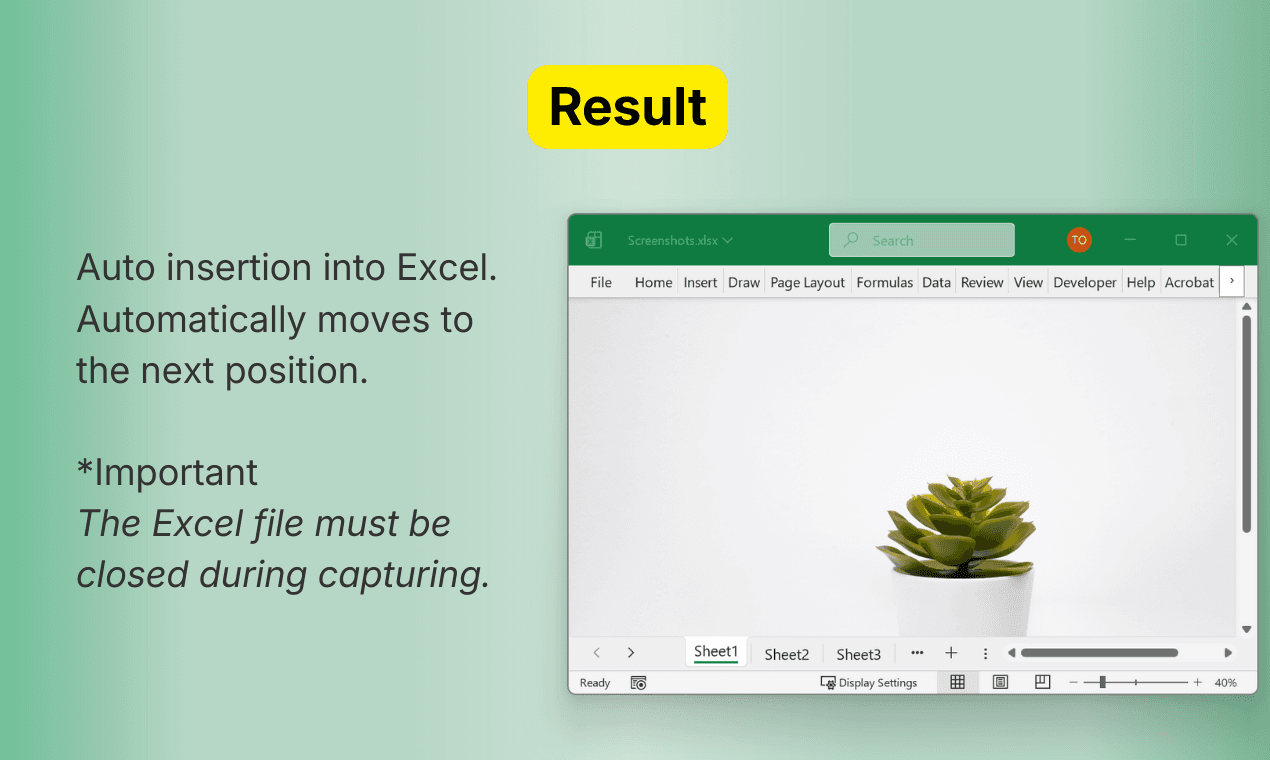
Capturaid lets you capture screenshots and insert them directly into Excel. No copy-paste, choose your target sheet, control row and column intervals, and capture by click or hotkey. Designed for people who document work in Excel and want a faster, cleaner workflow.
Founder
Screenshots

About
Are you tired of the tedious, multi-step process of capturing a visual element from your screen and then meticulously pasting it into the exact cell in your Excel spreadsheet? That constant back and forth between your screen capture tool and your workbook can seriously derail your focus and slow down your documentation process. Introducing Capturaid, the smart solution built specifically for professionals who rely on Excel to track, report, and document their work. Imagine a world where capturing evidence, illustrating a process, or annotating data points becomes instantaneous. Capturaid eliminates the frustrating copy and paste dance entirely. Instead of juggling windows, you simply trigger the capture, tell Capturaid precisely where you want the image to land—specifying the exact sheet, row, and column interval—and watch it appear perfectly placed. This isn't just about saving a few seconds; it’s about reclaiming significant chunks of your day previously lost to repetitive administrative tasks, ensuring your documentation is always clean, accurate, and immediately available where you need it most.
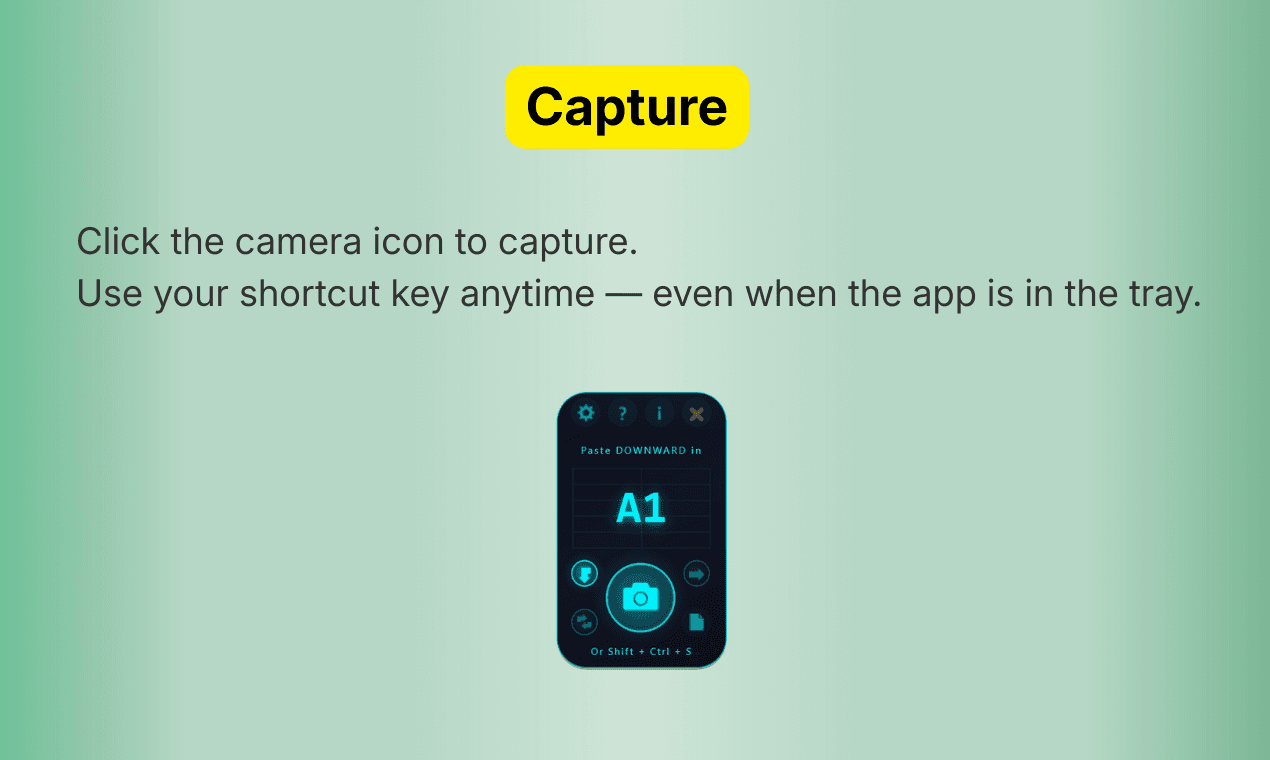
Capturaid is engineered for speed and precision, giving you complete control over how your visual data integrates into your spreadsheets. Whether you prefer the satisfying click of a mouse or the swift action of a custom hotkey, you can initiate the capture process instantly. For anyone building detailed reports, creating technical guides, or performing visual quality checks within Excel, this tool transforms a clunky chore into a seamless part of your workflow. Think about the clarity you gain when documenting software bugs, hardware setups, or complex process flows; having the relevant screenshot embedded directly where the corresponding data sits makes review and auditing infinitely easier for everyone involved. It removes the ambiguity that comes from referencing external files or relying on outdated pasted images, ensuring your Excel workbook becomes the single source of truth for both your data and the visual proof supporting it.
We understand that efficiency is paramount, especially when dealing with critical business documentation. Capturaid was developed from the ground up to be intuitive yet powerful, respecting your existing workflow while dramatically enhancing its weakest link. Stop wasting mental energy on manual placement and start focusing on the insights your data provides. By automating the insertion process and giving you granular control over placement intervals, Capturaid ensures that your visual documentation keeps pace with your analytical speed. It’s the dedicated productivity booster that finally bridges the gap between screen capture and spreadsheet entry, making your documentation faster, cleaner, and far more professional.