Free, open-source desktop app that turns Claude Code into a full IDE. → Multi-project manager with folder hierarchy → Integrated terminal & Claude Code sessions → Git panel with AI-generated commit messages → Visual Feedback — click any element in preview → Claude fixes it → Workflow editor (visual node-based automation) → Remote control from phone + cloud relay → Database browser, MCP servers, Skills & Agents → Time tracking, session restore, file watcher Windows · macOS · Linuxsee more
Founder
Screenshots
About
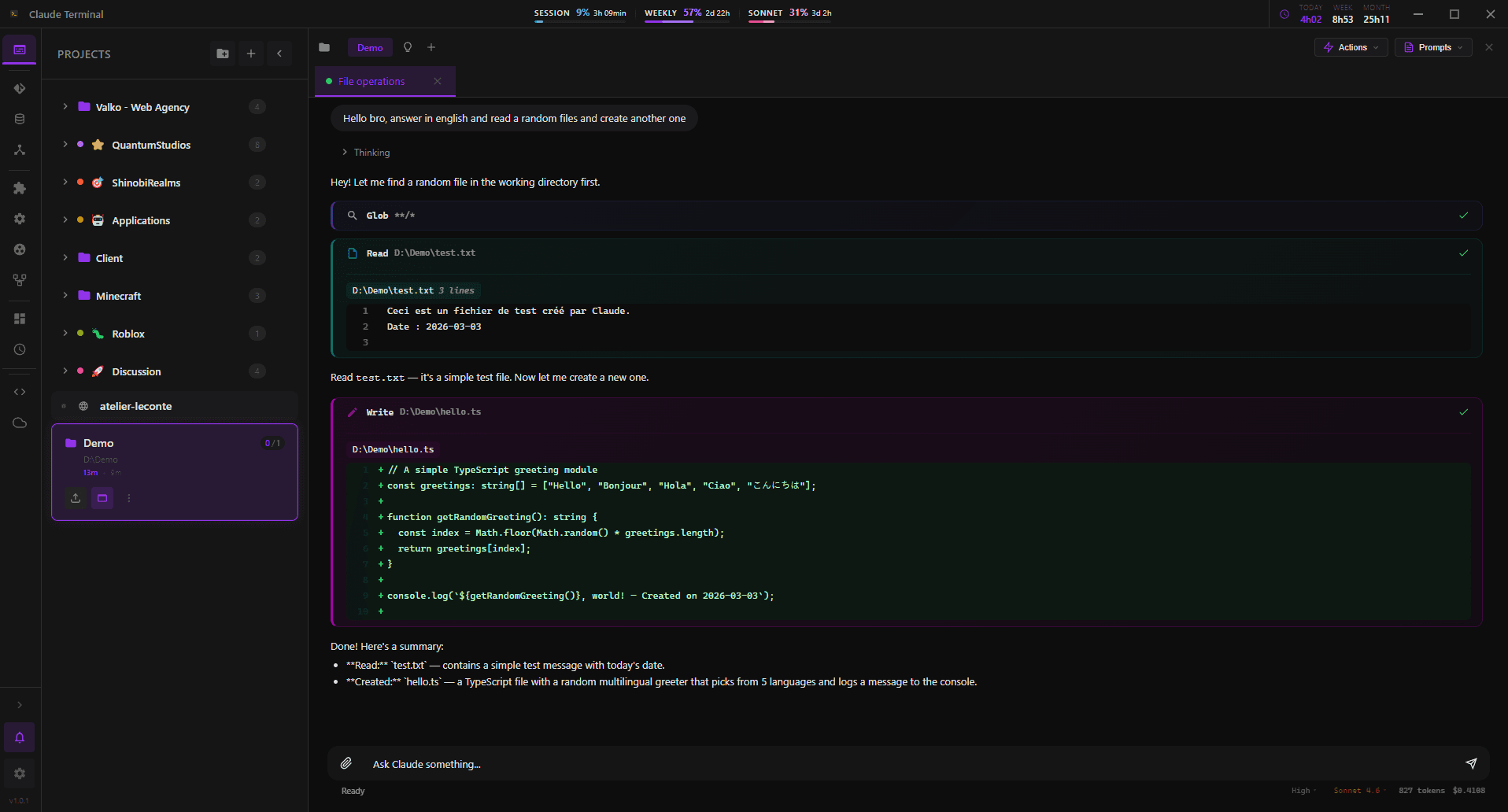
Imagine having the full power of Claude Code, not just trapped in a browser tab, but seamlessly integrated into a dedicated, powerful desktop environment built specifically for developers. That is exactly what the Claude Terminal delivers. This isn't just another text editor; it’s a comprehensive, open-source Integrated Development Environment designed from the ground up to maximize your productivity when working with cutting-edge AI coding assistance. We know developers juggle multiple tasks, which is why we built in a robust multi-project manager that respects your existing folder hierarchies, ensuring everything you need is just a click away. Furthermore, you get the essential developer toolkit right where you need it: an integrated terminal running alongside your active Claude Code sessions. This tight coupling means you can test, iterate, and debug instantly without context switching, making your workflow feel fluid and intuitive. It truly transforms how you interact with AI-assisted development, bringing enterprise-level organization to your local machine across Windows, macOS, and Linux.
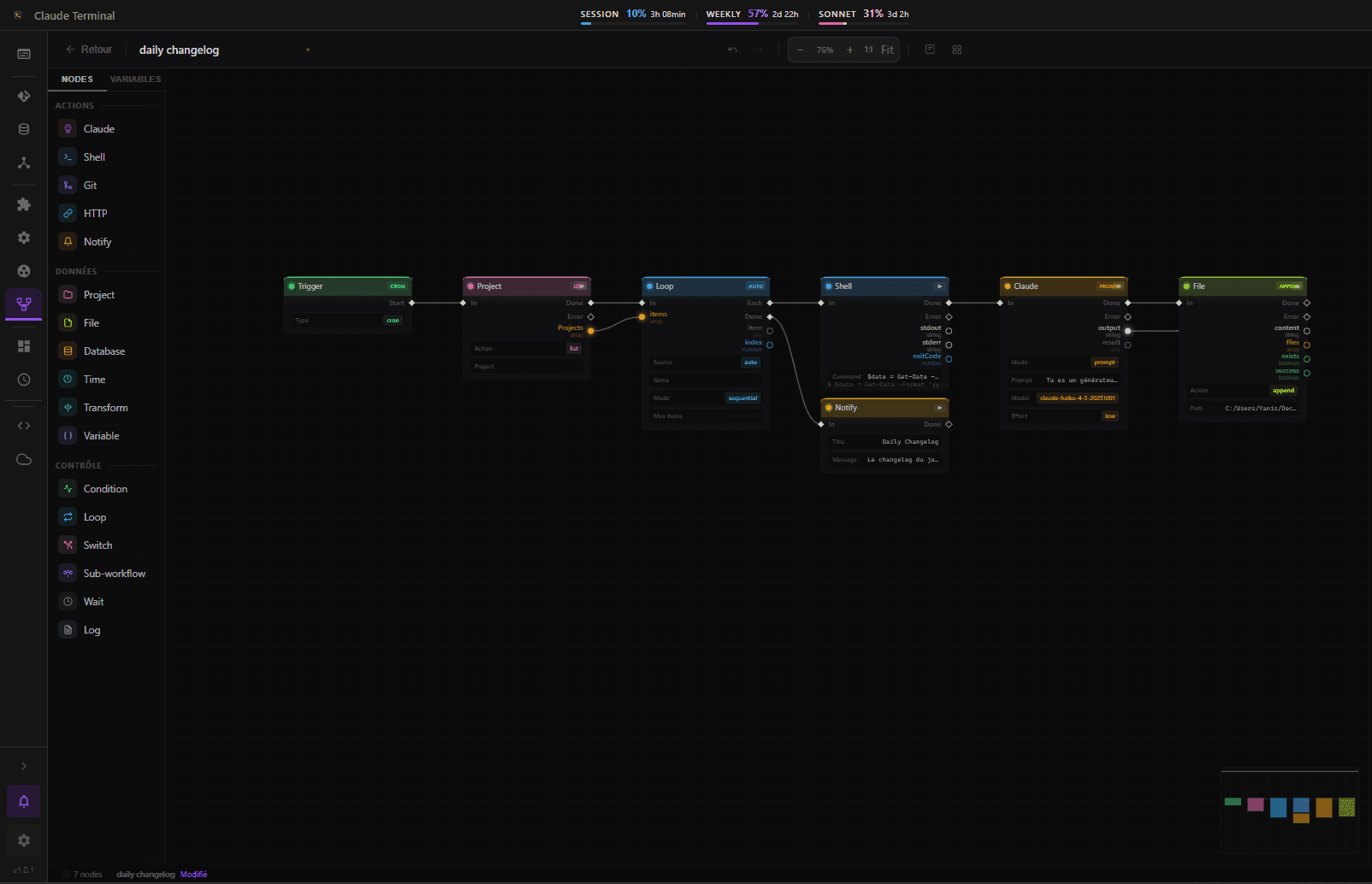
Beyond core editing and terminal access, the Claude Terminal introduces features that drastically cut down on tedious manual work. For instance, managing source control has never been easier thanks to the built-in Git panel, which intelligently leverages Claude to suggest high-quality, context-aware commit messages, saving you time and ensuring clear history logs. Perhaps the most revolutionary feature is the Visual Feedback system: if you see something wrong in your live preview, simply click that element, and Claude steps in to fix it directly within the environment. This immediate, visual debugging loop accelerates development cycles dramatically. We’ve also included advanced tools like a visual node-based workflow editor for automating complex sequences, a handy database browser for quick data checks, and support for Skills and Agents, allowing you to build sophisticated, custom automation right into your development stack. Plus, with session restore and file watching capabilities, you never lose your place, even after a system restart.
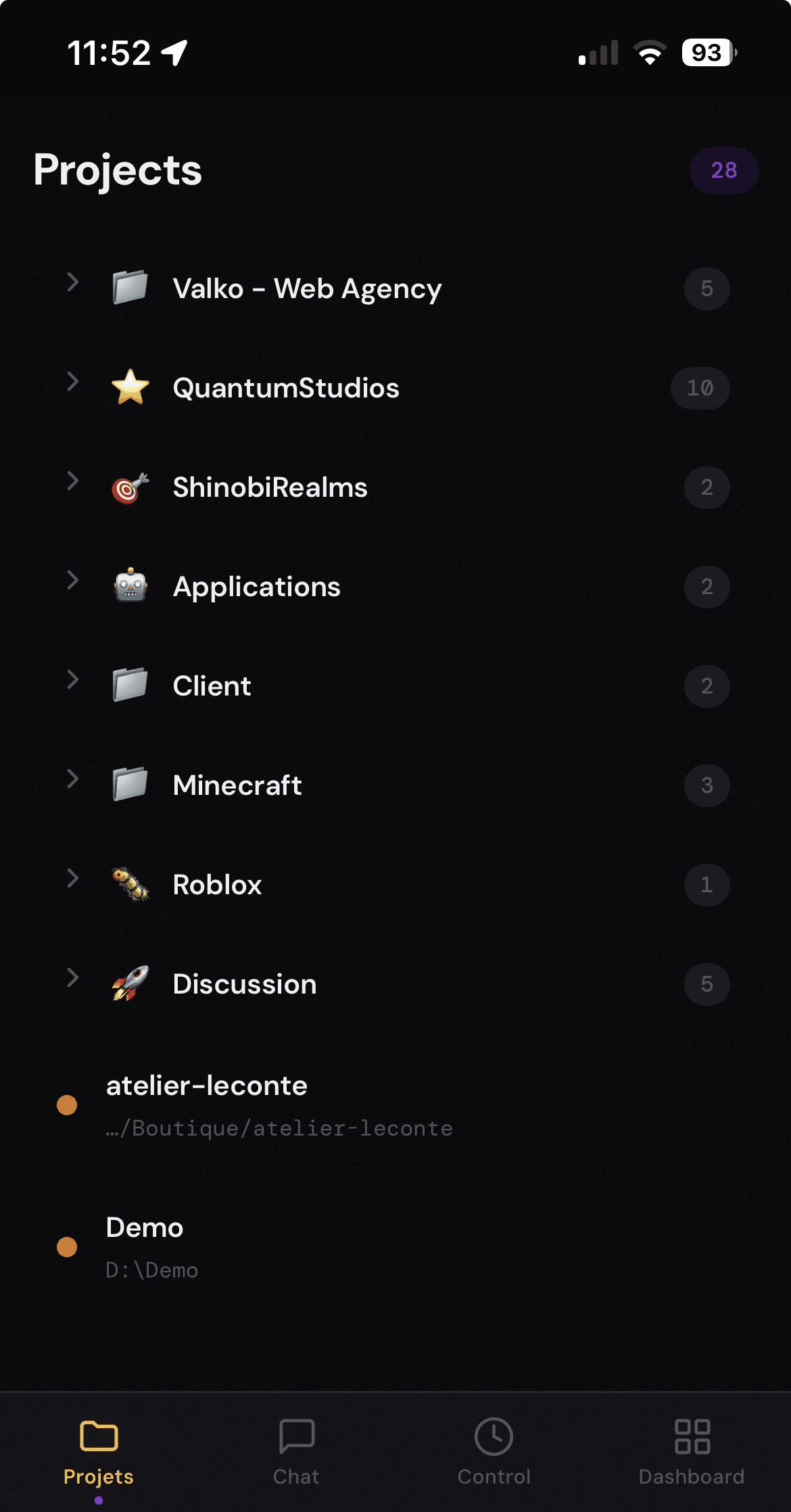
We believe powerful tools should also be accessible and flexible. That is why the Claude Terminal is completely free and open-source, inviting community contributions to make it even better. To keep you connected even when you step away from your desk, we’ve incorporated remote control capabilities via your phone, utilizing a secure cloud relay. This means you can monitor builds or check status updates from anywhere. Whether you are tracking your time spent on specific tasks or leveraging advanced features like MCP server interaction, this desktop app centralizes every tool a modern developer needs to harness the full potential of Claude Code, turning potential into production faster than ever before.