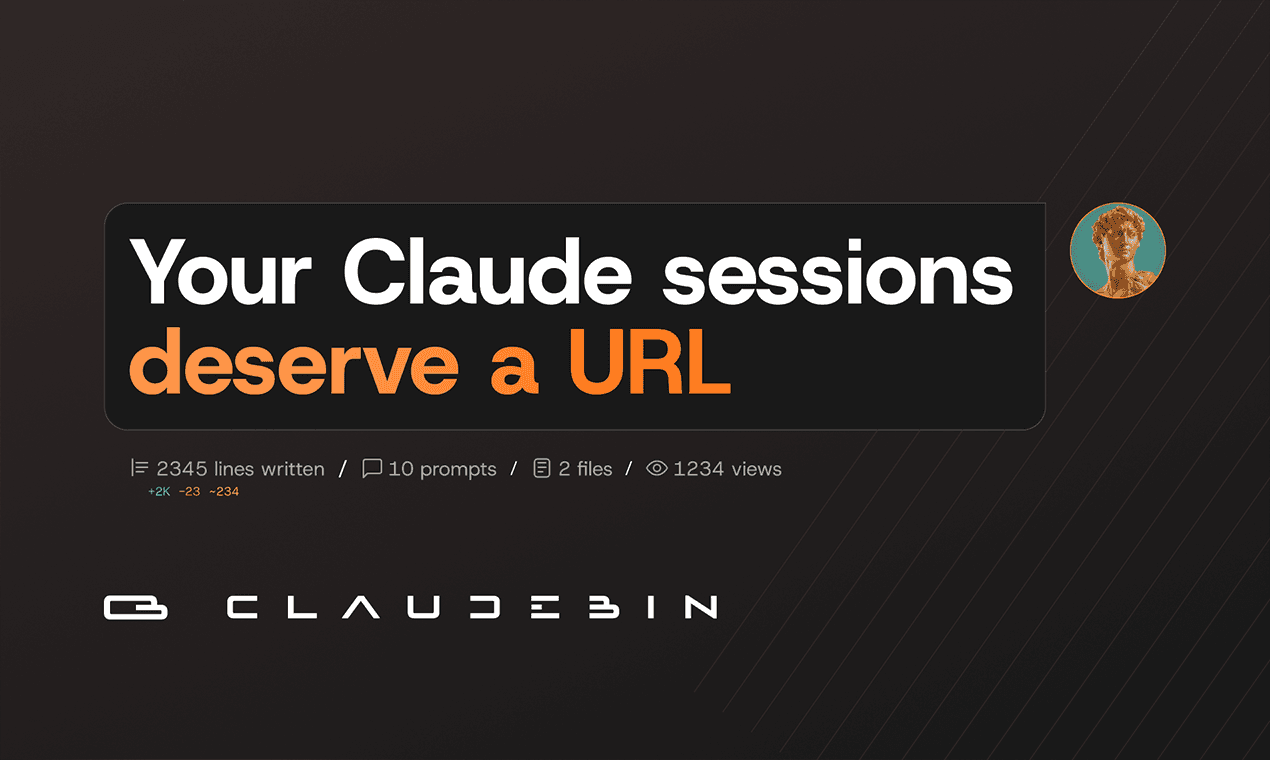
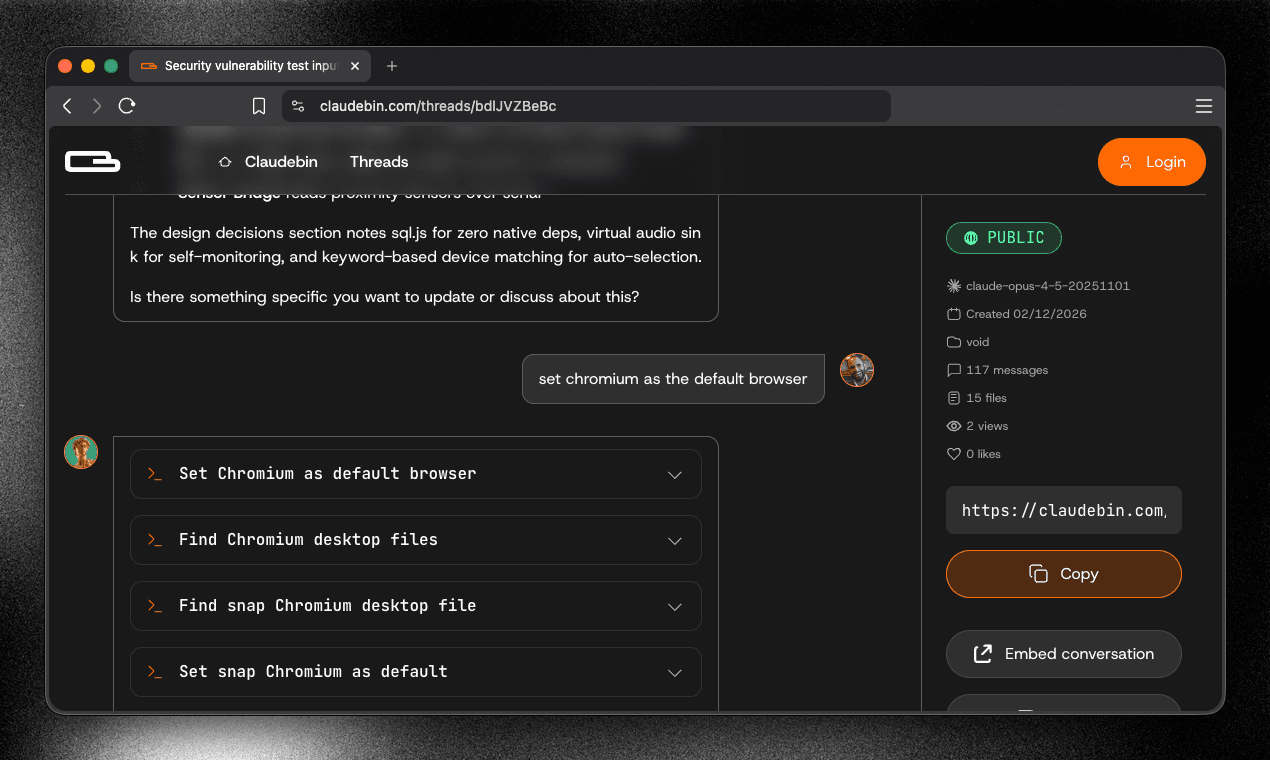
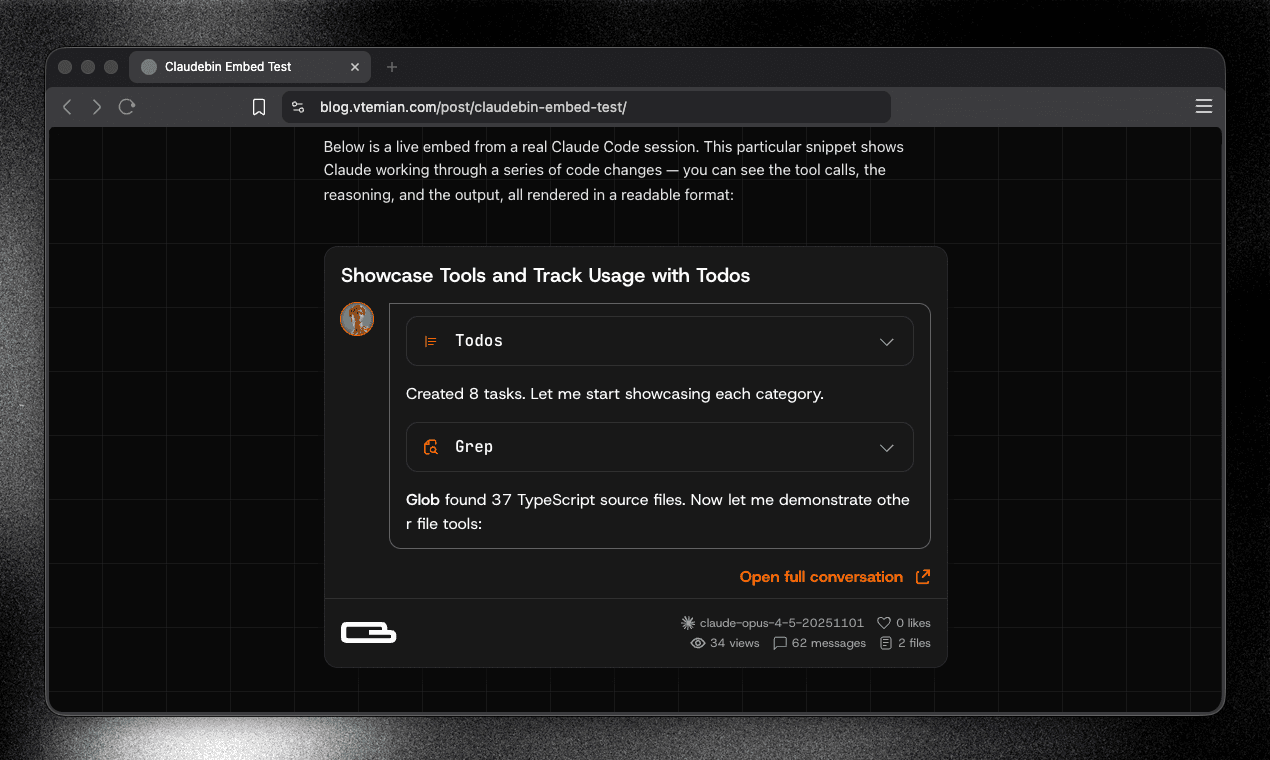
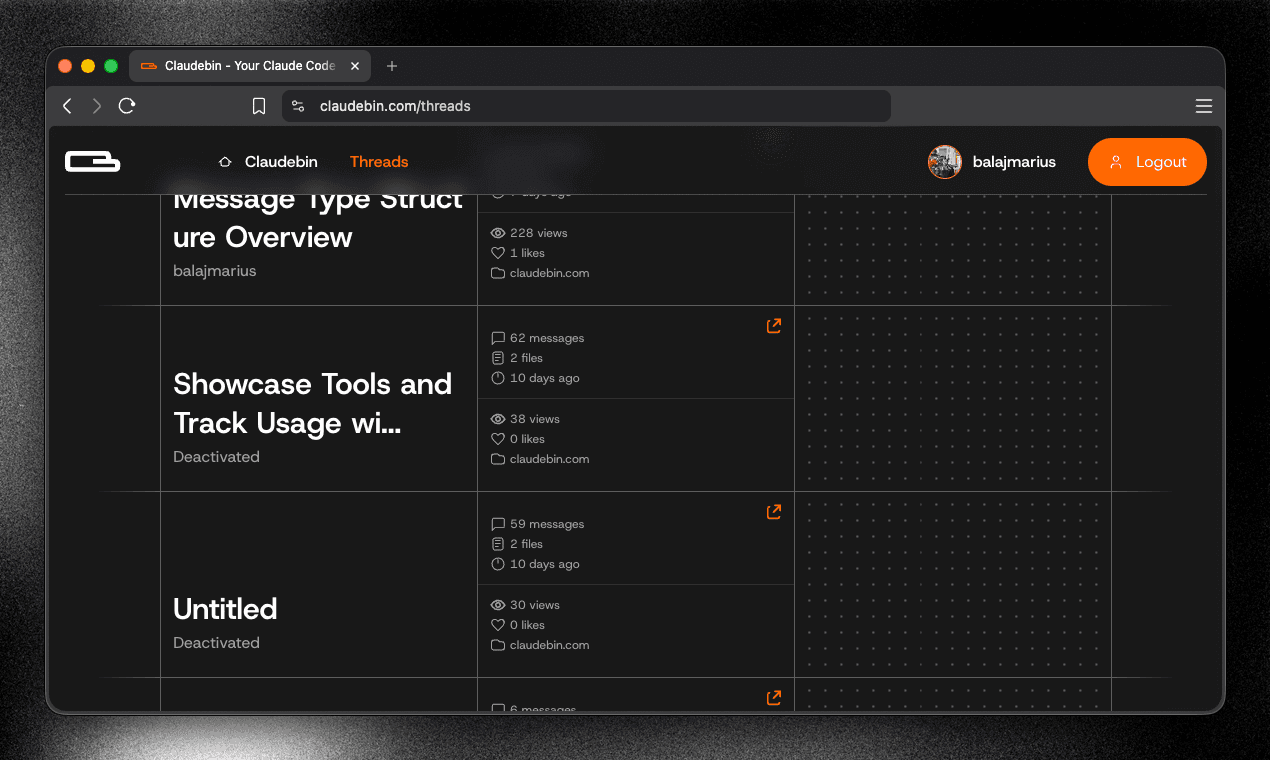
Claude Code runs in your terminal. Session data is stored locally, but not in a human-readable format. If the session contains useful context, refactors, tool usage, reviewing or sharing it isn’t straightforward. Claudebin lets you export a Claude Code session. It captures: - the full message thread - file reads/writes - bash commands - web and MCP calls It returns a URL with a structured, navigable viewer. You can link it in a PR, embed a selected range in your docs, or resume it locally.see more
Founder
Screenshots
About
Have you ever had an incredibly productive coding session with Claude right inside your terminal, only to realize that sharing that valuable context or collaborating on the results feels like a dead end? We know the struggle. When your powerful AI interactions are locked away in local, non-human-readable session data, sharing refactors, complex debugging steps, or insightful tool usage becomes a major headache. That is exactly why we created Claudebin. This tool acts as the perfect bridge between your powerful local development environment and the need for seamless sharing and collaboration. Claudebin intelligently captures the entire essence of your Claude Code session, ensuring nothing valuable gets lost in translation. It meticulously records the full message thread, every file read or write operation, the bash commands you executed, and even those crucial web or MCP calls you made during development. Think of it as creating a perfect, shareable snapshot of your AI-assisted workflow.
Once captured, Claudebin transforms this complex session data into a clean, structured, and fully navigable URL. This means you can finally treat your AI coding sessions as first-class artifacts in your development lifecycle. Imagine linking directly to a comprehensive session within a Pull Request, allowing reviewers to instantly see the exact context, the AI's reasoning, and the steps taken to reach the final code. Need to document a complex setup? You can easily embed a selected range of the conversation directly into your documentation, providing crystal clear examples for your team. Furthermore, Claudebin isn't just for viewing; it’s built for continuity. If a colleague needs to pick up exactly where you left off, or if you need to switch machines, the generated URL allows you to resume the session locally, preserving all the context and history you built. It takes the power of in terminal AI assistance and makes it instantly accessible, reviewable, and resumable, drastically improving team velocity and knowledge transfer around your AI coding efforts.