Free PC tools and calculators for building, upgrading, and troubleshooting computers. PSU calculator, CPU bottleneck checker, RAM optimizer, and more.
Founder
Screenshots


About
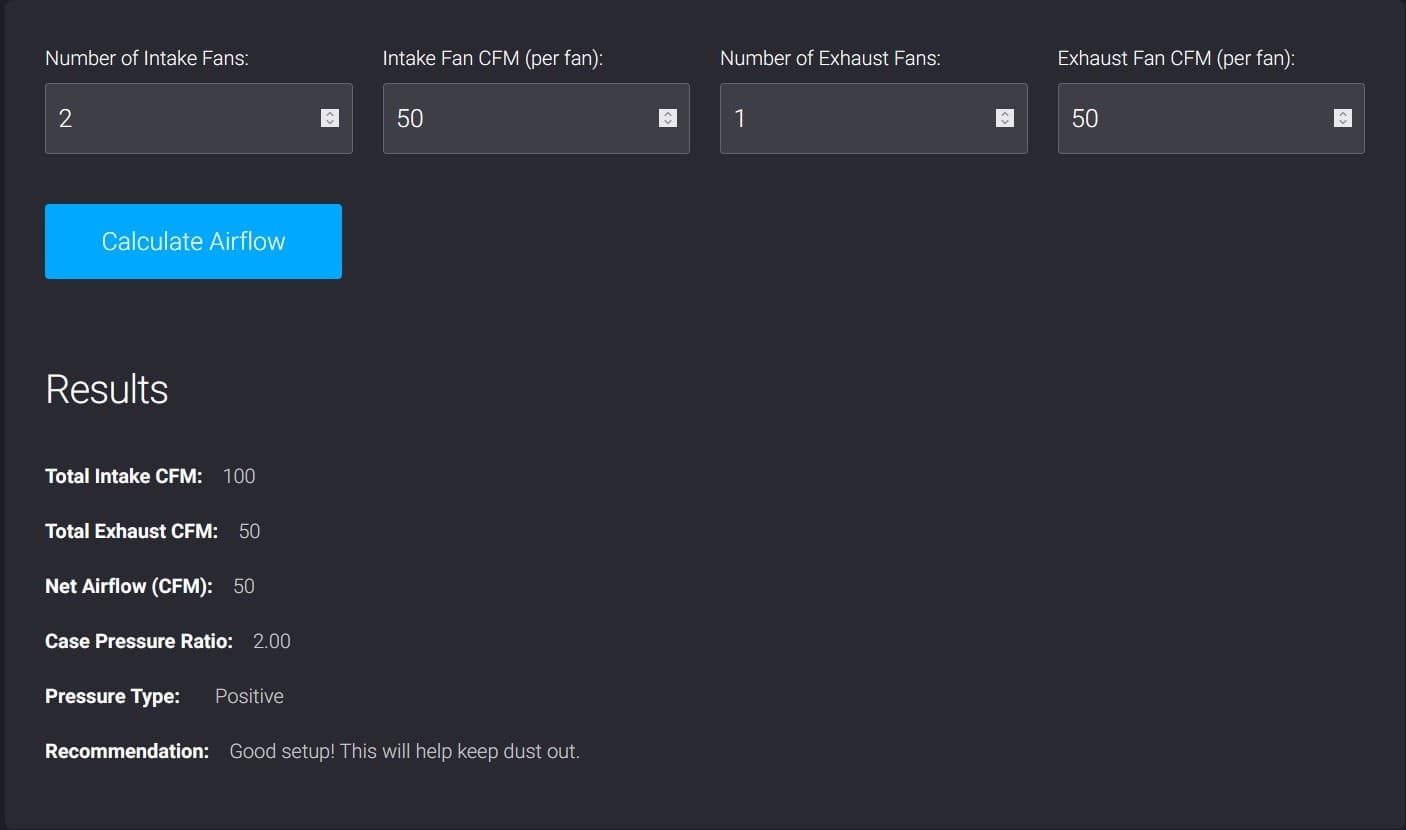
Are you tired of the guesswork that comes with building, upgrading, or even just maintaining your personal computer? Say hello to 193. Computer Info Bits, your essential, completely free toolkit designed to demystify the often complex world of PC hardware. Whether you are an enthusiastic first-time builder or a seasoned pro looking for quick validation, this suite of tools offers immediate, actionable insights right at your fingertips. We know that selecting the right power supply unit or ensuring your new processor won't be held back by older components can be a source of serious stress. That is exactly why we created this collection: to eliminate the second guessing and give you the confidence to make smart hardware decisions every single time. Think of it as having a seasoned technician available 24/7, ready to run the numbers and provide clear recommendations without any hidden costs or complicated interfaces.
This isn't just a collection of random utilities; it's a curated set of practical calculators and checkers focused on the core aspects of PC performance and compatibility. Need to know if that shiny new graphics card will be adequately powered by your current PSU? Our dedicated PSU calculator takes the guesswork out of wattage requirements, ensuring stable performance and longevity for all your components. Perhaps you are pairing a high speed CPU with an older motherboard and are worried about bottlenecks. Our specialized CPU bottleneck checker analyzes your planned or existing configuration to pinpoint potential performance limitations before they cost you valuable frames per second or frustrating slowdowns. Furthermore, for those looking to maximize responsiveness, the RAM optimizer helps you understand memory timings and capacity needs, ensuring your system is utilizing its available memory to its fullest potential. These tools are built for everyday users who demand precision without needing to wade through dense technical manuals or expensive software subscriptions.
Ultimately, 193. Computer Info Bits empowers you to treat your computer like the finely tuned machine it should be. By providing simple, reliable calculations for critical hardware interactions, we help you save money by avoiding unnecessary purchases, prevent frustrating compatibility issues during upgrades, and significantly improve the overall speed and reliability of your machine. Stop relying on vague forum advice or overly complicated spreadsheets. Embrace the clarity and control that comes from having expert-level hardware analysis tools integrated into your daily routine. It is the smart, straightforward way to ensure your PC build is optimized for exactly what you need, whether you are diving into intense gaming sessions, tackling heavy video editing, or just need a rock solid machine for daily productivity.