
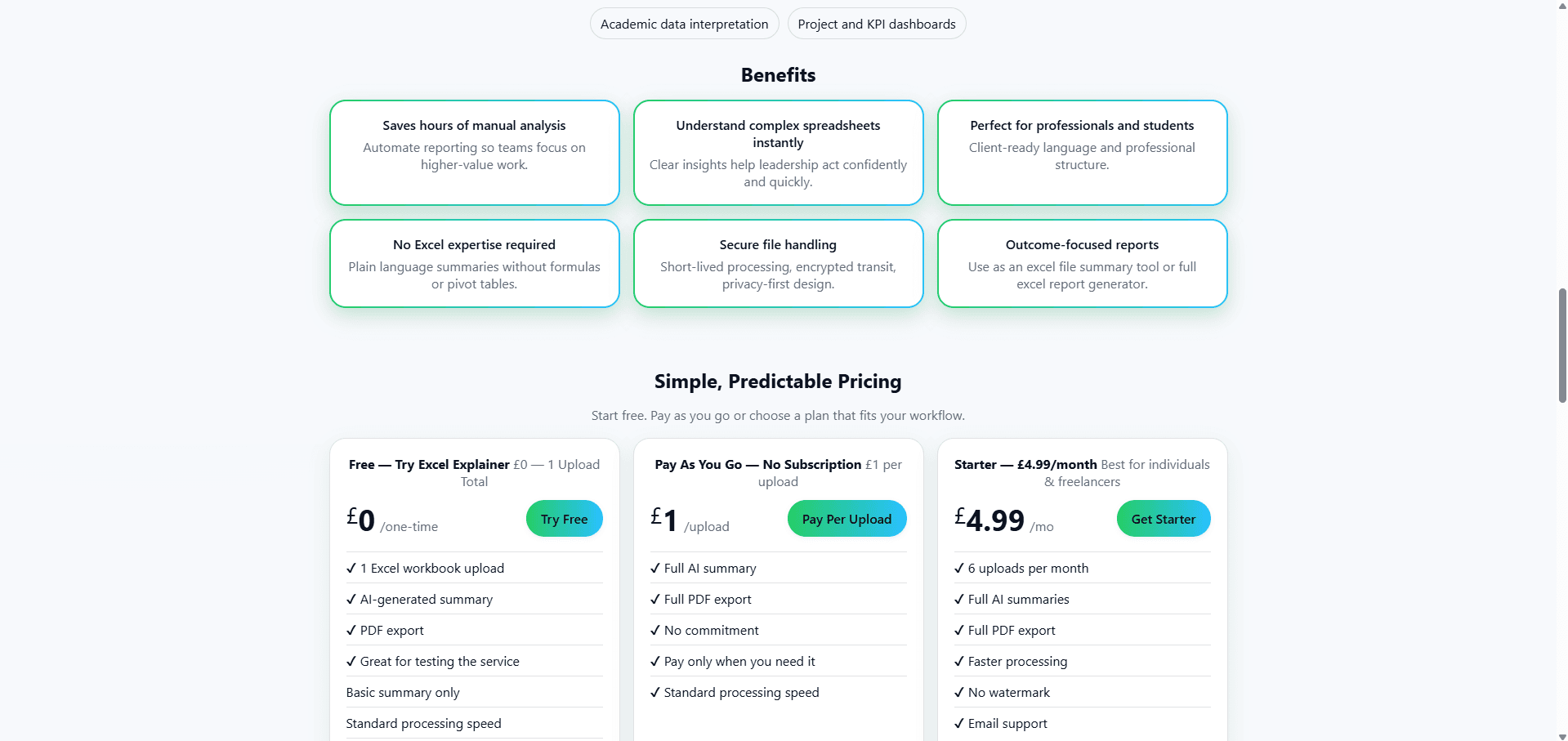
Excel Explainer turns complex Excel workbooks into clear, plain-English reports in seconds. Upload any spreadsheet and our AI analyzes sheets, numbers, formulas, and trends to generate structured summaries and downloadable PDFs. Save hours of manual review, understand data instantly, and create professional reports without any Excel skills.see more
Founder
Screenshots

About
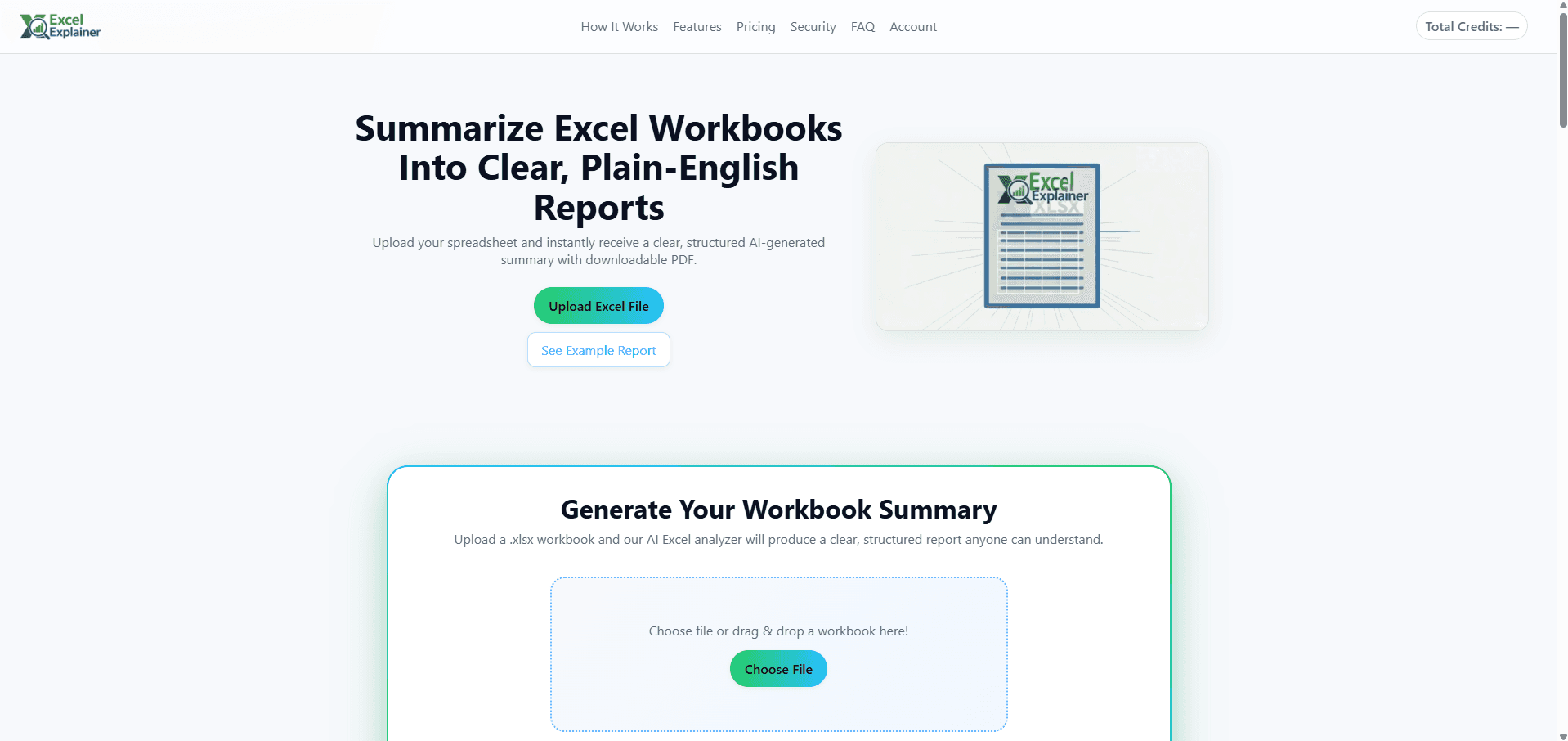
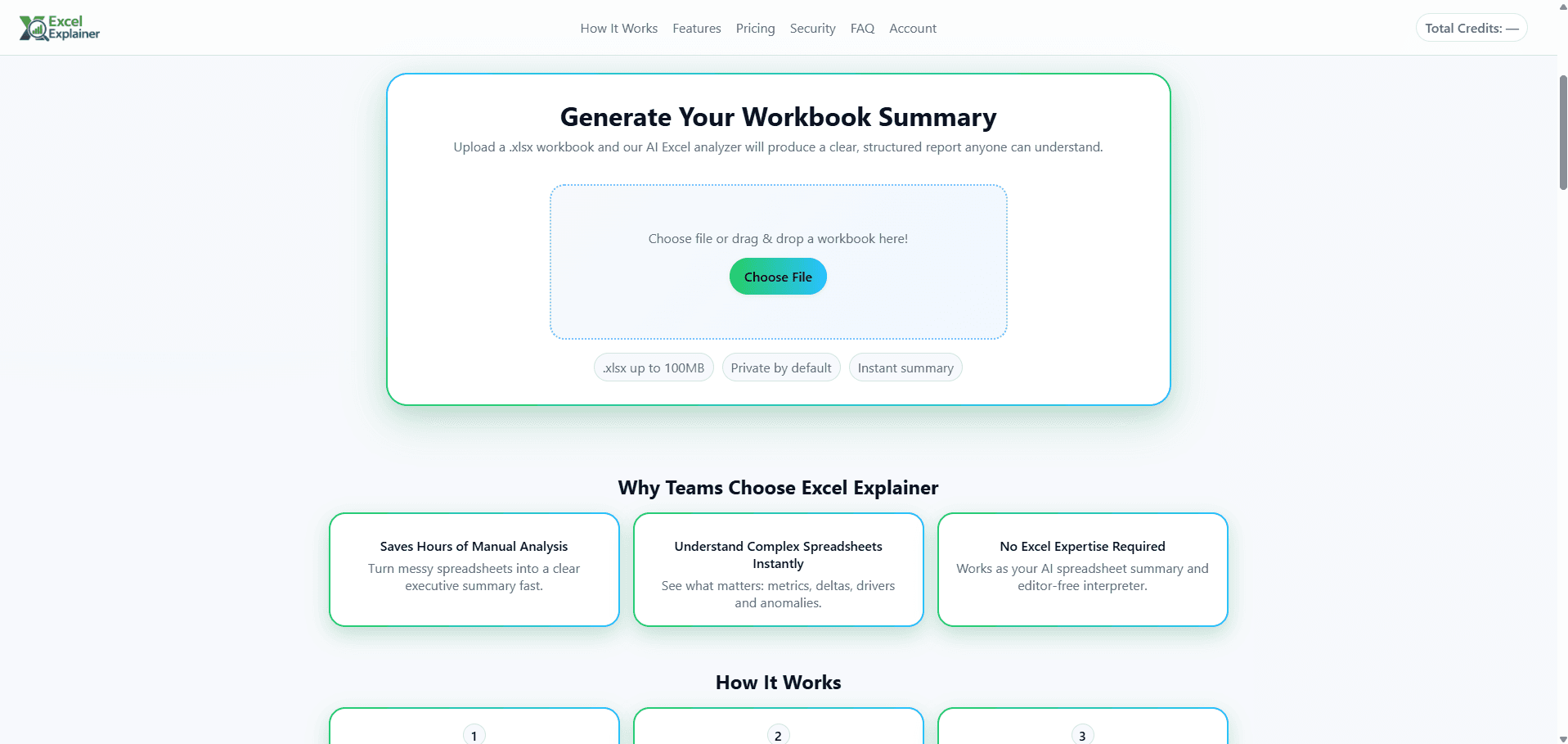
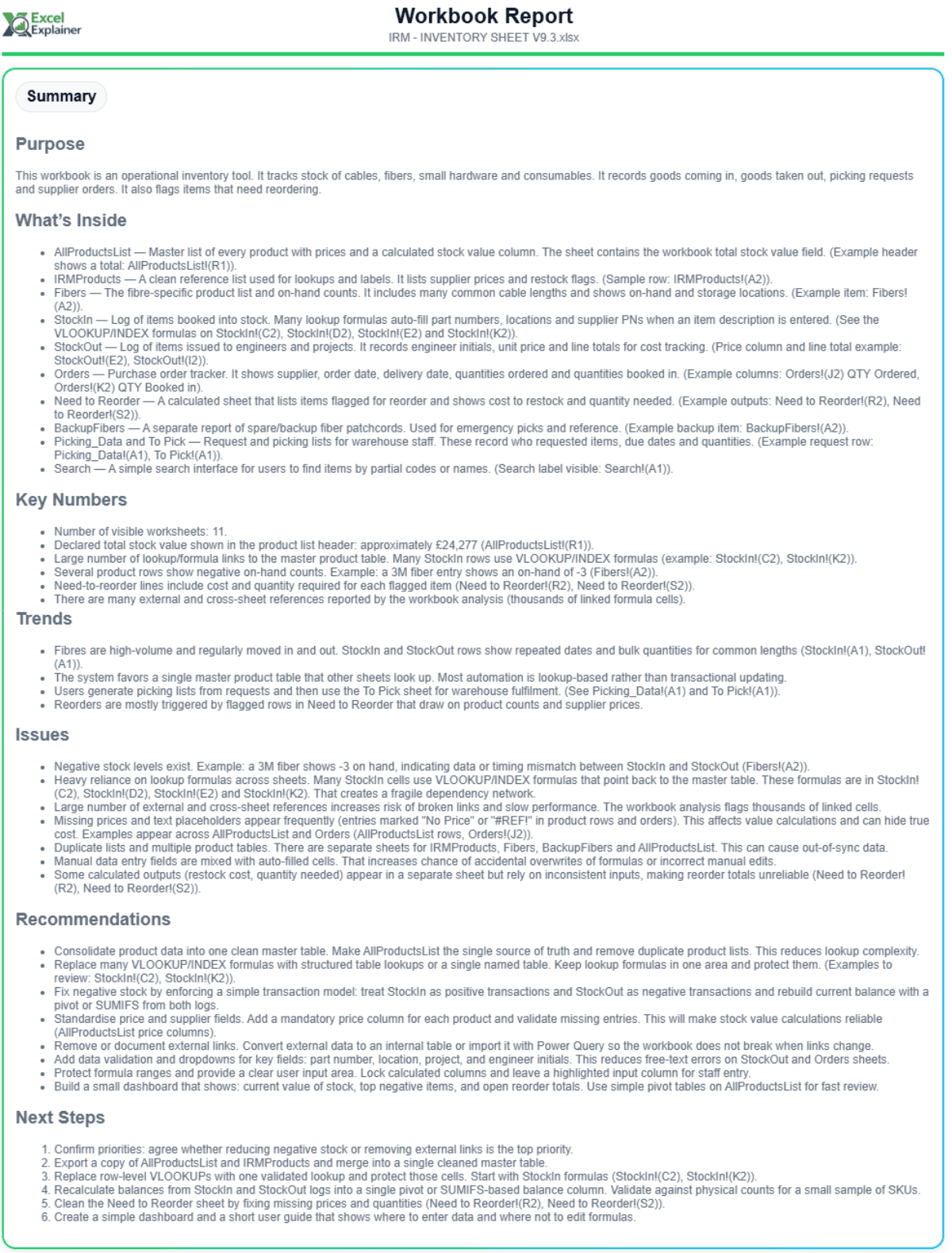
Are you tired of staring at massive Excel spreadsheets, trying to decipher complex formulas, understand sudden dips in data, or explain intricate financial models to colleagues who don't live and breathe pivot tables? We understand that deep data analysis often gets bogged down in the mechanics of the software itself. That's where the 81. Excel Explainer steps in to revolutionize how you interact with your most critical data. Imagine uploading any workbook, no matter how large or convoluted, and instantly receiving a crisp, narrative summary written in clear, everyday language. This tool doesn't just look at the surface; our advanced AI dives deep into every sheet, meticulously examining the underlying numbers, the logic embedded in your formulas, and the subtle trends hiding within the rows and columns. It transforms raw data chaos into actionable, understandable insights, saving you countless hours previously spent on manual cross-referencing and guesswork. You finally get to focus on what the data means for your business, not just what the cells say.
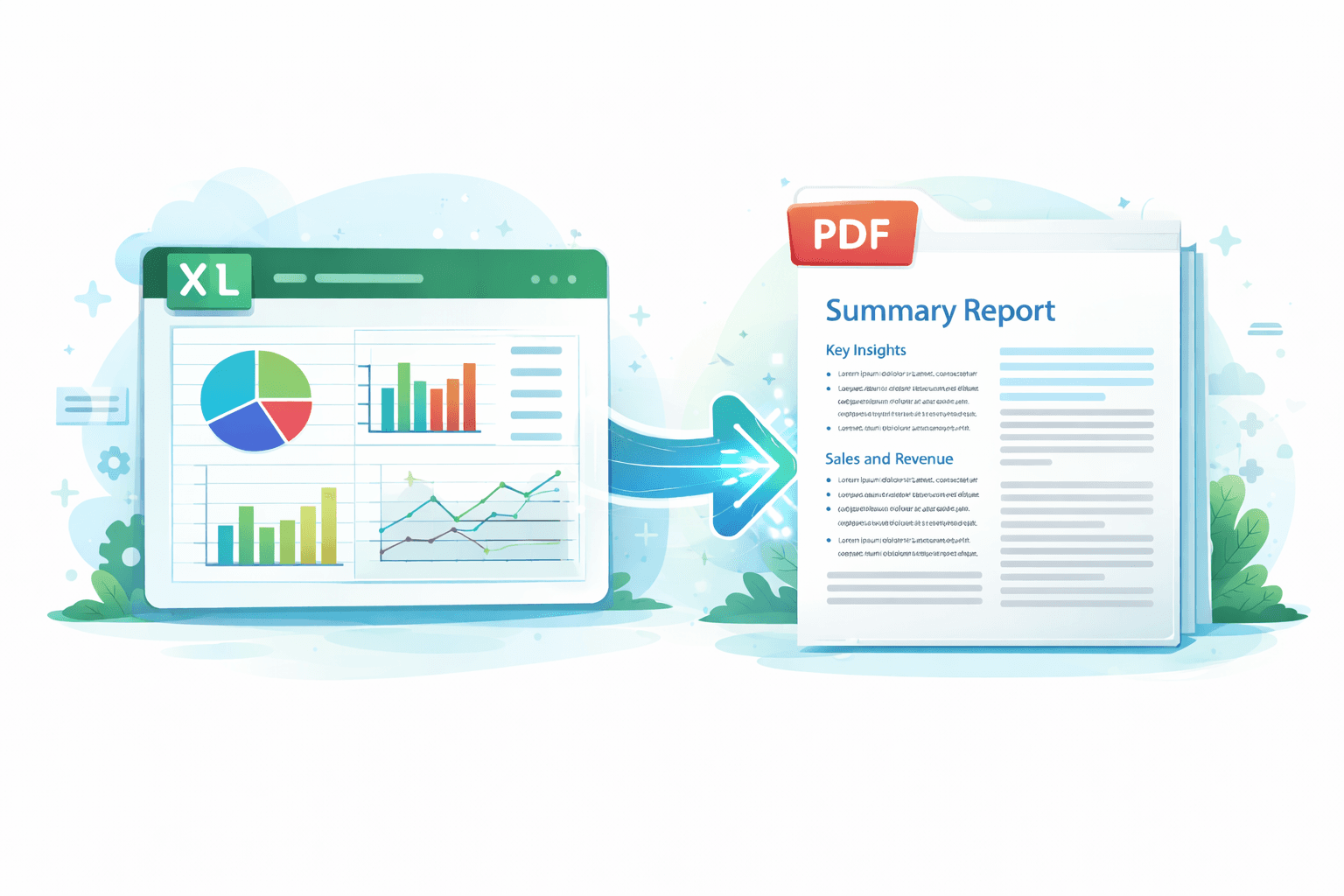
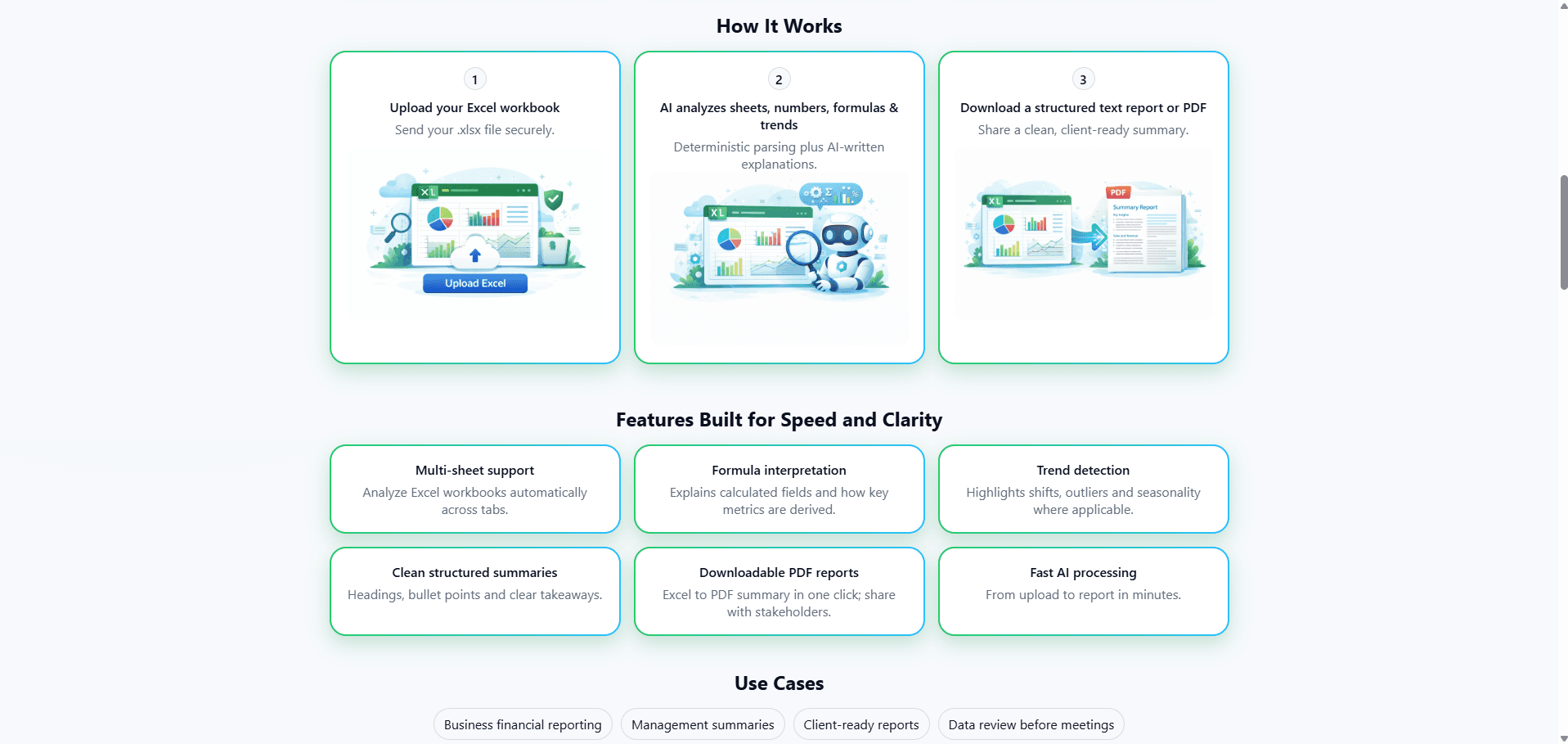
This powerful capability means that creating professional, insightful reports is no longer a bottleneck reserved for the spreadsheet wizard in the office. Whether you need to quickly grasp the key takeaways from a quarterly sales report, explain budget variances to leadership, or simply verify the integrity of a complex calculation, the Excel Explainer handles the heavy lifting. It synthesizes all the critical components—the key metrics, the significant findings, and the overall story the data tells—and structures it into a coherent, easy-to-digest report. Furthermore, for those moments when you need a tangible takeaway, the system allows you to download these perfectly summarized reports as polished PDFs, ready to be shared immediately. It democratizes data understanding, ensuring that everyone, regardless of their Excel proficiency, can confidently engage with important business figures and make informed decisions based on clear evidence rather than confusing cell references.