
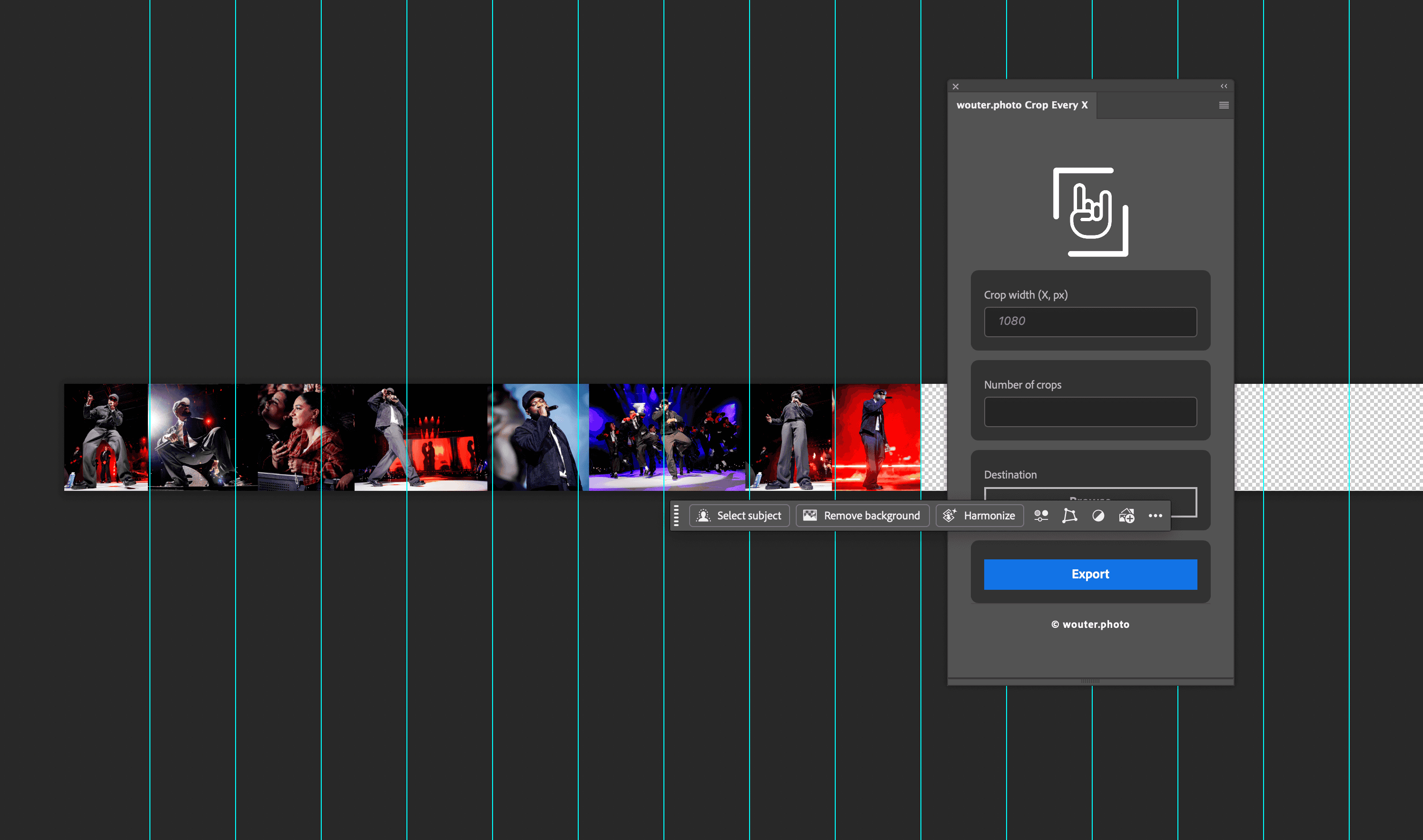
Export (slice) huge wide Photoshop documents into panels every X pixels (e.g. 1080px). Perfect for Instagram carousel exports, banners, and panoramic layouts.
Founder
Screenshots
About
Are you tired of the tedious, manual process of slicing up massive Photoshop documents, especially when preparing content for platforms like Instagram carousels or sprawling web banners? We understand the frustration of juggling massive files and trying to perfectly align every segment. That's why we created Export Every X, the essential slice guide export plugin designed specifically for Photoshop users who demand precision and efficiency. This powerful tool takes the headache out of segmenting large images. Imagine needing to break down a huge panoramic design into perfectly sized, uniform panels, say, every 1080 pixels wide for a seamless social media story or carousel post. Instead of painstakingly creating guides, slicing manually, and exporting each piece individually, Export Every X handles the entire workflow with just a few clicks. It respects your design intent while automating the repetitive slicing process, ensuring every exported panel is exactly the dimension you specify, every single time. This isn't just a time-saver; it’s a guarantee of consistency across your entire project, freeing up your creative energy for what truly matters: the design itself.
This plugin becomes indispensable when dealing with high-resolution, wide-format assets that need to be broken down for various digital applications. Whether you are a professional photographer needing to tile a massive landscape shot for a unique print layout, a digital artist preparing a complex web background, or a social media manager needing flawless, multi-part posts, Export Every X integrates seamlessly into your existing Photoshop workflow. It works directly with your existing slice tools and guides, interpreting your requirements instantly. Forget about misalignments or exporting panels that are slightly off-size, which can ruin the visual flow of a carousel or the integrity of a large banner ad. By automating this precise segmentation, you gain back hours previously lost to repetitive manual labor, allowing you to iterate faster and deliver final assets with absolute confidence in their dimensions and quality. It’s the professional shortcut you’ve been waiting for to streamline your output pipeline and maintain pixel-perfect results across all your wide-format exports.