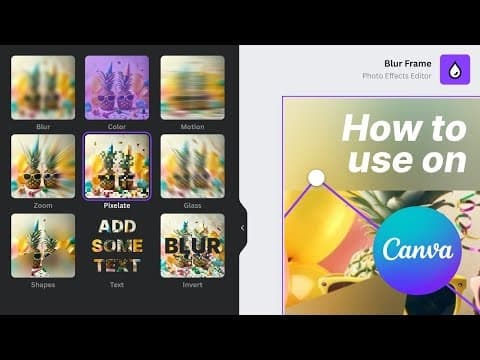
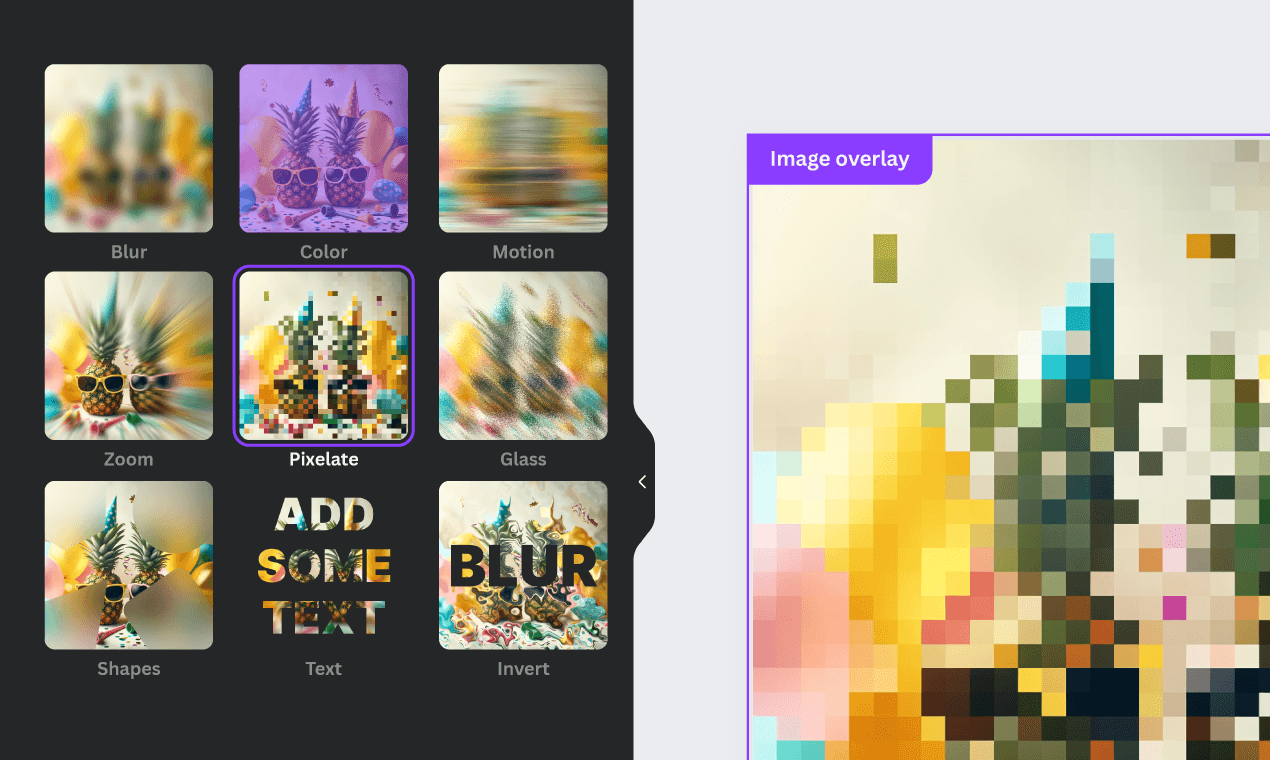
The #1 Blur Effects Editor on Canva. Draw an area and add an effect to your image. Blur unwanted objects or clip out shapes and text elements. Add an effect and create a transparent background all inside your own Canva design.
Founder
Screenshots
About
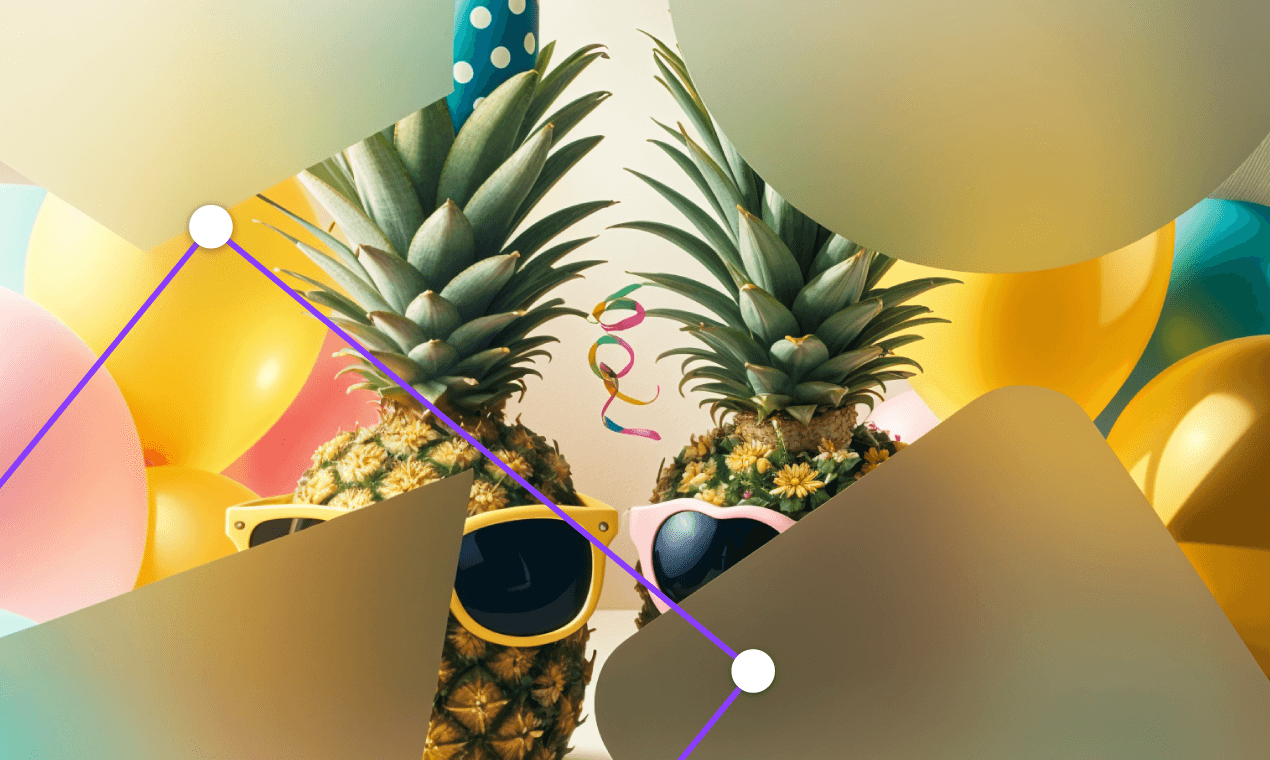
Tired of juggling multiple tools just to perfect one image within your Canva designs? Meet 122. Frame Blur, the ultimate solution designed to give you professional-grade image editing power directly where you already work. This isn't just another filter; it’s a precise instrument that lets you take complete control over the visual focus of your graphics. Imagine effortlessly drawing a selection box around an unwanted distraction in your photo—maybe a stray object, a distracting background element, or even a piece of text you need to obscure—and instantly applying a smooth, customizable blur. Whether you need a subtle depth-of-field effect to make your main subject pop, or a heavy, opaque blur to completely hide sensitive information, Frame Blur gives you that granular control without ever forcing you to leave the familiar and intuitive Canva environment. It transforms your design workflow from a tedious multi-step process into a seamless, creative flow, saving you precious time on every single project.
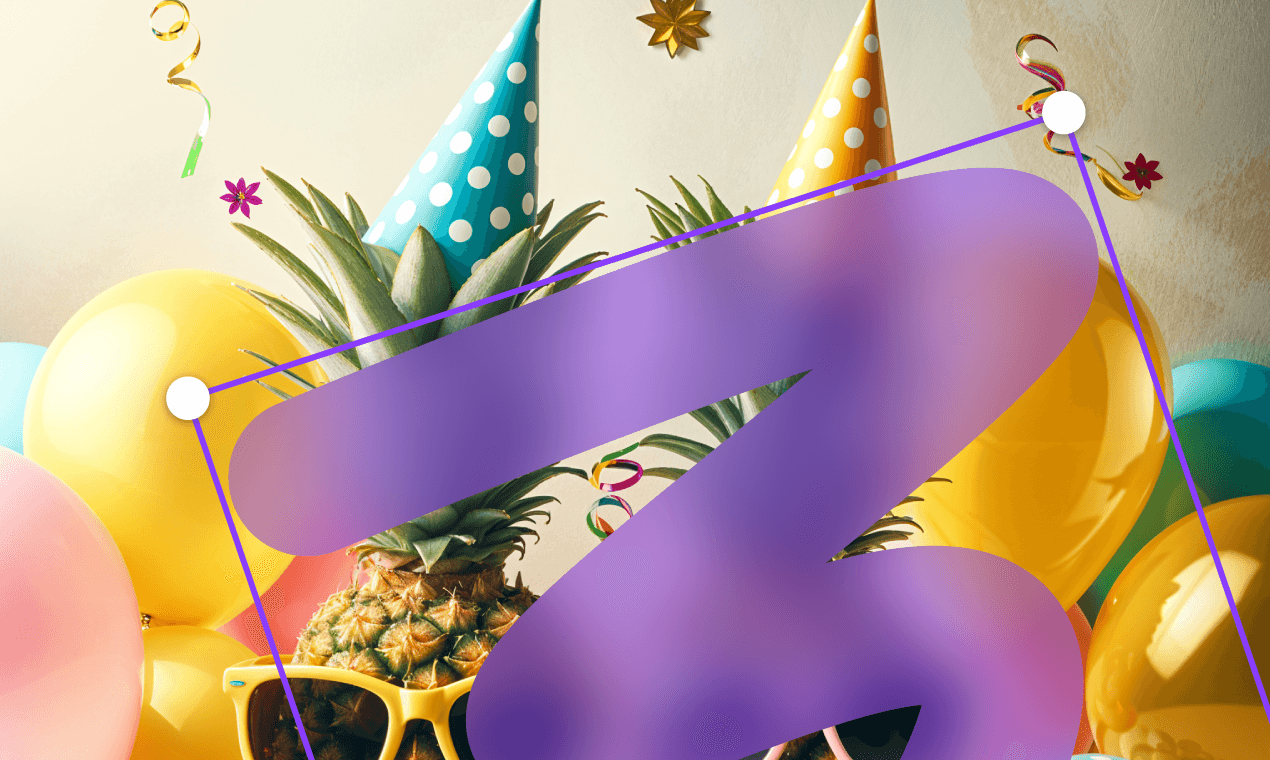
What truly sets 122. Frame Blur apart is its versatility and ease of use. Beyond simply obscuring elements, this tool empowers you to get creative with negative space. You can precisely define shapes or text areas and apply the blur effect specifically within those boundaries. This opens up exciting possibilities for artistic presentation, allowing you to create sophisticated overlays or highlight specific areas by selectively blurring everything around them. Furthermore, for those moments when you need a clean cutout, Frame Blur offers the capability to create a transparent background right inside your design canvas. This means you can achieve complex masking and background removal tasks with the same ease as applying a simple effect. It’s about giving you the power of advanced editing software, packaged perfectly for the Canva user who demands high quality without the steep learning curve. Stop settling for 'good enough' when it comes to image perfection; start creating stunning, focused visuals effortlessly with the number one blur editor built specifically for your Canva workspace.