
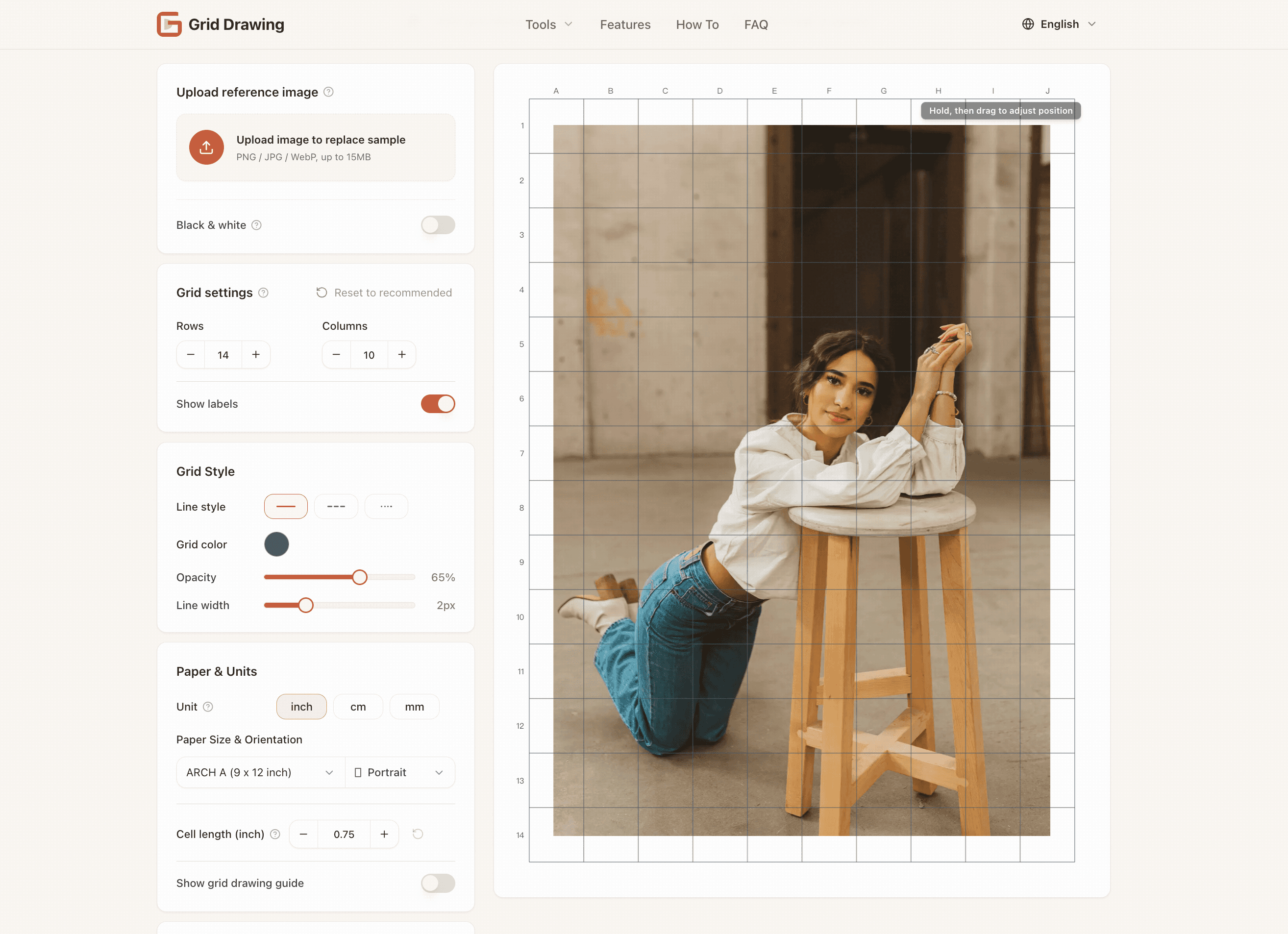
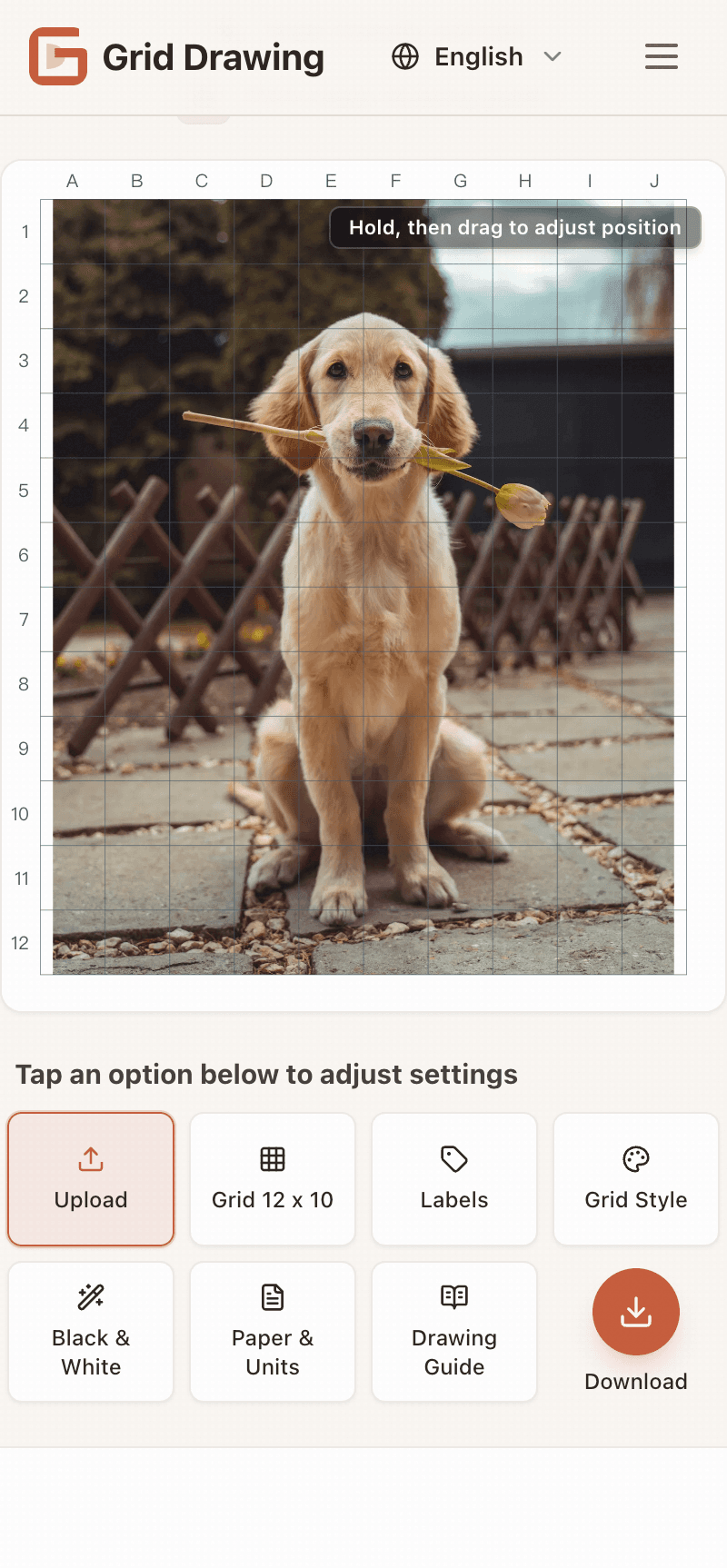
Grid drawing adds an adjustable square grid overlay to any photo to check proportions and draw from references with confidence. Start with a recommended grid density, then fine-tune rows/columns and customize line style. Your image is never cropped or distorted. Free, no signup, watermark-free, and 100% local processing. Export a gridded reference as PNG or a print-ready PDF, with an optional step-by-step paper drawing guide to recreate the same grid on paper.see more
Founder
Screenshots
About
Are you an artist, illustrator, or hobbyist who struggles with translating complex references onto your canvas accurately? Getting those proportions just right can often feel like the biggest hurdle in any drawing project. That is exactly why we created the 476 Free Online Grid Maker. This straightforward, powerful tool takes any photo you upload and overlays a perfectly adjustable square grid directly onto the image. Think of it as your personal, digital assistant for achieving flawless perspective and scale every single time. You can start simply with a density we suggest, or dive deep into customization, precisely controlling the number of rows and columns to match your specific project needs. What truly sets this tool apart is its respect for your original work; your image is never cropped, distorted, or resized in any way. It remains exactly as you uploaded it, just enhanced with the perfect measurement guide you need to draw with absolute confidence.
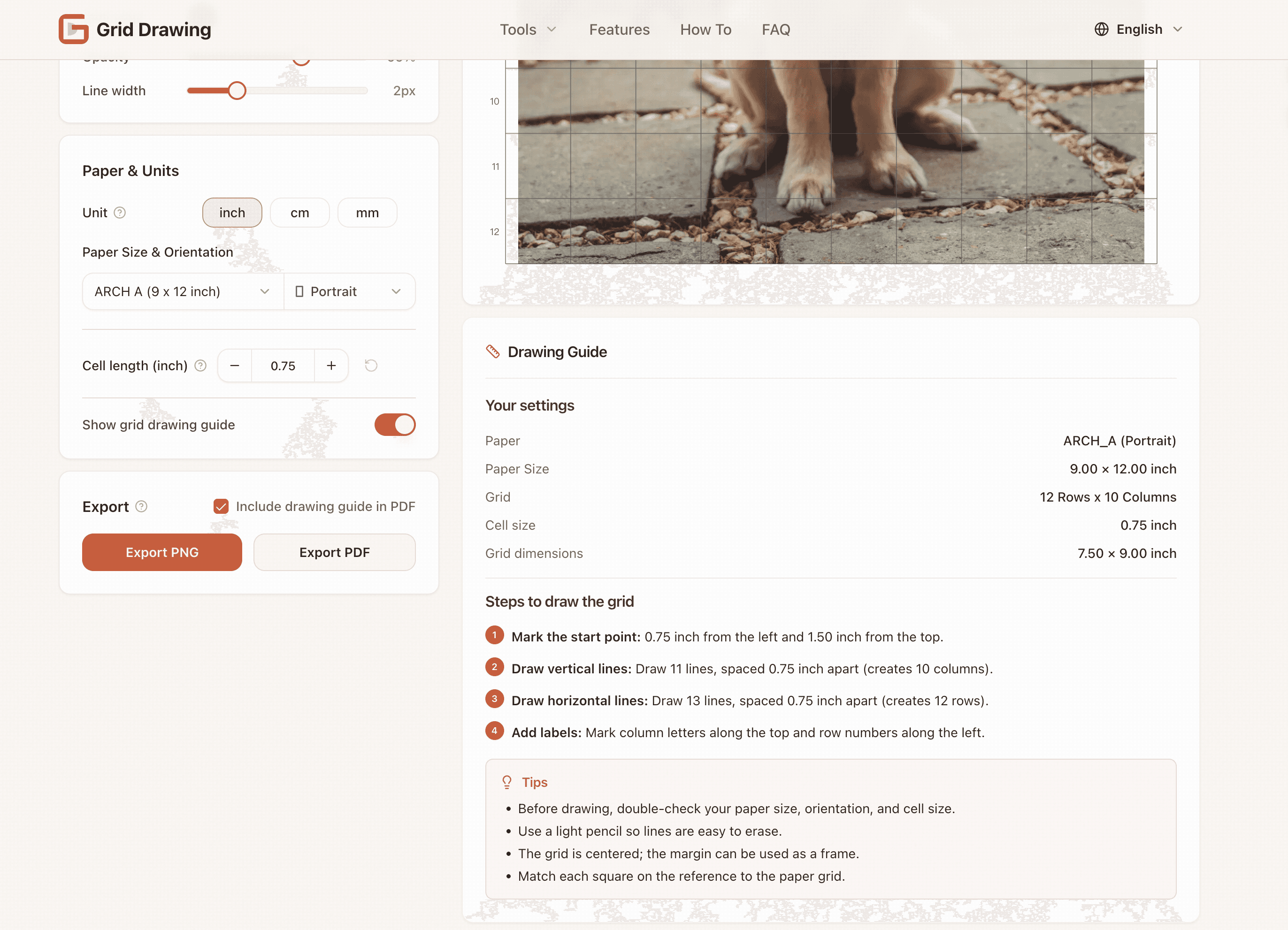
We understand that artists value workflow and privacy, which is why this grid maker is designed to be as frictionless as possible. There is absolutely no requirement to sign up, create an account, or deal with annoying watermarks obscuring your reference image. Better yet, all the processing happens 100 percent locally on your device, meaning your personal photos stay private and secure. Once you have your perfectly gridded reference ready, exporting is simple. You can save it as a high-quality PNG file for digital work or generate a print-ready PDF if you prefer working with physical materials. For those tackling traditional media, we even include an optional, step-by-step guide that shows you exactly how to recreate that exact same grid structure onto your physical paper, bridging the gap between your digital reference and your easel seamlessly.
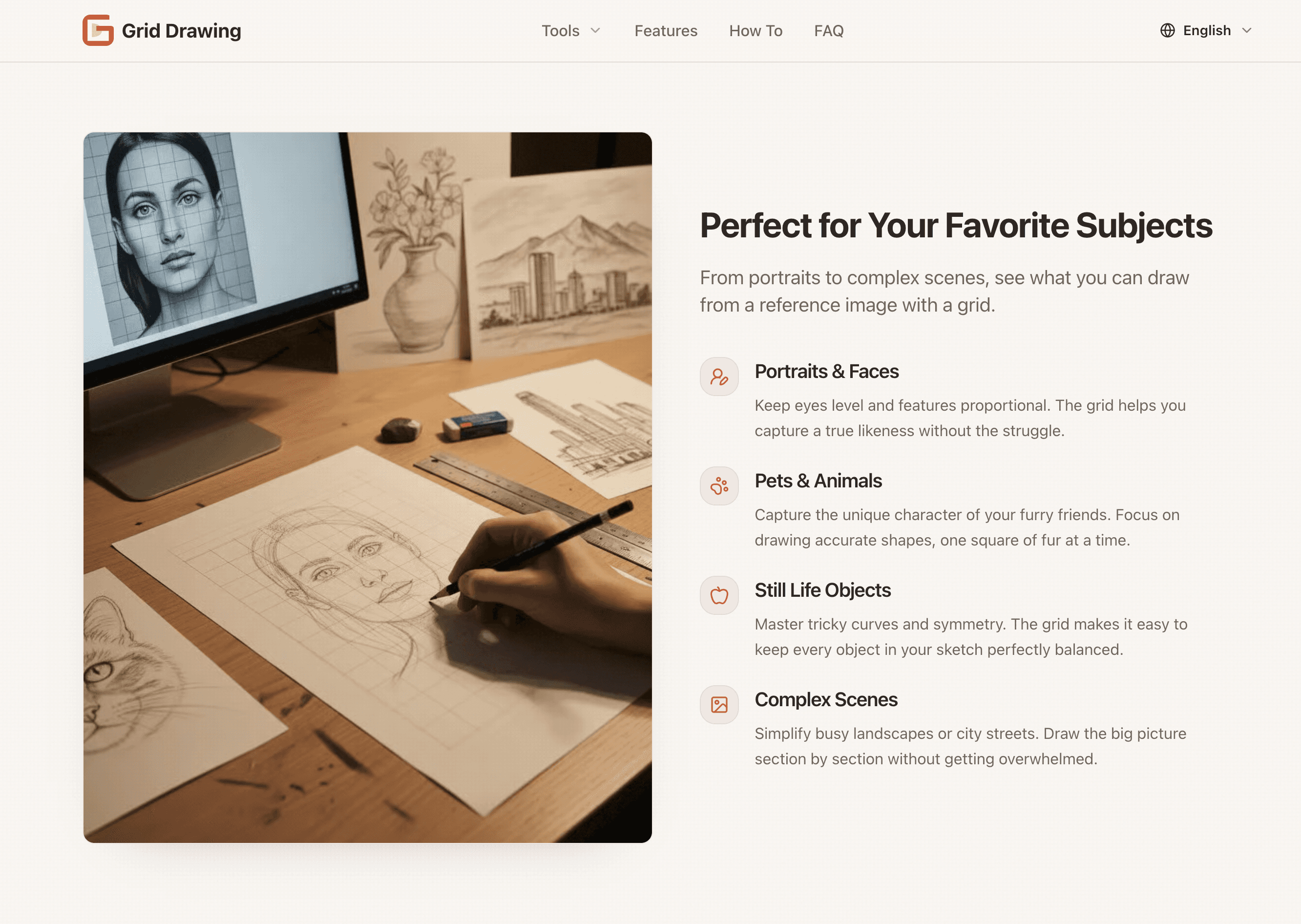
This tool is built for immediate utility, removing the tedious setup time so you can focus on what you love: creating. Whether you are sketching a portrait, mapping out a detailed landscape, or ensuring architectural accuracy, the ability to instantly overlay and customize a measurement grid transforms guesswork into precision. It’s about giving you the foundational structure needed to bring your artistic vision to life without compromise, all for free, instantly accessible right in your browser.