
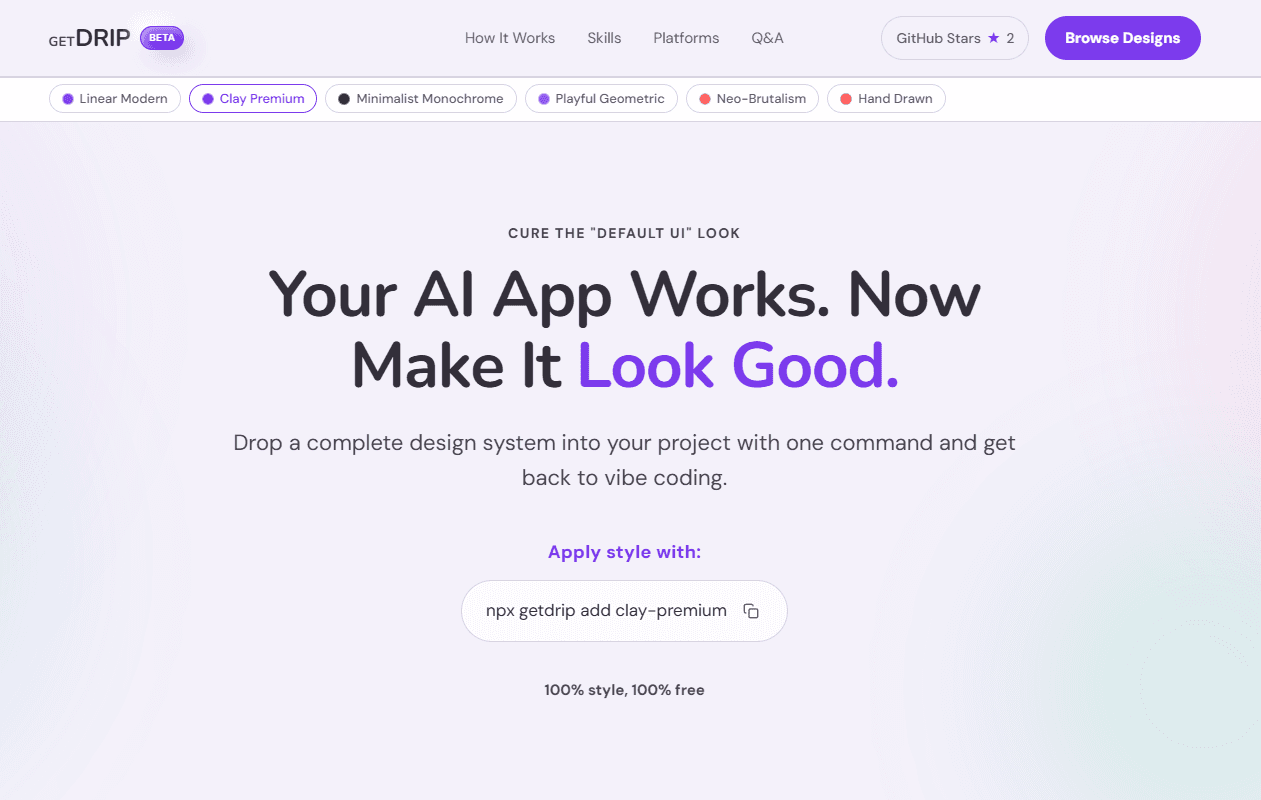
Your AI app works. Now make it look good. Drop a complete design system into your project with one command and get back to vibe coding. Simple prompts often lead to "Default UI" looks. While a prompt might describe a specific element, a GetDRIP skill provides a comprehensive philosophy, defined design (like colors, shadows, and typography). This ensures that even when an agent builds something new, it follows the project's design principles and rules that keep the aesthetic cohesive.see more
Founder
Screenshots
About
You've poured your energy into building the core functionality of your application, perhaps even leveraging AI agents to handle the heavy lifting of coding. The logic is sound, the features are there, but now you face the familiar hurdle: making it look professional, cohesive, and truly engaging. The reality is that simple text prompts often result in generic, uninspired 'default UI' outputs that clash with the sophisticated functionality you've created. That's where GetDrip steps in, transforming your functional prototype into a polished, production-ready experience with minimal effort. Imagine instantly injecting an entire, fully realized design system into your project with a single, straightforward command. This isn't just about slapping on a color palette; GetDrip provides a deep, comprehensive design philosophy. It establishes the rules for shadows, defines the precise typography hierarchy, and sets the visual tone for every component your AI builds or modifies. This means that as your development continues, whether you are vibe coding or letting an agent iterate, the aesthetic remains rigorously consistent and aligned with your vision, saving countless hours usually spent manually tweaking styles.