
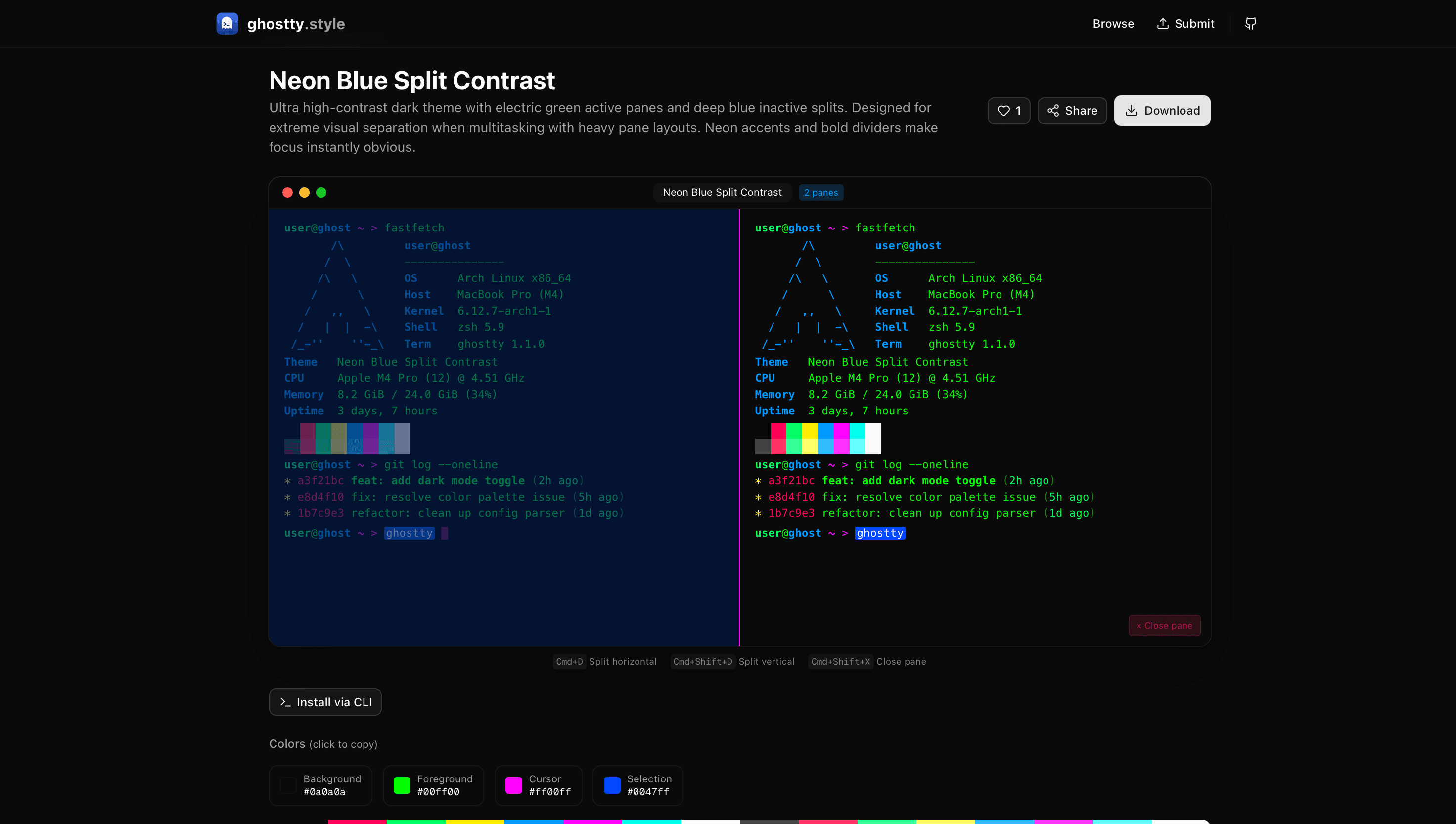
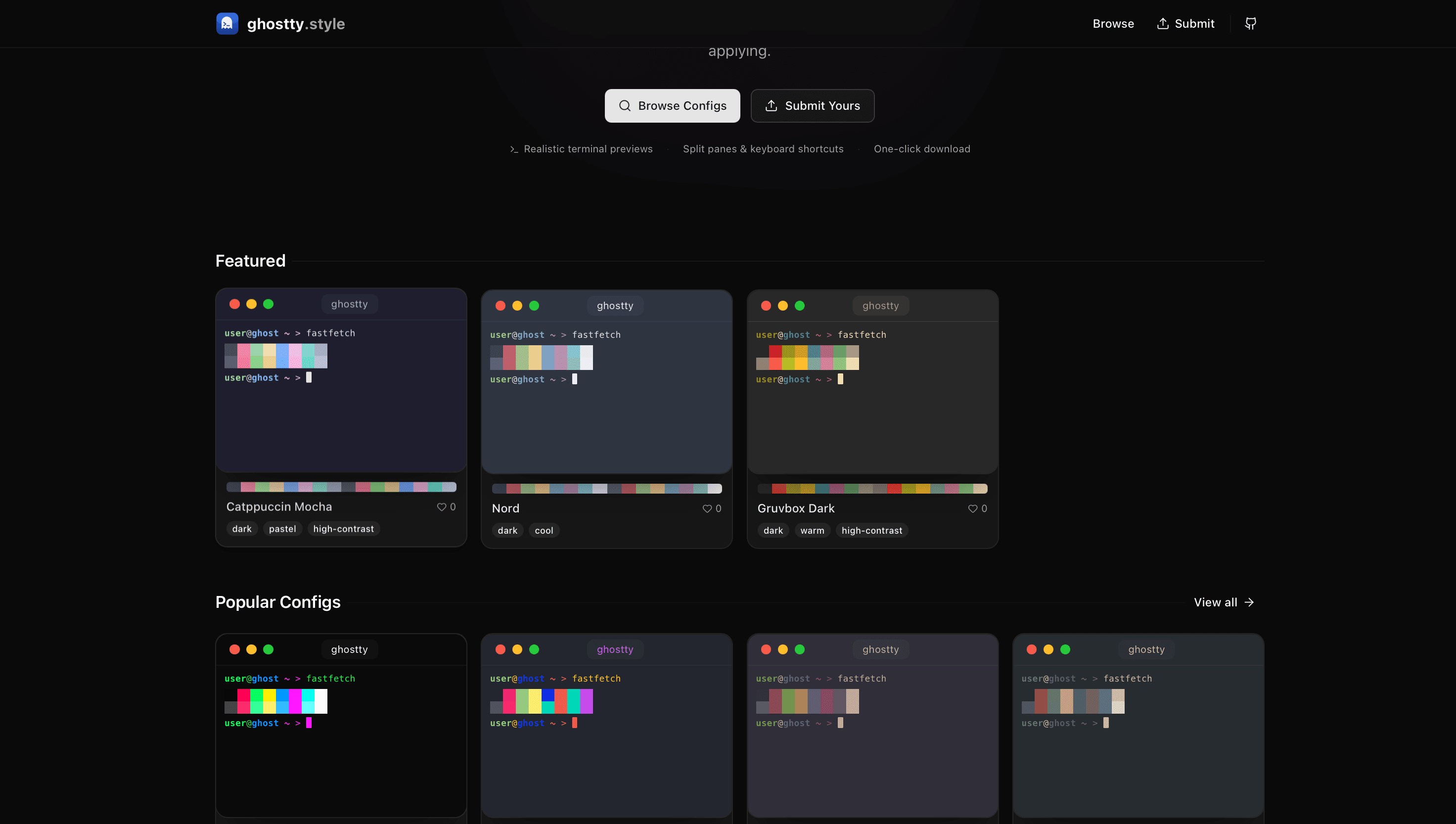
Browse, preview, and download community-shared Ghostty terminal configurations. See exactly how your terminal will look before applying any config.
Founder
Screenshots
About
Tired of staring at the same bland, default terminal window day in and day out? Your command line is where you spend countless hours building, scripting, and managing your projects, so why shouldn't it be a space that inspires you? Welcome to 34.ghostty.style, the ultimate destination for transforming your Ghostty terminal experience from functional to truly phenomenal. We understand that developers crave both efficiency and aesthetics, and that's exactly what our curated collection of community-shared configurations delivers. Forget the tedious process of manually tweaking settings, guessing color combinations, or hoping a random GitHub Gist works as advertised. Here, you can effortlessly browse a vibrant gallery of Ghostty setups, each designed with thoughtful attention to detail, ensuring optimal readability, reduced eye strain, and a unique visual flair that matches your personal coding style. It’s about making the tool you use most feel like an extension of your own creativity.
What truly sets 34.ghostty.style apart is the unparalleled confidence you gain before making any commitment. We’ve built a seamless preview system that lets you see exactly how a configuration will look within your own Ghostty environment before you even download a single file. Imagine scrolling through dozens of stunning themes—from deep, moody dark modes perfect for late-night sessions to vibrant, high-contrast setups designed for maximum clarity—and instantly visualizing the results. This eliminates the guesswork and the hassle of constant trial and error. Whether you are looking for a specific color palette that complements your current project branding, a layout optimized for specific programming languages, or just something completely fresh to reignite your passion for coding, our platform makes discovery simple and application instant. It is the easiest way to personalize your workspace and boost your daily productivity simply by making your environment more enjoyable to inhabit.
This isn't just about making your terminal look pretty; it’s about enhancing your workflow and embracing the power of community-driven design. By leveraging configurations shared by fellow developers, you benefit from battle-tested setups that prioritize usability alongside beauty. Every configuration featured on 34.ghostty.style has been vetted by the community, meaning you are getting high-quality, reliable styling that just works. Dive in today, explore the possibilities, and give your command line the upgrade it deserves. Stop settling for standard and start coding in style with the perfect Ghostty setup tailored just for you.