git commit as the right person, every time. Manage work, personal, and OSS git identities e.g., SSH keys, GPG signing, and auto-apply hooks in one CLI.
Founder
Screenshots
About
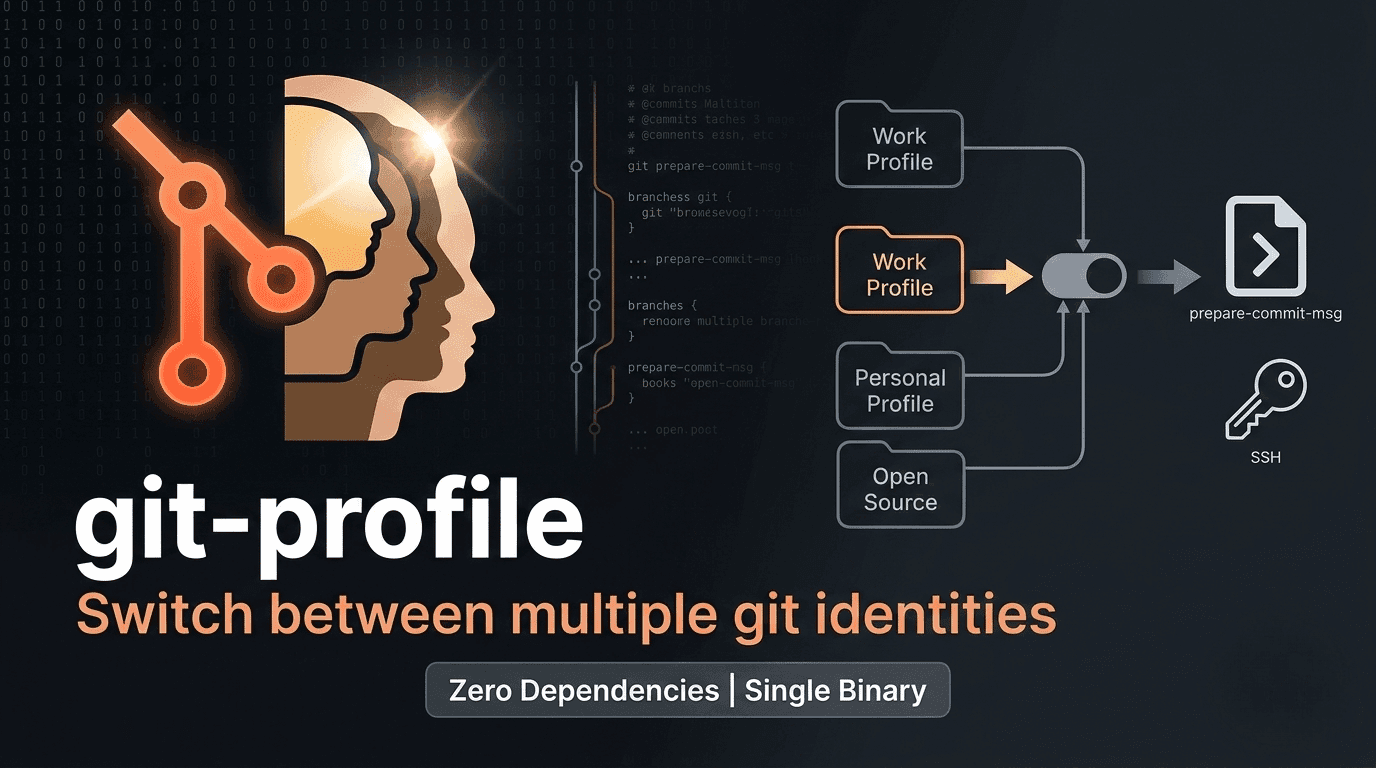
Tired of the constant headache that comes with juggling multiple Git identities? Whether you are contributing to open-source projects, pushing code for your main job, or managing personal side projects, ensuring every commit is attributed to the correct persona can feel like a manual chore, often leading to embarrassing mistakes or unnecessary administrative overhead. Introducing 476. git-profile, the elegant solution designed to bring sanity back to your command line workflow. This powerful yet simple CLI tool allows you to seamlessly switch between your distinct Git identities—think work persona, personal developer, or external contributor—with a single, intuitive command. Imagine never having to manually check which user configuration is active before hitting push again. Git-profile handles the complexity under the hood, ensuring that every commit you make is associated with the right name, email, and crucially, the correct associated security credentials like SSH keys and GPG signing configurations, all tailored specifically for that repository. It’s about precision, professionalism, and peace of mind, letting you focus purely on writing great code instead of managing context switching.
What truly sets git-profile apart is its comprehensive approach to identity management beyond just the username and email. We understand that modern development requires more than surface-level configuration. This tool intelligently manages the entire identity stack associated with your Git workflow within specific directories. This means that when you switch profiles for a particular project, it doesn't just update your user details; it ensures the correct SSH key is ready for secure connections and automatically applies repository-specific pre-commit or signing hooks if you have them configured. This level of granular control means you can maintain strict separation between your professional obligations and your private endeavors, enhancing your security posture and ensuring compliance where necessary. It’s the ultimate tool for developers who value privacy and need robust, context-aware automation to maintain high standards across diverse coding environments. Setting up a new identity or switching to an existing one becomes instantaneous, freeing up valuable mental bandwidth previously spent on configuration checks.
Ultimately, 476. git-profile transforms a common developer friction point into a non-issue. It’s built by developers, for developers who demand efficiency and accuracy. By centralizing the management of your various Git personas, you gain back time and eliminate the risk of accidentally exposing personal information on a work repository or vice versa. It integrates smoothly into existing workflows, acting as a reliable layer on top of your standard Git setup. Stop worrying about which configuration file is active or which key is being used for authentication. With git-profile, you commit as the right person, every single time, allowing you to maintain a clean, professional, and secure digital footprint across the entire spectrum of your coding life, from private repositories to major public contributions.