
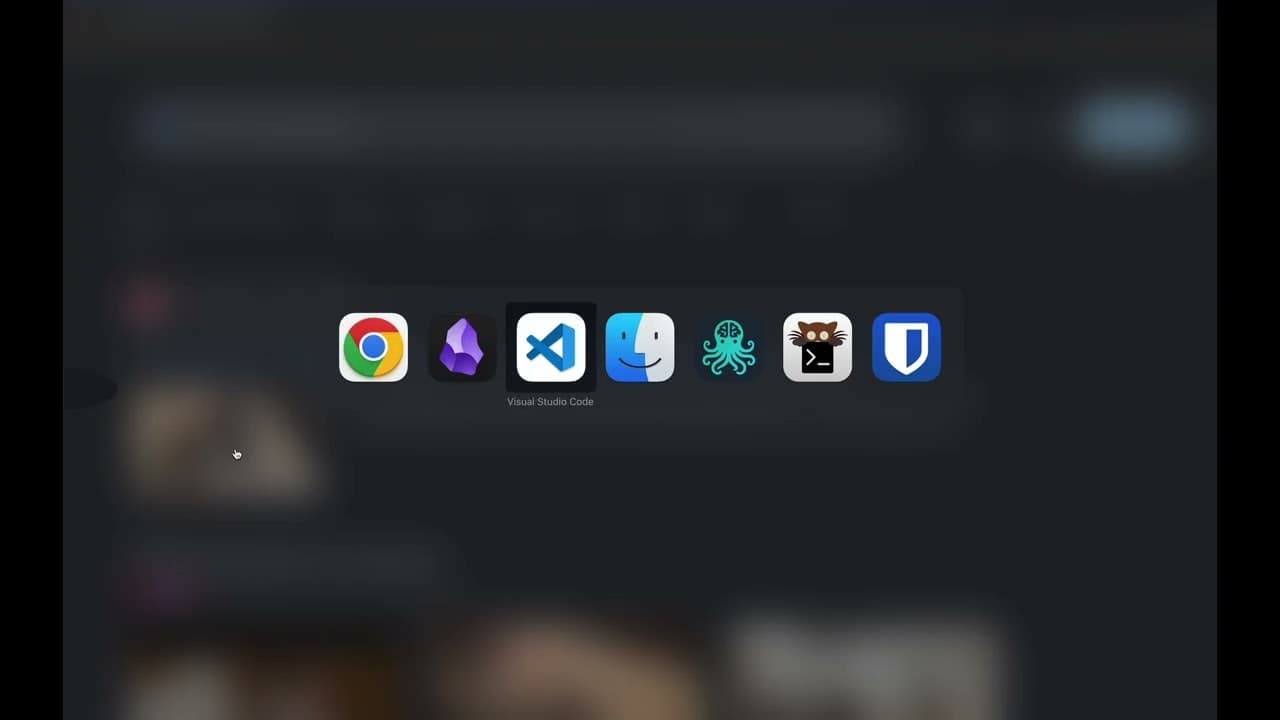
Hide My Screen puts a privacy overlay on your screen, revealing only a small area around your cursor. The Full version uses native macOS accessibility APIs to track your caret as you type, so the keyhole follows you across Chrome, Safari, Notes, VS Code and more.
Founder
Screenshots

About
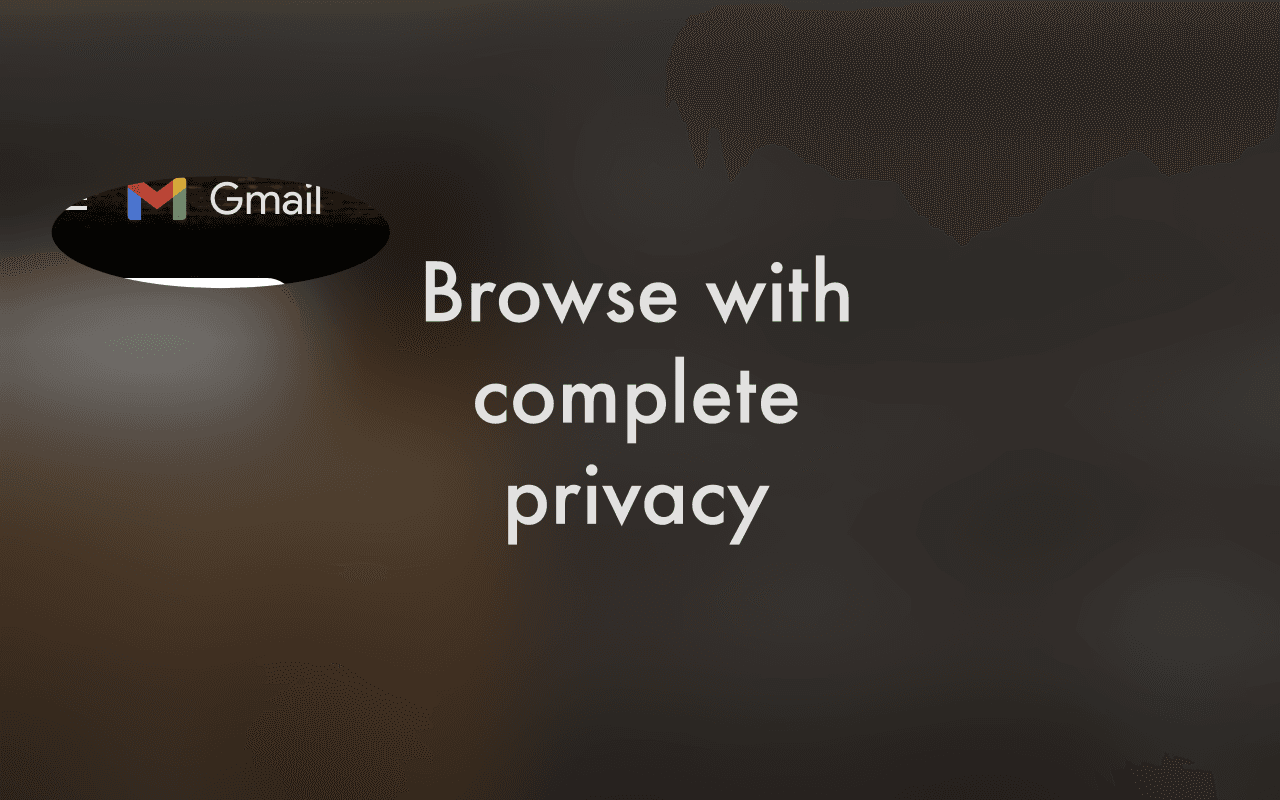
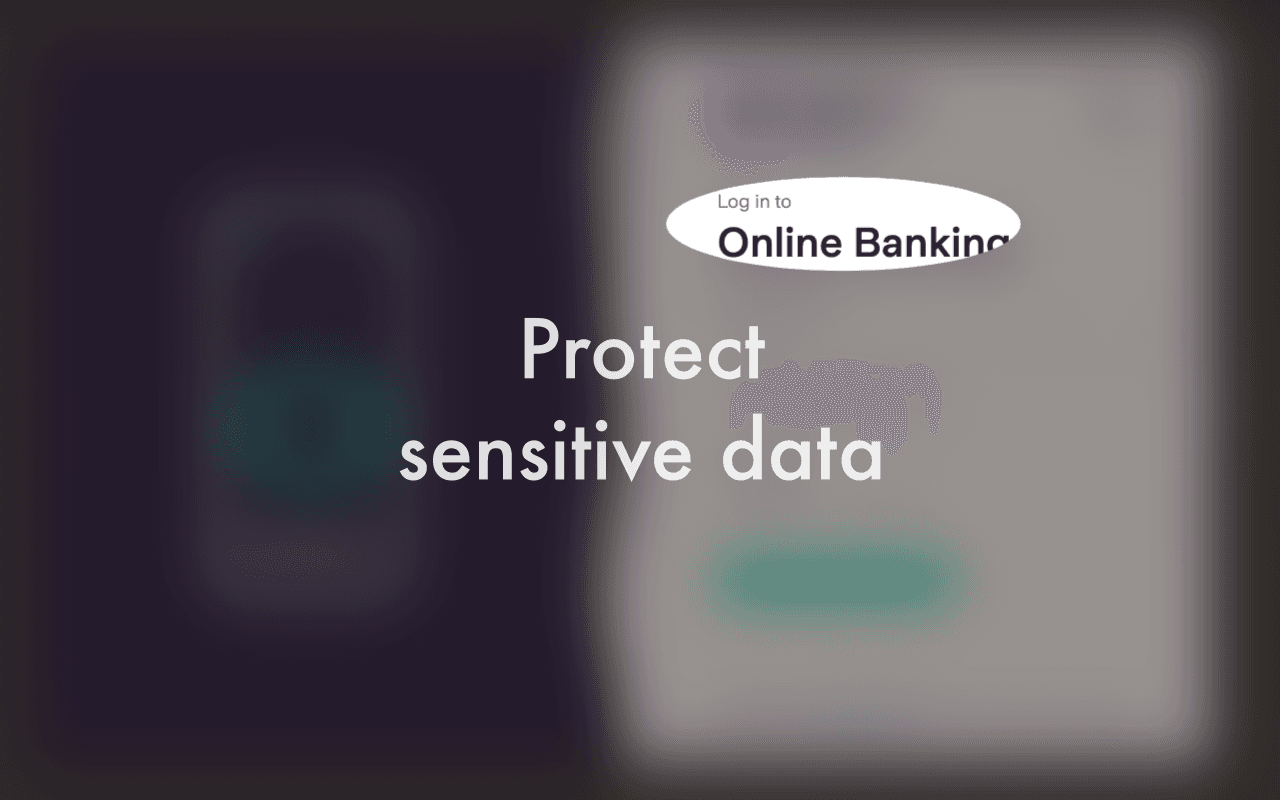
In today's world, where we often work in shared spaces, coffee shops, or even just with family members nearby, maintaining your privacy while using your Mac can feel like a constant challenge. Introducing Hide My Screen, the essential utility designed to give you back complete control over who sees what on your display. This isn't just another simple screen dimmer; it's a sophisticated privacy overlay that intelligently masks everything on your screen except for a small, focused window directly around your cursor. Imagine being able to quickly check sensitive emails, review confidential documents, or even look up private information without the constant worry of shoulder surfers catching a glimpse of your work. Hide My Screen creates a focused spotlight on exactly what you are looking at, making your workspace truly yours, no matter how public your surroundings might be. It’s the digital equivalent of pulling down a privacy shade, but with far more precision and elegance.
What truly sets the full version of Hide My Screen apart is its deep integration with your macOS environment. We understand that focusing on your work means moving seamlessly between applications, and your privacy tool needs to keep up. That’s why this application utilizes native macOS accessibility APIs to intelligently track your text caret position. Whether you are typing a crucial line of code in VS Code, composing an important message in Safari, or jotting down notes in the Notes app, the privacy keyhole fluidly follows your active typing position. This means you never have to manually adjust the viewing area; the focus stays exactly where your attention is directed, ensuring that your concentration remains unbroken while your sensitive data remains shielded. It works across all your favorite applications, providing a consistent, unobtrusive layer of security that adapts to your workflow in real time.
Ultimately, Hide My Screen is about peace of mind and enhanced productivity. When you aren't worried about accidental exposure, you can work faster, more confidently, and with greater focus. It’s the perfect companion for remote workers, students in busy libraries, or anyone who values discretion in their digital life. Stop compromising your security for convenience. Install Hide My Screen and experience the freedom of knowing that your screen content is visible only to you, allowing you to tackle any task, anywhere, with absolute confidence.