
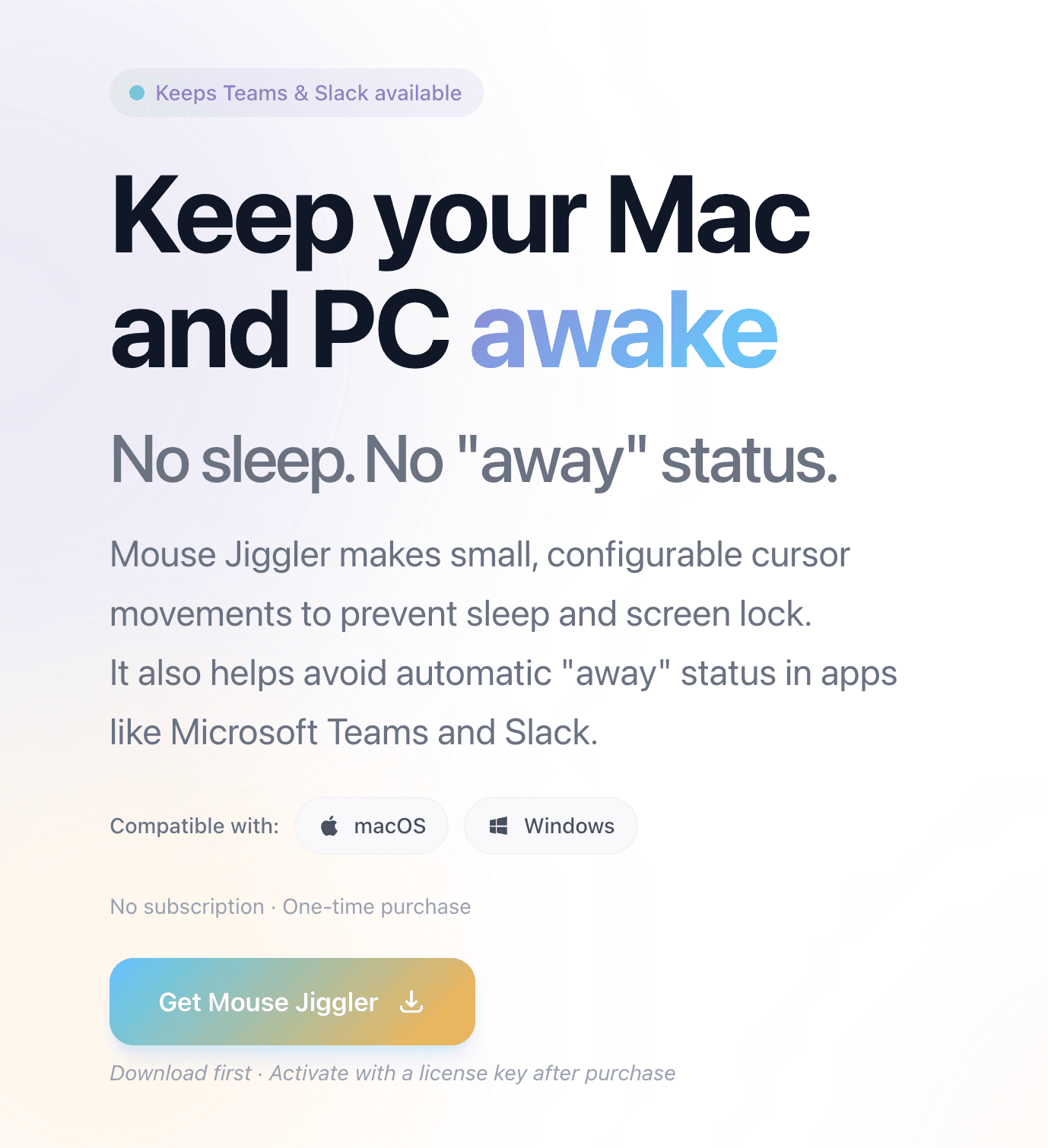
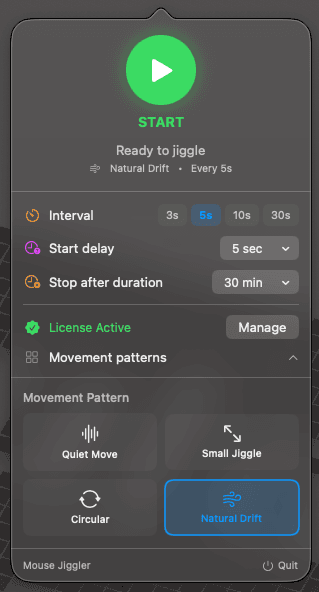
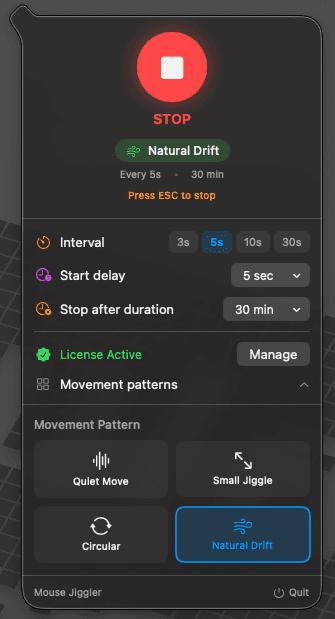
Jiggle Mouse keeps your Mac and PC awake with subtle, natural cursor movements — so your screen stays on and your status stays green. One click to start, ESC to stop. 4 movement patterns, configurable intervals, auto-stop timer. Works with Teams, Slack, Zoom. $5.99 one-time. No subscription. No account. Mac and Windows.see more
Founder
Screenshots
About
Are you tired of your computer constantly locking or going to sleep right when you step away for a quick coffee or to grab a document? That constant disruption can really break your focus, especially when you're trying to maintain that 'active' status on platforms like Slack or Microsoft Teams during crucial remote work hours. Introducing Jiggle Mouse, the simple, elegant solution designed to keep your screen active and your digital presence visible without any fuss. This isn't some complicated software requiring permissions or background services you can't trust. It’s a straightforward utility that mimics natural, subtle mouse movements, fooling your operating system into thinking you're actively engaged. Imagine the peace of mind knowing your video call won't suddenly freeze or your screen won't dim just because you were momentarily away from the keyboard. It’s all about maintaining workflow continuity and ensuring you look engaged when you need to be, all powered by a single, easy click to start and the familiar ESC key to stop whenever you return.