
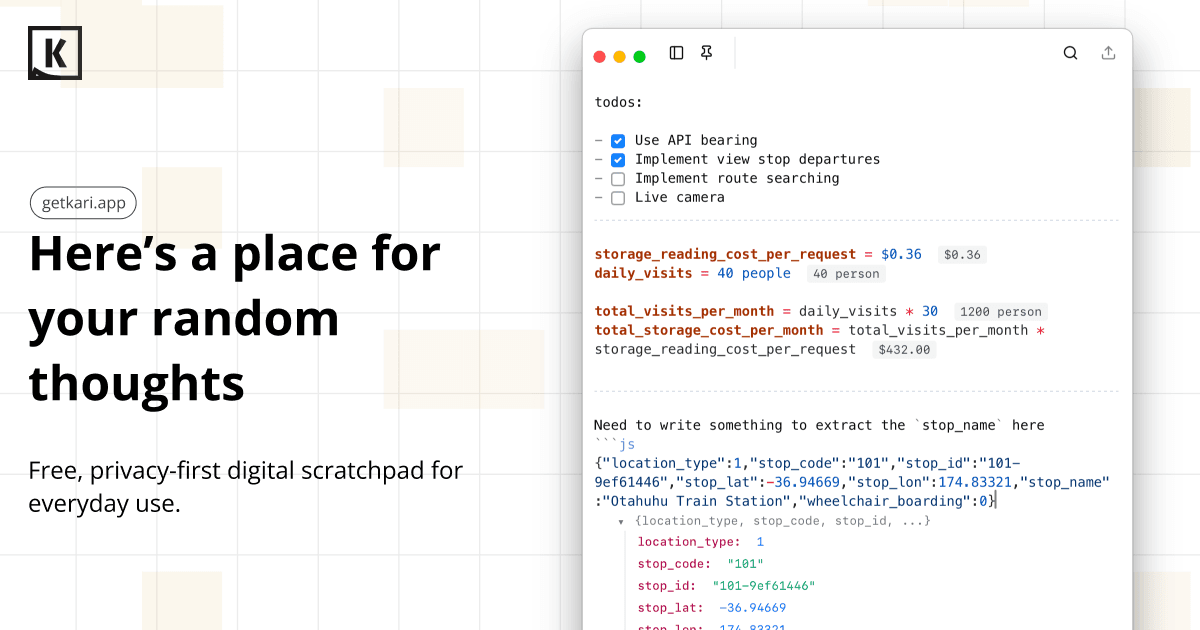
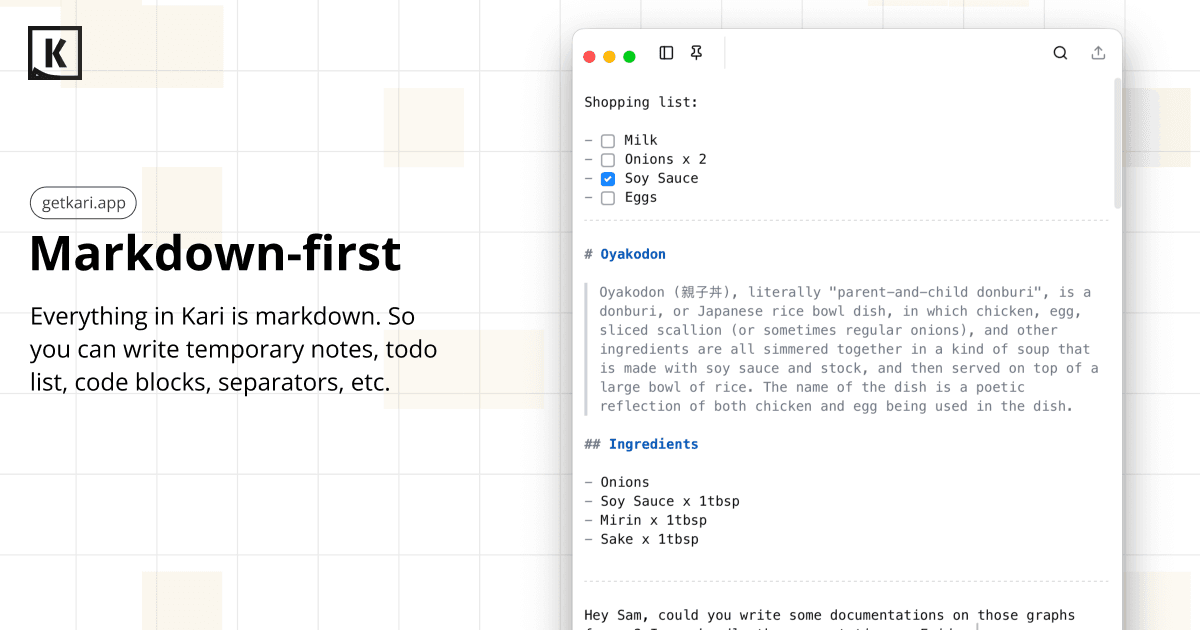
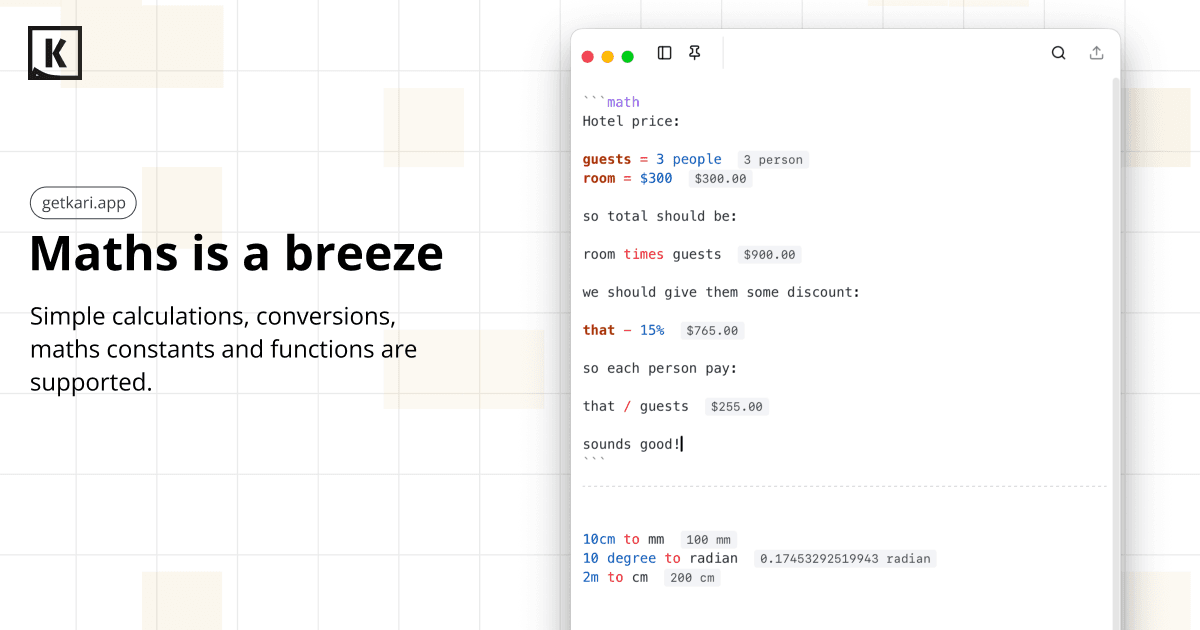
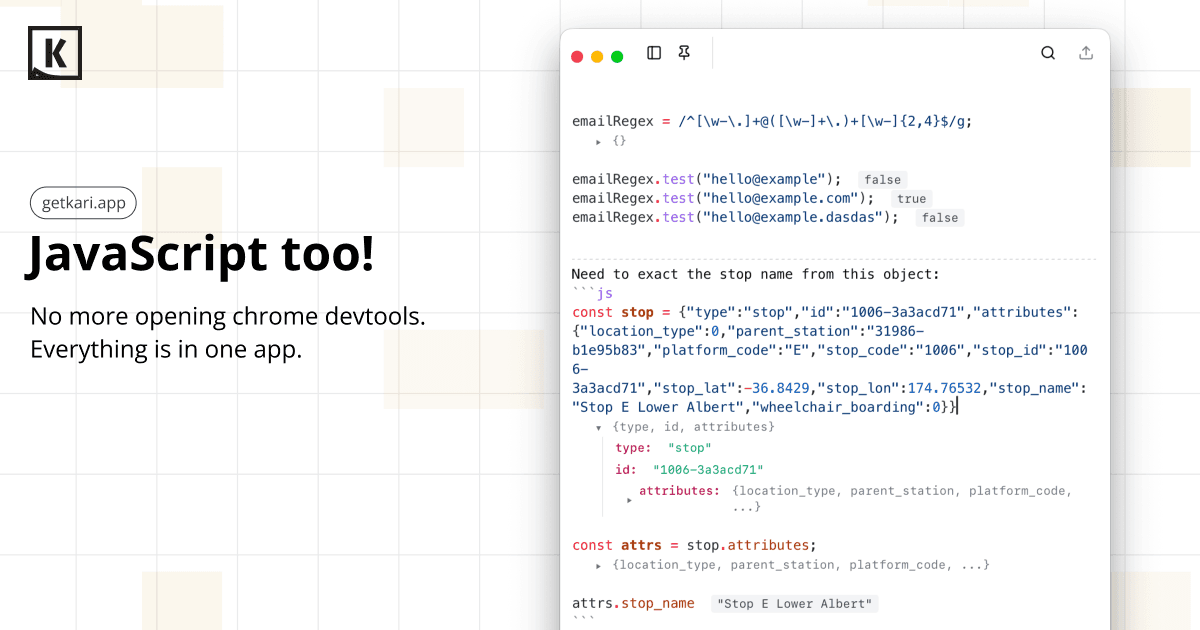
Kari is a markdown scratchpad for temporary notes but the code blocks give you the power to do math calculations and JavaScript evaluation!
Founder
Screenshots
About
Imagine having a digital space that feels as instantly accessible and flexible as a napkin sketch, but with the hidden power of a full computational engine tucked right inside. That's exactly what Kari offers. It is designed for those moments when an idea strikes, a quick calculation is needed, or you just need a place to jot down thoughts without the commitment of a formal document. Kari acts as your perfect digital scratchpad, ideal for brainstorming sessions, debugging quick snippets, or just organizing fleeting thoughts. We understand that in the fast pace of modern work, you need tools that keep up, not slow you down. This application strips away all the unnecessary clutter, leaving you with a clean, minimalist interface where your focus remains squarely on the content you are creating or solving. It is the ultimate quick-capture tool, ensuring no brilliant thought or necessary temporary data point ever slips away simply because you couldn't find the right place to put it immediately.
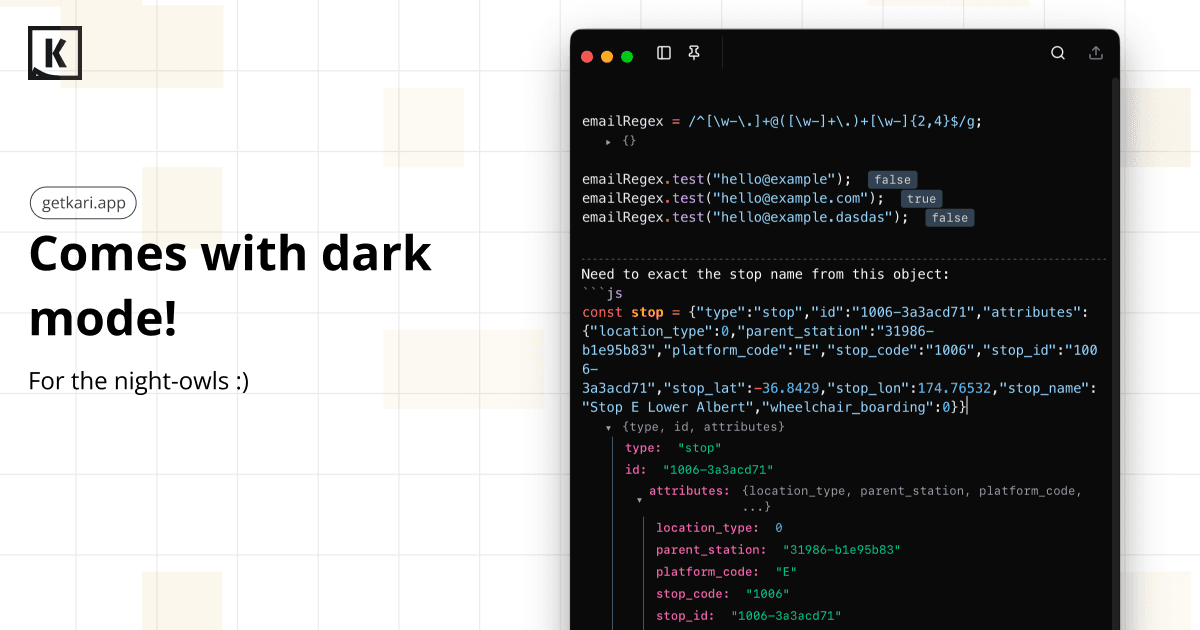
What truly sets Kari apart from standard note-taking apps is its surprising depth hidden beneath that simple surface. While it embraces the familiar simplicity of markdown for easy formatting, it secretly packs a punch with integrated execution capabilities. Need to run a quick mathematical sum or test a small piece of logic? Kari lets you embed code blocks that aren't just for display; they are live environments ready to evaluate expressions. This means you can seamlessly transition from writing down a concept to testing a formula or even running a small JavaScript snippet right within your notes. This dual functionality transforms Kari from a passive repository of text into an active, dynamic workspace. It’s perfect for developers needing a quick sandbox, analysts verifying figures on the fly, or anyone who appreciates the efficiency of having computation directly integrated with their temporary documentation. It’s the speed of a notepad combined with the utility of a lightweight interpreter, all wrapped up in a delightful user experience that prioritizes speed and direct interaction.