
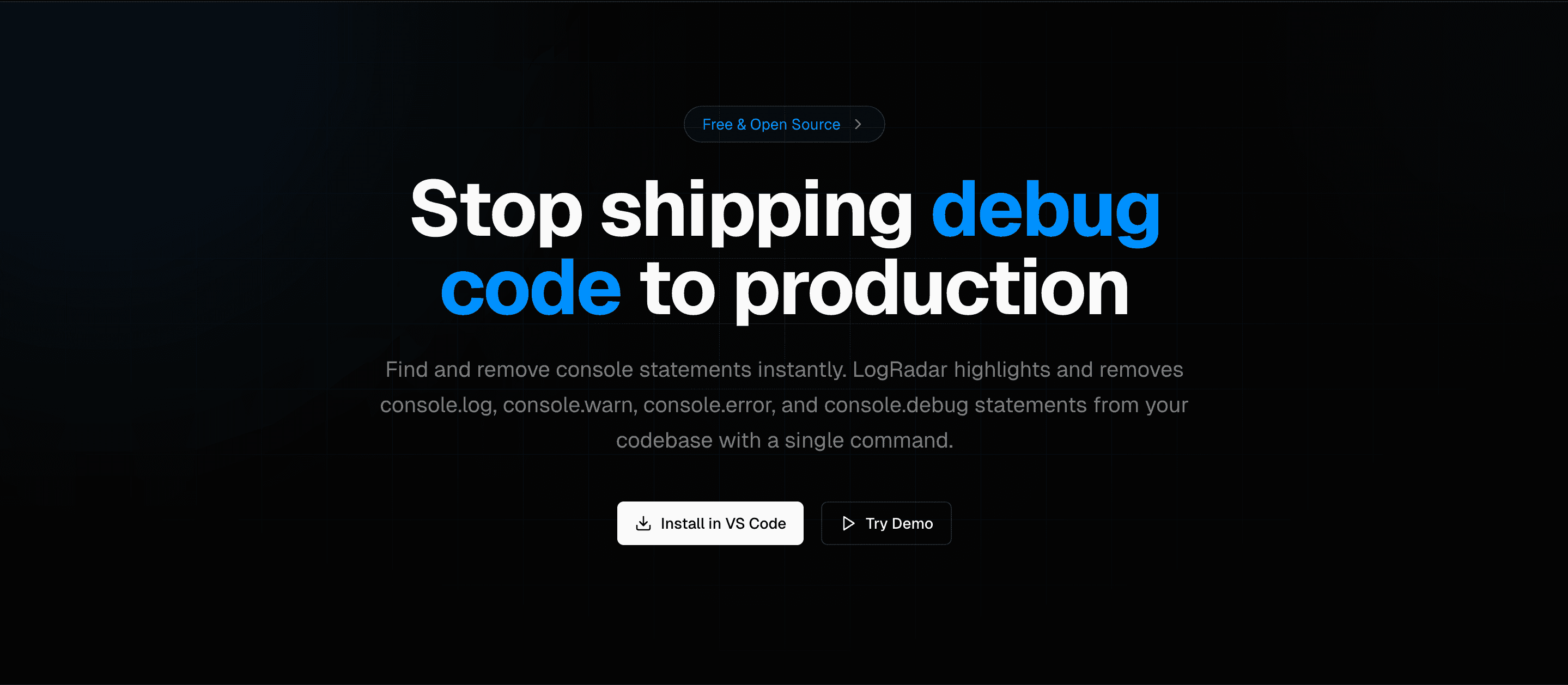
A powerful VS Code extension that helps developers find, highlight, and remove console statements from their codebase. Clean up your code before production.
Founder
Screenshots
About
We all know that sinking feeling. You've been deep in the zone, rapidly iterating on a complex feature, and you've littered your code with helpful little breadcrumbs—those `console.log()` statements that were lifesavers during debugging. But somewhere in the rush to merge and deploy, those helpful notes become silent liabilities. Shipping debug code to production isn't just sloppy; it can introduce unnecessary performance overhead, expose internal logic to end users, or simply clutter up your logs, making real issues impossible to spot. That's where LogRadar steps in, acting as your vigilant co-pilot right inside Visual Studio Code. This isn't just another linter; it’s a dedicated tool designed to give you peace of mind before you hit that deploy button. LogRadar scans your entire project with surgical precision, instantly identifying every single console statement, whether it’s a simple log, a warning, or an error call. It transforms the tedious, manual process of hunting down these forgotten remnants into an instantaneous, visual experience, ensuring your production environment remains clean, secure, and focused purely on delivering value to your users, not on tracking your past debugging sessions.
LogRadar brings an unparalleled level of clarity to your codebase management. Imagine opening a large file and immediately seeing every single debugging artifact highlighted, categorized, and ready for action. This extension doesn't just point out the problem; it empowers you to fix it immediately within the context you are already working in. By integrating seamlessly into your daily workflow within VS Code, LogRadar removes the friction associated with code cleanup. It understands that developers need speed and accuracy, so it provides intelligent highlighting that makes distinguishing between necessary logging (if any) and leftover debug noise incredibly straightforward. This proactive approach saves valuable time during code reviews and drastically reduces the risk of embarrassing or costly production mishaps caused by extraneous output. It’s about building better software, faster, by eliminating the technical debt hidden in plain sight.
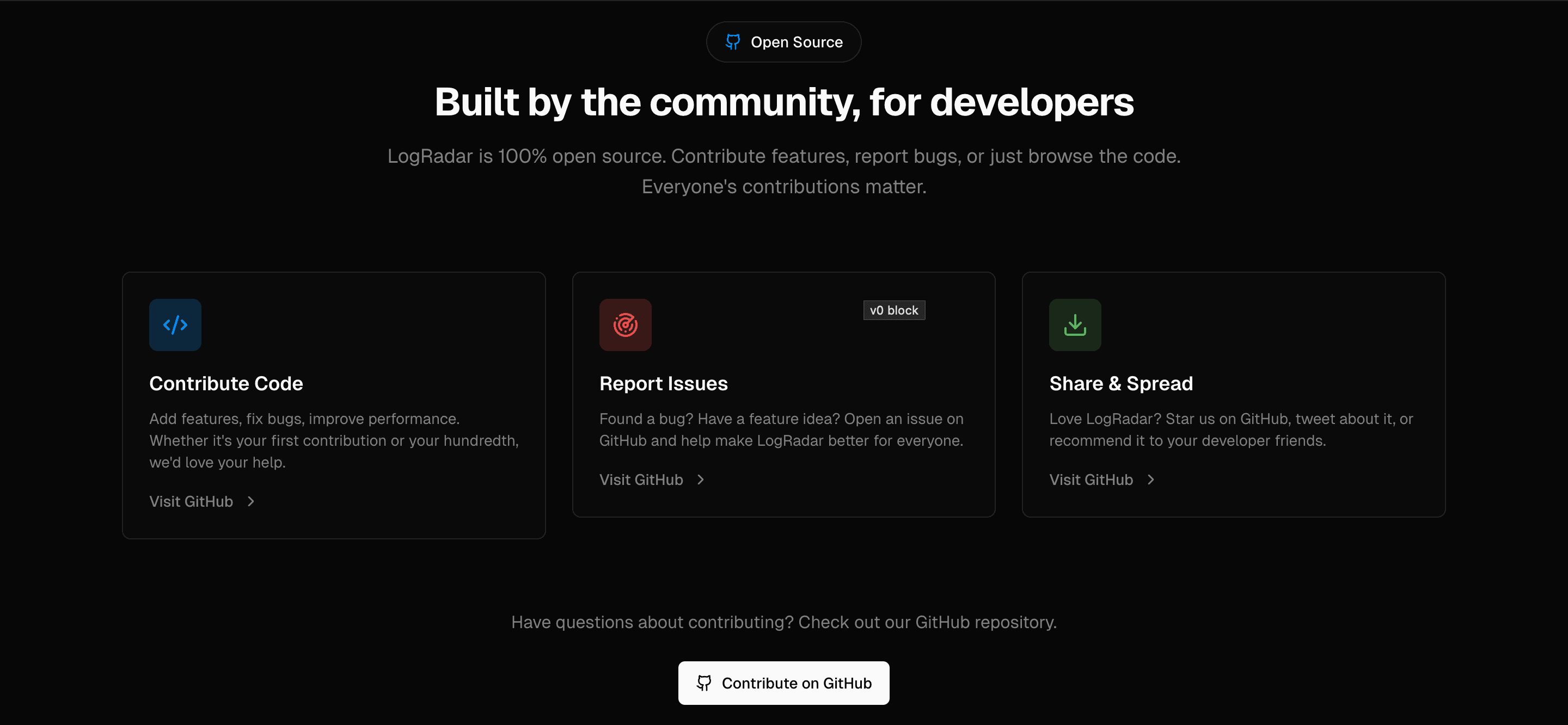
Ultimately, adopting LogRadar is an investment in professional discipline and code quality. It’s about establishing a reliable, automated gatekeeper that protects your application’s integrity from the moment you start typing until the final commit. For teams striving for cleaner deployments, better performance metrics, and more trustworthy logs, this tool becomes indispensable. It’s open source, meaning it benefits from community scrutiny and continuous improvement, ensuring it stays sharp against evolving JavaScript and TypeScript environments. Stop letting those forgotten console logs sneak into your live environment. Embrace LogRadar and gain the confidence that every line of code heading to production has been meticulously polished, leaving behind only the high-quality, performant features your users expect.