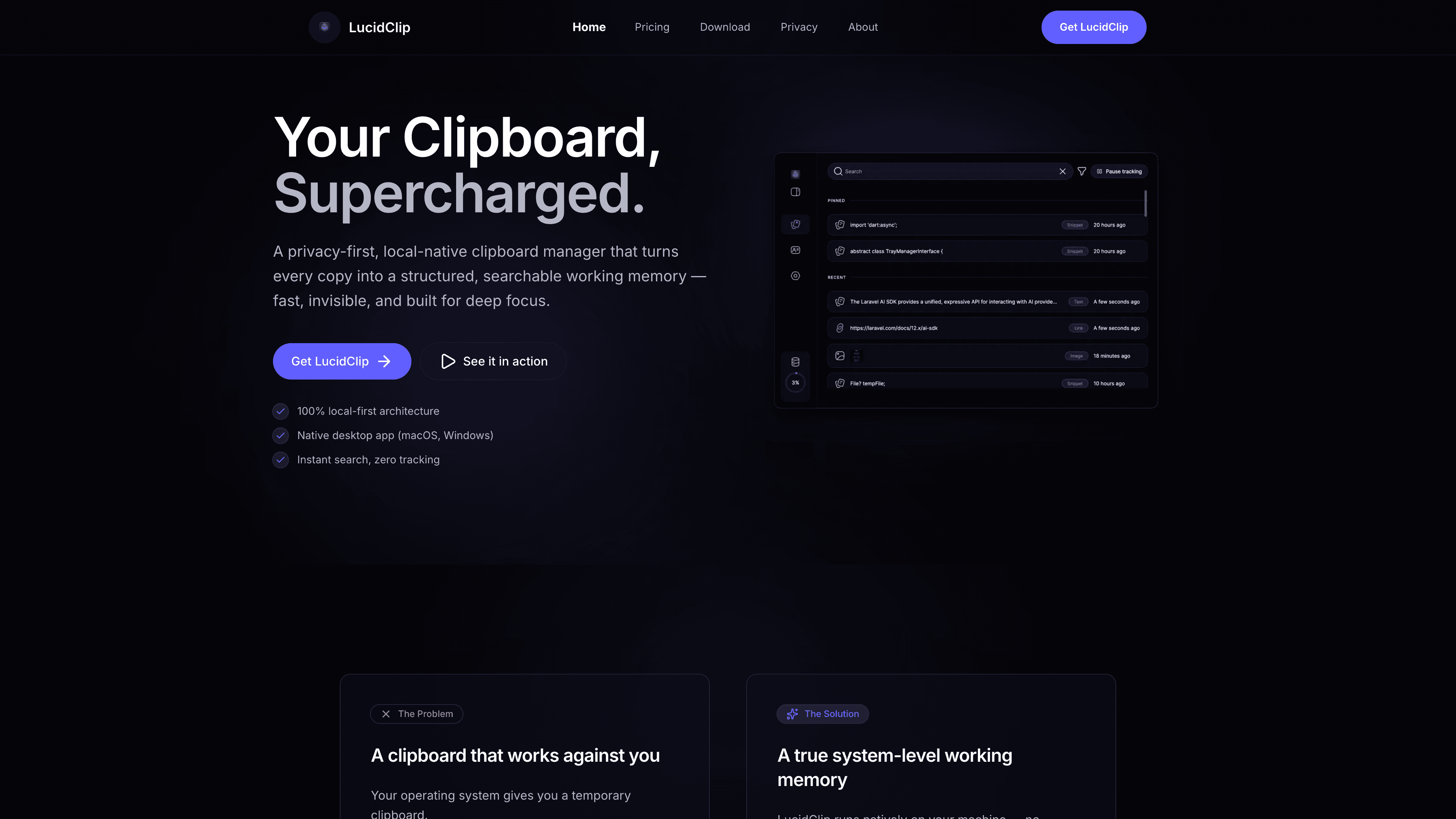
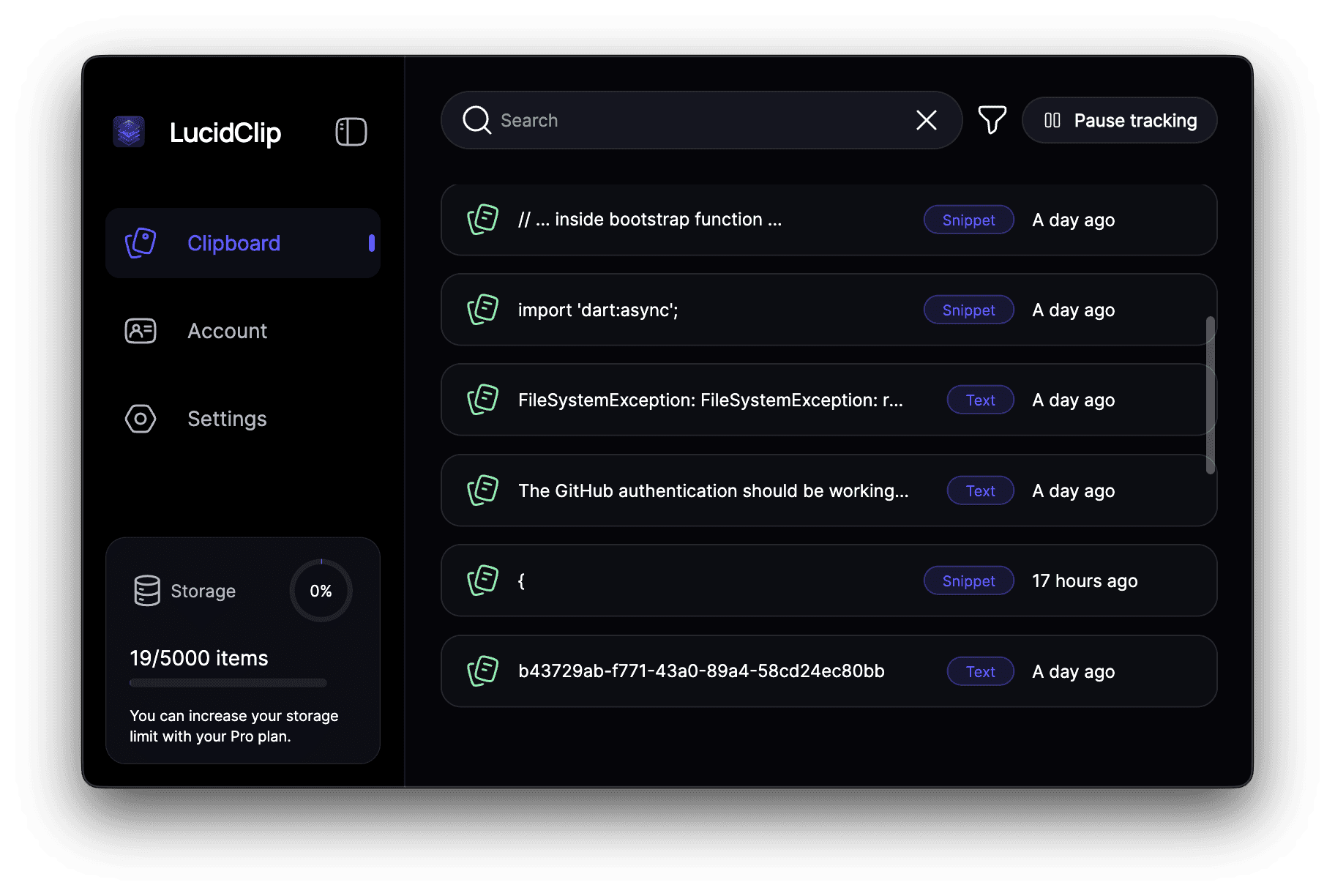
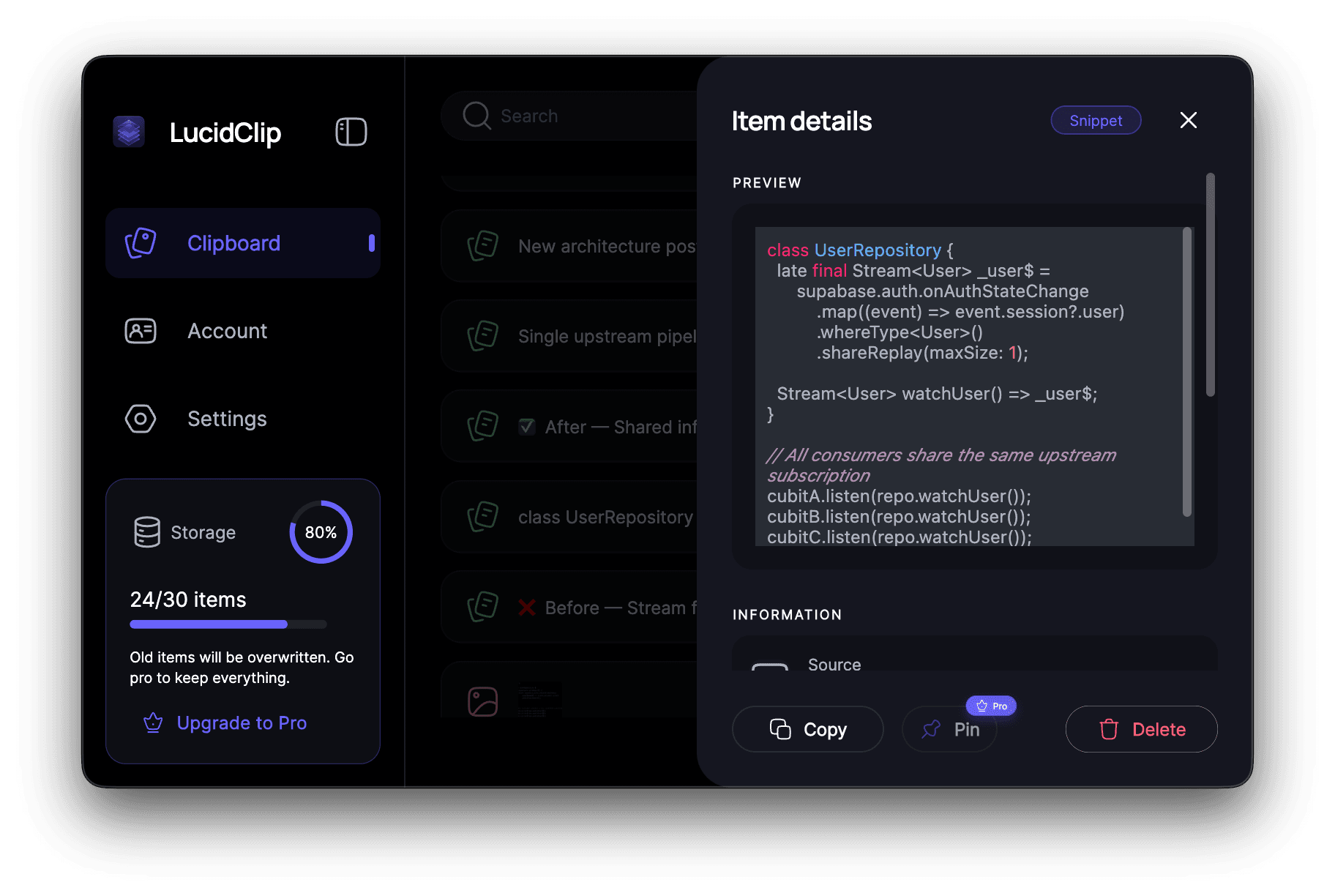
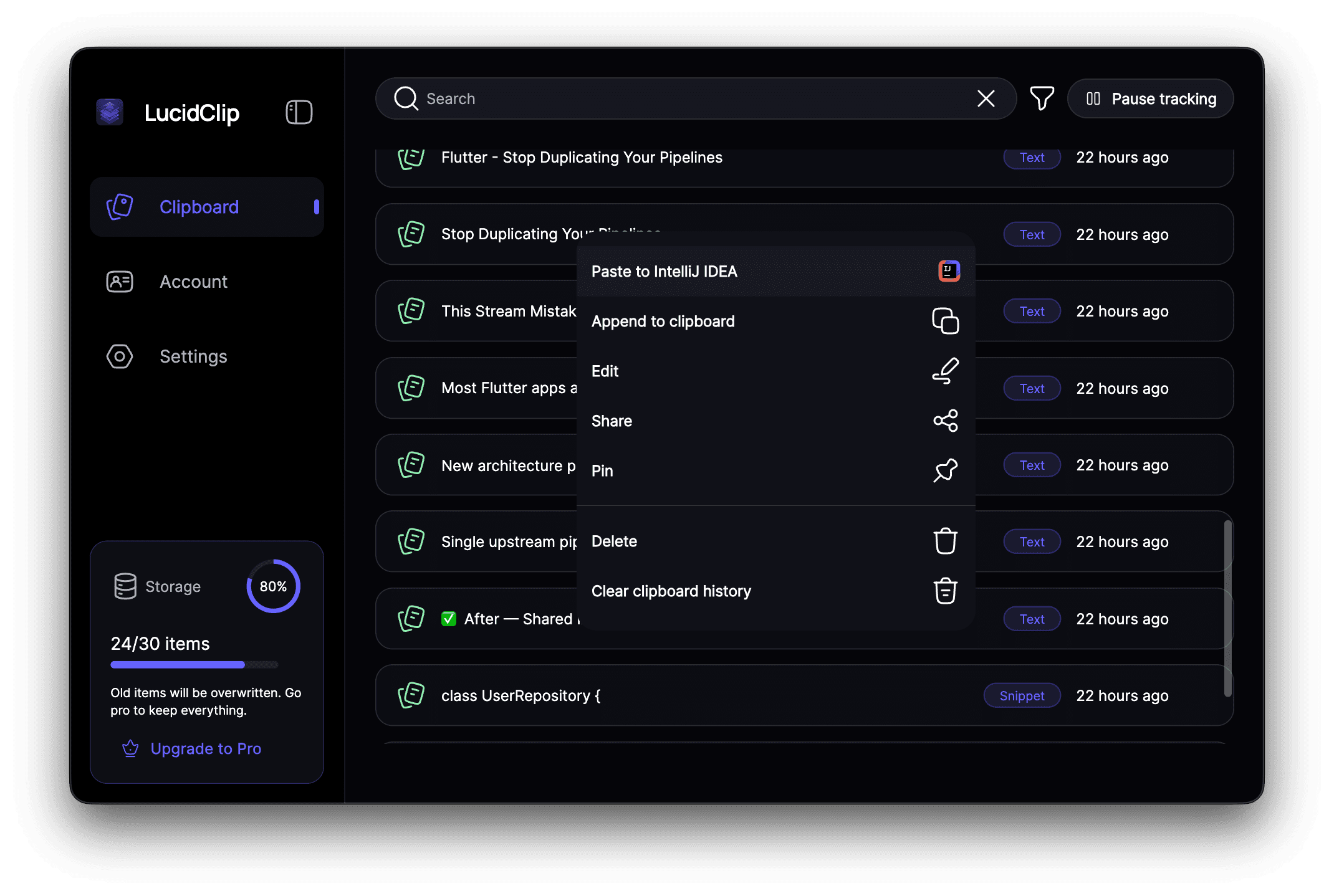
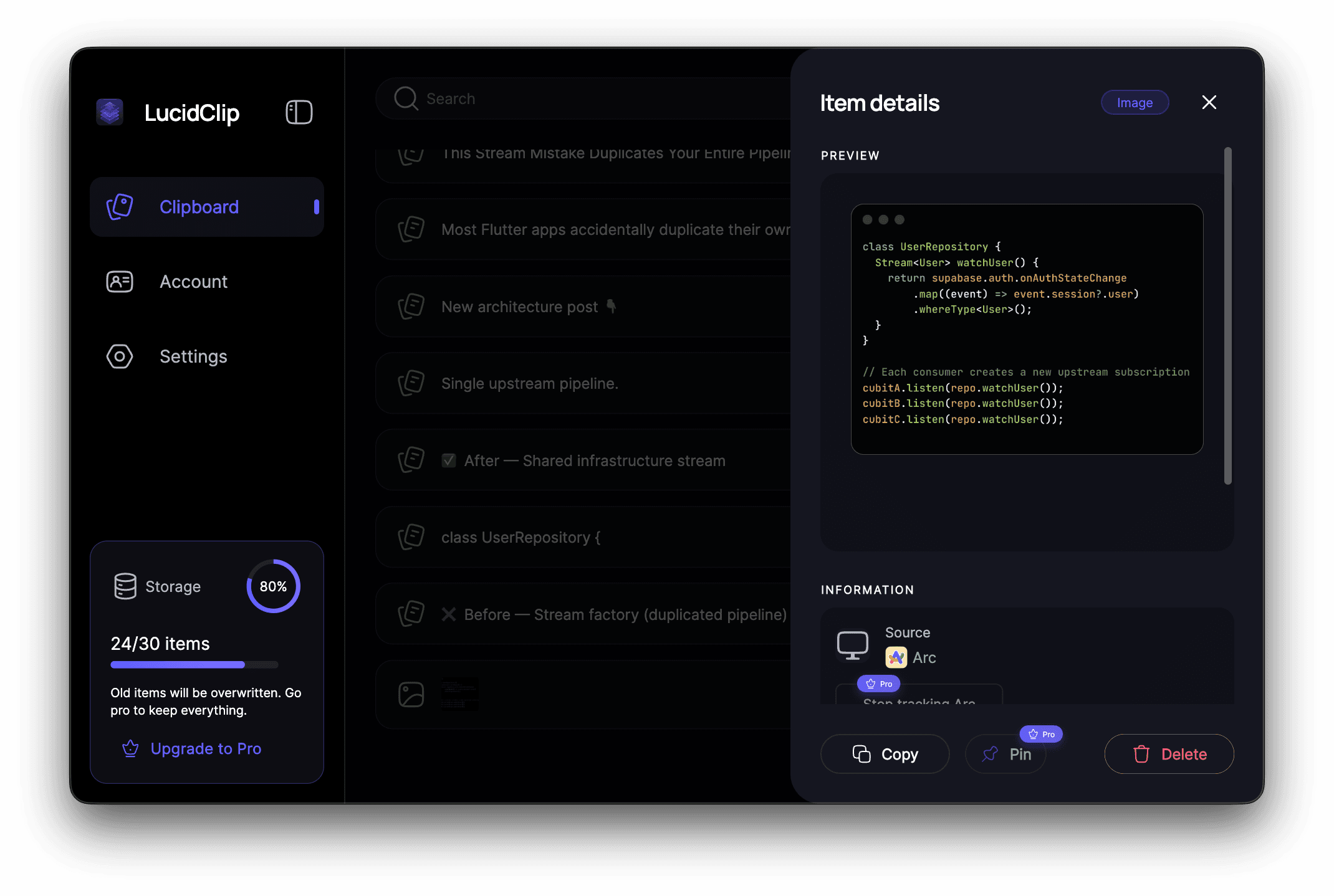
LucidClip is a native, privacy-first clipboard manager for macOS and desktop platforms. It stores everything locally, gives you full control over retention and exclusions, and lets you instantly access your clipboard history. No cloud. No tracking. Your data stays on your device.
Founder
Screenshots
About
Tired of wondering where your copied information goes once it leaves your screen? Meet LucidClip, the clipboard manager built from the ground up with one core principle: absolute privacy. In today's digital world, copying sensitive data like passwords, client details, or proprietary code snippets shouldn't feel like sending a postcard through the public mail. LucidClip solves this by operating entirely locally on your macOS device. That means every single item you copy—text, links, images—is stored securely right there on your hard drive, never touching a remote server, never being analyzed by third parties, and certainly never being tracked. This isn't just a feature; it's peace of mind delivered directly to your workflow. You gain the incredible efficiency of instantly recalling history, while maintaining complete sovereignty over your most sensitive digital crumbs, ensuring that what you copy stays yours, period.
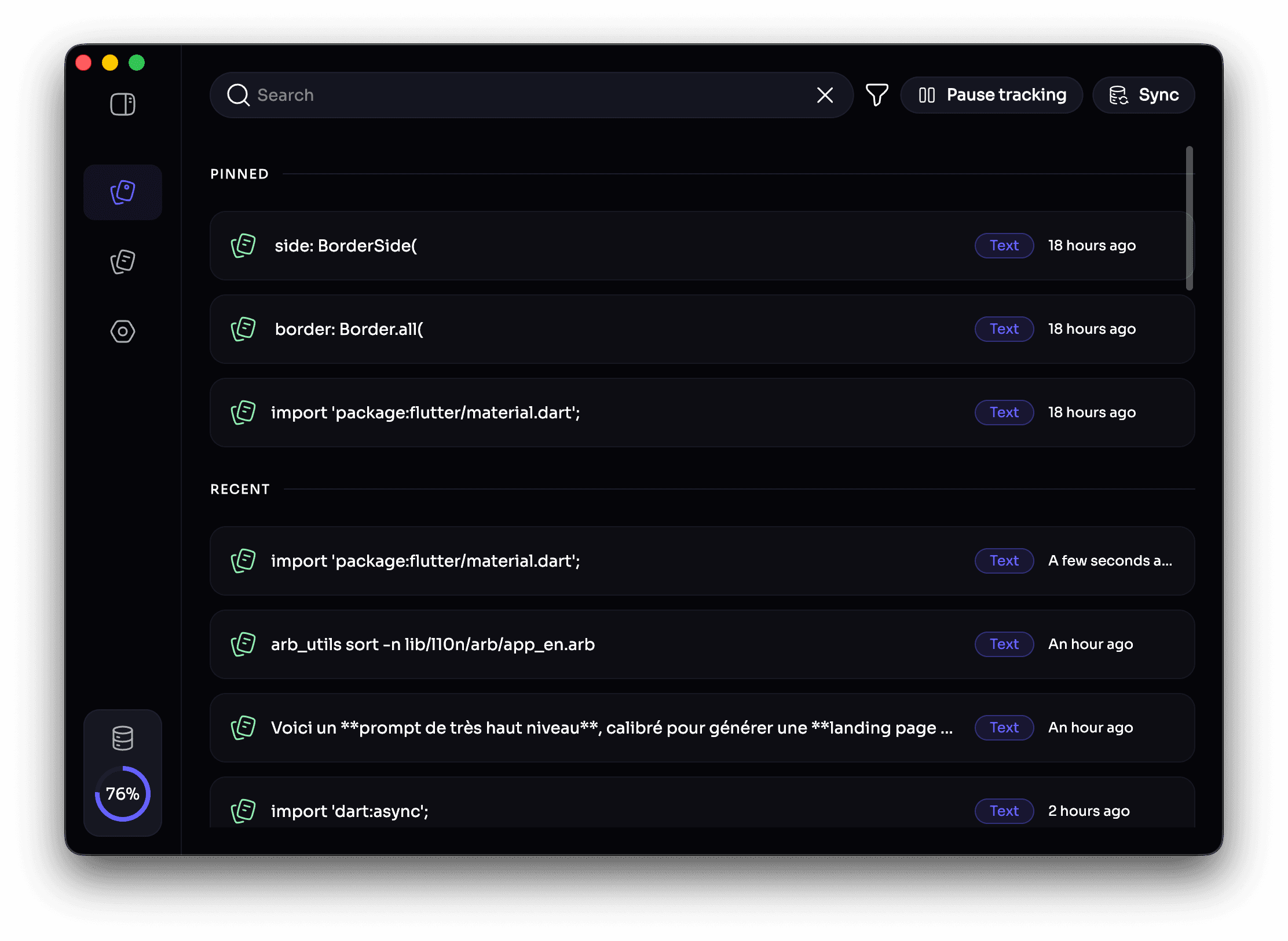
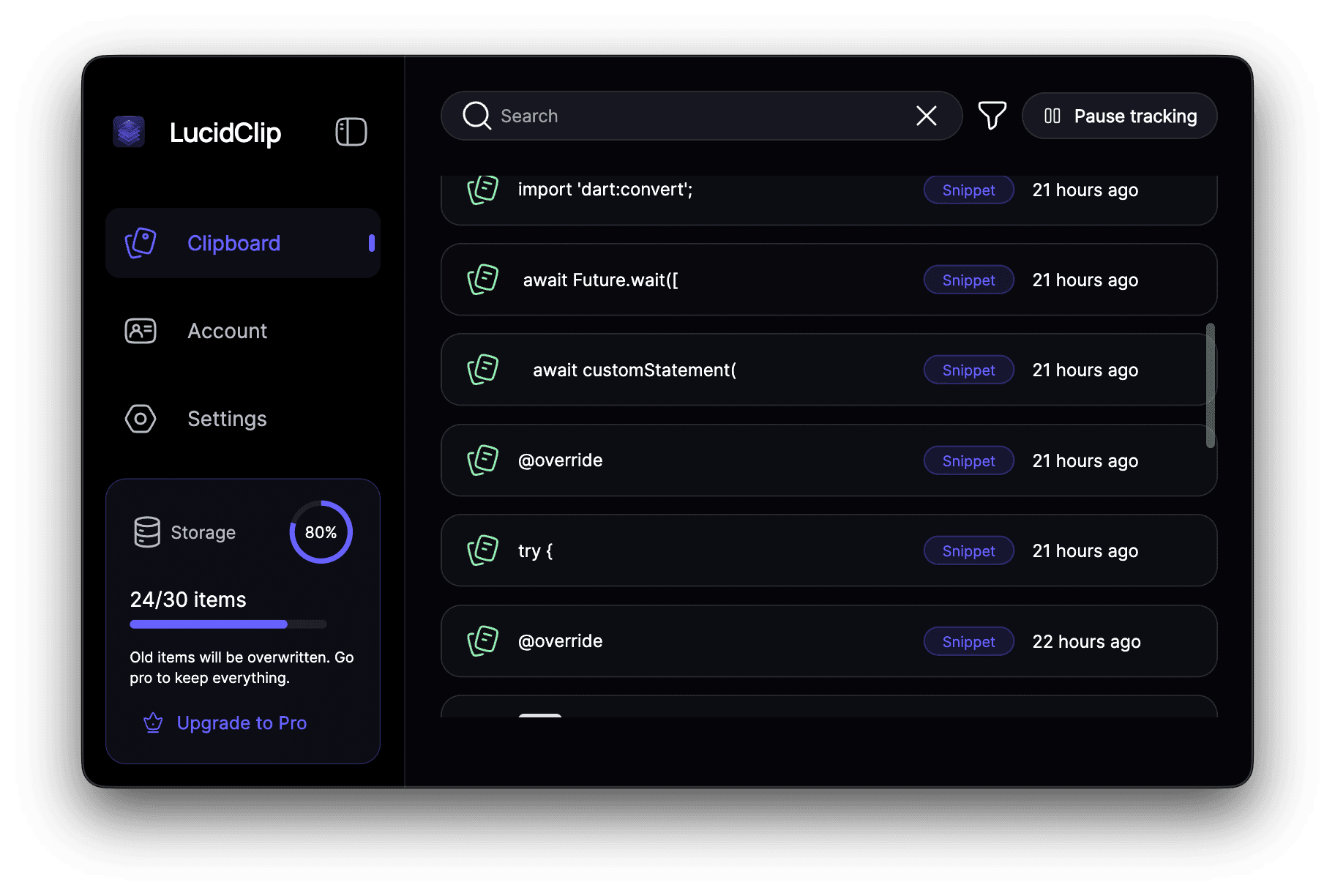
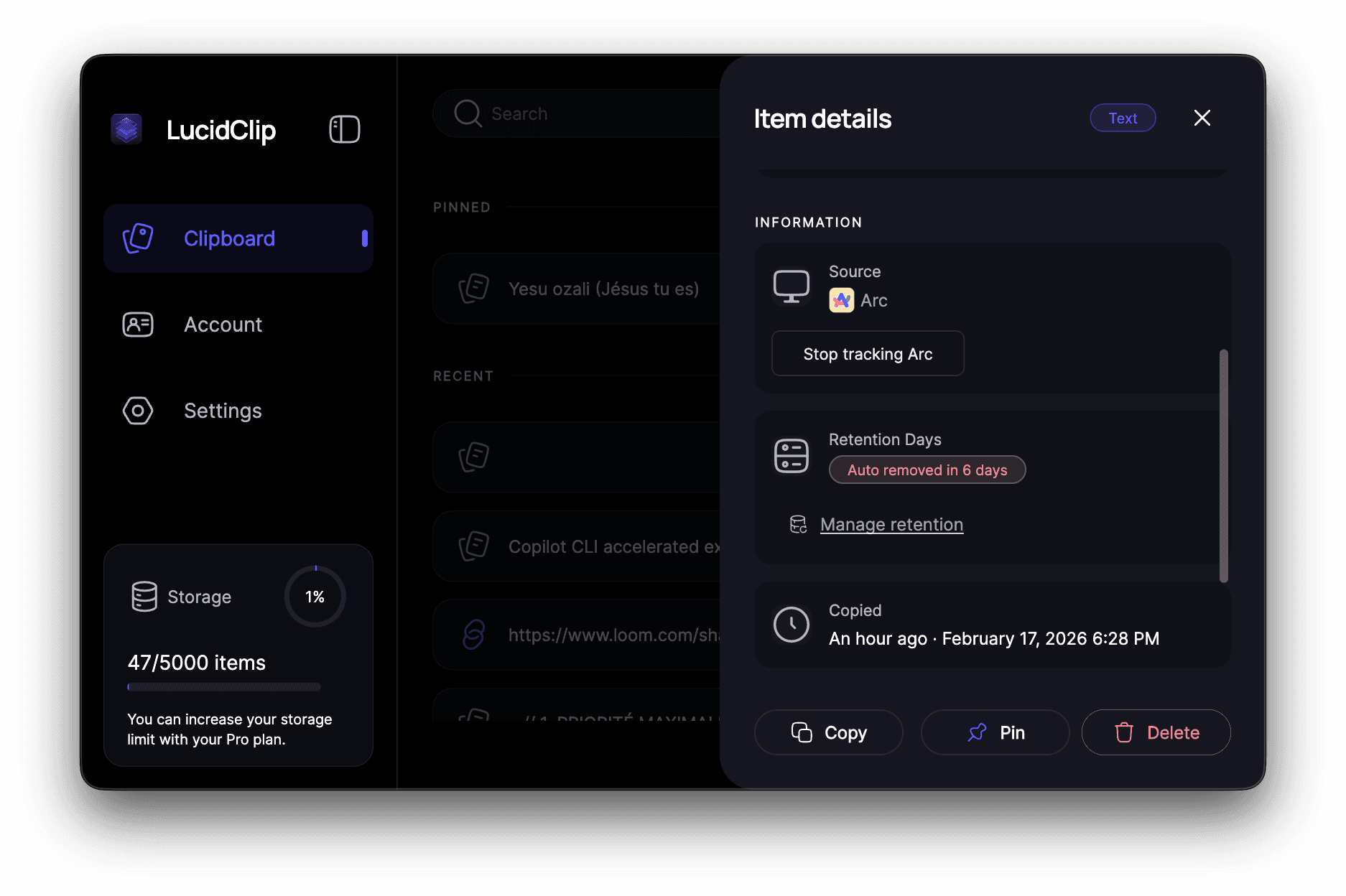
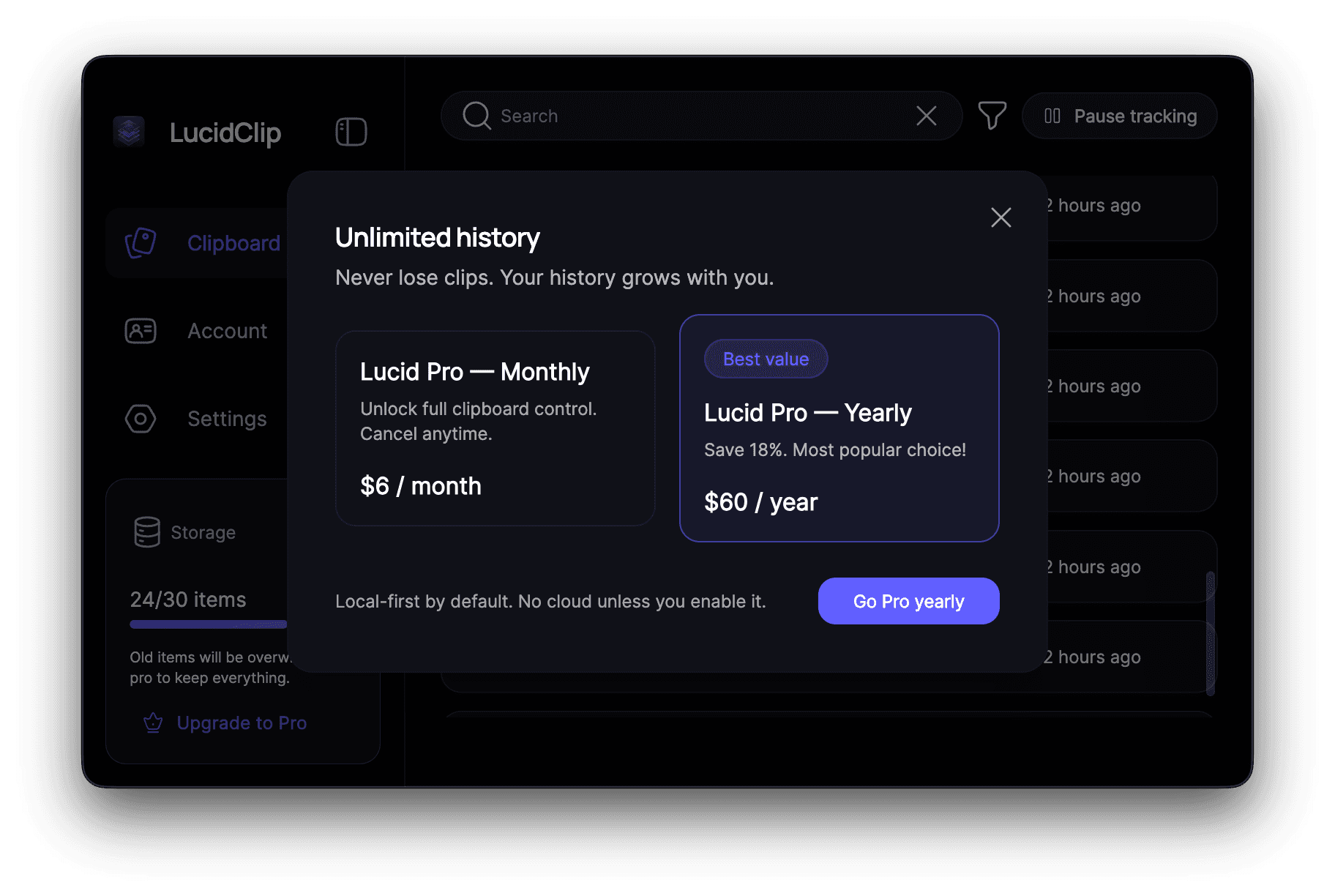
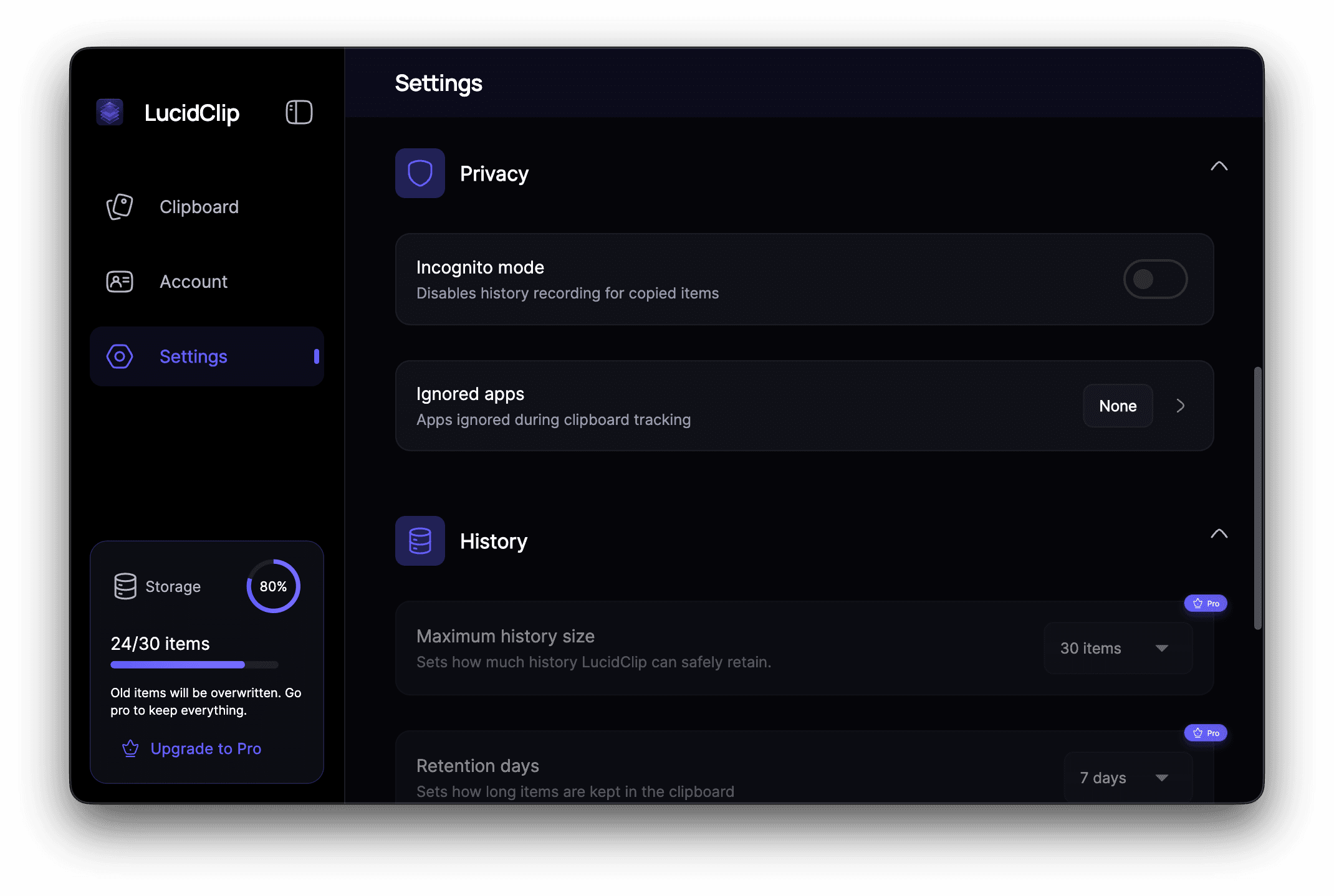
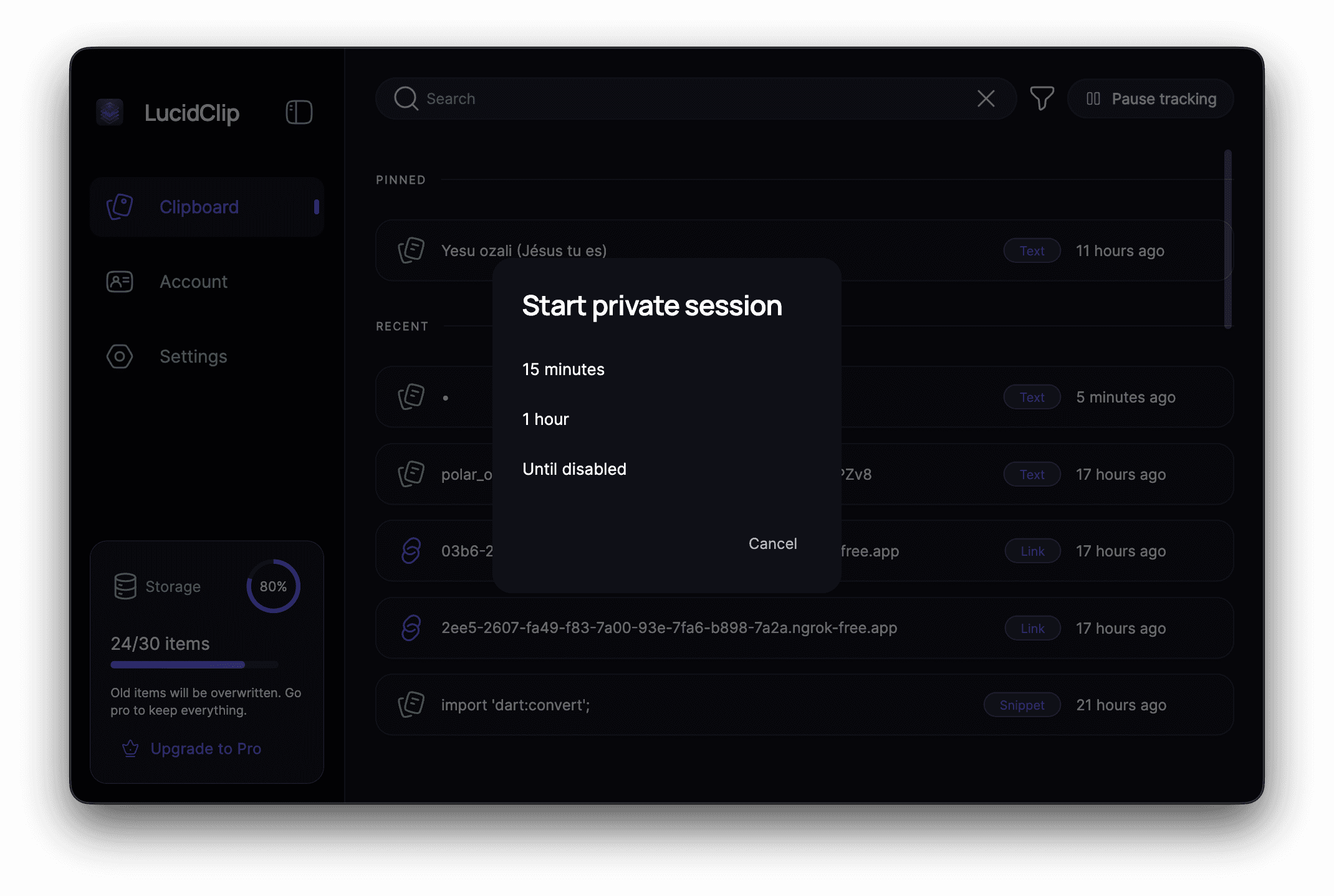
LucidClip puts you firmly in the driver's seat when it comes to managing your history. We understand that not everything you copy is meant to be saved forever, or perhaps some things should never be saved at all. That's why we give you granular control over retention policies. You can easily set custom rules for how long items live in your history before they are automatically purged, ensuring your clipboard doesn't become a cluttered digital attic. Furthermore, for those moments when you copy something truly confidential, you have the power to define exclusion lists. Simply tell LucidClip to ignore specific applications or types of content, and it respects those boundaries without fail. This level of fine tuned control transforms the clipboard from a simple temporary holding spot into a powerful, yet completely secure, productivity tool designed for professionals, developers, and anyone who values data integrity above all else.
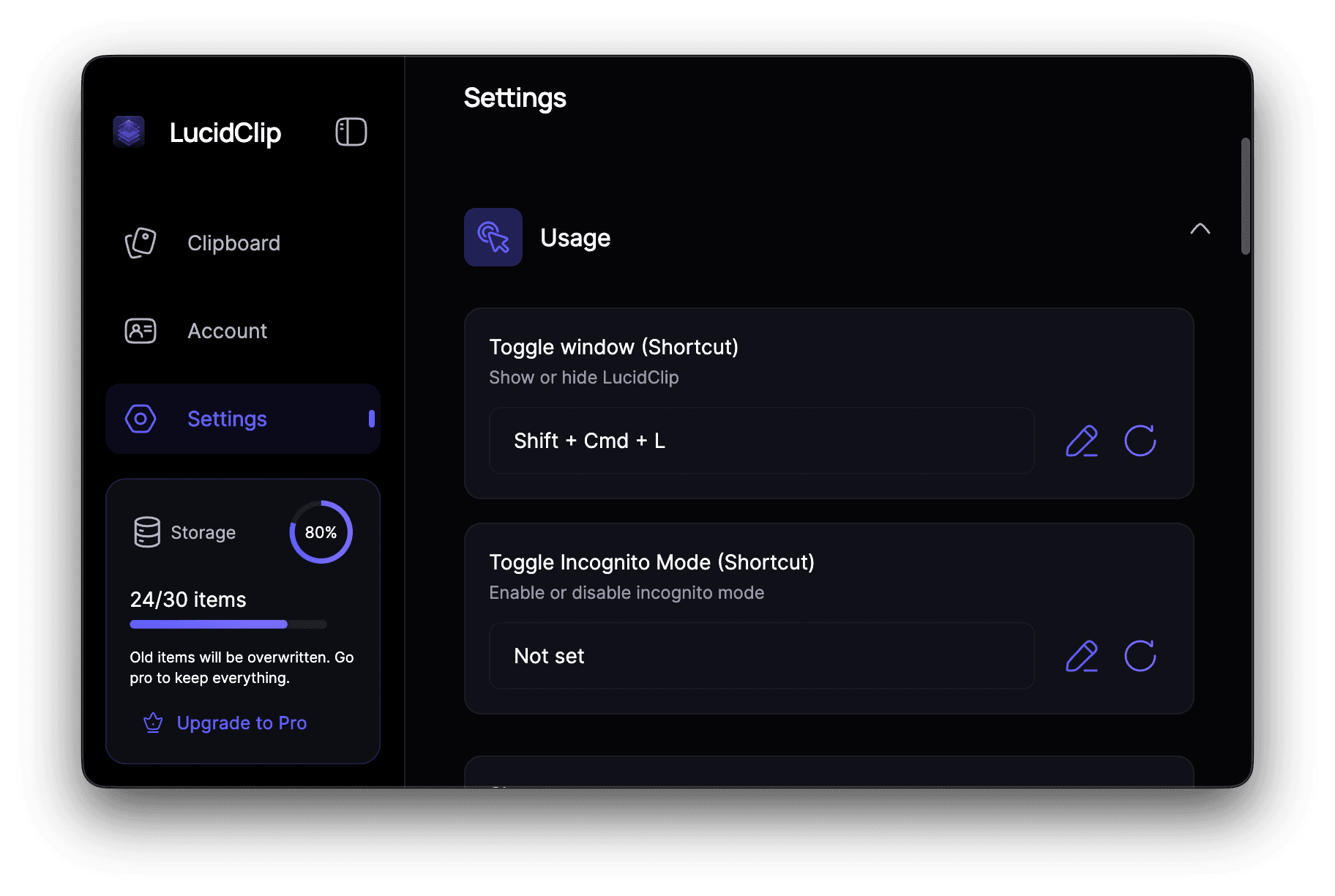
Imagine the boost to your daily efficiency. Instead of constantly switching windows or digging through old documents to find that one line of code or that specific URL you copied an hour ago, LucidClip makes it instantly accessible with a simple shortcut. It integrates seamlessly into your existing desktop environment, offering a native, responsive experience that feels like a natural extension of your operating system. For developers who frequently juggle snippets, or power users managing complex projects, the ability to recall context instantly saves significant time and reduces mental friction. LucidClip is more than just a history log; it’s a silent, secure partner that maximizes your focus by handling the retrieval, so you can concentrate on creating, building, and achieving your goals without ever compromising your digital security.