
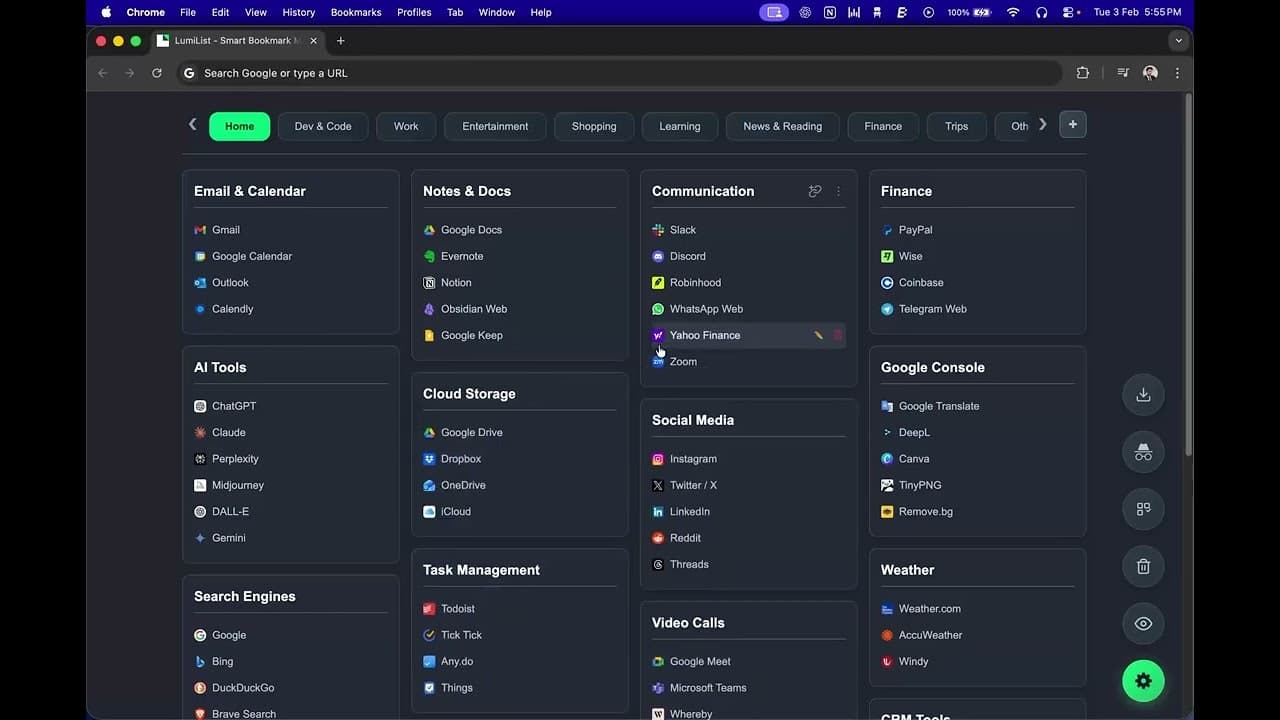
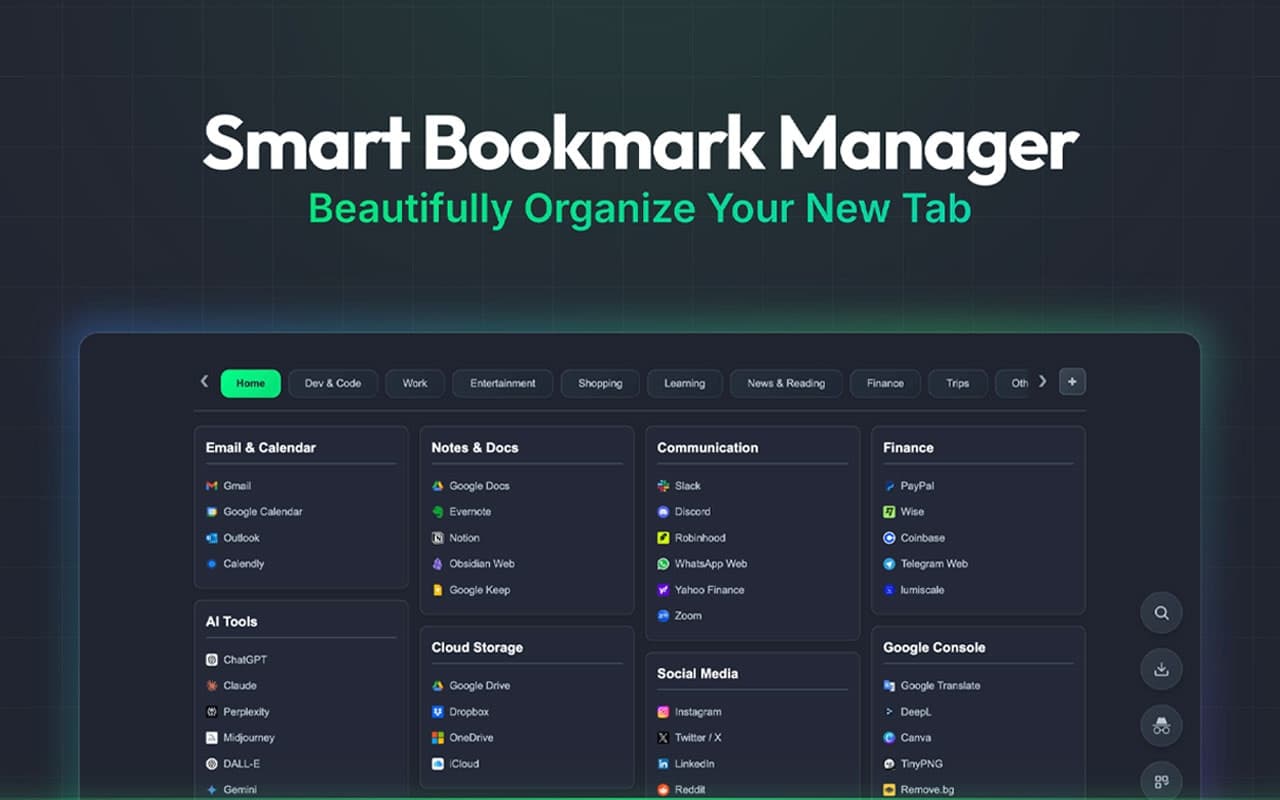
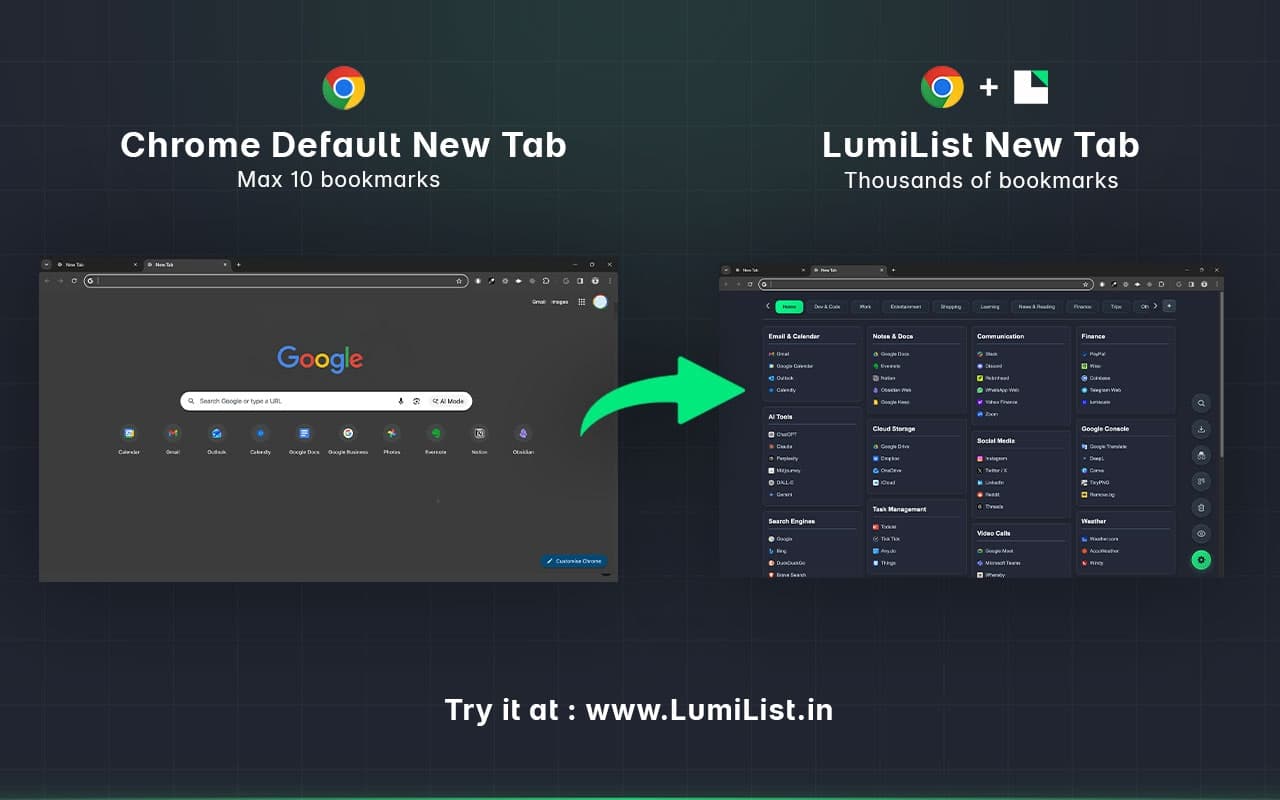
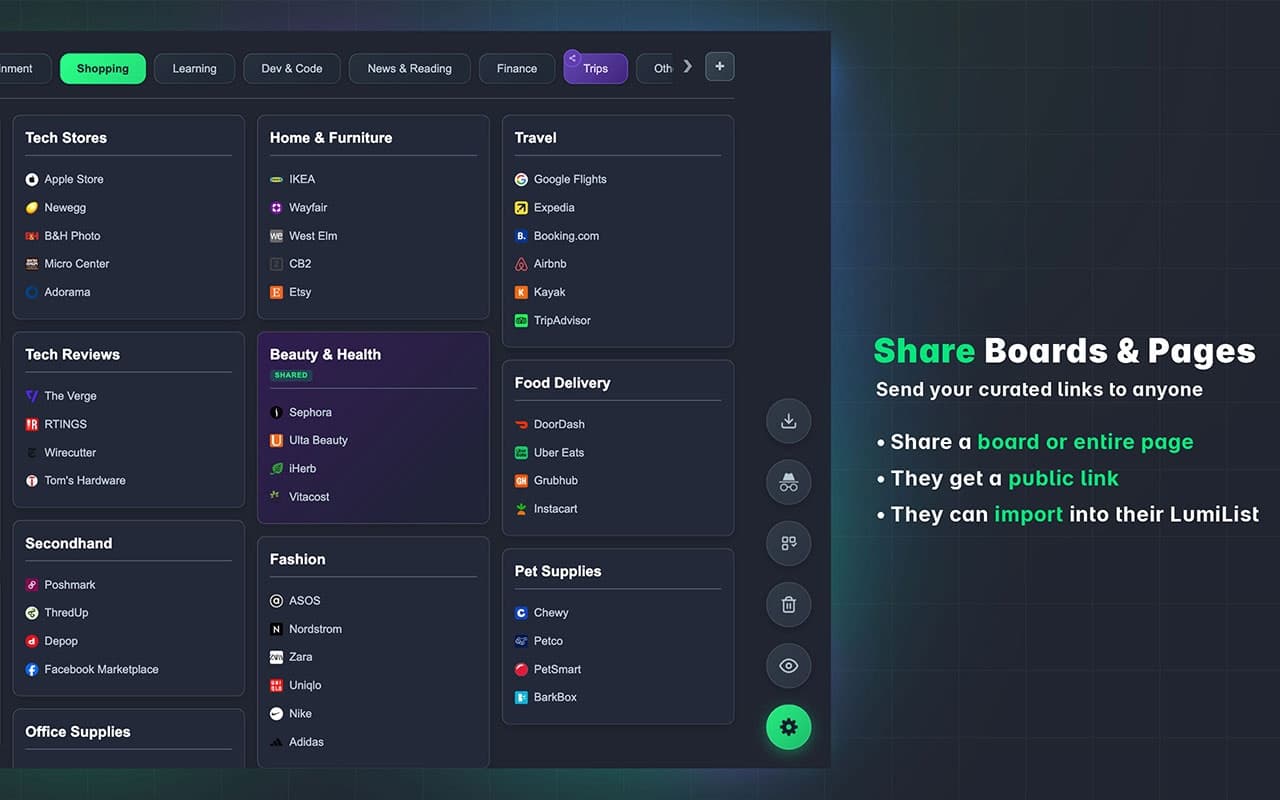
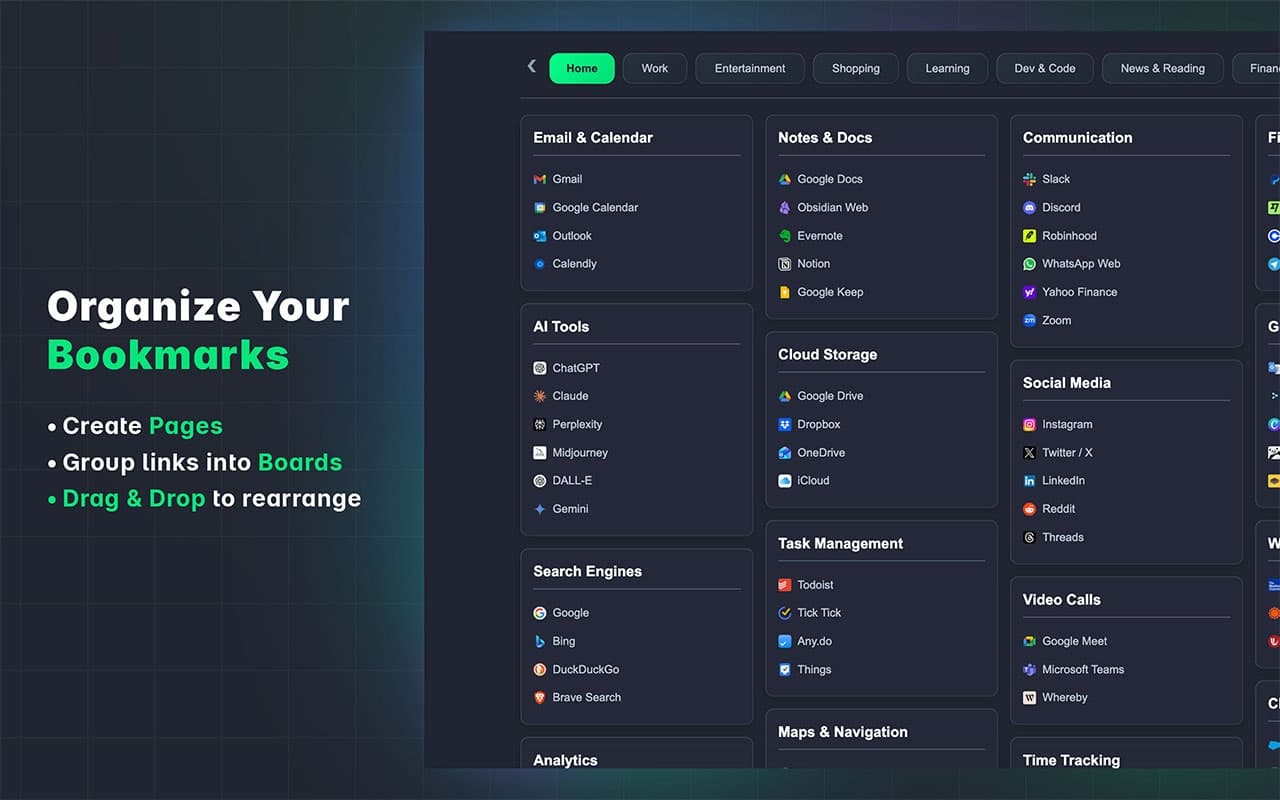
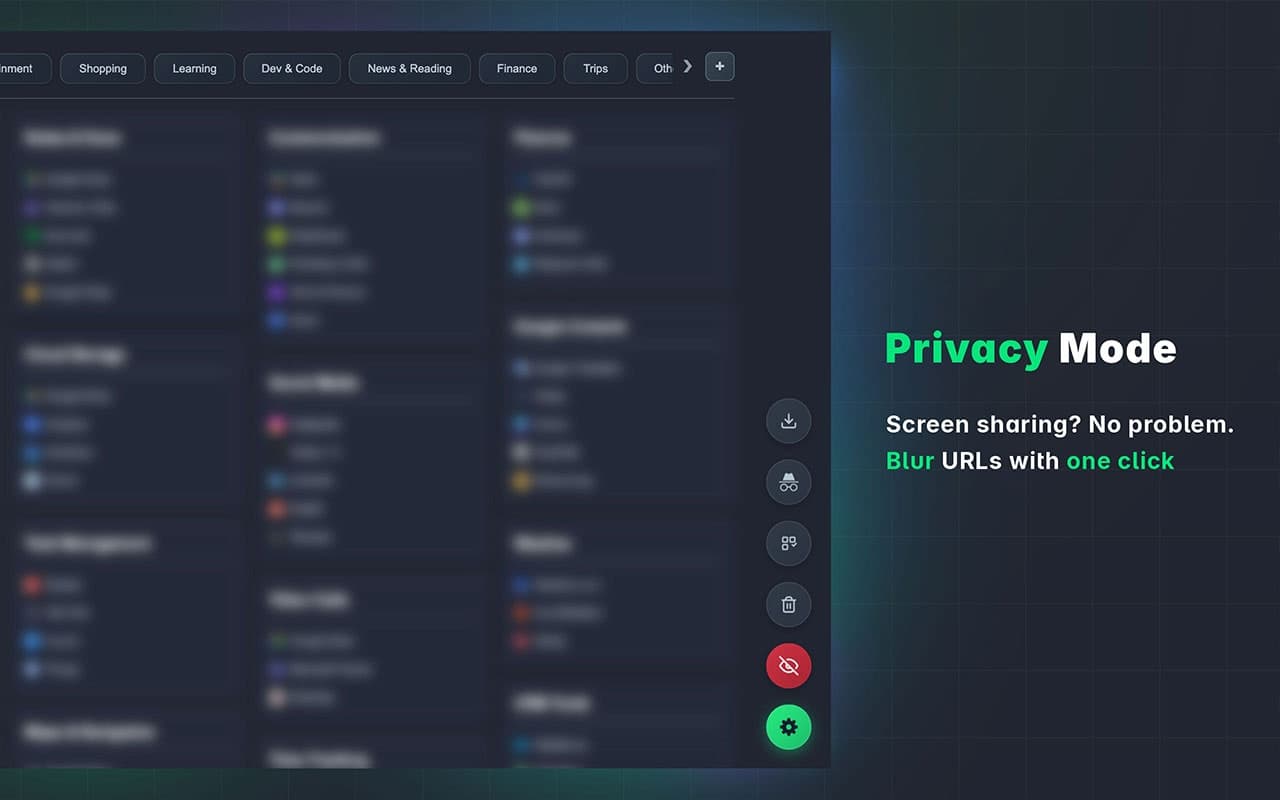
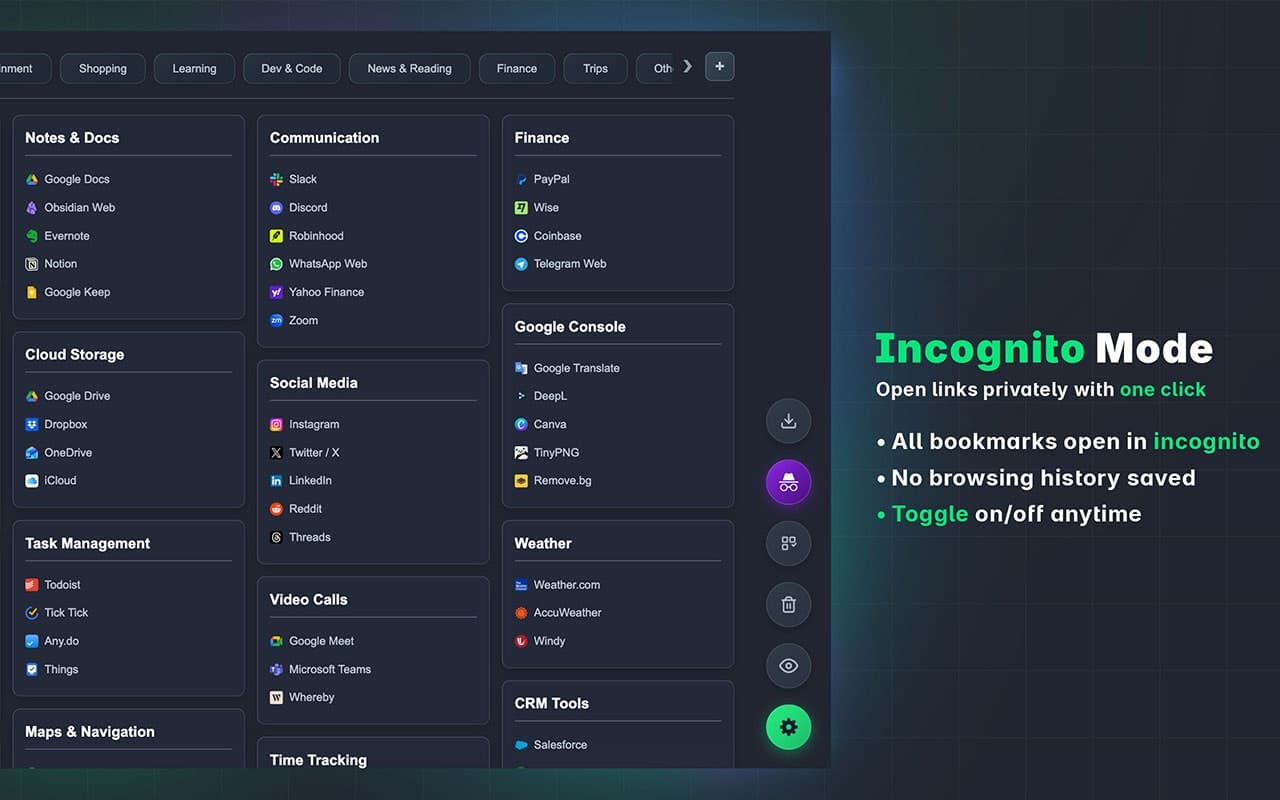
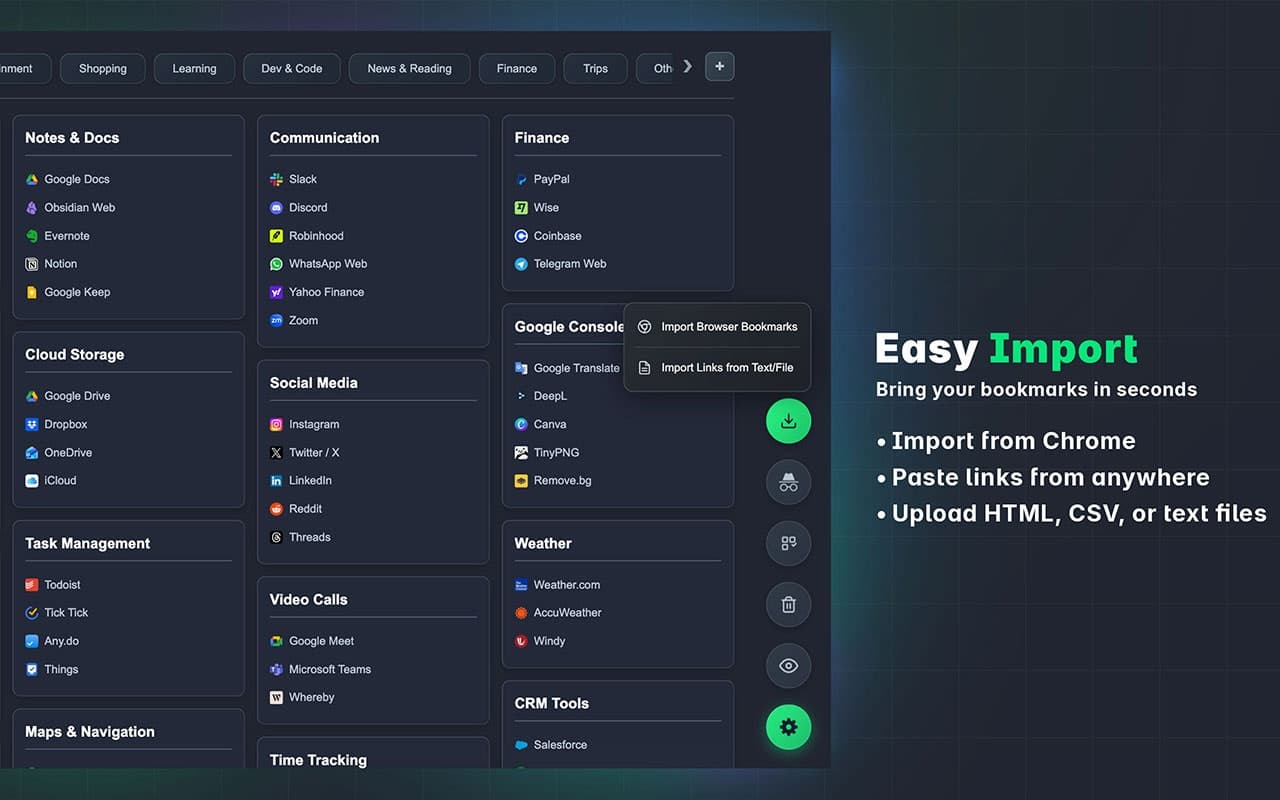
LumiList replaces Chrome’s default new tab with a visual bookmark workspace. Organize links into pages and drag-and-drop boards, save instantly with Ctrl/Cmd+B, search quickly, and import existing bookmarks. Use privacy blur and incognito open for safer browsing. Sign in with Google to optionally sync across devices.see more
Founder
Screenshots
About
Are you tired of the clutter and distraction that comes with your browser's default new tab page? Imagine instantly transforming that blank slate into a powerful, personalized command center for your most important web resources. LumiList is here to revolutionize how you manage your digital life by replacing the standard new tab with a beautifully visual and incredibly intuitive workspace for your bookmarks. This isn't just another bookmark manager; it’s a dynamic environment where organization happens naturally. You can effortlessly group related links onto separate, clearly labeled pages, making context switching seamless whether you are jumping between work projects, research topics, or personal interests. The drag-and-drop board functionality means arranging and prioritizing your links feels less like a chore and more like organizing physical notes on a desk. Plus, we’ve made saving links lightning fast—a simple Ctrl+Cmd+B command instantly captures the page you are viewing, ensuring you never lose a valuable resource again. The integrated quick search means that even as your collection grows, finding that one specific link is always just a few keystrokes away, eliminating endless scrolling through traditional bookmark menus.
What truly sets LumiList apart is its commitment to both efficiency and your peace of mind. We understand that productivity shouldn't come at the cost of privacy. That’s why LumiList offers features like privacy blur to obscure sensitive information on your workspace when others might glance over your shoulder, and the option to open links directly in incognito mode, giving you control over your browsing footprint. For those who jump between multiple computers or devices throughout the day, we offer optional Google sign-in to securely sync your entire visual workspace across all your Chrome installations, ensuring consistency wherever you log in. This level of integration means your curated productivity hub is always ready, whether you are starting your day at the office or wrapping up research from home. It’s about creating a focused environment tailored precisely to how you work and learn, turning wasted moments searching for links into valuable time spent creating or consuming content.
Stop letting your browser default dictate your workflow. LumiList empowers you to take control of your digital starting point, fostering a more organized, focused, and efficient browsing experience from the very first click. It’s the smart way to keep your web knowledge organized, accessible, and visually appealing. Give your productivity a visual upgrade and see how quickly LumiList becomes an indispensable part of your daily routine.