
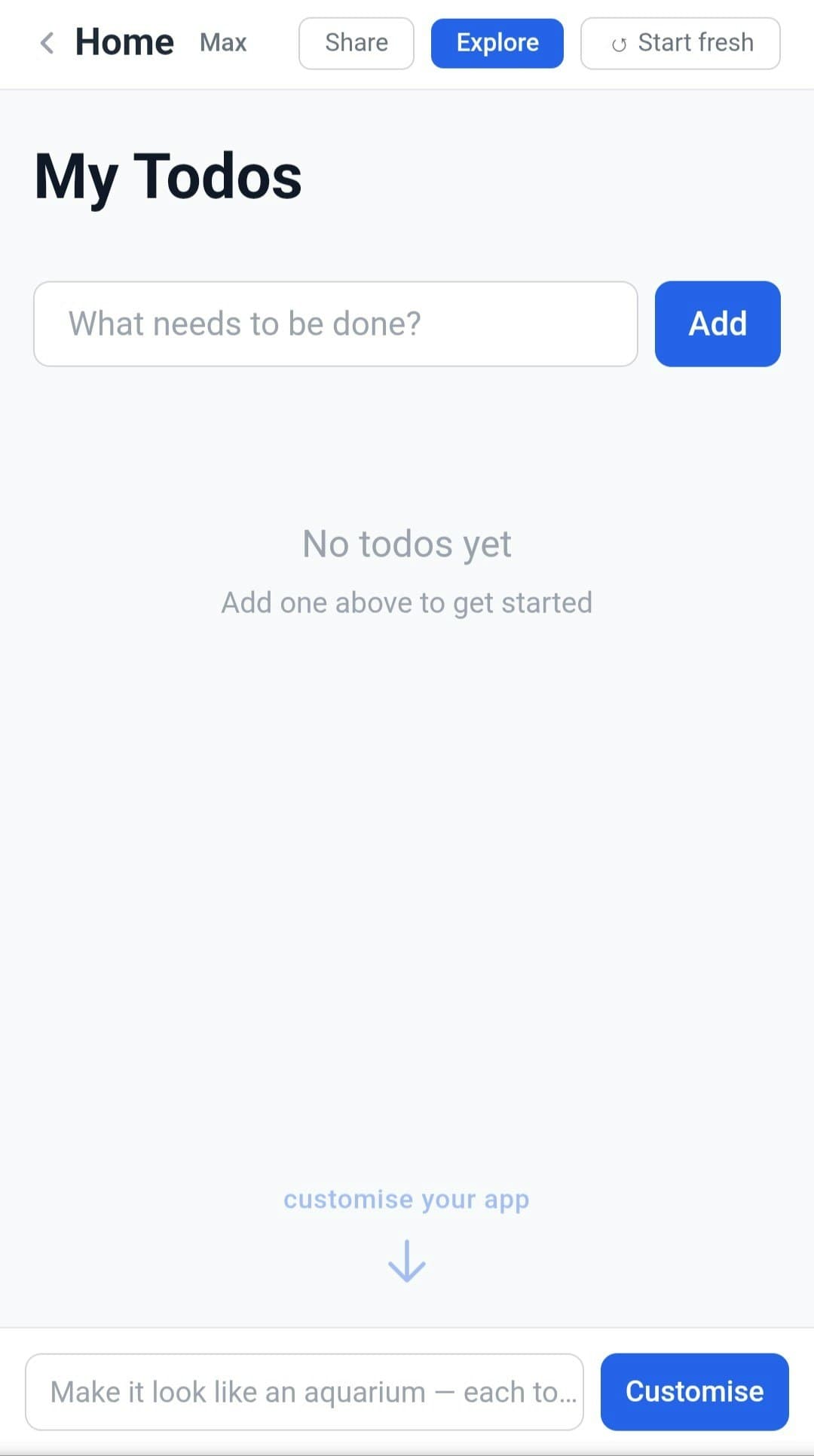
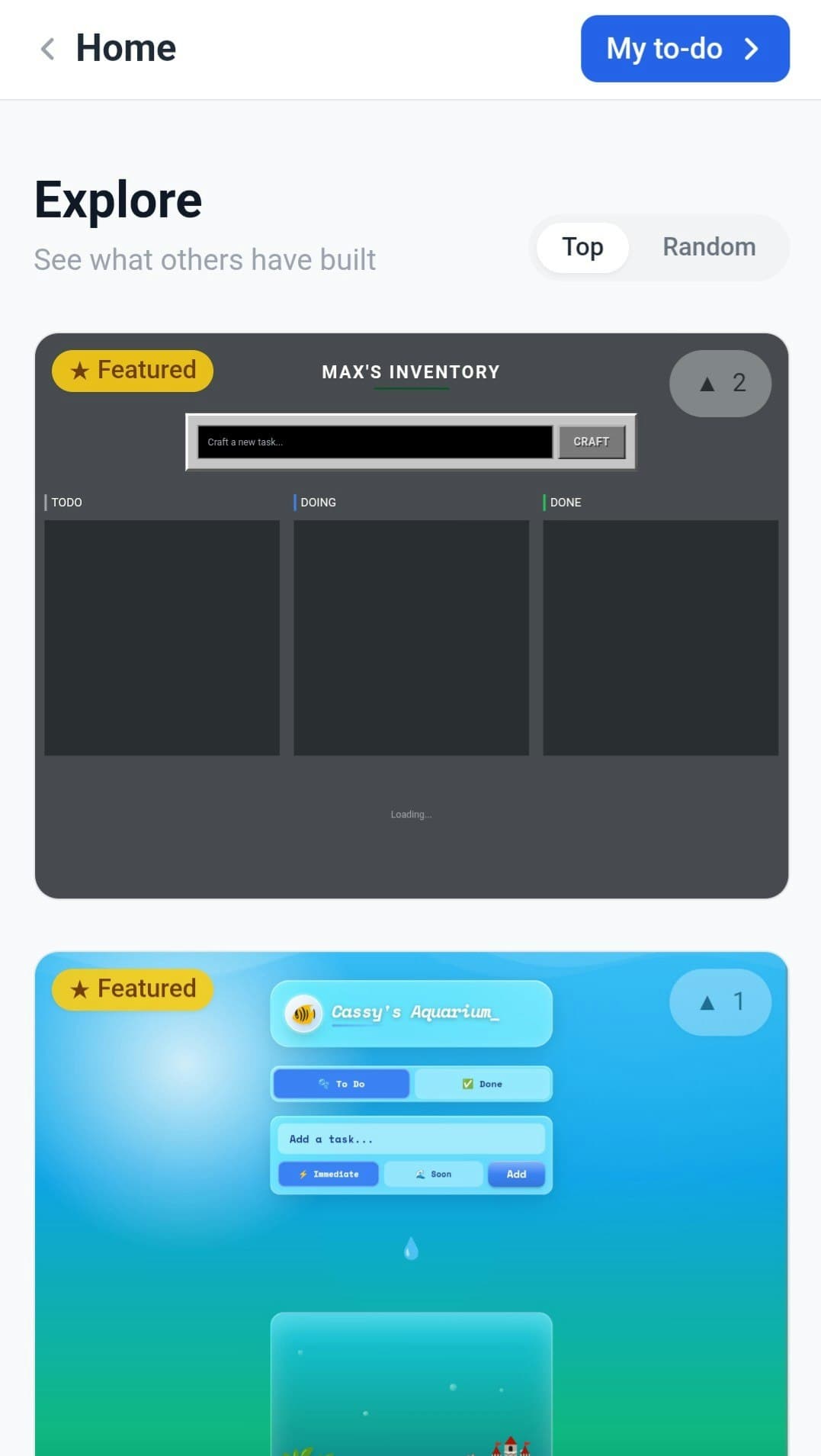
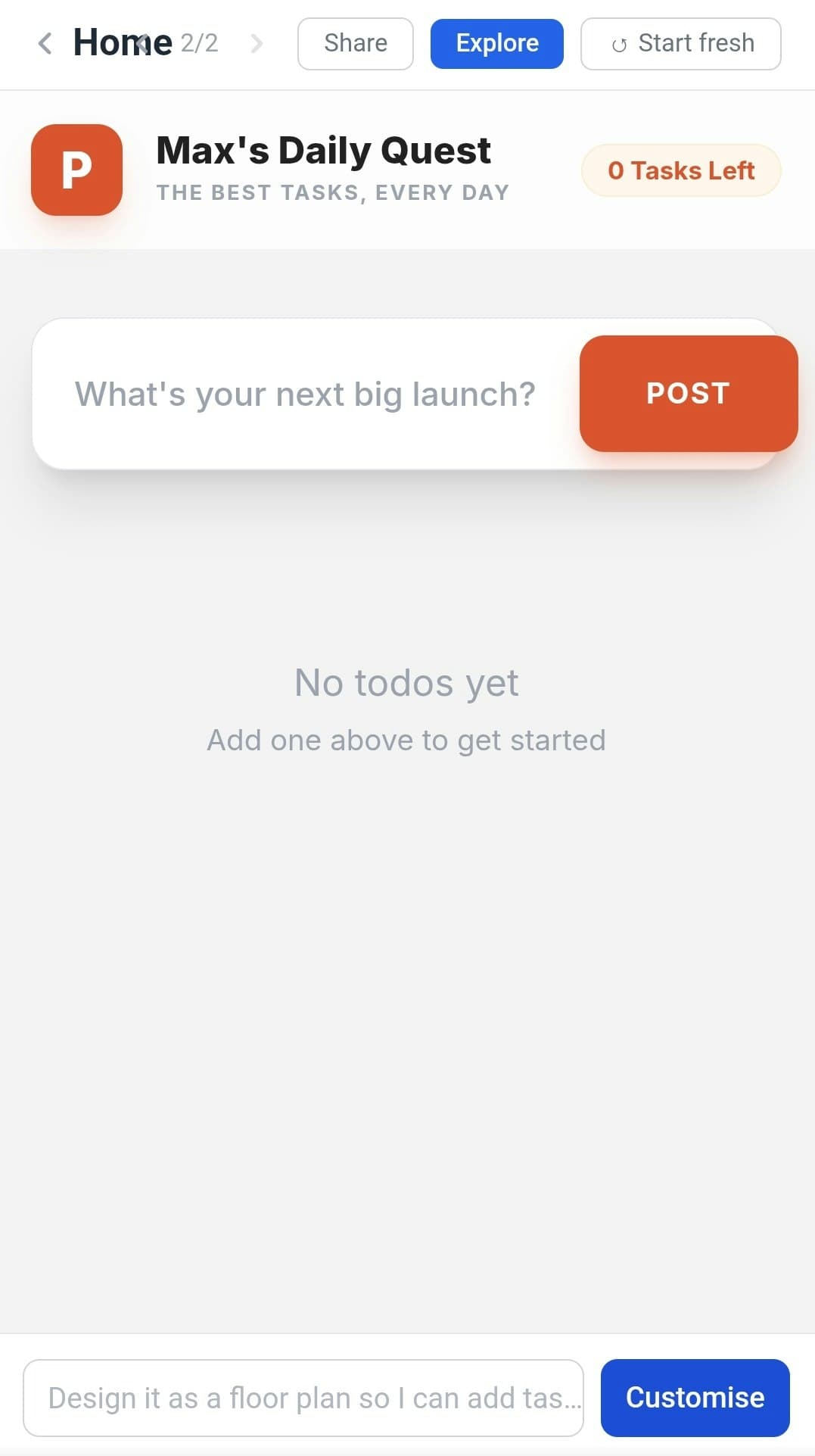
To-do apps are the canonical overengineered demo. This one leans into that - and offloads the overengineering to you. This is an experiment in what it looks like when the end-user (through an LLM) is given full control over their UI. Describe how you want your to-do list to look or work, and an LLM rewrites the frontend for you - new layout, extra fields, different behaviour, completely different look. The backend stays fixed; the UI is malleable.see more
Founder
Screenshots
About
Tired of to-do list applications that force you into their rigid, one-size-fits-all interface? We understand. Most productivity tools feel like they were designed for someone else, forcing you to adapt your workflow to their limitations. Introducing 233. Malleable To-do, an application that flips the script entirely. This isn't just another place to jot down tasks; it’s a revolutionary experiment in user empowerment. Imagine having an application that truly molds itself around your unique way of thinking and working. With Malleable To-do, you are the designer, the developer, and the ultimate beneficiary. The core functionality—your tasks, deadlines, and progress tracking—remains robust and reliable on the backend, but the entire front-facing experience becomes infinitely customizable. You simply tell the system how you want your to-do list to look, feel, or behave, and our integrated intelligence handles the heavy lifting, rewriting the user interface instantly to match your vision. Whether you need a minimalist Kanban board, a complex Gantt chart view with custom data fields, or a completely novel interaction model, you just describe it, and the interface materializes exactly as you specified.
This level of personalization goes far beyond simple theme changes or rearranging widgets. We are talking about genuine frontend transformation driven by natural language. Do you need every task to automatically display the current local weather for the task's location? Describe it. Do you prefer seeing tasks grouped by the color of the icon associated with the project manager? Just ask. The power lies in offloading the complexity of interface design directly to a large language model, which interprets your needs and generates the necessary visual and functional changes on the fly. This means your productivity tool evolves with you. As your projects become more complex or your priorities shift, your interface adapts without needing to wait for a developer update or wrestle with complicated settings menus. It’s productivity tailored not just to your role, but to your exact moment-to-moment cognitive needs, ensuring that the tool always serves you perfectly, rather than the other way around. It’s time to stop fighting your software and start commanding it to become the perfect extension of your mind.