
Easily convert notebook to PDF without uploading files. Turn a Jupyter/Colabipynb into a clean PDF with themes, highlighting, and print-ready layout.
Founder
Screenshots
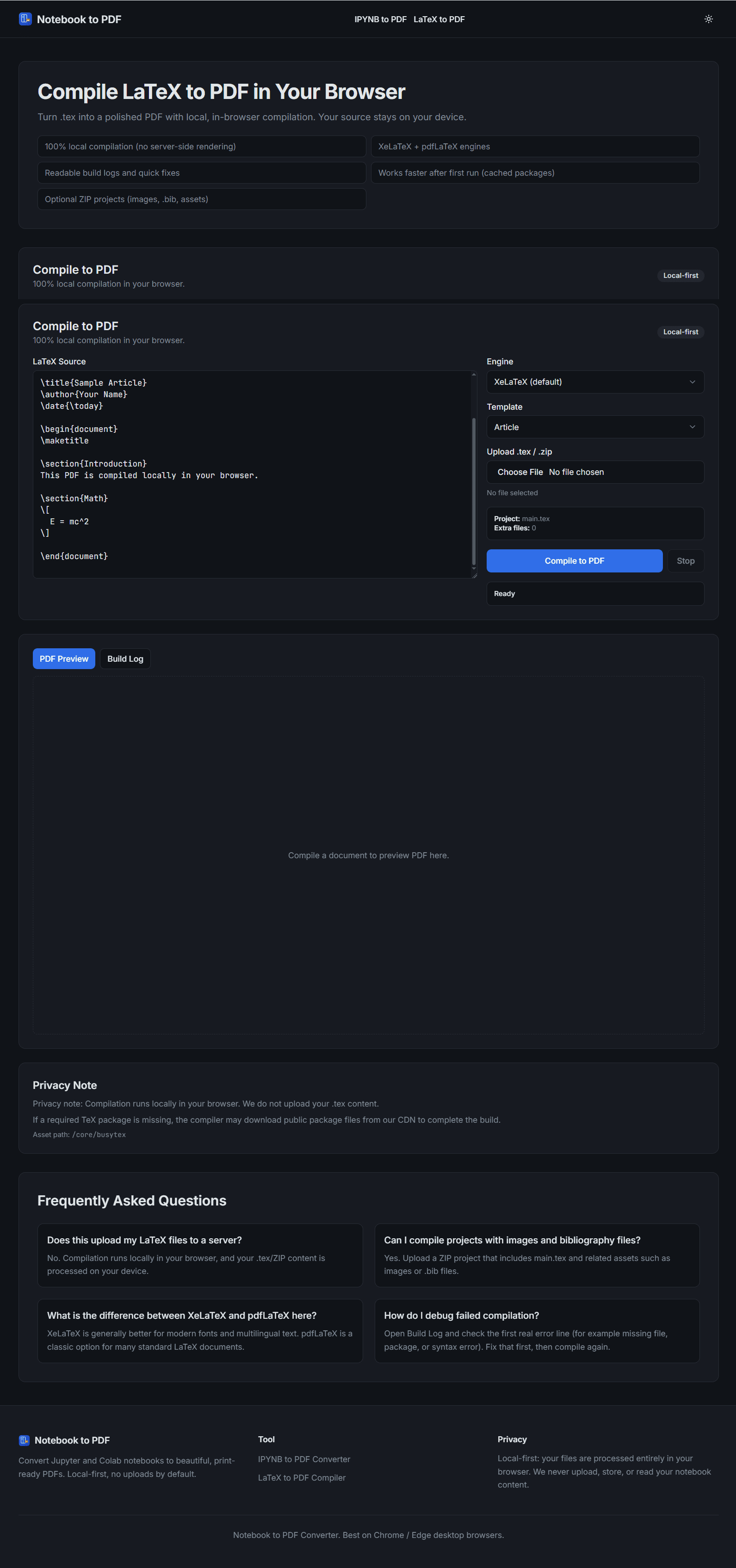
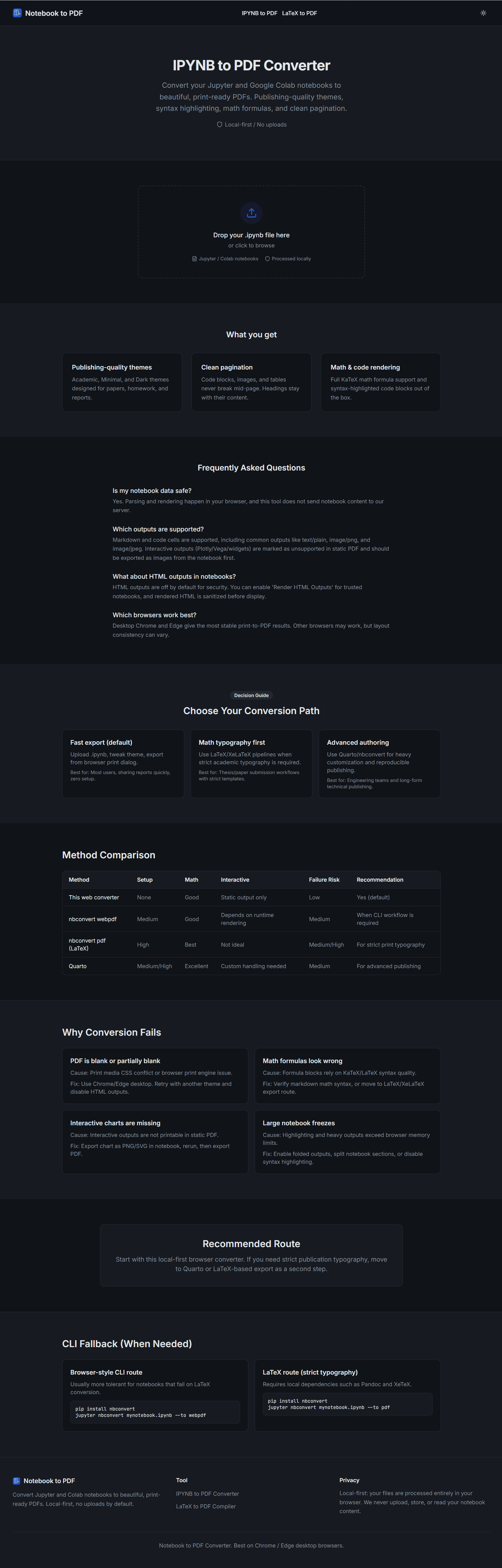
About
Are you tired of wrestling with messy print settings or struggling to share your crucial data science work from Jupyter or Google Colab notebooks in a professional, universally accessible format? The process of turning intricate code, detailed outputs, and insightful markdown into a polished PDF often feels like an unnecessary hurdle, especially when you just want to share results or archive your progress cleanly. Introducing the 219. Notebook to PDF tool, designed specifically to eliminate this friction point for developers, analysts, and researchers. This utility lets you transform your active notebook environments directly into high-quality, print-ready PDF documents without ever needing to upload your sensitive files to a third-party server. Imagine the peace of mind knowing your proprietary code and data remain securely on your machine while you generate perfect documentation for stakeholders, clients, or your personal archives. It’s about taking your complex, iterative work and packaging it instantly into a static, beautiful final product that anyone can read, regardless of whether they have Python or Jupyter installed.
What truly sets this conversion tool apart is the attention to detail in the final output. We understand that a simple text dump isn't enough; your PDF needs to reflect the clarity and structure of your original work. That’s why this solution goes beyond basic conversion, offering customizable themes to ensure your code blocks stand out beautifully, syntax highlighting that makes reviewing logic simple, and a layout meticulously optimized for printing. Whether you are presenting a machine learning model's performance, documenting an ETL pipeline, or sharing statistical findings, the resulting PDF looks professional right out of the box. This means less time spent manually formatting margins and fonts, and more time dedicated to the actual analysis and development that drives value. It’s the seamless bridge between your dynamic coding environment and static, shareable documentation, ensuring your hard work is represented exactly as you intended it to be seen.
Think about the efficiency boost this brings to your daily workflow. No more screenshots stitched together or wrestling with browser print-to-PDF functions that mangle tables and code formatting. This tool respects the structure of your .ipynb files, delivering a crisp, navigable document every single time. For anyone deeply involved in data science, research computation, or software prototyping where clear documentation is paramount, this utility transitions from a nice-to-have feature to an essential part of your toolkit. It’s streamlined, secure, and focused entirely on making your notebook outputs look their absolute best for any professional context, saving you countless hours of cleanup and ensuring your technical narrative is communicated flawlessly.