
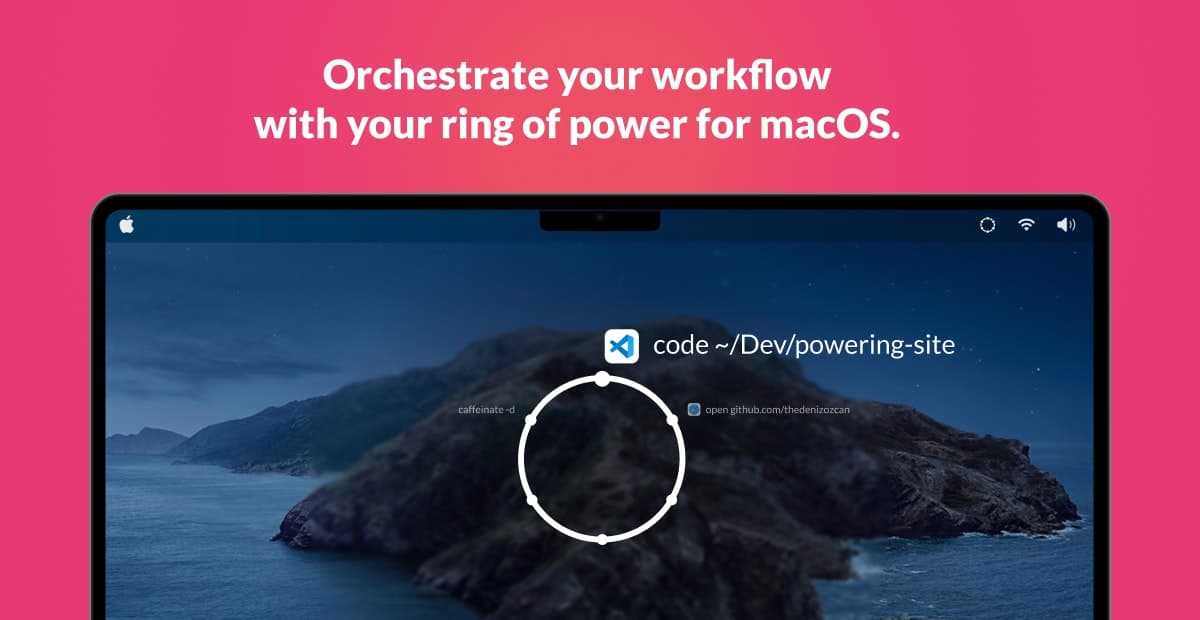
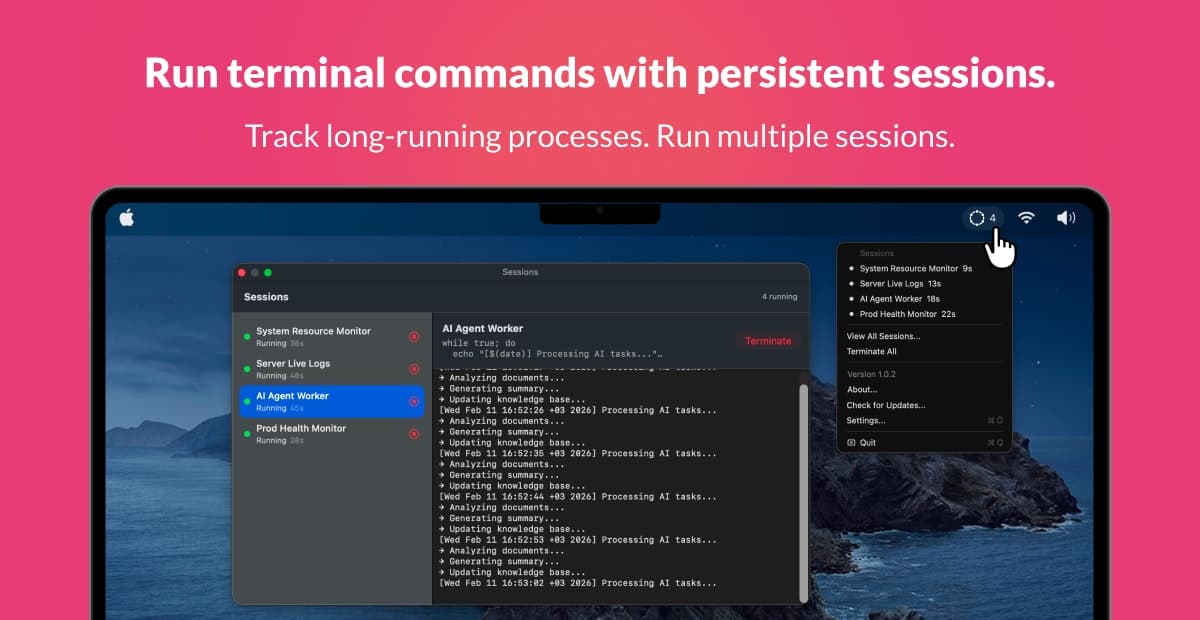
Powering gives you a customizable ring of actions, a circle of commands you control — so you can launch anything instantly. Double-tap Option and your personalized command wheel appears — a ring of actions you control. Launch anything instantly. No searching. No dock hunting. No context switching. Projects. Folders. Websites. Scripts. Shortcuts. AI workflows. All within reach. All in one gesture.
Founder
Screenshots
About
Imagine having the ultimate shortcut to everything you need, right at your fingertips, without ever breaking your flow. That is exactly what Powering brings to your macOS experience. This isn't just another application; it's your personalized command center, elegantly presented as a customizable ring of power that hovers exactly when you need it. Forget the frustrating dance of minimizing windows, searching through cluttered docks, or digging deep into nested folders just to start a task. With Powering, a simple, intuitive double-tap of your Option key summons this beautiful, responsive command wheel. It’s designed for speed and efficiency, putting your most crucial actions—from launching specific applications and opening vital project folders to navigating directly to frequently visited websites or triggering complex scripts and custom AI workflows—all within one fluid gesture. It transforms how you interact with your computer, making complex multi-step processes feel instantaneous and natural.
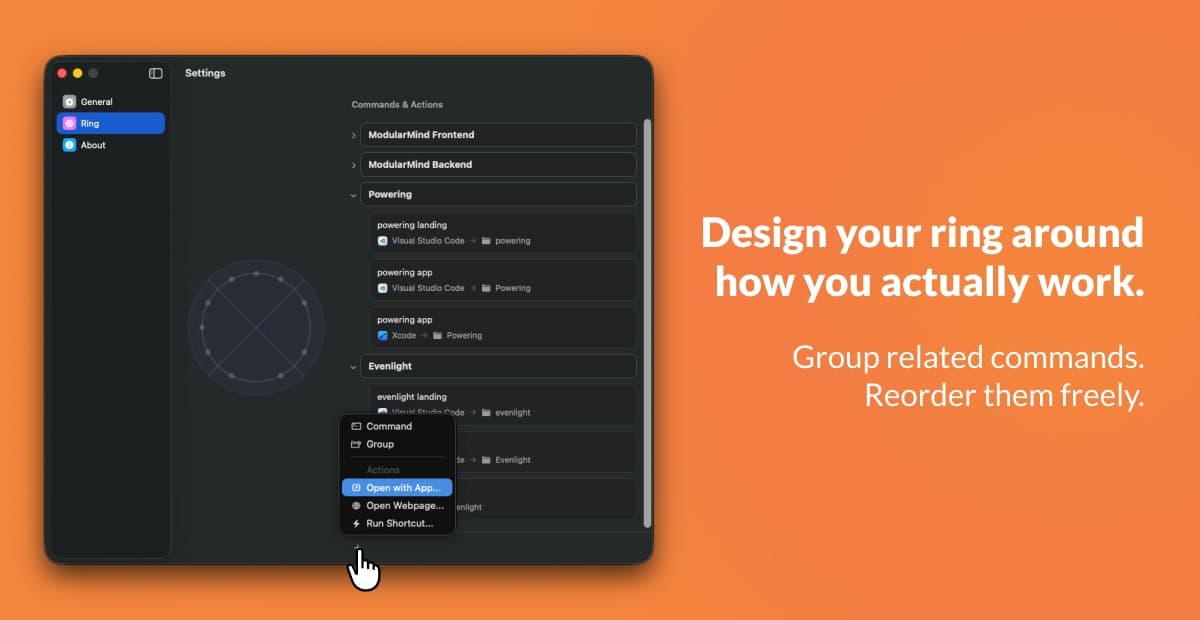
This level of control fundamentally changes your daily productivity. Think about the cumulative minutes lost every day hunting for that one file or switching context between your code editor and your reference documentation. Powering eliminates that friction entirely. You define what goes into your ring, curating a personalized ecosystem of immediate access points tailored precisely to your workflow, whether you are a developer needing instant access to specific repositories, a designer jumping between Adobe apps, or a writer needing immediate access to research notes. Every item in your ring is an intention realized instantly. It’s about maintaining deep focus because the tools you need are never more than a quick gesture away, allowing you to stay immersed in the creative or analytical task at hand. This intuitive interface ensures that your computer serves you, adapting to your pace rather than forcing you to adapt to its limitations.
Ultimately, Powering is about reclaiming your time and mental energy. It’s the quiet confidence of knowing that whatever command you need—be it opening a specific script, initiating a complex automation sequence, or simply jumping to a critical website—is always ready within that single, elegant circle. It removes the digital clutter and the cognitive load associated with traditional navigation methods. By consolidating your most important digital destinations into one gesture-controlled hub, Powering ensures that your focus remains sharp, your movements are precise, and your productivity soars. It truly is your ring of power, making your Mac an extension of your intent, faster and more responsive than ever before.