
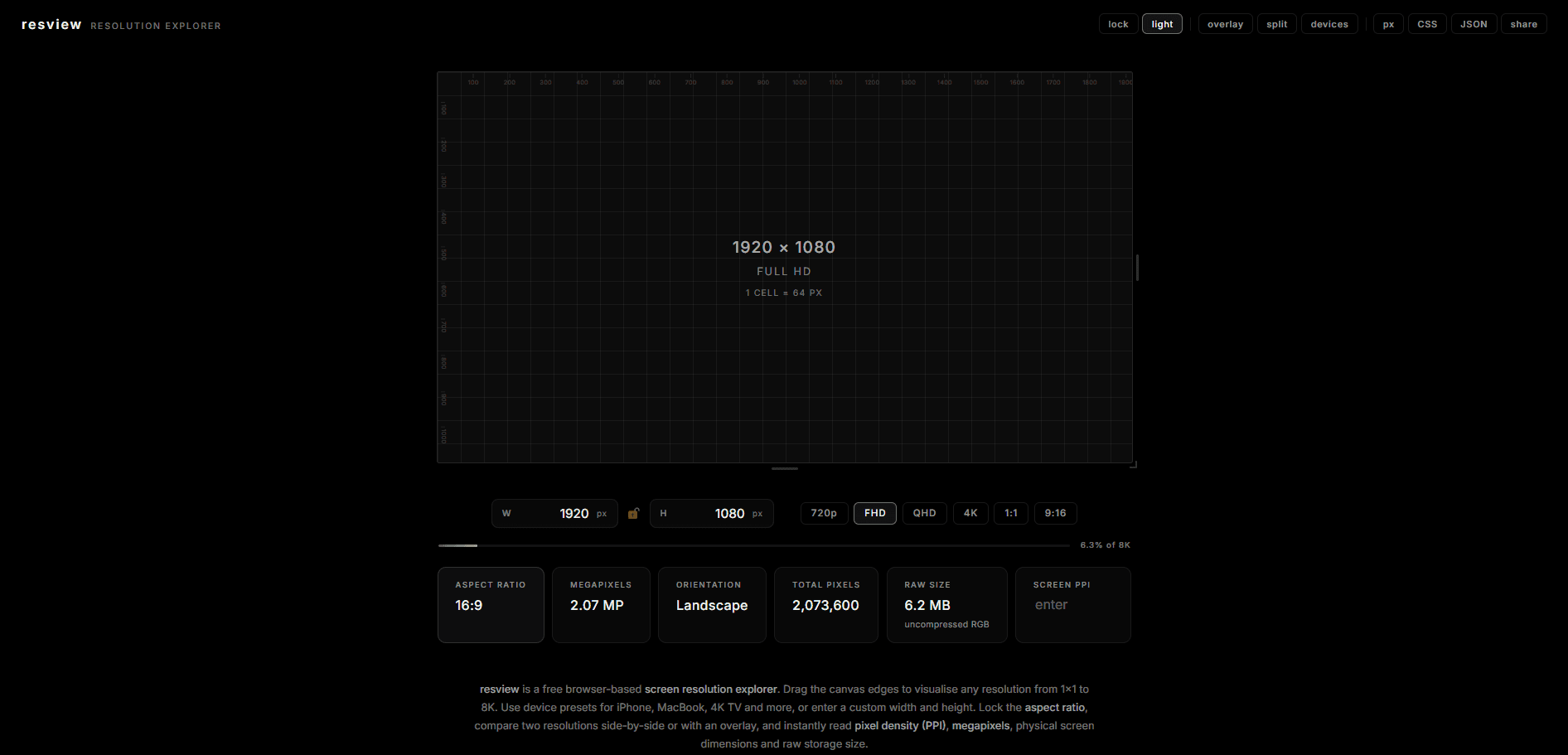
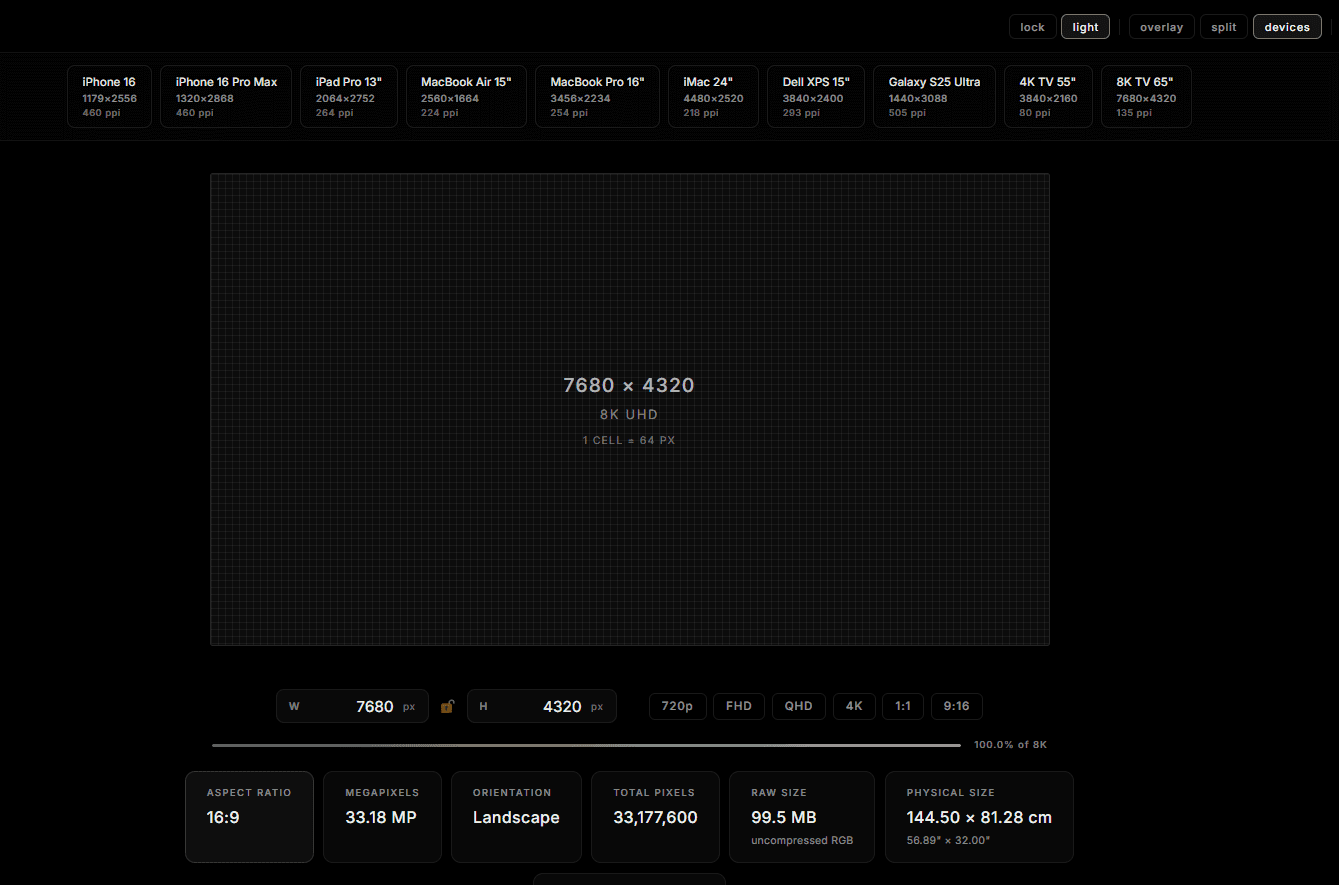
resview is an interactive resolution explorer. Drag the canvas to any resolution and watch the pixel grid get finer in real time, instantly feel the difference between 720p and 4K. Type exact dimensions, snap to standards, or pick from device presets including iPhone, MacBook and 4K TV. Compare resolutions side-by-side or via overlay. See aspect ratio, megapixels, raw file size and physical dimensions. Share any resolution with a single link.see more
Founder
Screenshots
About
Imagine having the entire world of screen resolutions right at your fingertips, instantly accessible and perfectly visualized. That is exactly what resview delivers. This isn't just another static chart; it's a dynamic, interactive resolution explorer designed to eliminate guesswork and bring clarity to digital design and development. Whether you are a seasoned developer needing to confirm precise pixel counts for a complex interface, a designer ensuring your assets look flawless across every device imaginable, or simply curious about the true difference between a standard HD screen and the stunning clarity of 4K, resview makes it tangible. You can literally drag the canvas to any custom resolution and immediately witness the pixel grid refine itself in real time. This immediate feedback loop allows you to intuitively grasp the visual impact of changing dimensions, moving far beyond simply reading numbers on a spec sheet. It’s about feeling the density and understanding the fidelity that each resolution offers, making your decision making faster and inherently more accurate.
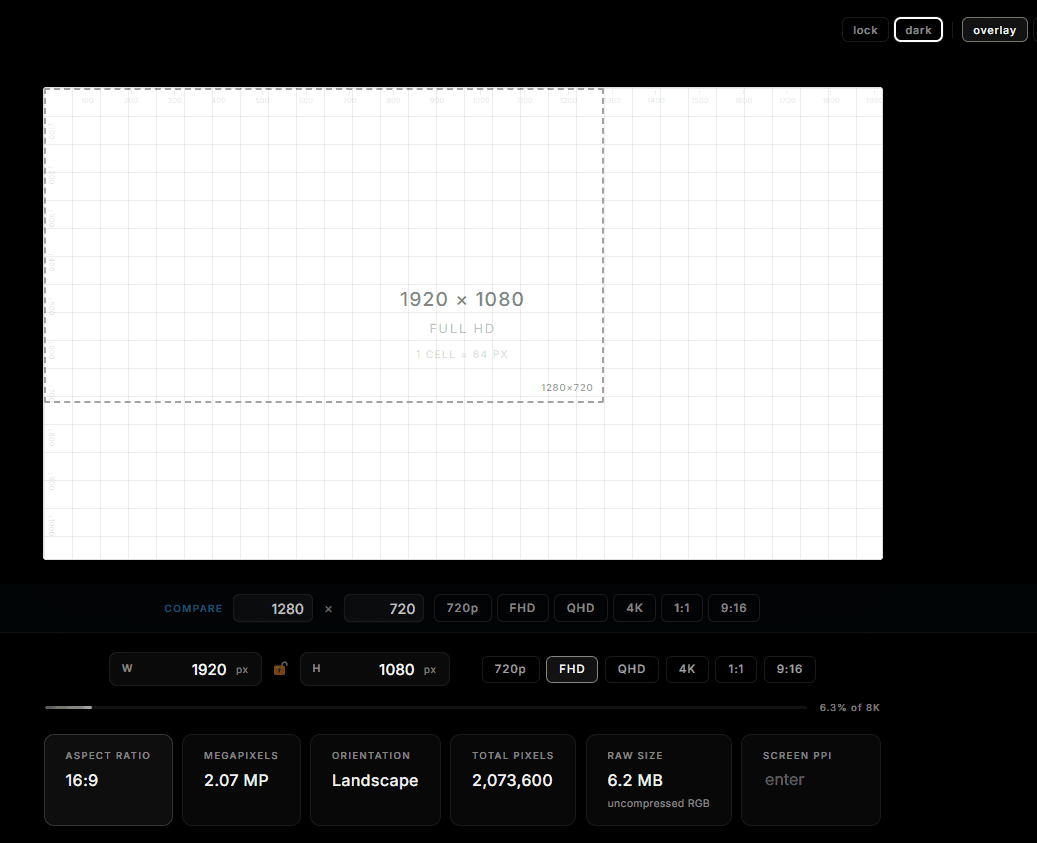
resview goes far beyond simple visualization by offering powerful comparison and measurement tools tailored for professional workflows. Need to see how your layout holds up side-by-side against an iPhone 15 Pro Max and a large format 4K monitor? resview handles it instantly, either through a clean side-by-side view or a precise overlay comparison, letting you spot alignment issues or scaling problems that are often missed in traditional testing environments. You can input exact dimensions if you have niche requirements, or effortlessly snap to established industry standards and popular device presets, saving you valuable time otherwise spent looking up specifications. Furthermore, the tool doesn't just show you the pixel count; it provides crucial context by displaying the aspect ratio, calculating the total megapixels, estimating the raw file size implications, and even calculating physical dimensions based on assumed screen sizes. This holistic view ensures you account for every variable before you commit to a design path.
Sharing your findings is as simple as generating a single, shareable link. This means collaboration becomes seamless; you can instantly send a precise resolution configuration to a colleague or client for review, ensuring everyone is looking at the exact same visual context. For those working across multiple platforms, resview acts as your essential sanity check, transforming the often abstract concept of screen resolution into a concrete, manageable variable. It’s the ultimate tool for anyone whose work depends on visual precision, bridging the gap between concept and flawless execution across the ever-expanding universe of digital displays.