
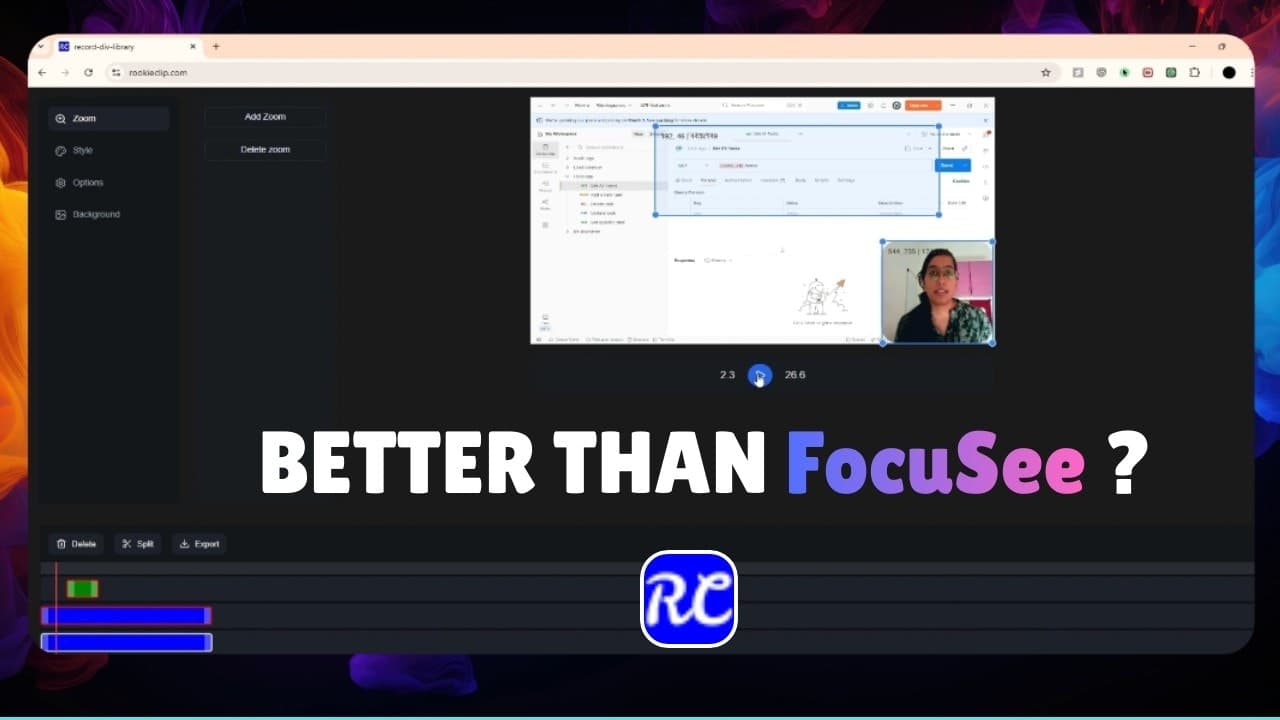
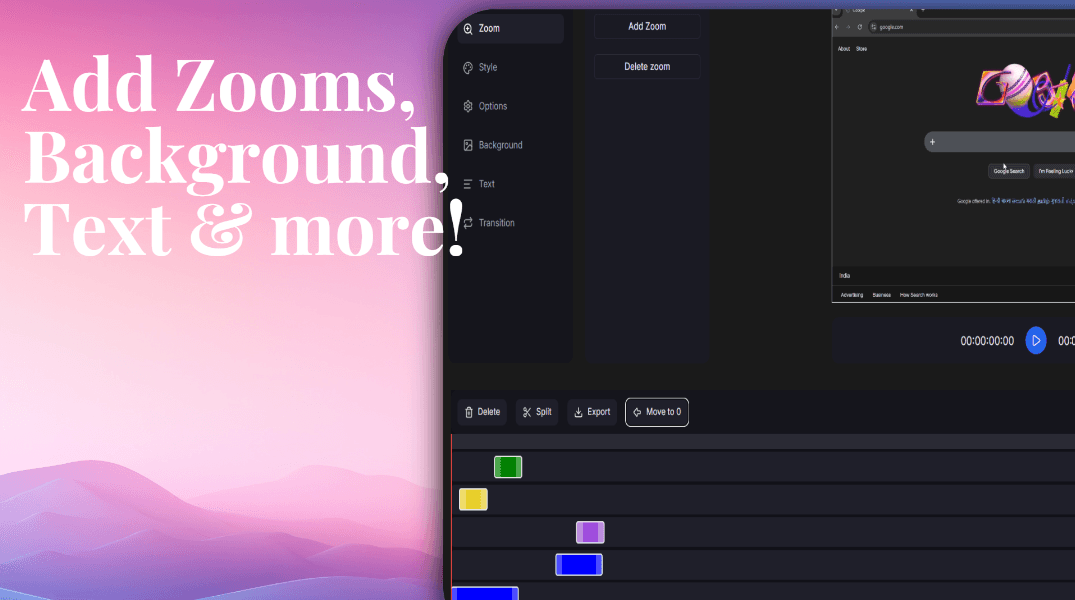
RookieClip is a browser-based video editor designed for screen recordings and tutorials. It includes zoom effects, transitions, text styling, and a flexible multi-track timeline for videos, images, audio, and text. Drag, resize, and style elements easily while organizing media across dedicated tracks. No complicated setup — just edit and export directly from your browser.see more
Founder
Screenshots
About
Are you tired of wrestling with complex, heavy desktop software just to polish up a quick screen recording or tutorial? Meet RookieClip, the browser-based video editor built specifically to streamline your workflow and get your instructional content out the door faster. We understand that when you’re creating tutorials, demos, or walkthroughs, the focus should be on the content you’re sharing, not fighting with complicated menus. RookieClip brings professional editing power right to your web browser, meaning zero installation time and instant access whenever inspiration strikes. Imagine effortlessly highlighting key moments in your screen share with smooth, intuitive zoom effects that guide your viewer's eye exactly where it needs to go. This tool lets you drag, resize, and style text overlays, add engaging transitions between clips, and seamlessly integrate supporting images, all without ever leaving the simplicity of your current browser tab. It’s designed to be powerful enough for detailed edits but intuitive enough for the absolute beginner, making video production accessible to everyone who needs to teach, explain, or demonstrate something online.
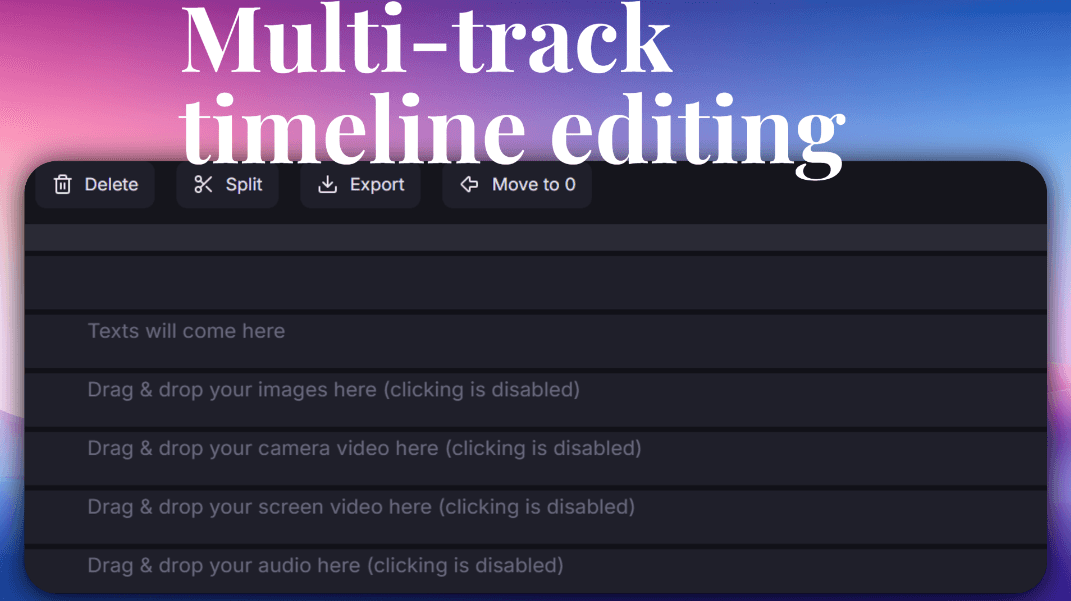
What truly sets RookieClip apart is its flexible, multi-track timeline. This isn't just a simple linear editor; it’s a canvas where you can truly organize your media like a professional. You can stack video layers, place background music on its own track, add voiceovers, and position text callouts precisely over specific moments in your footage. Need to fine-tune the timing of an annotation? Just drag the edge of the text element on its dedicated track until it’s perfect. This level of granular control over multiple media types—video, audio, images, and text—ensures your final product is polished, professional, and perfectly synchronized. Because it lives entirely in the browser, the collaboration and sharing process is also incredibly simple. You spend less time waiting for renders and more time focusing on creating high-quality, engaging educational content that captures attention and clearly communicates your message, all while enjoying the convenience of not needing a high-powered machine to do the heavy lifting.