
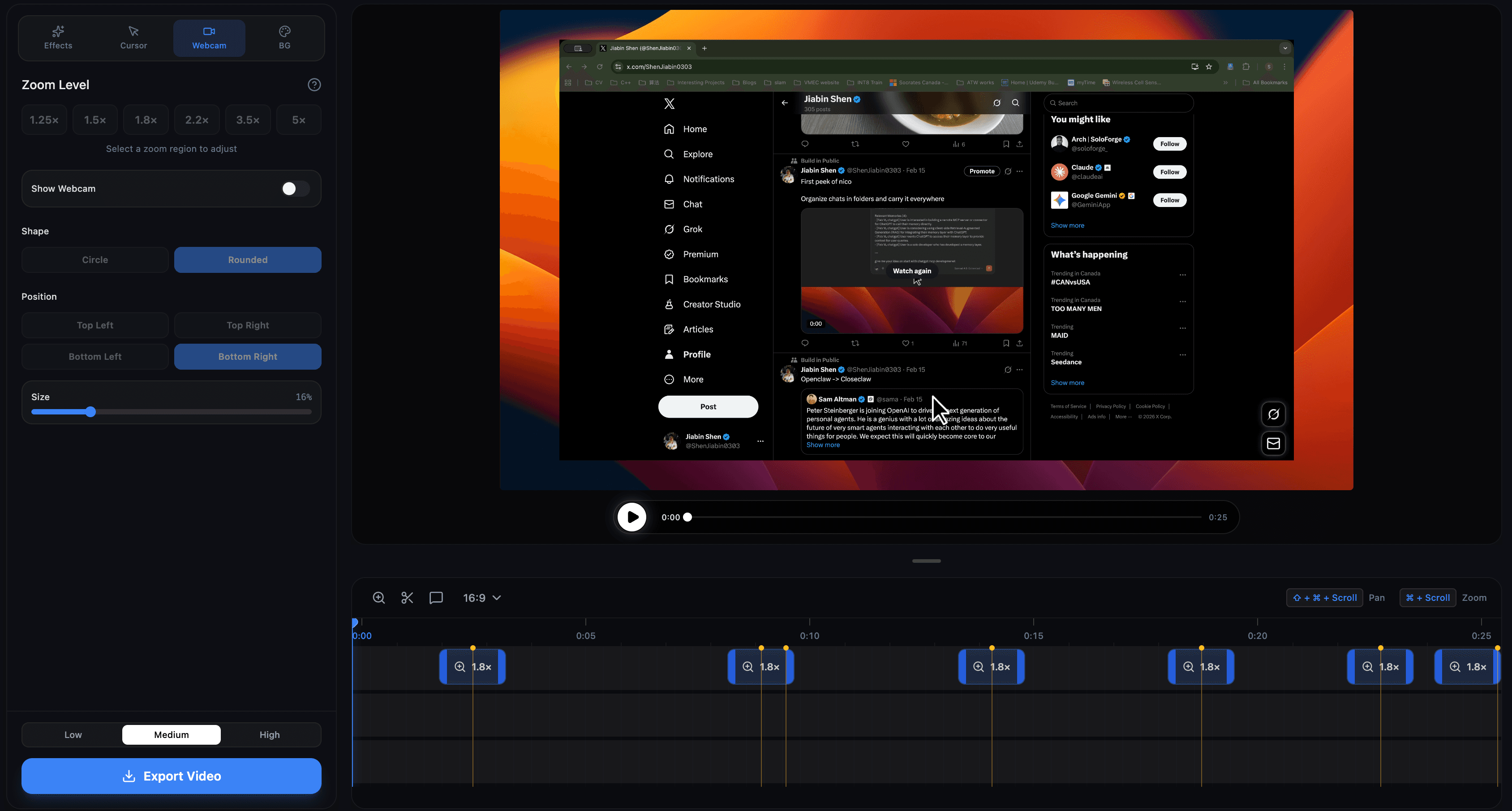
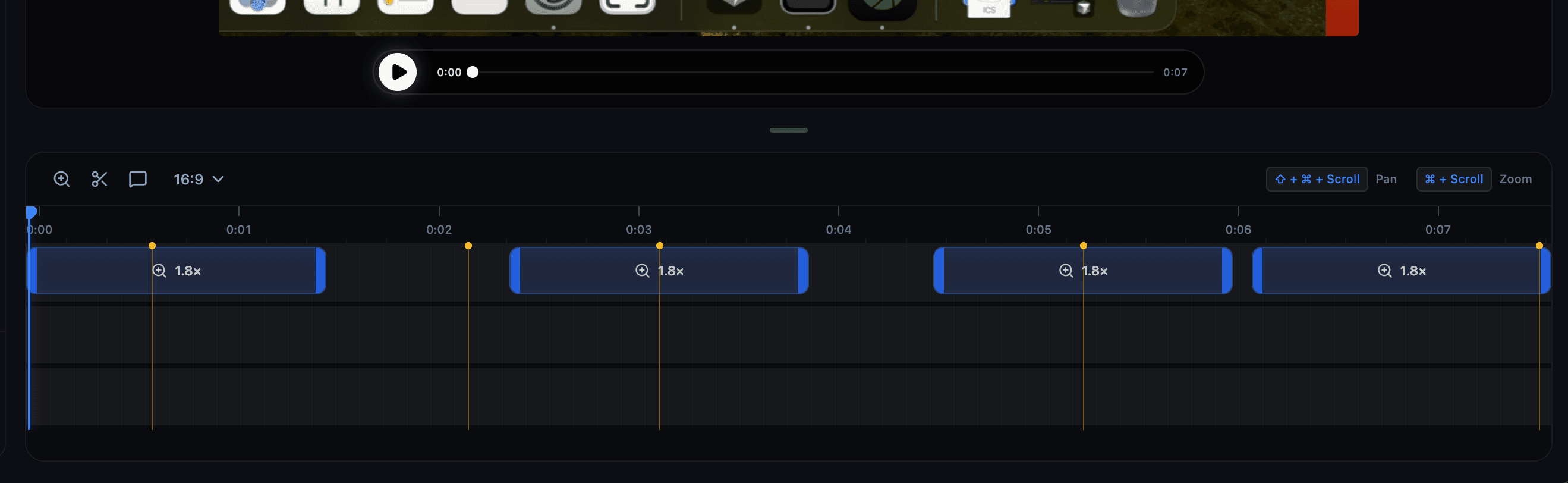
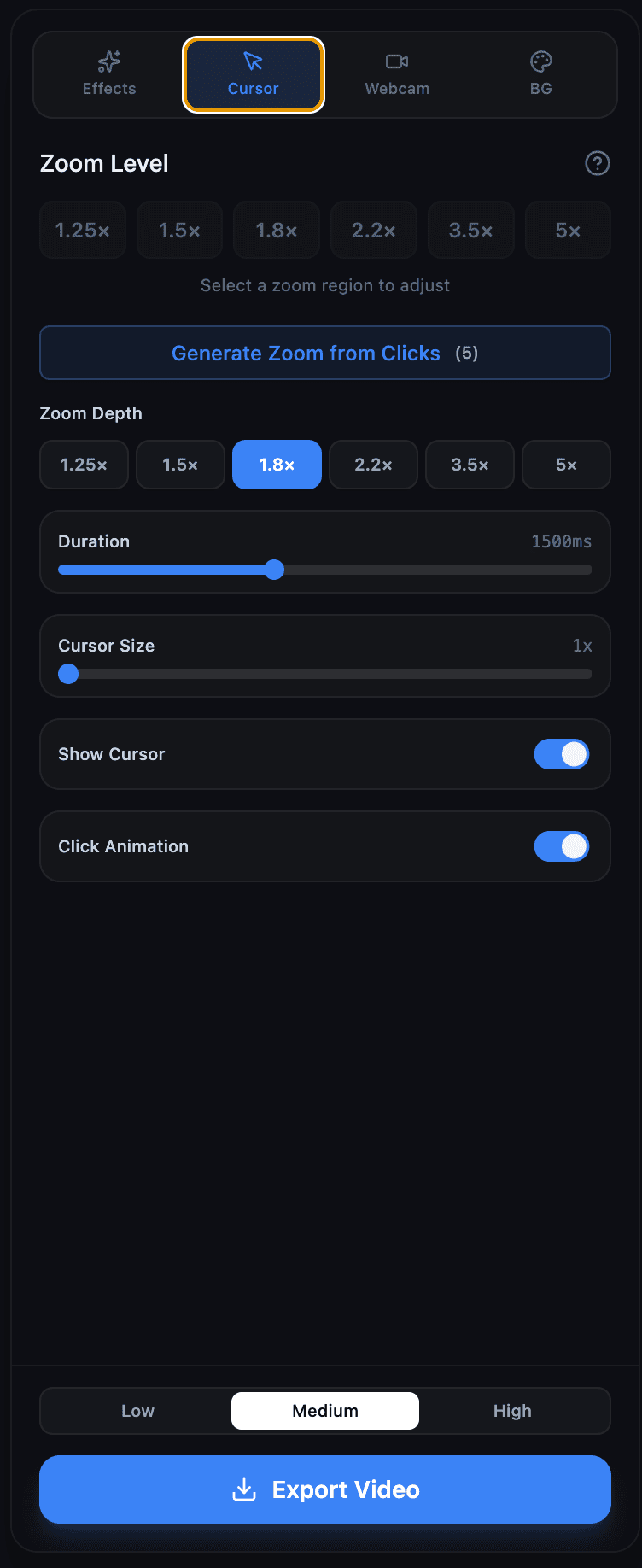
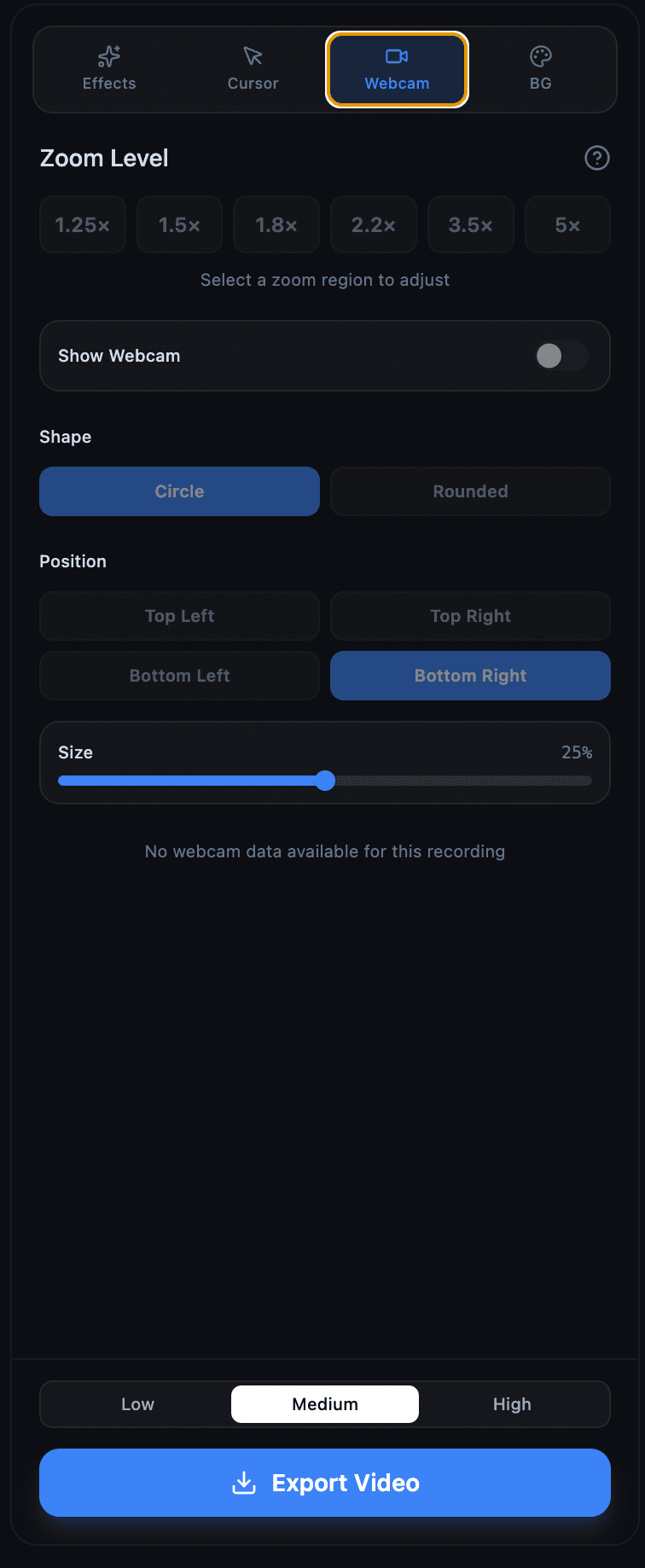
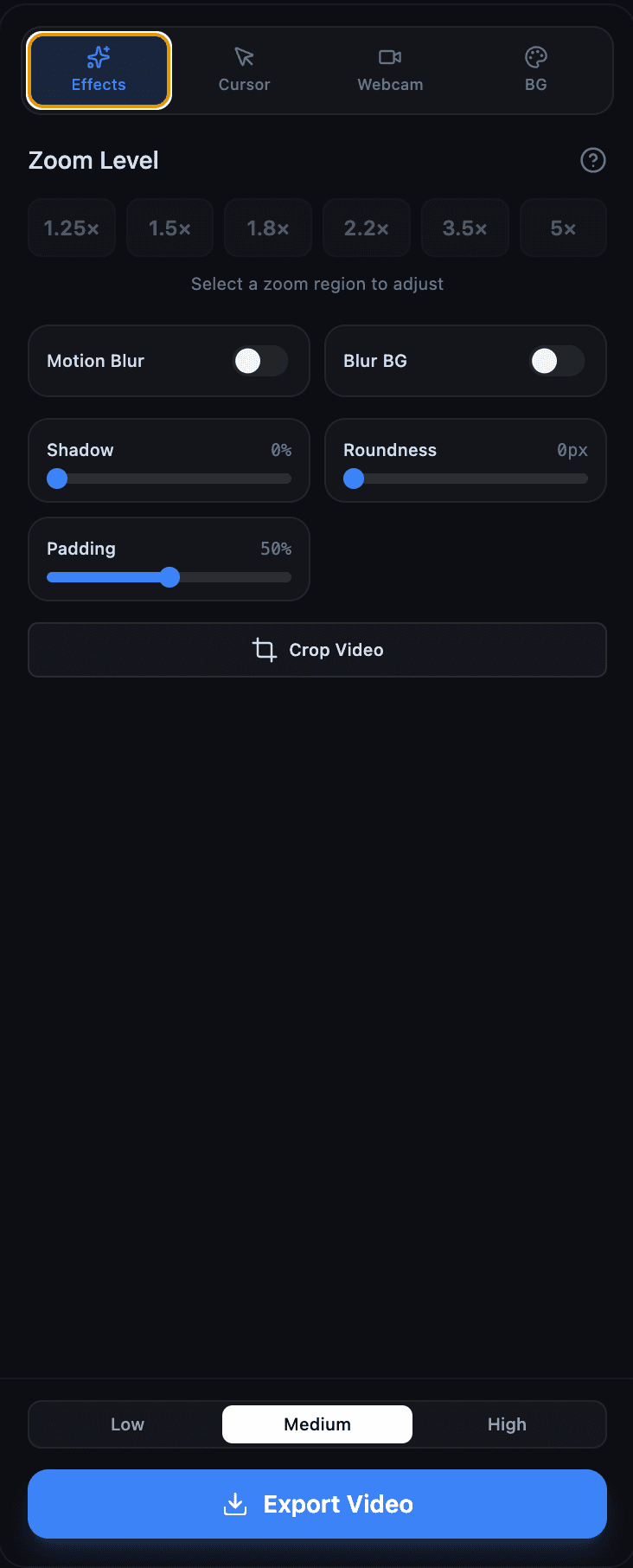
ScreenBuddy auto-zooms wherever you click during recording (1.25x to 5x). No keyframing, no post-production pain — just hit record. What's inside: - Auto-zoom that follows your clicks - 18 gradient backgrounds - Annotations: text, arrows, images - Trim, crop, resize, webcam overlay - MP4 & GIF export with keyframe timeline - Works 100% offline on your Mac $9.99 one-time. No subscription, no account needed.see more
Founder
Screenshots
About
Tired of recording your Mac screen only to realize later that your audience couldn't even see where you clicked? Introducing ScreenBuddy, the incredibly smart screen recorder designed specifically for Mac users who value clarity and efficiency above all else. Forget the tedious, time-consuming process of manual editing, keyframing every zoom, and trying to guide your viewers' eyes after the fact. ScreenBuddy takes the guesswork and the headache out of creating professional-looking tutorials, demos, and walkthroughs. The magic lies in its signature feature: automatic click-following zoom. As you navigate your screen and click on buttons, menus, or specific text, ScreenBuddy instantly and smoothly zooms in—ranging from a subtle 1.25x enhancement up to a focused 5x magnification—ensuring every crucial interaction is crystal clear to your audience, all captured live as you record. This means you can focus entirely on your content and delivery, knowing the visual emphasis is handled perfectly in real time, eliminating hours of post-production pain.
Beyond its revolutionary auto-zoom capability, ScreenBuddy is packed with essential tools that streamline your entire workflow, all while keeping things simple and accessible. You get a robust set of annotation tools right inside the recorder, allowing you to add helpful text callouts, directional arrows, or even overlay your webcam feed so your audience connects with you directly. When you're ready to share, exporting is a breeze with high-quality MP4 and GIF options, complete with a keyframe timeline for easy review. Plus, for those who prioritize privacy or simply hate subscription models, ScreenBuddy operates 100% offline on your Mac and is available for a simple, one-time payment of $9.99. It’s the perfect blend of powerful functionality and user-centric design, allowing you to create polished, engaging video content faster than you ever thought possible. It’s not just a recorder; it’s your personal production assistant built right into your desktop, ensuring every recording is instantly ready for prime time.