
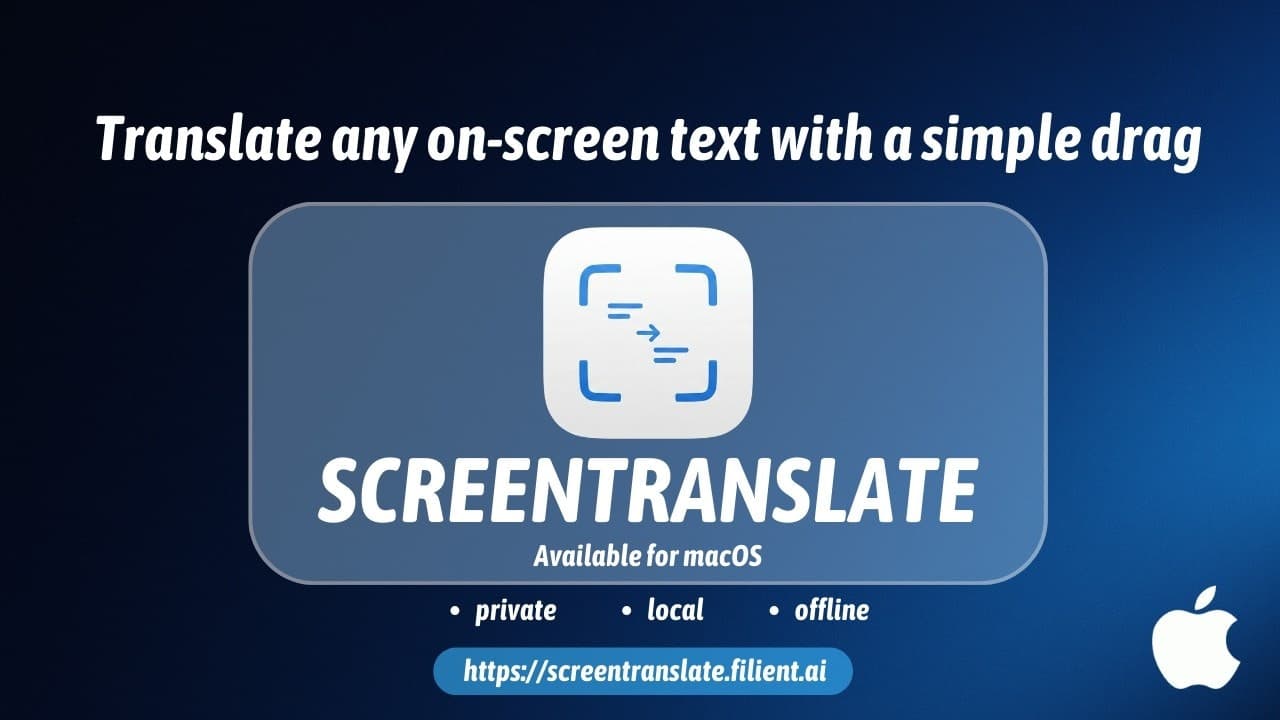
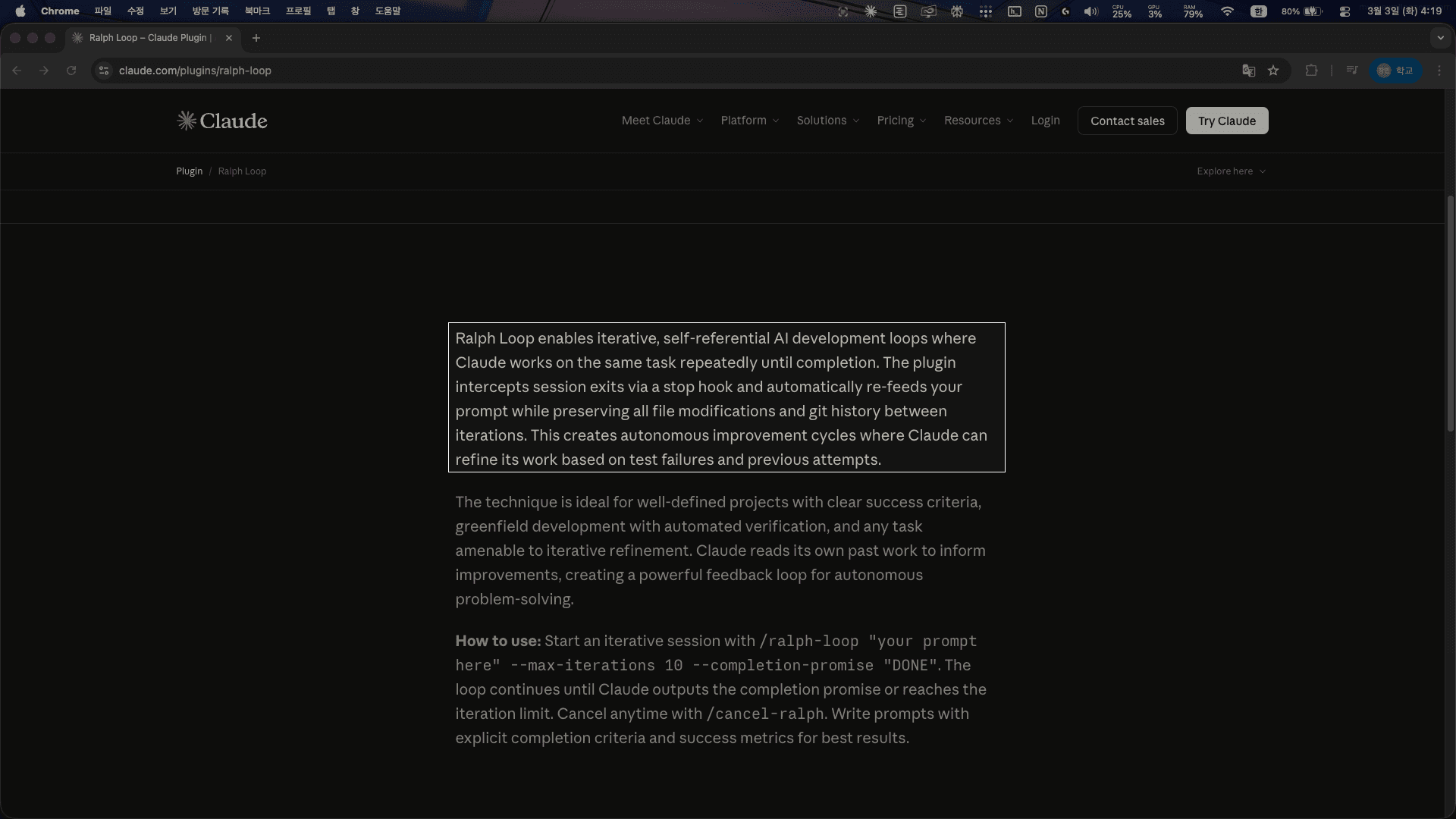
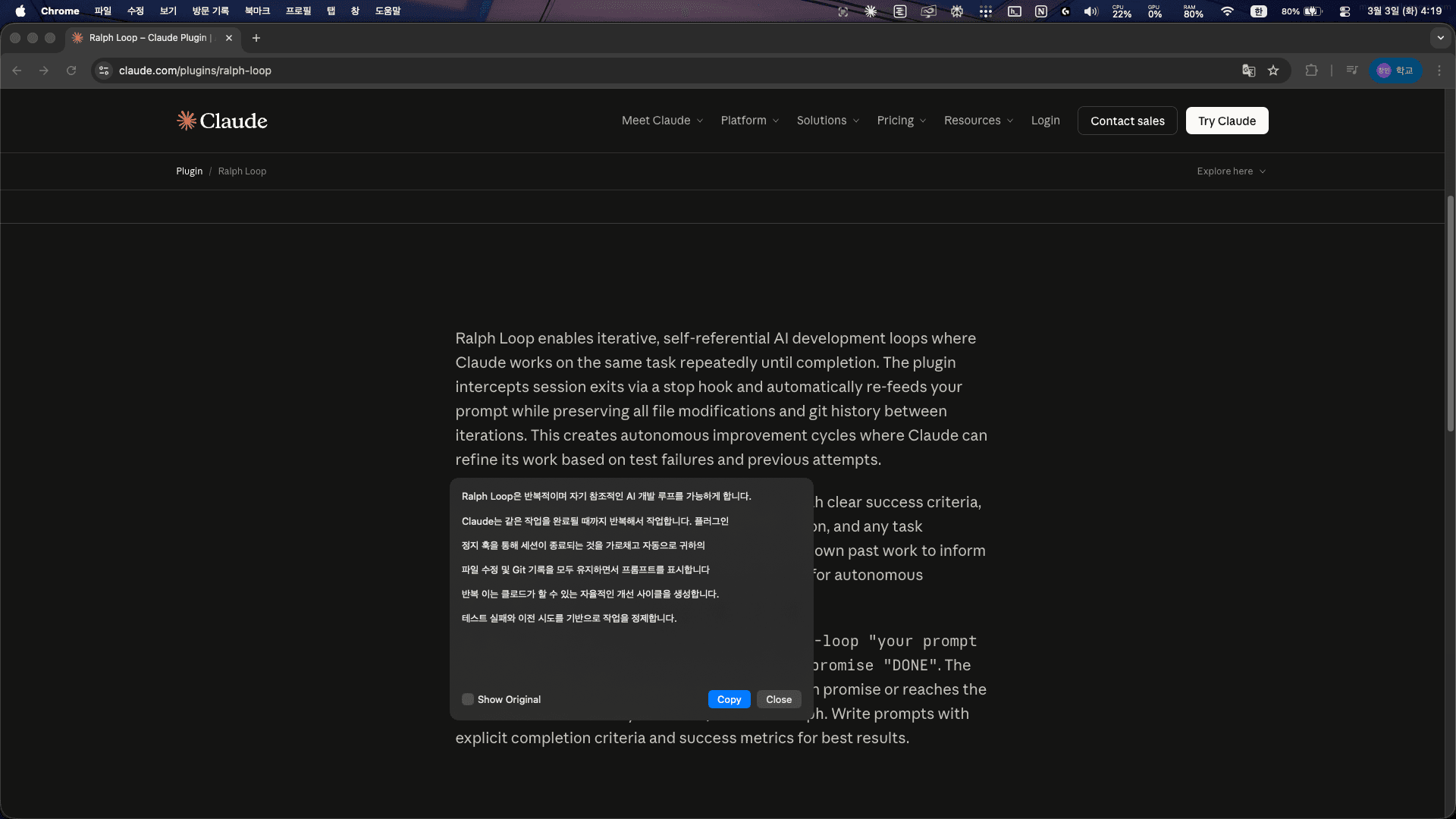
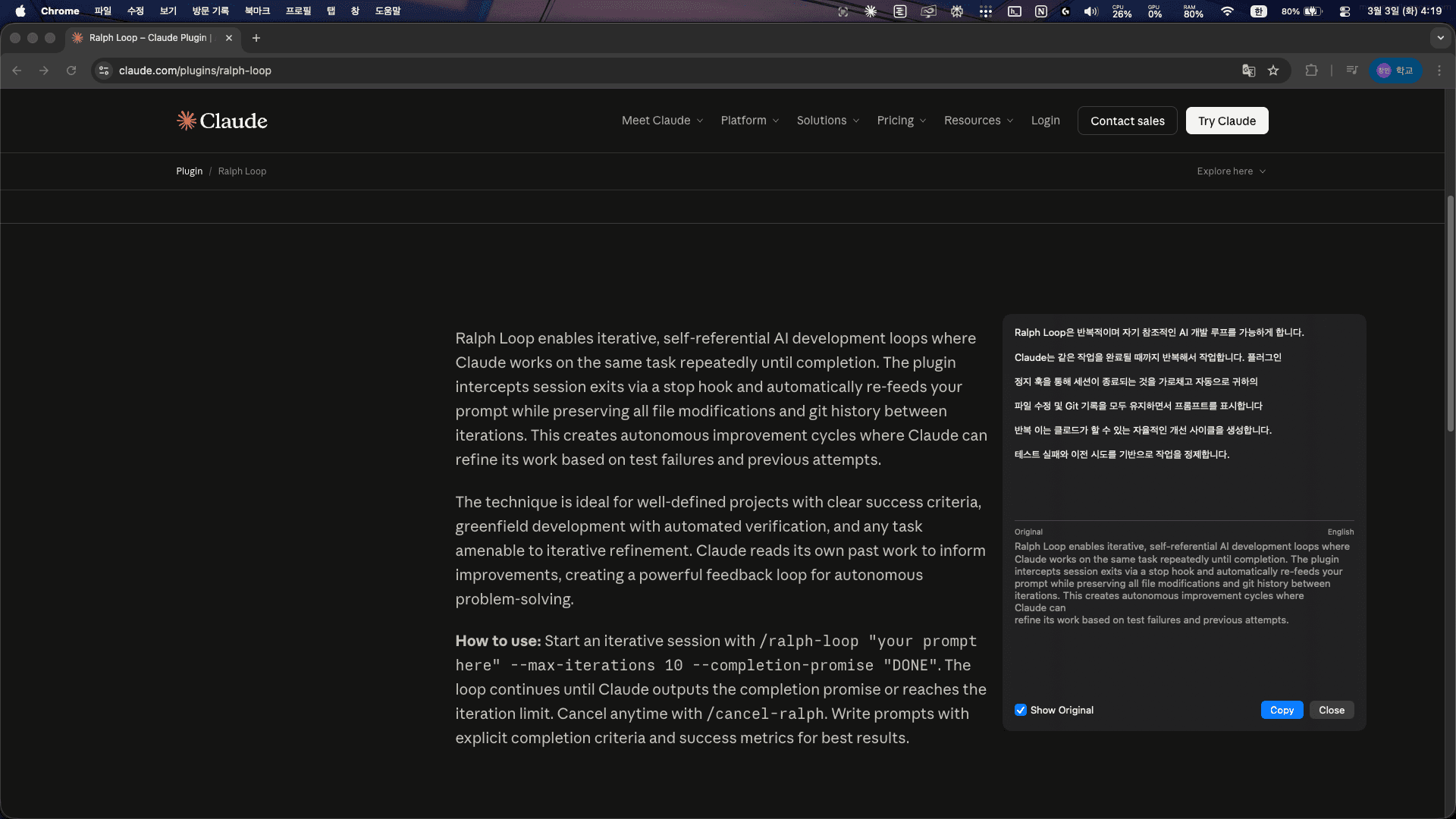
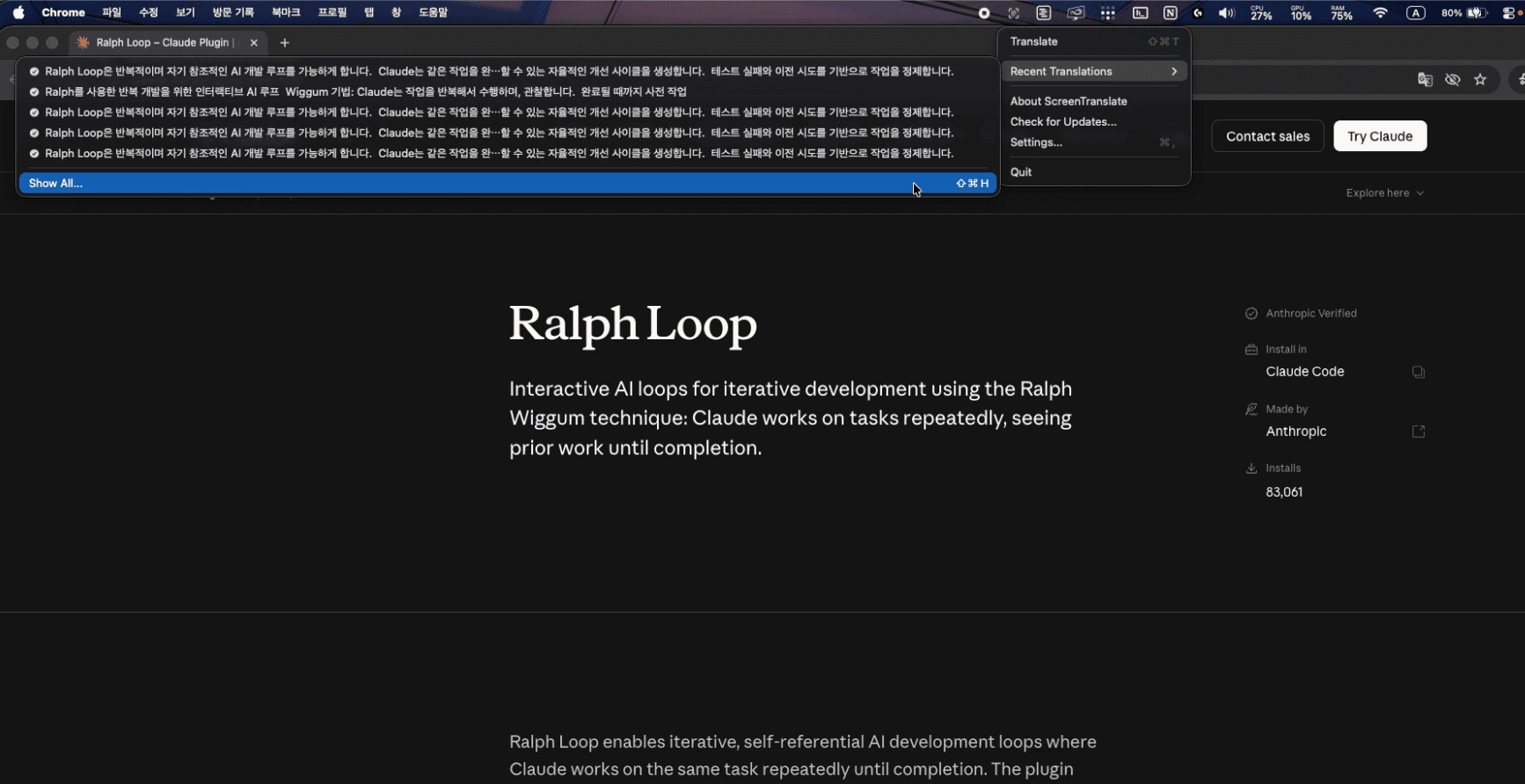
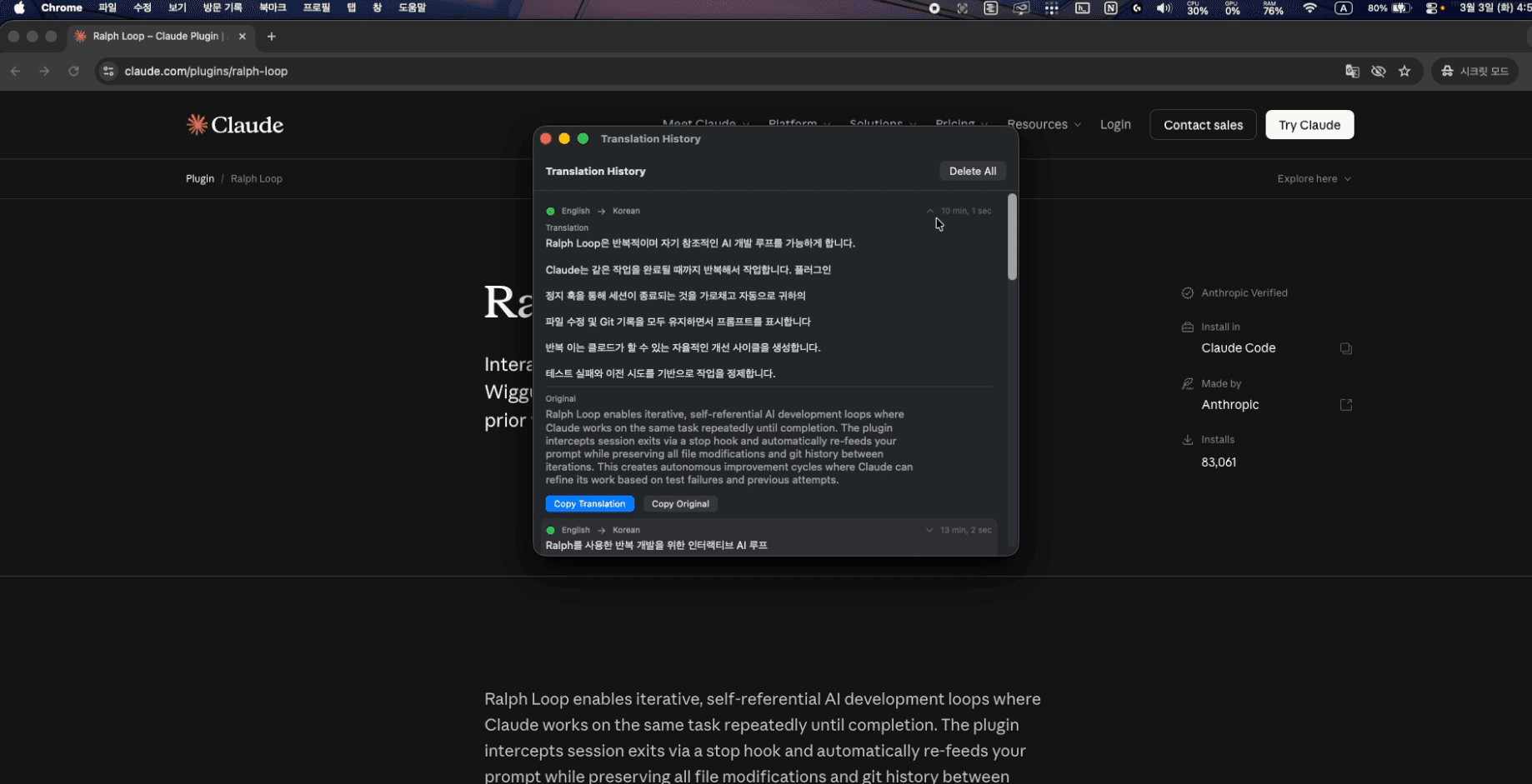
Stop the copy-paste loop. ScreenTranslate is a lightweight macOS utility for instant on-screen translation. Inspired by ScreenHint’s seamless capture, I built this to solve a personal pain: translating uncopyable text in images, video frames, and locked PDFs. 1)Drag-to-Translate: Instant results by dragging over any area. 2)Stay in Flow: No more switching to Google Translate tabs. 3) Privacy-First: Native macOS experience with no data collection.see more
Founder
Screenshots
About
Are you tired of constantly interrupting your workflow just to decipher a single word or a block of text trapped inside an image, a video frame, or a stubborn, non-selectable PDF? That frustrating cycle of taking a screenshot, opening a browser tab, pasting the text into a translator, and then switching back is officially over. Introducing ScreenTranslate, the elegant, lightweight macOS utility designed to bring instant understanding right to your screen. We built this tool because we experienced that exact pain point ourselves. Imagine reading a technical document or watching an international tutorial where crucial information is locked away behind an image file. With ScreenTranslate, you simply drag your cursor across the text you need translated—it’s that intuitive. This seamless capture mechanism instantly pulls the text, translates it using native macOS capabilities, and presents the result without ever forcing you to leave the application you are currently focused on. It’s about maintaining your concentration and keeping that valuable creative or analytical flow completely uninterrupted. This isn't just a feature; it's a fundamental shift in how you interact with foreign language content on your desktop.
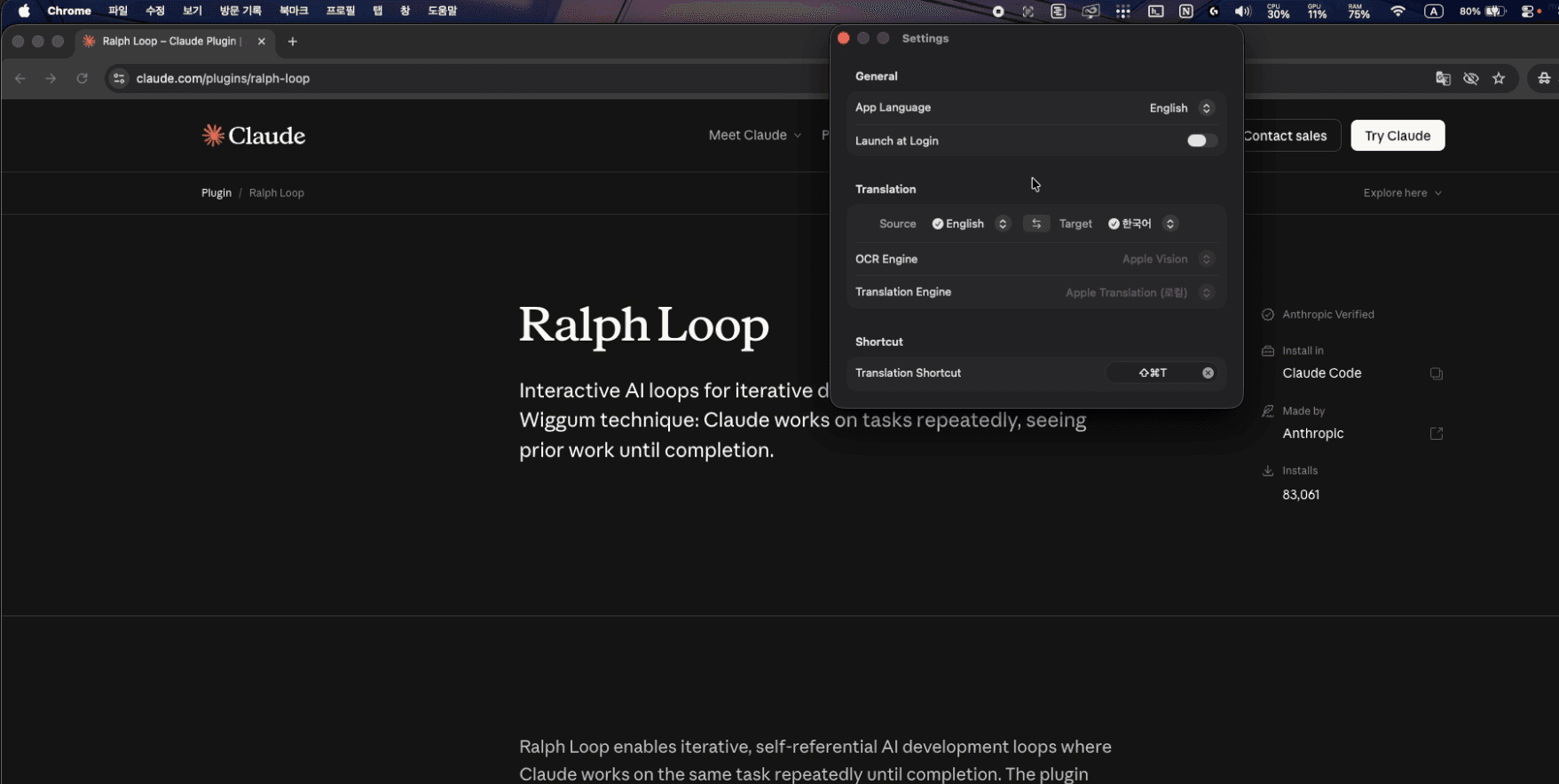
ScreenTranslate is engineered for speed and trust. Unlike cloud-heavy solutions that might send your sensitive on-screen data across the internet, we prioritized a privacy-first approach. Because it operates as a native macOS utility, the translation process is handled with the security and respect your data deserves, meaning no external servers are logging what you are viewing or translating. This commitment to a clean, local experience ensures you can use it confidently, whether you are working on proprietary business documents or personal research. It truly feels like an extension of your operating system, not another bulky application slowing things down. If you value efficiency, hate context switching, and demand privacy while working across multiple languages, ScreenTranslate becomes an indispensable part of your daily toolkit. It’s the simple, powerful solution that finally makes on-screen text translation feel effortless and immediate, allowing you to absorb information faster than ever before.