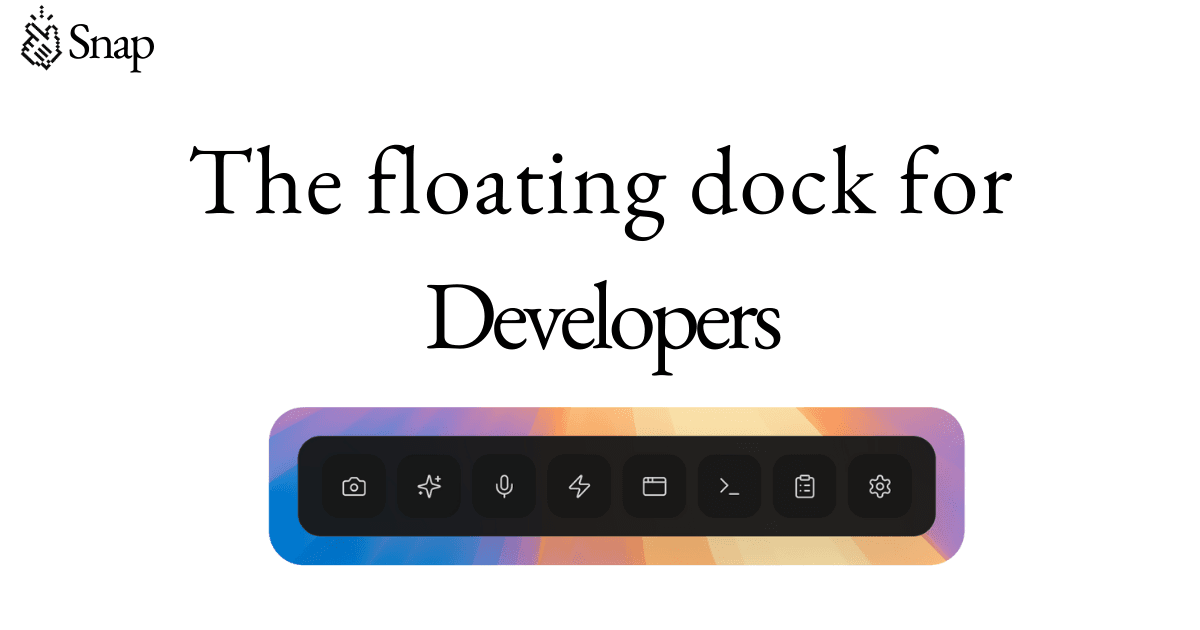
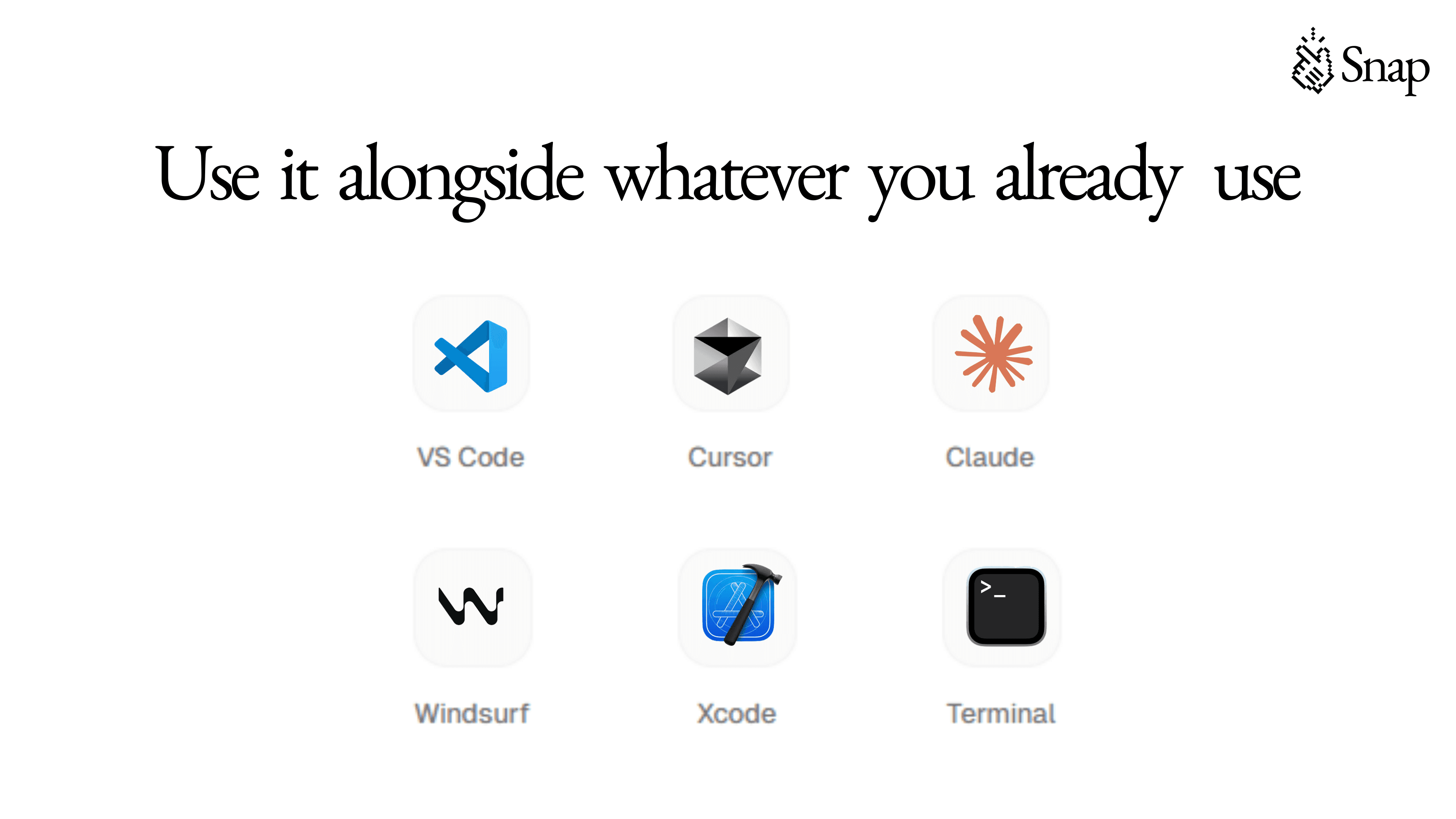
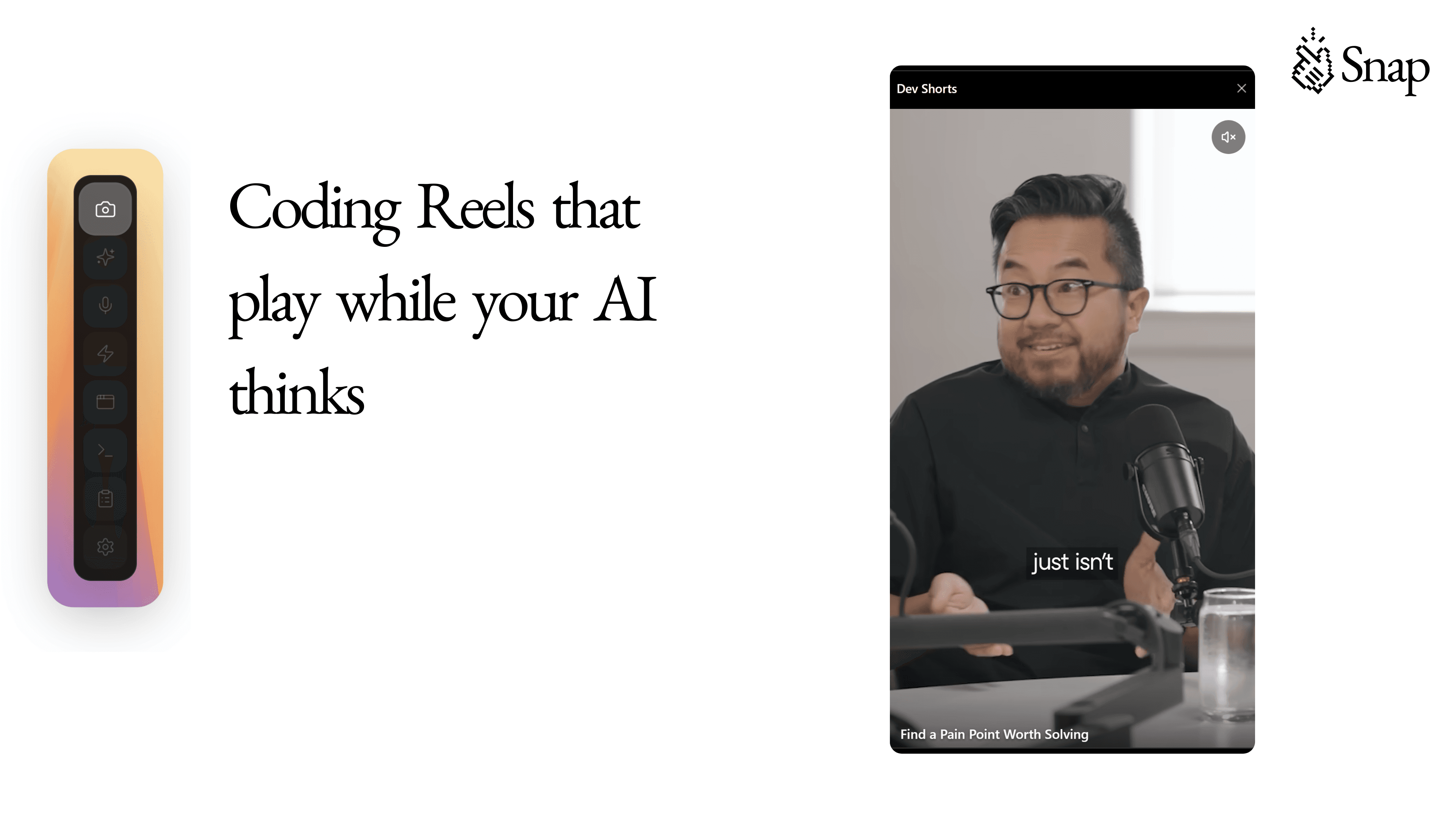
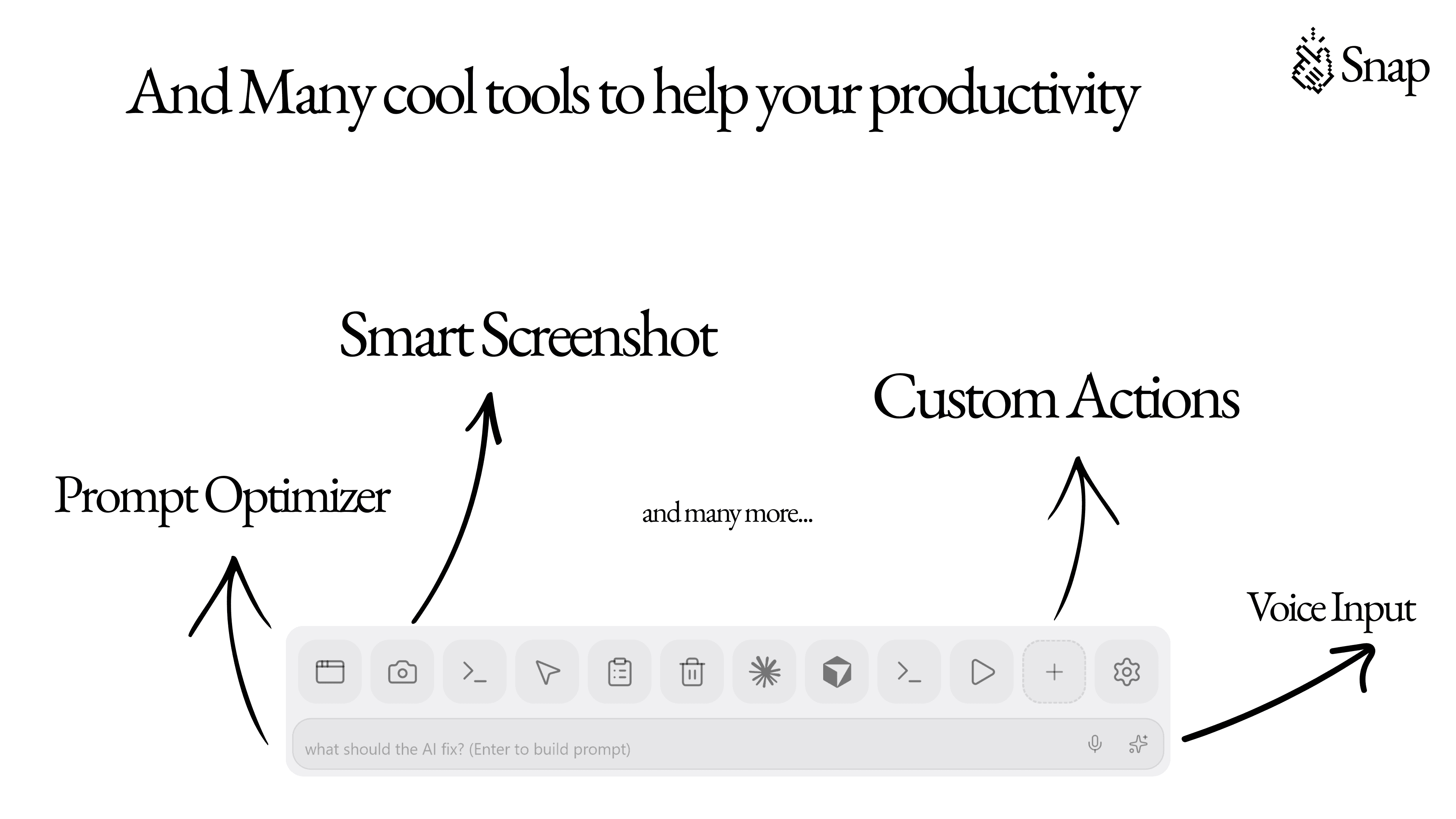
Snap is a floating dock for Cursor and Claude Code. Watch productivity reels, take screenshots, speech to text, generate and optimize prompts, copy console errors, visual editing, preview web, and custom action buttons.
Founder
Screenshots
About
Imagine streamlining your entire coding workflow into one intuitive, ever-present space right on your screen. That is the promise of the Snap Developer Dock. This isn't just another utility; it's a dynamic, floating command center designed specifically for developers who live in their code editor and need instant access to essential tools without constantly switching context. Think about those frustrating moments when you need to quickly capture a complex console error, draft a detailed prompt for your AI assistant like Cursor or Claude, or perhaps just check how a small visual change renders in a browser preview. Snap brings all these functionalities directly to your workspace, floating unobtrusively until you need it. It transforms those small, frequent interruptions into seamless micro-actions, allowing you to maintain deep focus while keeping powerful utilities literally at your fingertips. It’s about reclaiming those lost seconds and minutes throughout the day that add up to significant productivity gains over time, making your development process feel smoother and far less fragmented.
What truly sets the Snap Developer Dock apart is its commitment to integrating the modern developer toolkit. Beyond simple shortcuts, Snap offers powerful features like integrated speech-to-text for hands free note taking during debugging sessions, and dedicated buttons for generating and optimizing prompts, ensuring you get the best results from your AI coding partners immediately. Furthermore, for those working on front end projects, the ability to instantly preview web changes or use visual editing tools right from the dock eliminates the tedious back and forth between your IDE and browser. It even includes robust screenshot capabilities, perfect for documenting bugs or sharing progress updates with your team instantly. This dock learns your workflow, adapting to become an indispensable extension of your coding environment, rather than just another piece of software running in the background. It’s built for speed, context retention, and maximizing your creative output.
Ultimately, the Snap Developer Dock is about removing friction from the creation process. We understand that developers value efficiency above almost everything else, and context switching is the enemy of deep work. By centralizing critical tasks—from error logging and documentation to AI interaction and visual feedback—Snap ensures that your focus stays locked onto solving the core problem at hand. It’s the dedicated co pilot that doesn't try to write your code, but instead makes every step leading up to, during, and after the coding process faster, clearer, and more integrated. Adopt Snap today and experience what it feels like when your tools finally work around your flow, instead of forcing you to work around theirs.