
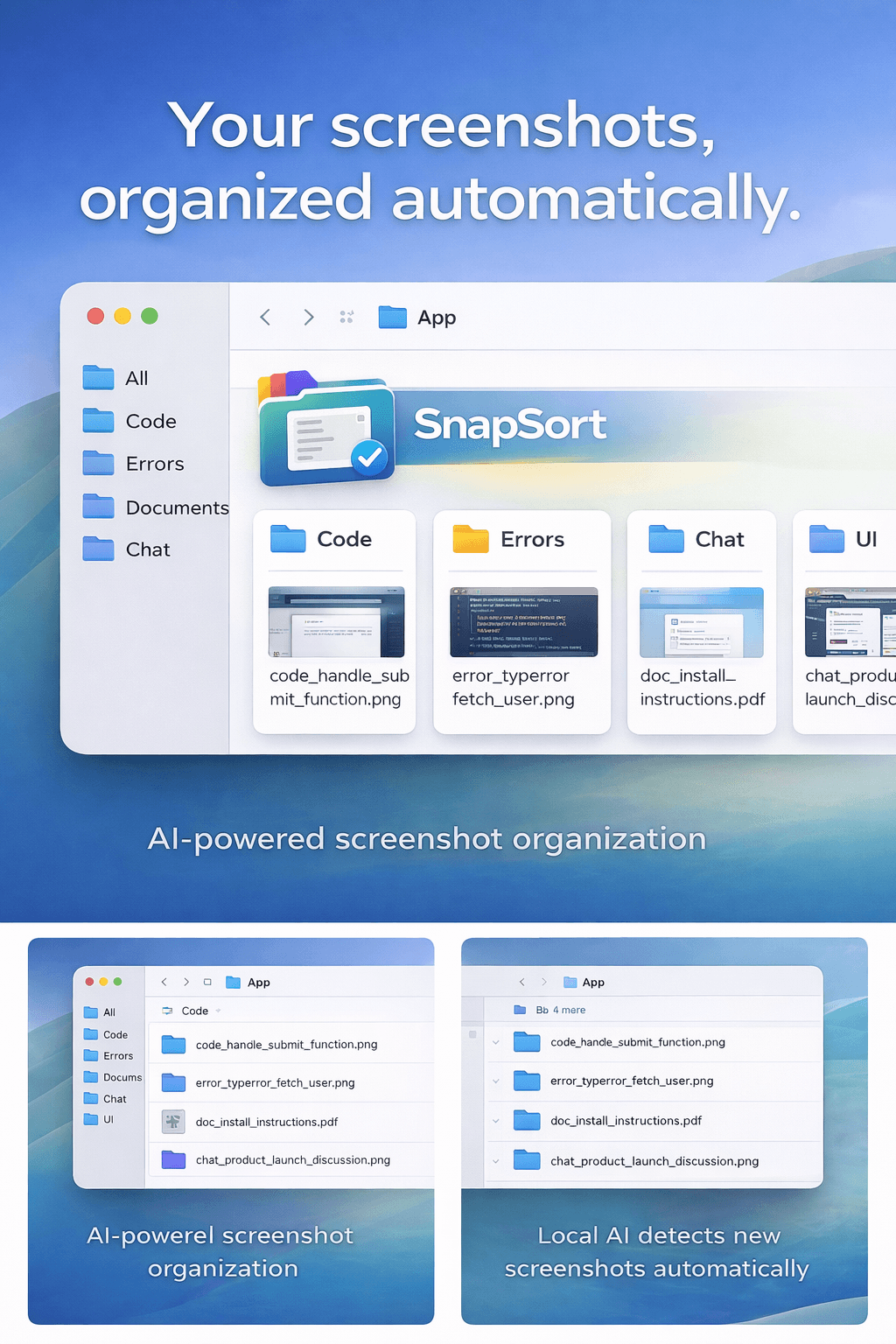
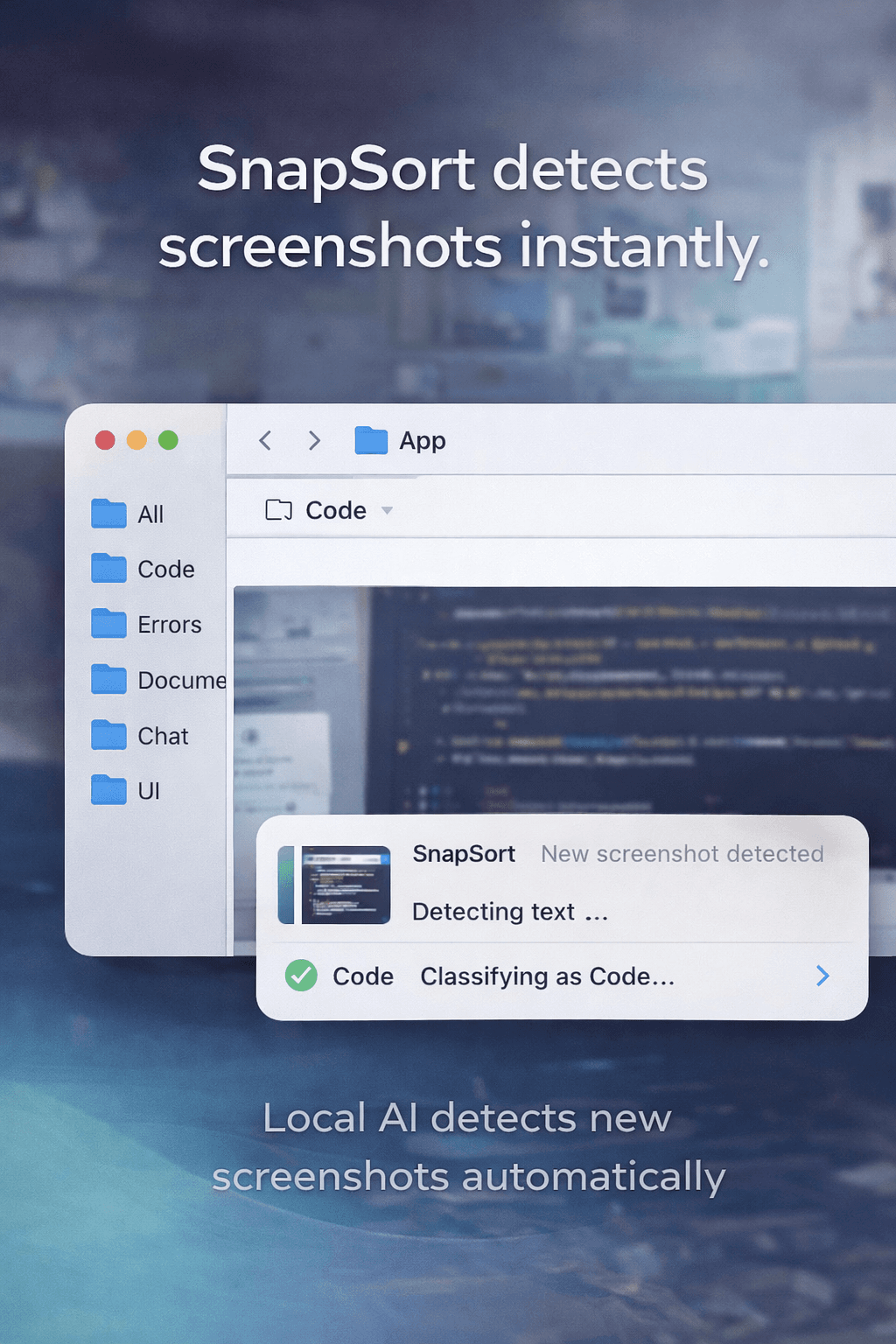
SnapSort watches your desktop for new screenshots and automatically organizes them using OCR and local AI. It extracts text, generates descriptive filenames, and sorts screenshots into folders like Code, Errors, Chat, and Documents. Everything runs locally using Tesseract and Ollama — no cloud uploads, no subscriptions, and complete privacy.see more
Founder
Screenshots
About
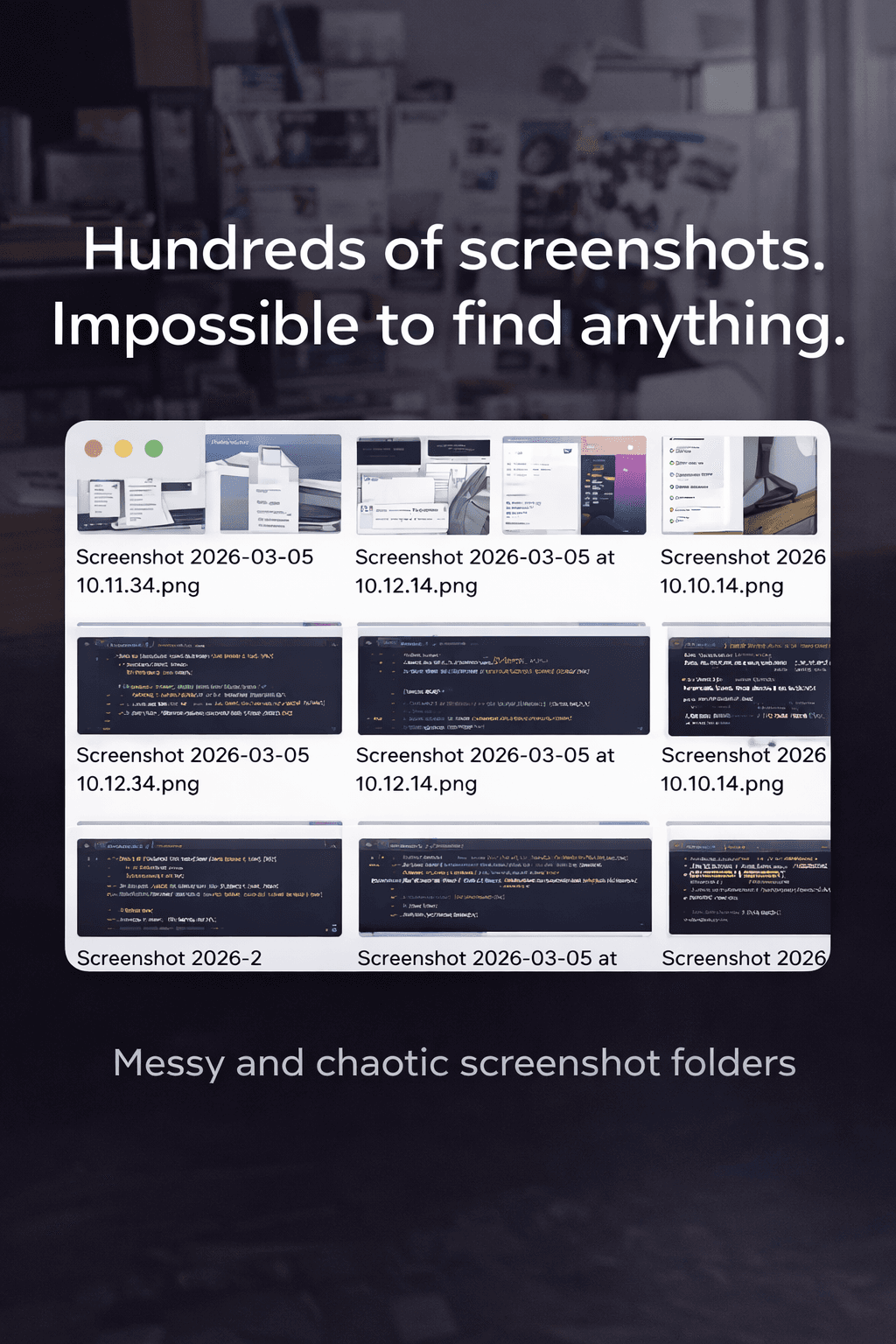
Are you tired of your desktop becoming a graveyard of random screenshots? That crucial error message, that snippet of code, or that important document you captured yesterday are now lost in a sea of unsorted images. Introducing SnapSort, the smart, privacy-focused solution designed to bring immediate order to your digital captures. SnapSort works silently in the background, constantly monitoring your designated screenshot folder. The moment a new image lands there, our powerful, local artificial intelligence springs into action. We leverage advanced Optical Character Recognition, or OCR, combined with cutting-edge local language models, to truly understand what your screenshot contains. This isn't just about renaming files; it’s about intelligent categorization that saves you precious time every single day. Imagine never having to manually sort another capture again because SnapSort has already done the heavy lifting for you, placing that complex error log directly into your 'Errors' folder or that helpful documentation into 'Reference Materials'.
What truly sets SnapSort apart is its unwavering commitment to your privacy and security. Unlike cloud-based tools that require you to upload sensitive information, SnapSort operates entirely offline. Every piece of text extraction, every analysis, and every file movement happens right on your local machine using robust, established technologies like Tesseract and Ollama. This means zero data leaves your computer, ensuring complete confidentiality whether you are working with proprietary code, private communications, or sensitive financial data. You get the benefits of sophisticated AI organization without the risk or the nagging worry of data breaches or subscription fees. It’s a one-time solution that delivers continuous, reliable performance, giving you peace of mind alongside a perfectly tidy workspace.
SnapSort transforms the chaotic process of screenshot management into a seamless, automated workflow. For developers, students, and professionals who rely on visual information daily, this tool becomes indispensable. It learns your needs, creating highly descriptive filenames based on the extracted content, making searching for that specific piece of information as simple as typing a few keywords into your file explorer. Stop wasting minutes every day hunting for that one perfect capture. Embrace the efficiency of truly local automation and reclaim your focus for the tasks that actually matter. SnapSort gives you back control over your digital environment, one perfectly sorted screenshot at a time.