
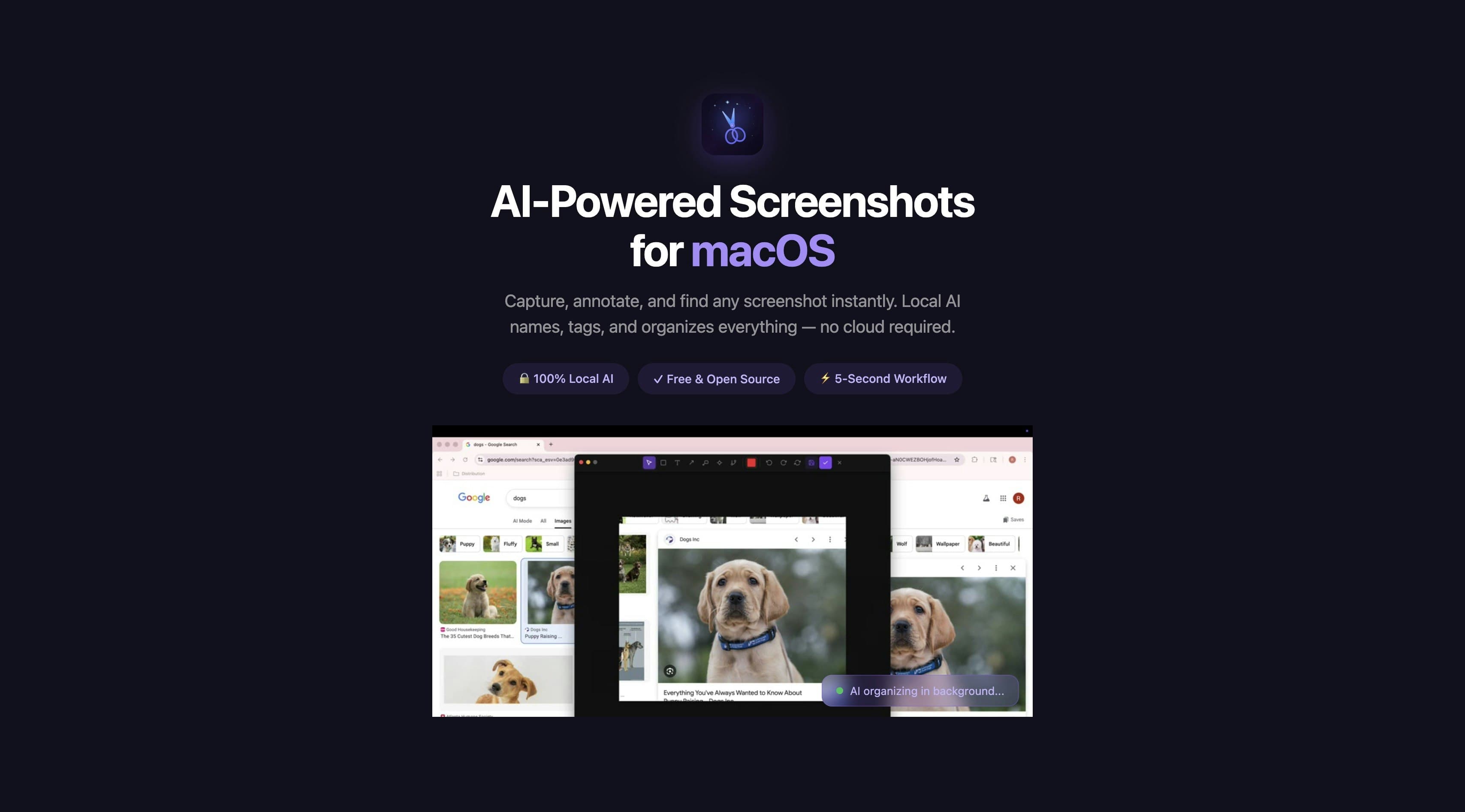
Snip is a free, open-source macOS screenshot tool with on-device AI. Capture any region with Cmd+Shift+2. Annotate with arrows, text, blur, and AI object segmentation. A local vision model auto-names, tags, and categorizes every saved screenshot. Find anything later by describing it — semantic search powered by local embeddings finds the right screenshot instantly. Segment objects and animate them into GIFs. No cloud, no API keys. 100% private, runs entirely on your Mac.see more
Founder
Screenshots
About
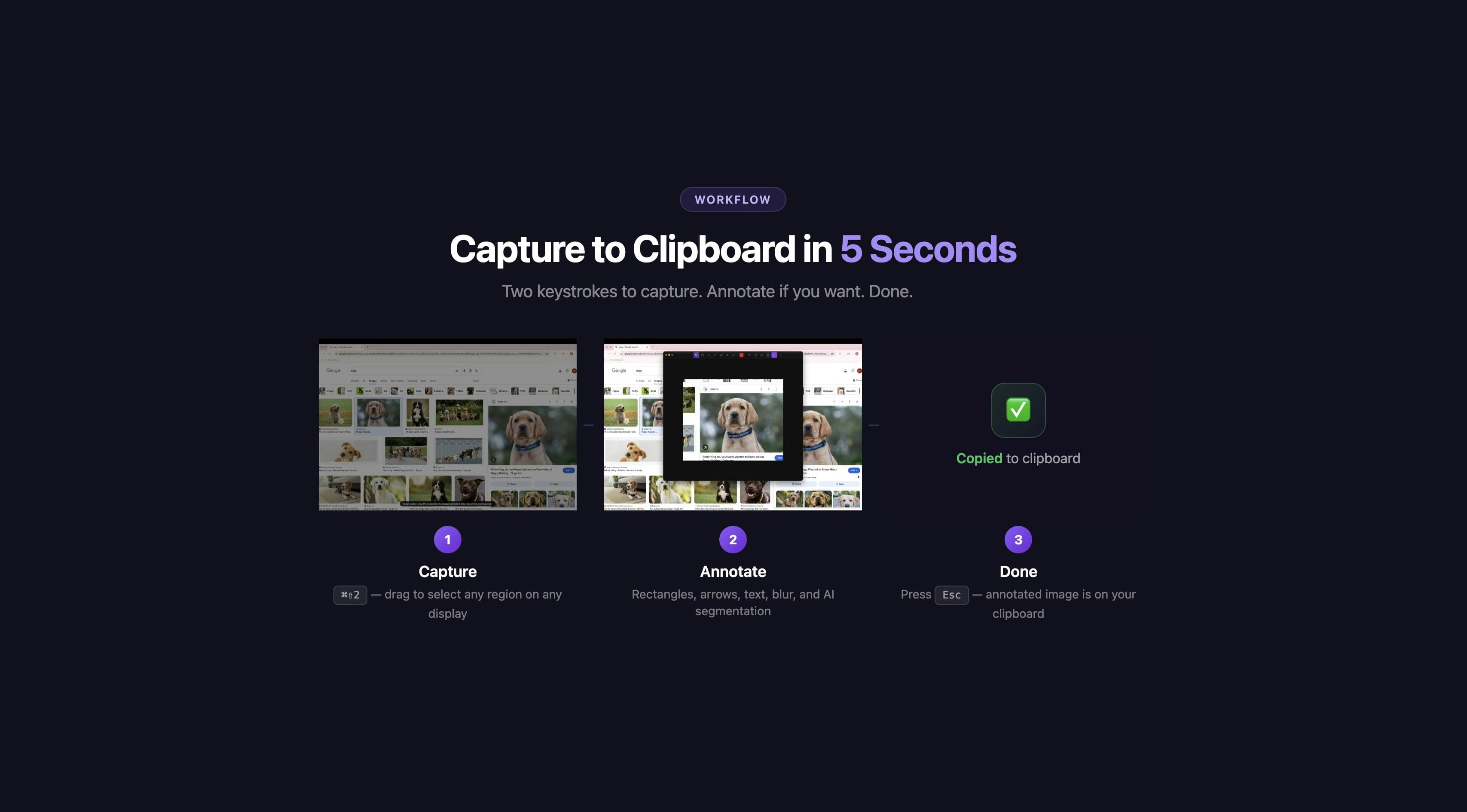
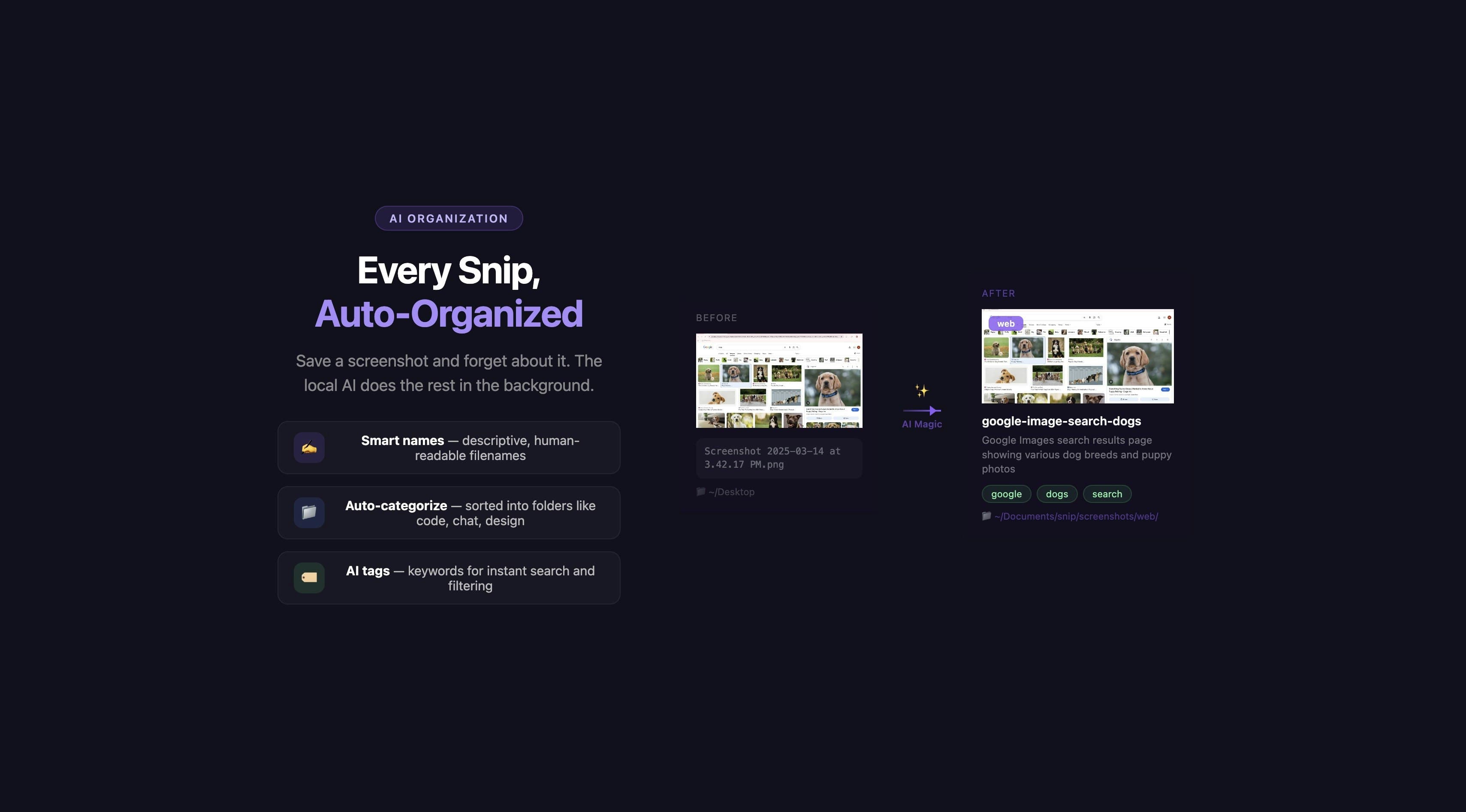
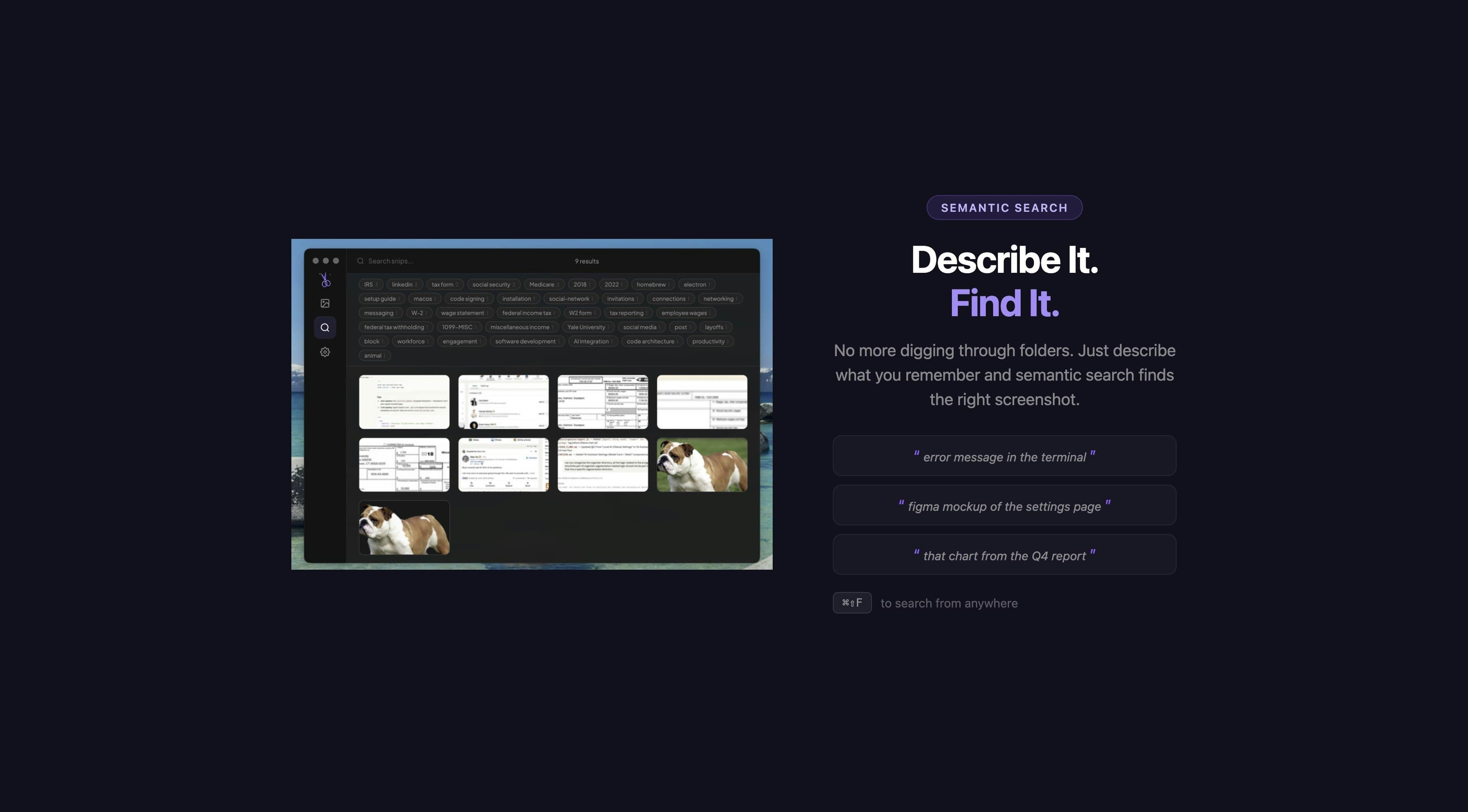
Tired of the endless clutter that piles up every time you capture your screen? Meet Snip, the revolutionary macOS screenshot utility designed to bring intelligence and order to your visual workflow. Forget the days of saving generic files like 'Screenshot 2024-10-27 at 10.30.15 AM' and then spending precious minutes hunting for that one crucial diagram or error message. Snip takes the standard capture process—which you can trigger instantly with Cmd+Shift+2—and elevates it with powerful, on-device artificial intelligence. Once you capture an image, Snip doesn't just save it; it instantly analyzes the content. Our local vision model automatically generates descriptive names, relevant tags, and accurate categories for every single image. This means your desktop stays pristine, and more importantly, your knowledge base becomes instantly searchable. Imagine being able to recall a specific UI element or a piece of code from six months ago simply by typing, "Show me the settings window with the blue save button." That’s the power of truly smart organization, all running securely right on your Mac, without sending a single byte to the cloud.
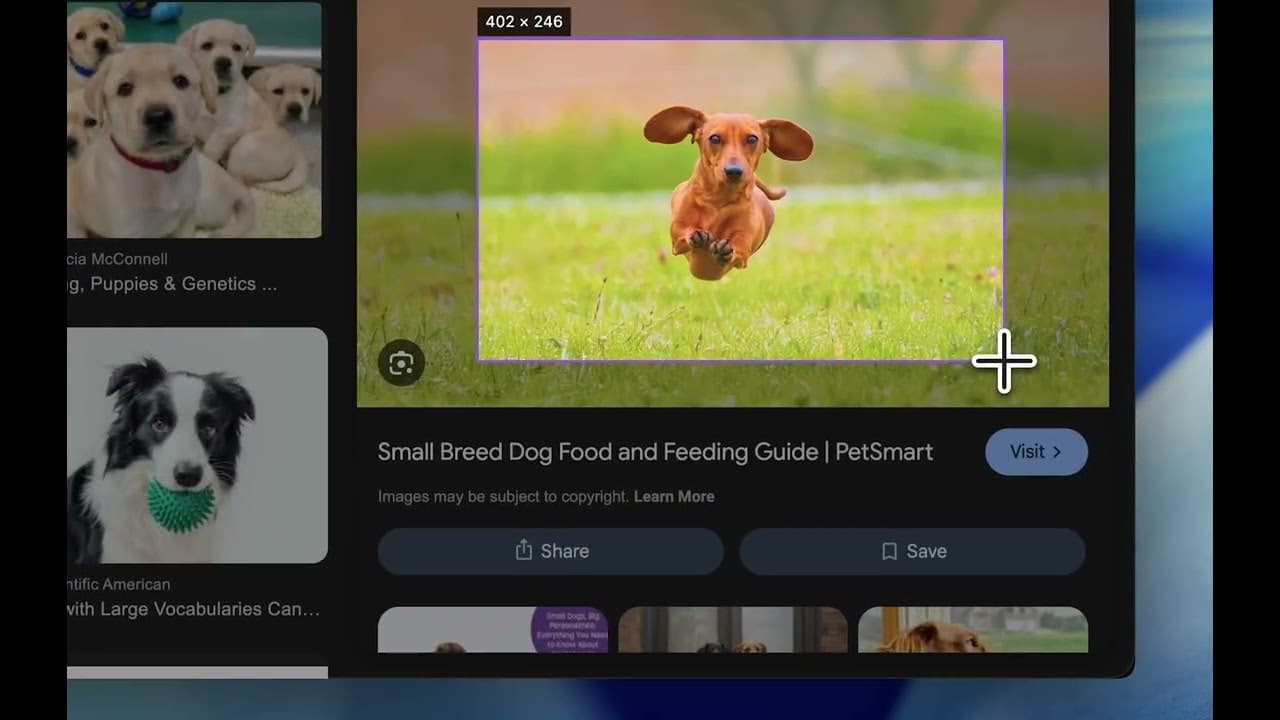
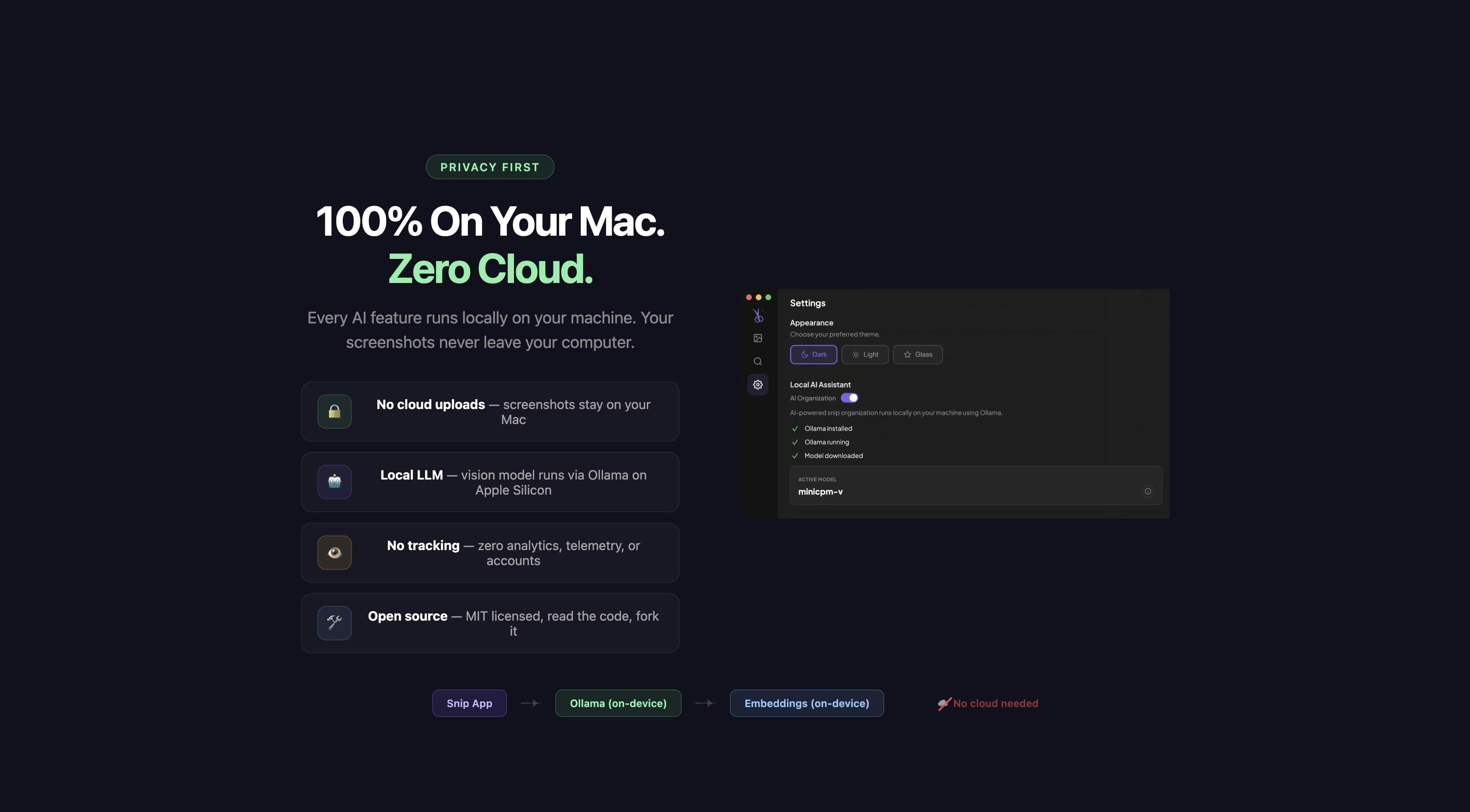
But Snip is more than just an intelligent filing system; it’s a complete annotation and creation studio built for speed and privacy. When you need to highlight something important, you have a full suite of annotation tools at your fingertips, including arrows, text overlays, and precise blurring for sensitive data. What truly sets Snip apart is its advanced AI object segmentation. See that specific icon, chart, or section of text you need to isolate? Snip can segment it out perfectly, allowing you to extract just that element. Even better, you can take those segmented objects and animate them directly into looping GIFs, perfect for quick documentation or sharing updates with your team. Since Snip operates entirely locally—no cloud services, no external API keys required—you maintain absolute control and privacy over every piece of visual information you capture, making it the ideal tool for professionals handling sensitive data or anyone who values their digital sovereignty.
This isn't just another utility; it's a fundamental upgrade to how you interact with visual information on your Mac. By integrating deep learning directly into the capture and filing process, Snip transforms screenshots from static, forgotten files into an instantly accessible, self-organizing library. Whether you are a developer documenting bugs, a designer sharing mockups, or a student taking detailed notes, Snip ensures that the visual context you capture today is immediately useful tomorrow. It’s productivity redefined, built with a commitment to speed, usability, and uncompromising local security, giving you back the time you used to spend searching and letting you focus on creating.