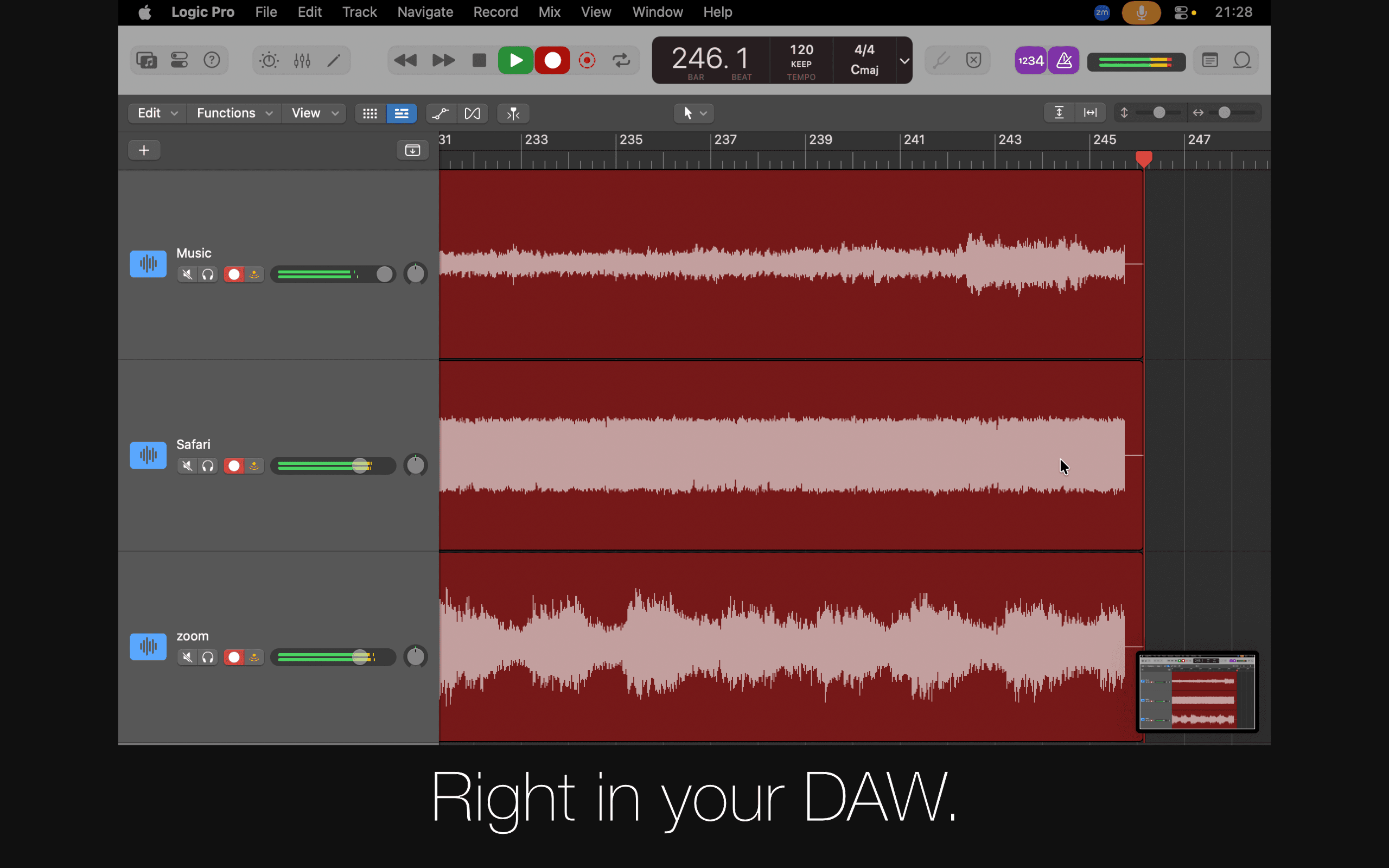
Sound Siphon: Audio Unit lets DAWs capture audio directly from other apps running on your Mac. Insert the plugin in hosts like Logic Pro, Ableton Live, Reaper, or Sessions, choose the app you want to capture, and record the audio directly into your project. Common uses: • Record browser audio in your DAW • Capture audio from other apps while producing • Sample media players, games, or livestreams Available now on the Mac App Store.see more
Founder
Screenshots
About
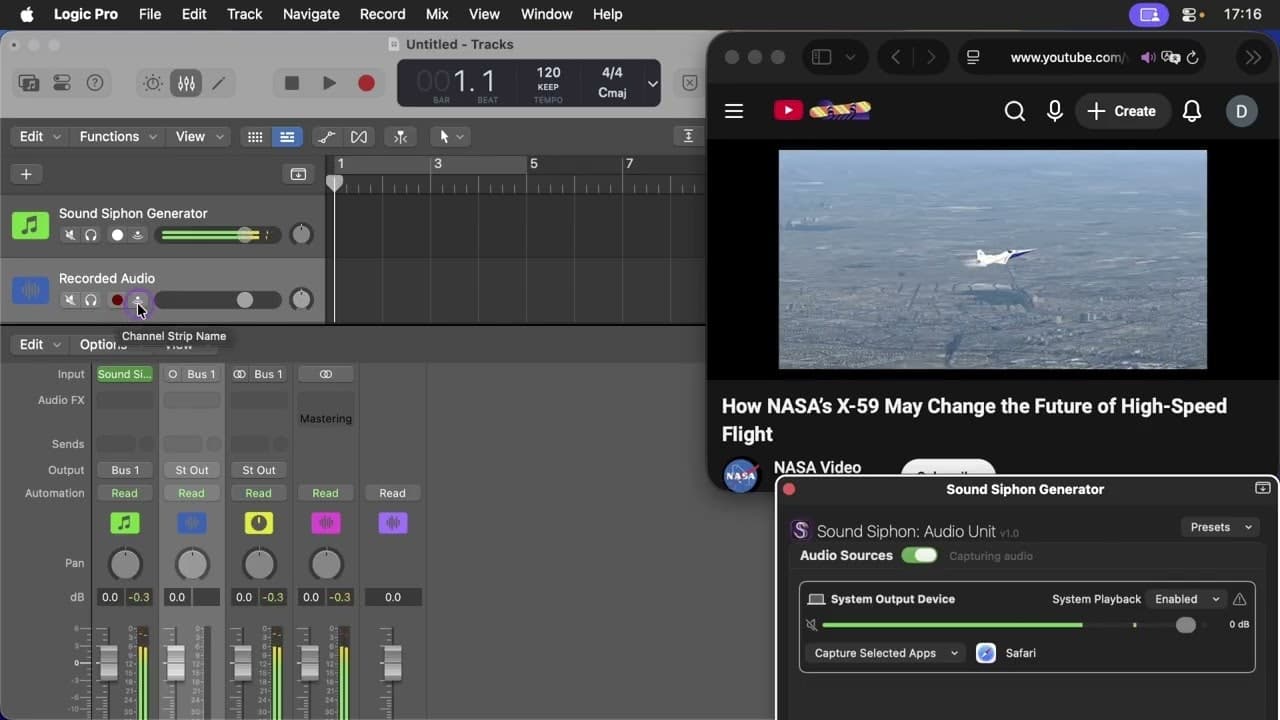
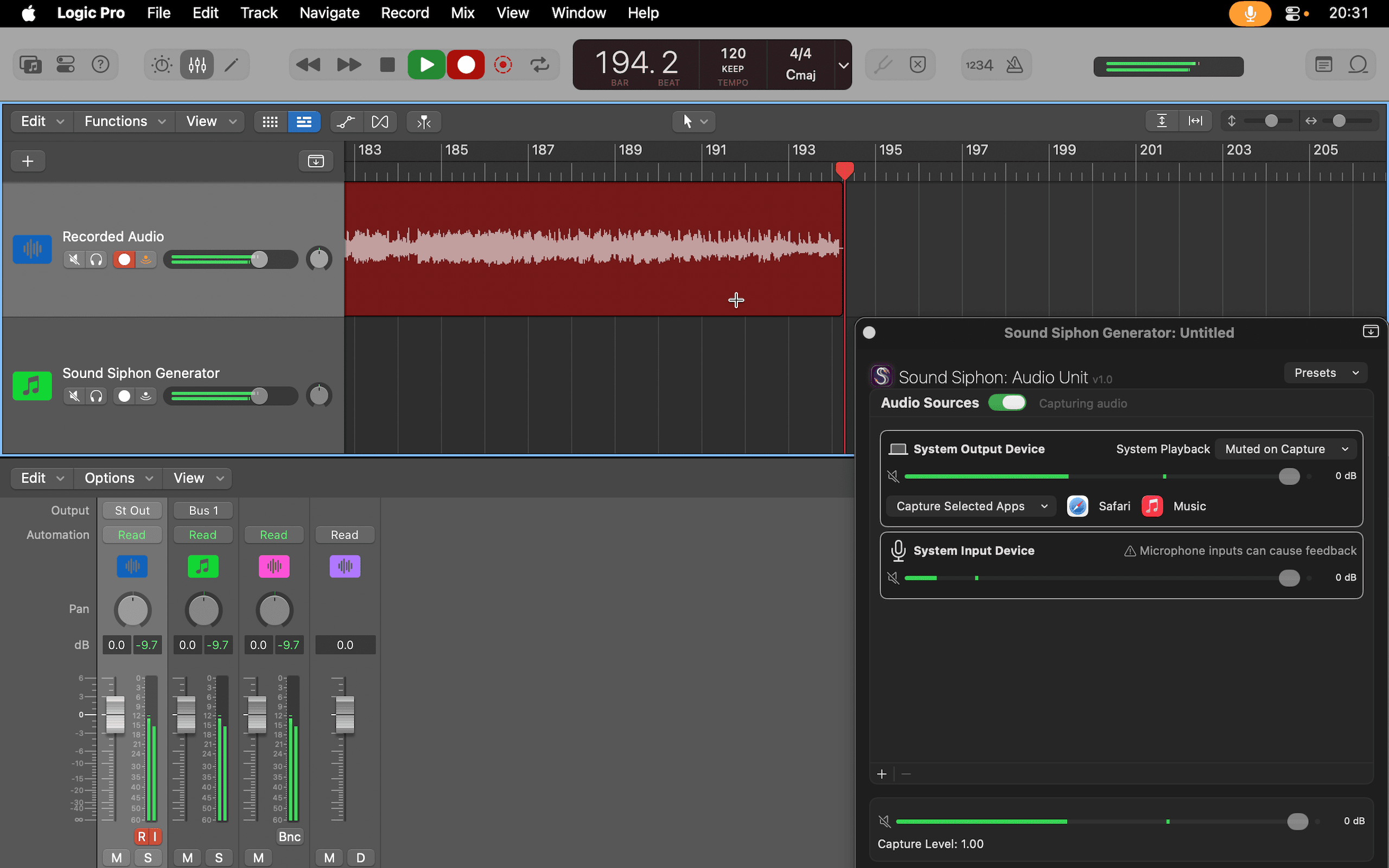
Imagine finally having the seamless ability to pull audio from any application running on your Mac directly into your Digital Audio Workstation. That is the core promise of the 80. Sound Siphon Audio Unit, a revolutionary tool designed for creators, producers, and sound designers who constantly need to sample, record, or integrate external audio sources without resorting to clunky workarounds. Forget the days of setting up complex aggregate devices, routing outputs back into inputs, or relying on unreliable virtual cables. Sound Siphon simplifies this entire process down to inserting a single plugin. Whether you are trying to perfectly capture a specific sound effect from a video playing in your web browser, sample a unique musical passage from a streaming service, or integrate background audio from a game or livestream directly into your current project in Logic Pro, Ableton Live, or Reaper, this Audio Unit makes it incredibly straightforward. It transforms your Mac into a unified audio environment where any running application becomes an instant, high-quality source ready for recording.
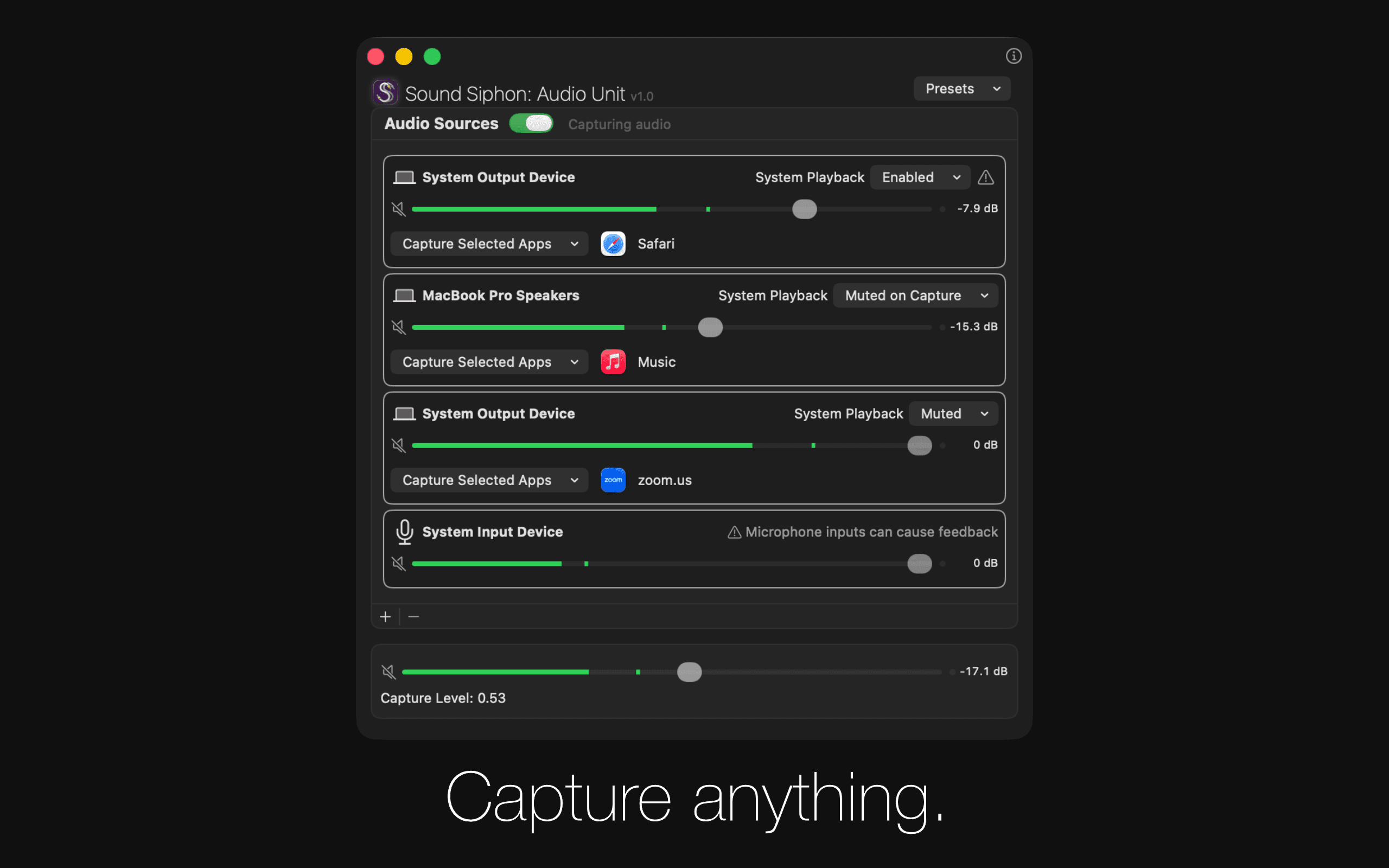
This tool truly unlocks new creative workflows by removing technical barriers that used to slow down inspiration. For the modern music producer, this means you can now instantly sample that perfect synth patch from a web-based soft synth demonstration or grab a vocal snippet from an online interview without ever leaving your primary production environment. The integration is seamless; you simply load the Sound Siphon Audio Unit within your preferred host application, select the source application from the plugin interface, and start recording pristine audio directly onto a track in your session. This direct capture method ensures minimal latency and maintains the highest possible audio fidelity, which is crucial when you are working on professional tracks or detailed sound design projects. It is about making your creative process faster, more direct, and infinitely more flexible, allowing you to focus purely on the art of creation rather than the mechanics of routing.
Sound Siphon is built for the serious Mac user who demands efficiency and precision from their tools. It acts as the ultimate bridge between the vast world of desktop applications and your dedicated music creation space. If your workflow involves capturing unique sounds, testing audio from different software, or integrating external media content into your compositions, this Audio Unit is an essential addition to your developer or production toolkit. It is readily available on the Mac App Store, offering immediate access to streamline your audio capture needs and elevate the way you interact with sound on your computer.