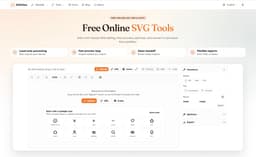
SVGView: browser-based SVG viewer, optimizer & converter — fully local, no uploads/privacy risks. Add SVG (drag/drop, paste, URL, samples) → instant preview & inspect (viewBox, alignment, strokes, clipping, padding). One-click optimize shrinks size. Export: clean SVG, PNG (transparent/solid bg), Data URI, React JSX/TSX. Unlike CLI (no preview) or server tools (upload risks). All-in-one private tab for icons/UI/perf. Try: https://svgview.com/see more
Founder
Screenshots
About
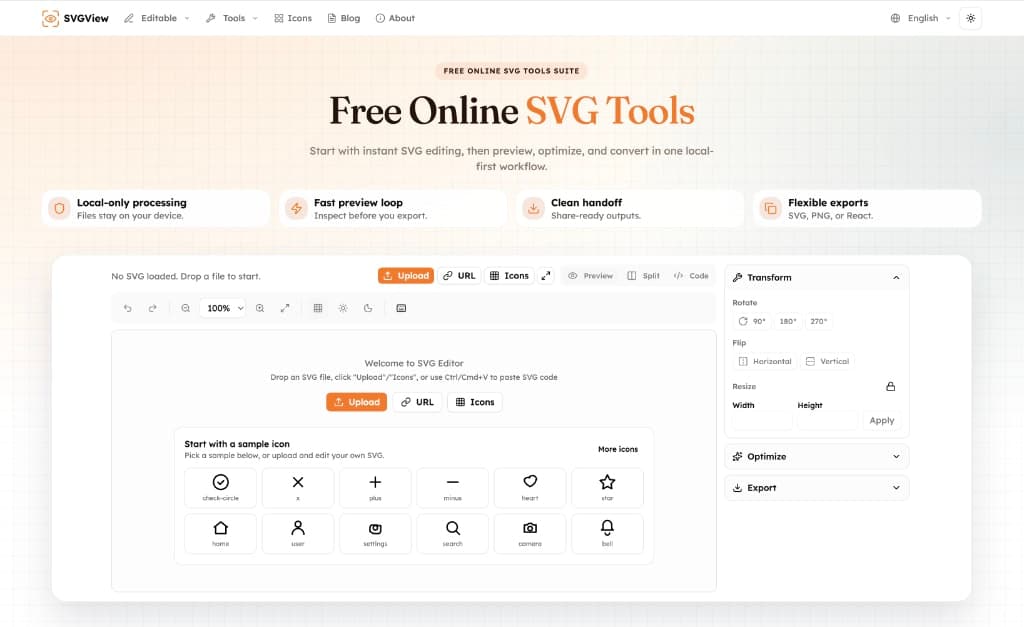
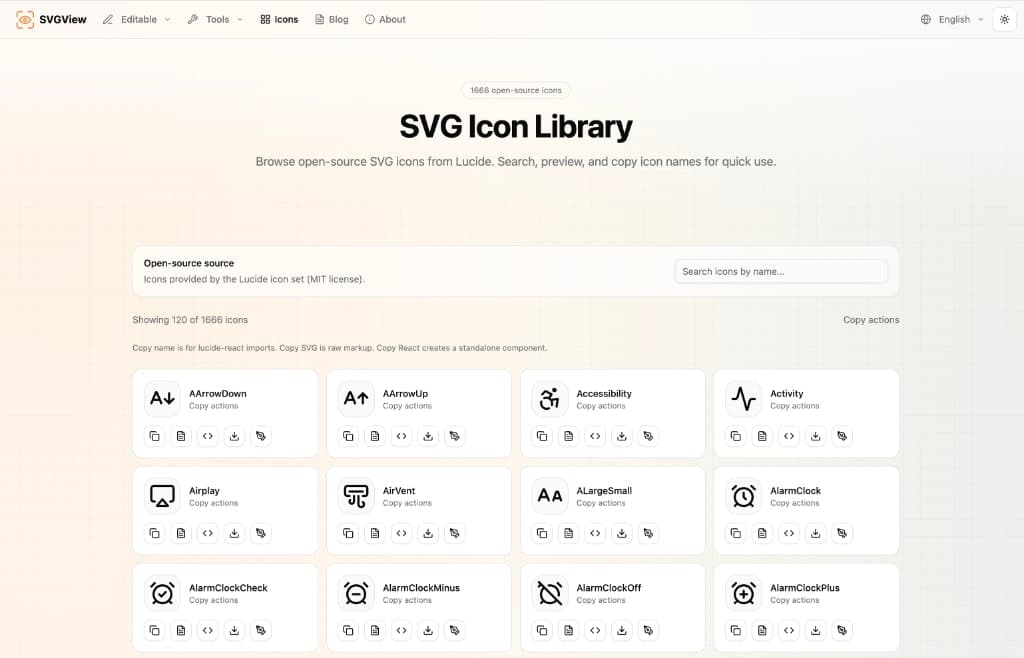
Meet SVGView, the ultimate browser-based companion designed to revolutionize how you interact with Scalable Vector Graphics. If you work with icons, user interface elements, or any kind of vector art, you know the constant juggle between viewing, tweaking, and preparing files for production. SVGView cuts through that complexity by offering a seamless, all-in-one workspace right inside your browser tab. Forget the hassle of installing heavy desktop software or the nagging security concerns that come with uploading sensitive assets to third-party servers. SVGView operates entirely local-first, meaning your files never leave your machine, giving you complete peace of mind regarding privacy and security. Whether you're dragging and dropping a file, pasting raw SVG code, or entering a direct URL, you get an instant, crystal-clear preview. This isn't just a simple display; you can deeply inspect the structure, checking critical elements like the viewBox definition, alignment settings, stroke properties, and clipping paths, ensuring every detail is pixel-perfect before you commit to using it.
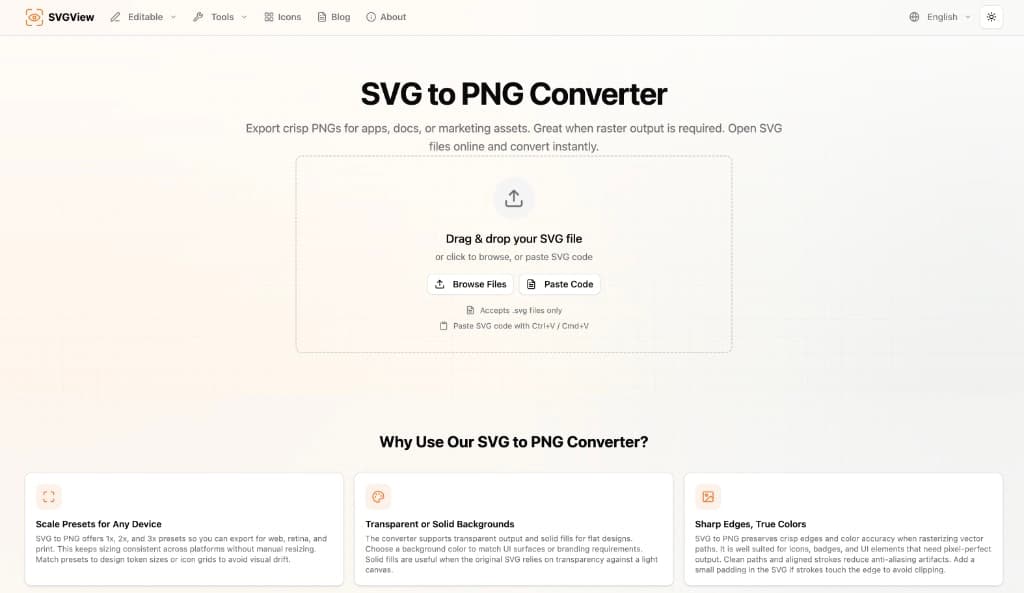
Beyond just viewing, SVGView empowers you to refine your assets for peak performance. We understand that bloated SVG files can drag down website load times, which is why our built-in optimizer is a game-changer. With a single click, you can dramatically shrink the file size of your vectors without sacrificing visual quality, making your applications faster and leaner. But the utility doesn't stop there. Once you're satisfied with the look and size, SVGView transforms into a powerful exporter. Need a raster version for compatibility? Export instantly as a high-quality PNG with your choice of a transparent or solid background. Need to embed it directly into CSS or HTML? Grab the clean SVG code or even generate a ready-to-use Data URI. For modern frontend developers, the ability to export directly into React JSX or TSX components streamlines the integration process significantly, saving precious development time by providing perfectly formatted component code.
What truly sets SVGView apart is its dedication to providing a superior developer and designer experience compared to traditional methods. Command-line interface tools are powerful but lack any visual feedback, forcing you to constantly switch contexts. Server-based tools introduce unnecessary upload steps and security risks. SVGView combines the power of optimization and conversion with the immediacy of a local preview, all within a private, intuitive interface. It becomes your dedicated sandbox for testing icons, validating UI assets, and ensuring your vector graphics are optimized for the web, making it an indispensable tool for anyone serious about high-performance design and development workflows. It's the private, powerful SVG utility you've always needed, available instantly.