
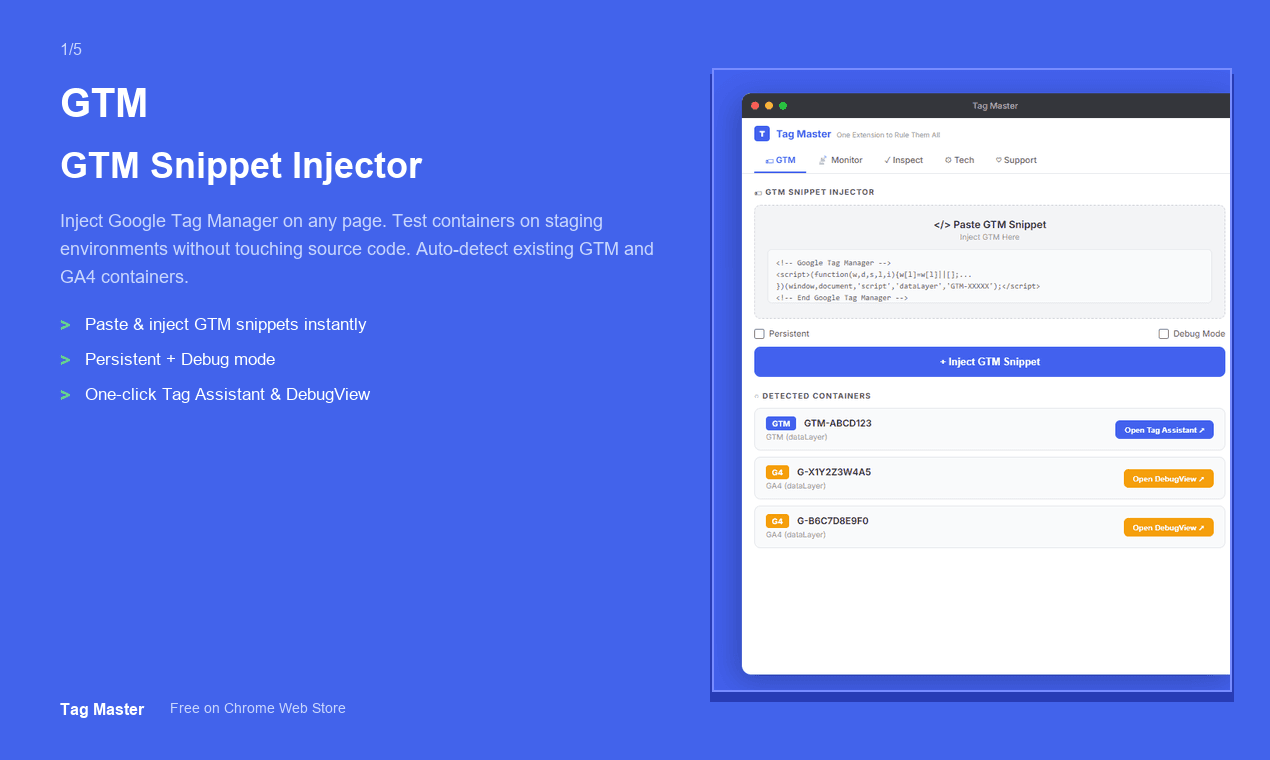
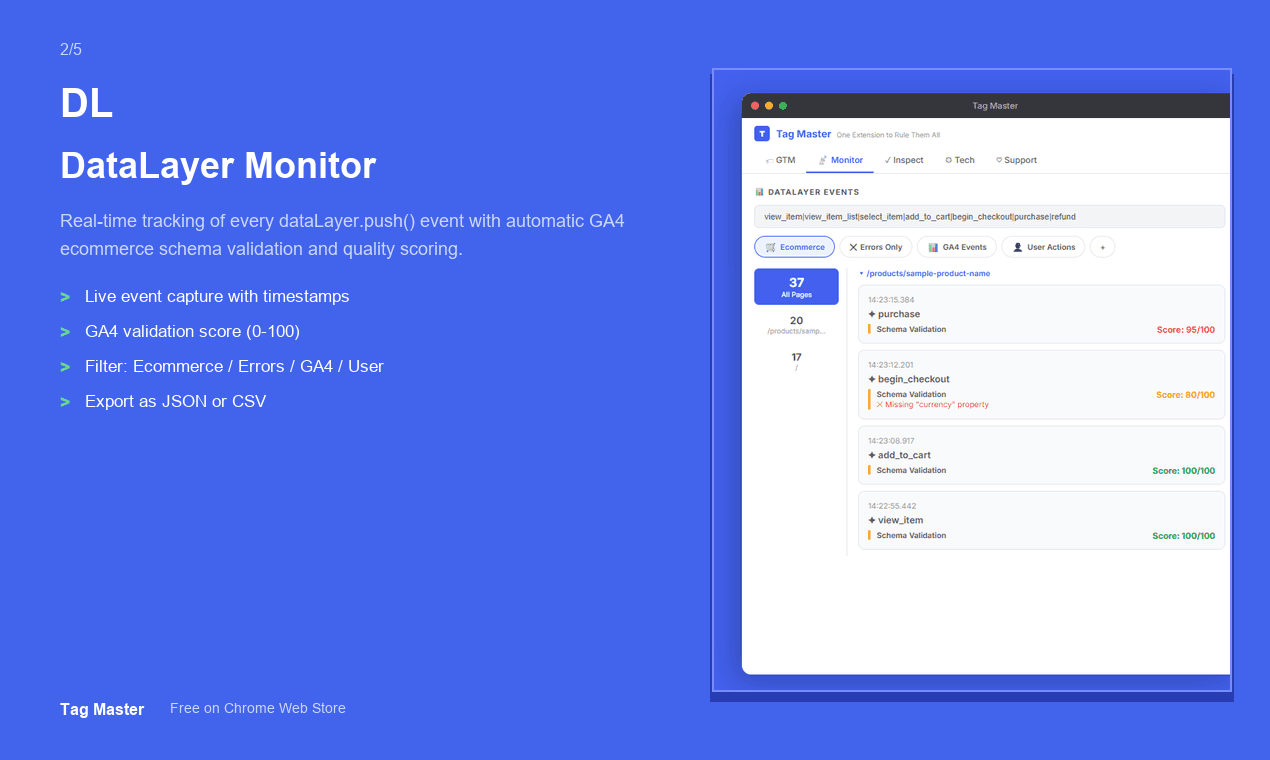
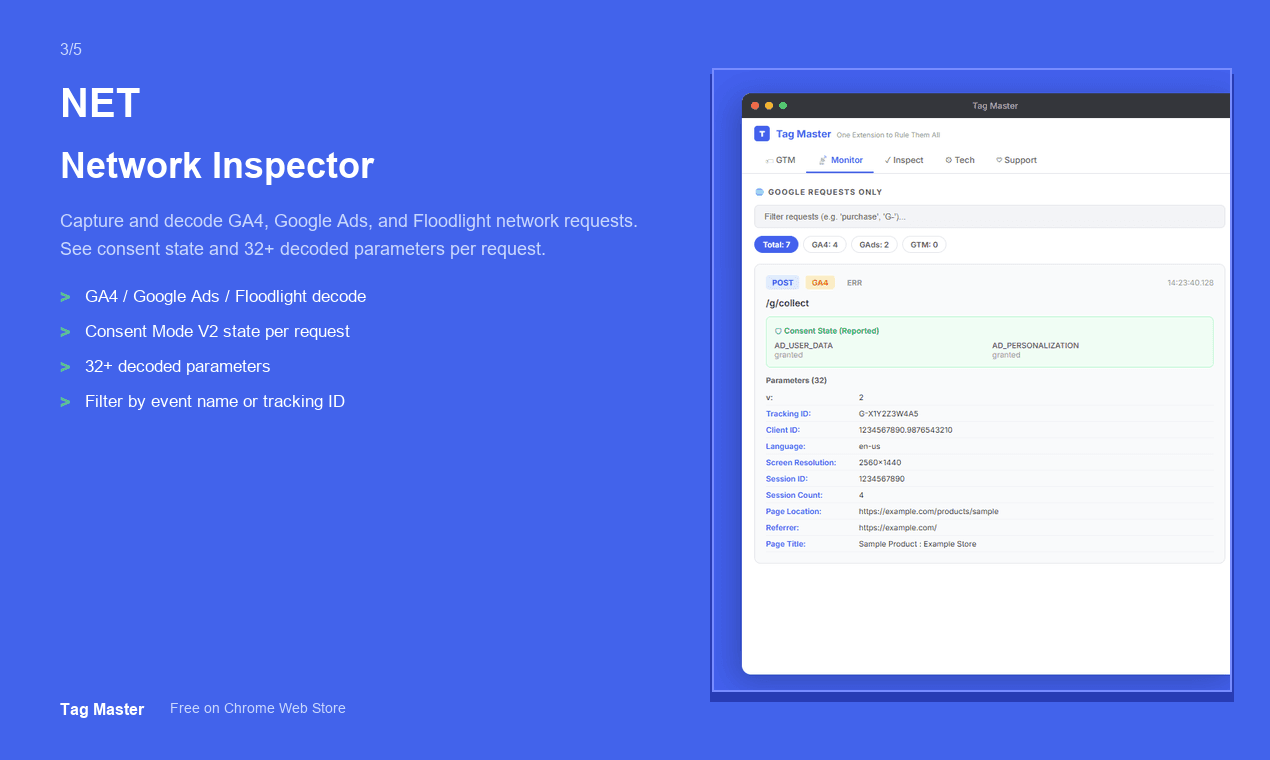
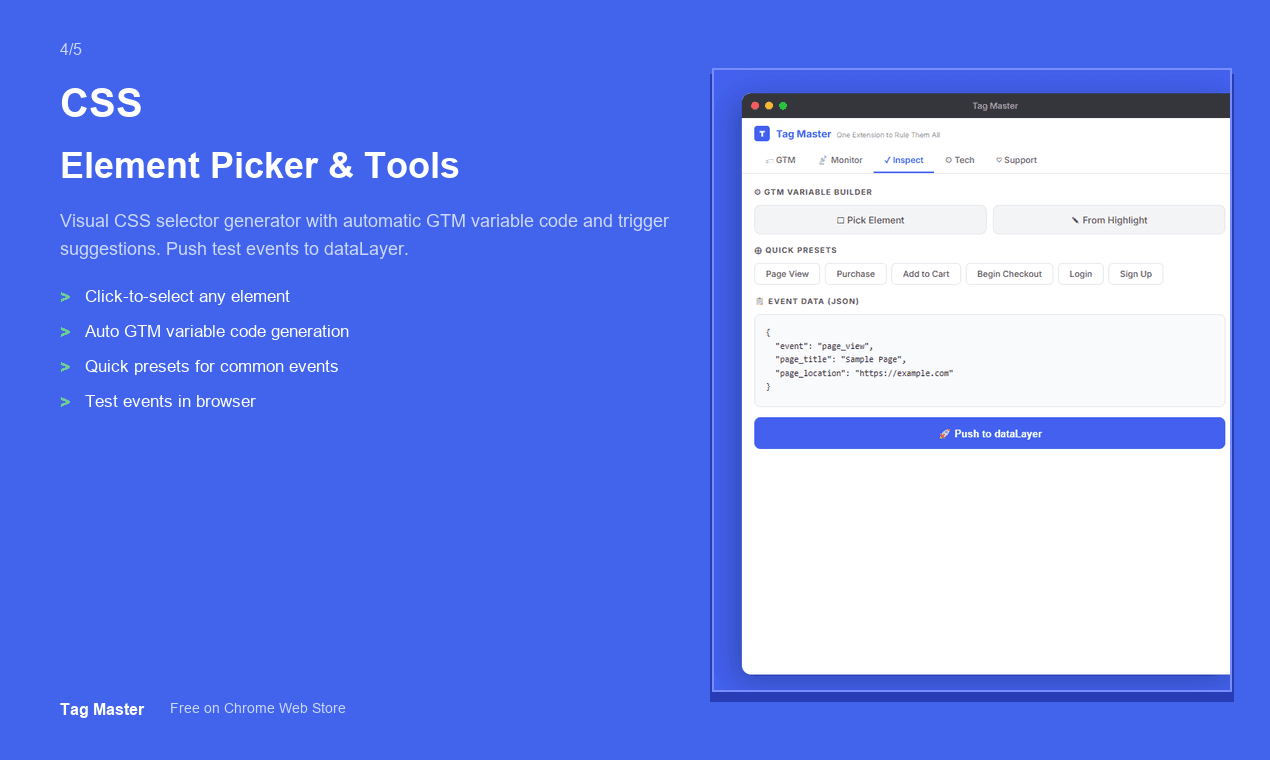
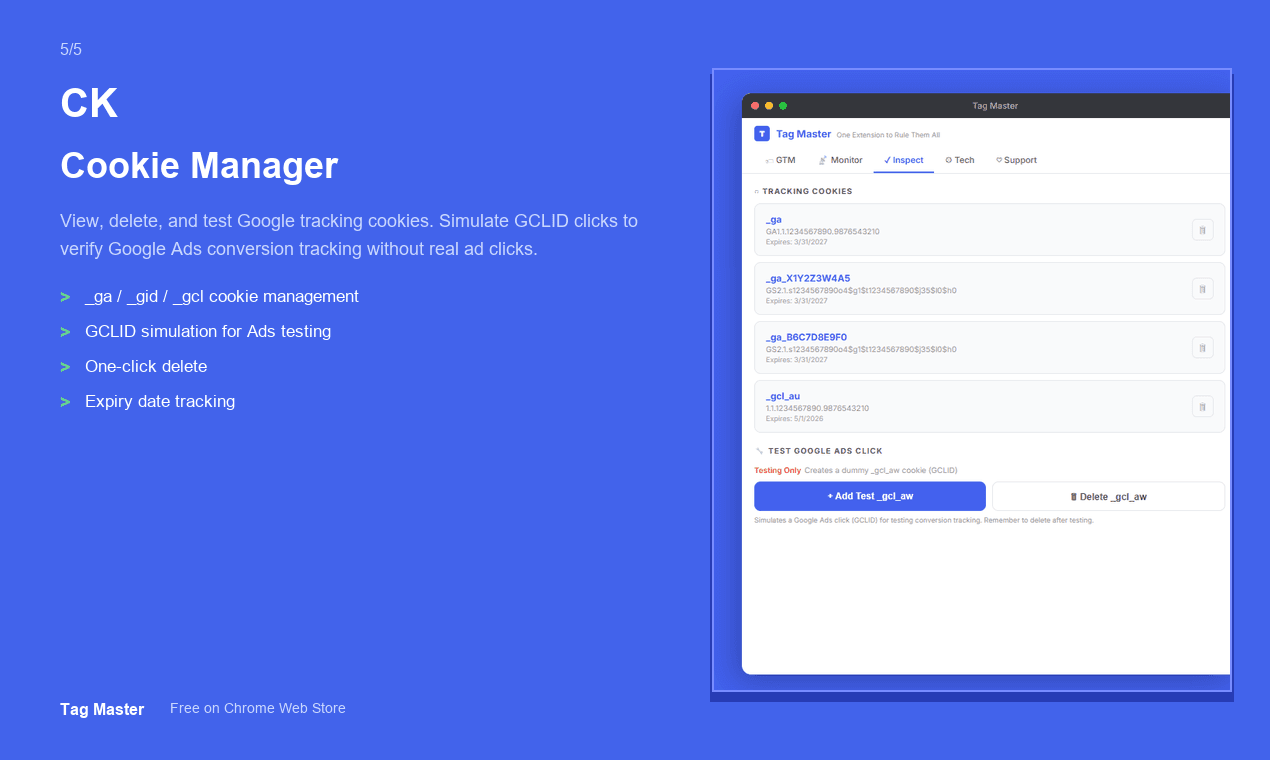
Tag Master is a free Chrome extension that brings all your GA4 and GTM debugging tools into one side panel. - Inject GTM snippets on any page and auto-detect containers - Monitor dataLayer events with GA4 schema validation (scored 0-100) - Decode GA4, Google Ads & Floodlight network requests with consent state - Generate CSS selectors and GTM variable code visually - Manage Google tracking cookies and simulate GCLID for Ads testing No account needed. No data collection. 100% free.see more
Founder
Screenshots
About
Are you tired of juggling multiple tabs, constantly switching between your website, Google Tag Manager, and Google Analytics 4 to troubleshoot your tracking setup? Debugging marketing tags can often feel like a complex maze, slowing down your deployment and introducing frustrating errors. Introducing Tag Master, the essential free Chrome extension designed to bring clarity and efficiency back to your tag management workflow. We've consolidated everything a digital analyst or developer needs directly into a convenient, intuitive side panel right within your browser. Imagine instantly injecting GTM snippets onto any page you visit, knowing exactly which container is active, without ever leaving your testing environment. This isn't just about seeing data; it's about understanding its quality immediately. Tag Master validates your dataLayer events against the official GA4 schema, giving you a clear, objective score from 0 to 100. This instant feedback loop means you catch critical data discrepancies before they ever hit your reports, saving hours of post-launch clean-up and ensuring your marketing spend is based on accurate insights.
But the power of Tag Master extends far beyond basic event monitoring. When you need to dive deep into network traffic, this tool becomes indispensable. It decodes complex network requests from GA4, Google Ads, and Floodlight, crucially showing you the consent state associated with that data transmission. This level of transparency is vital in today's privacy-focused landscape, allowing you to confirm that your consent management platform is functioning exactly as intended across all your critical marketing pixels. Furthermore, we’ve streamlined the often tedious process of creating selectors and variables. Instead of manually writing complex CSS selectors or GTM variable code, Tag Master allows you to generate this code visually, translating your clicks directly into usable implementation snippets. Testing ad performance is also simplified, as you can easily manage Google tracking cookies and even simulate the GCLID parameter to test your Google Ads conversion tracking precisely.
What truly sets Tag Master apart is its commitment to simplicity and user trust. You get enterprise-level debugging capabilities without any of the usual overhead. There is absolutely no account creation required, meaning zero friction to get started, and critically, we collect absolutely no data about your usage or your websites. It is 100% free, built purely to empower developers and analysts to deploy flawless tracking configurations faster than ever before. Stop wrestling with scattered tools and start mastering your data layer with Tag Master—your all-in-one side panel solution for robust, reliable analytics implementation.