
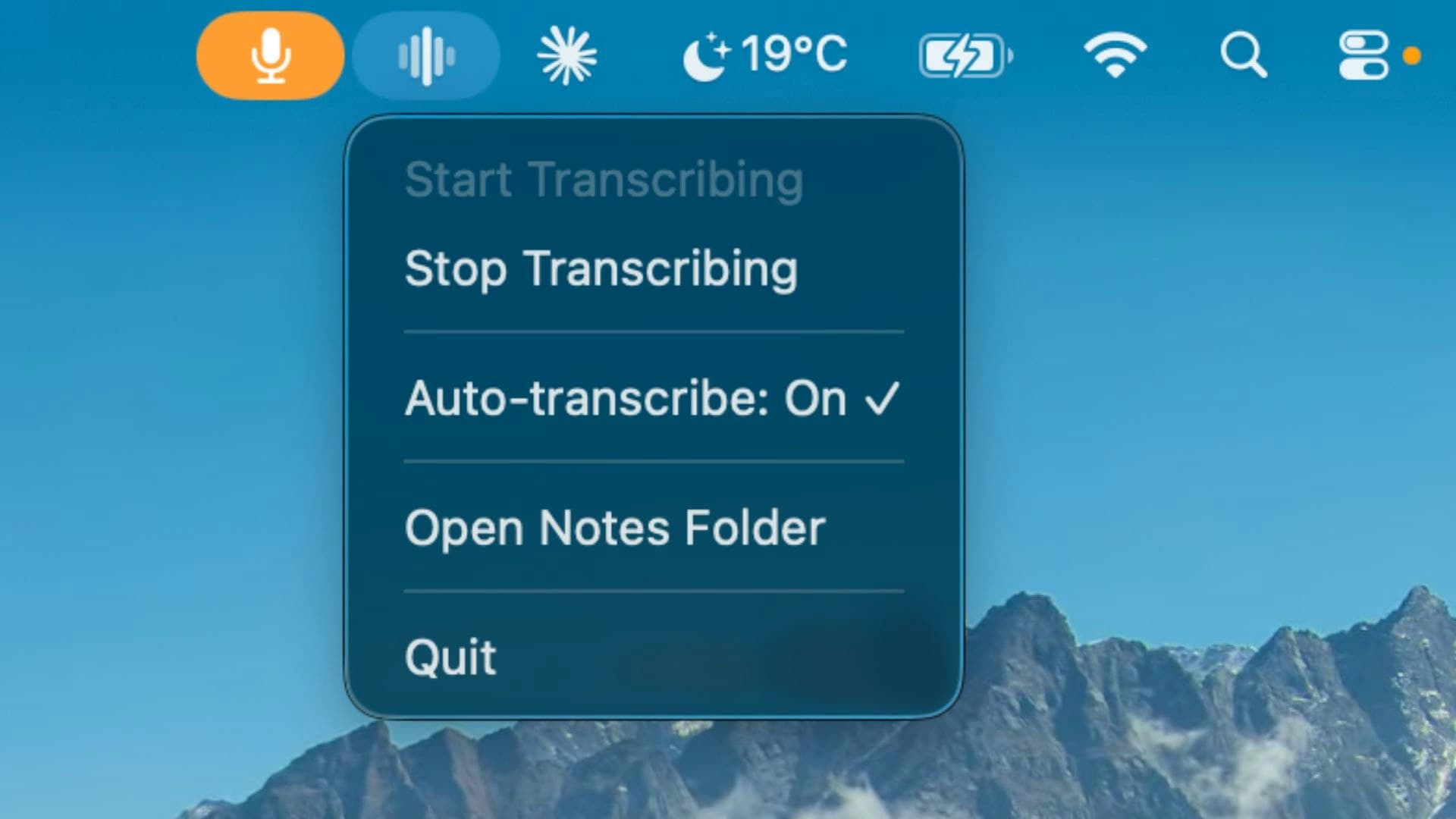
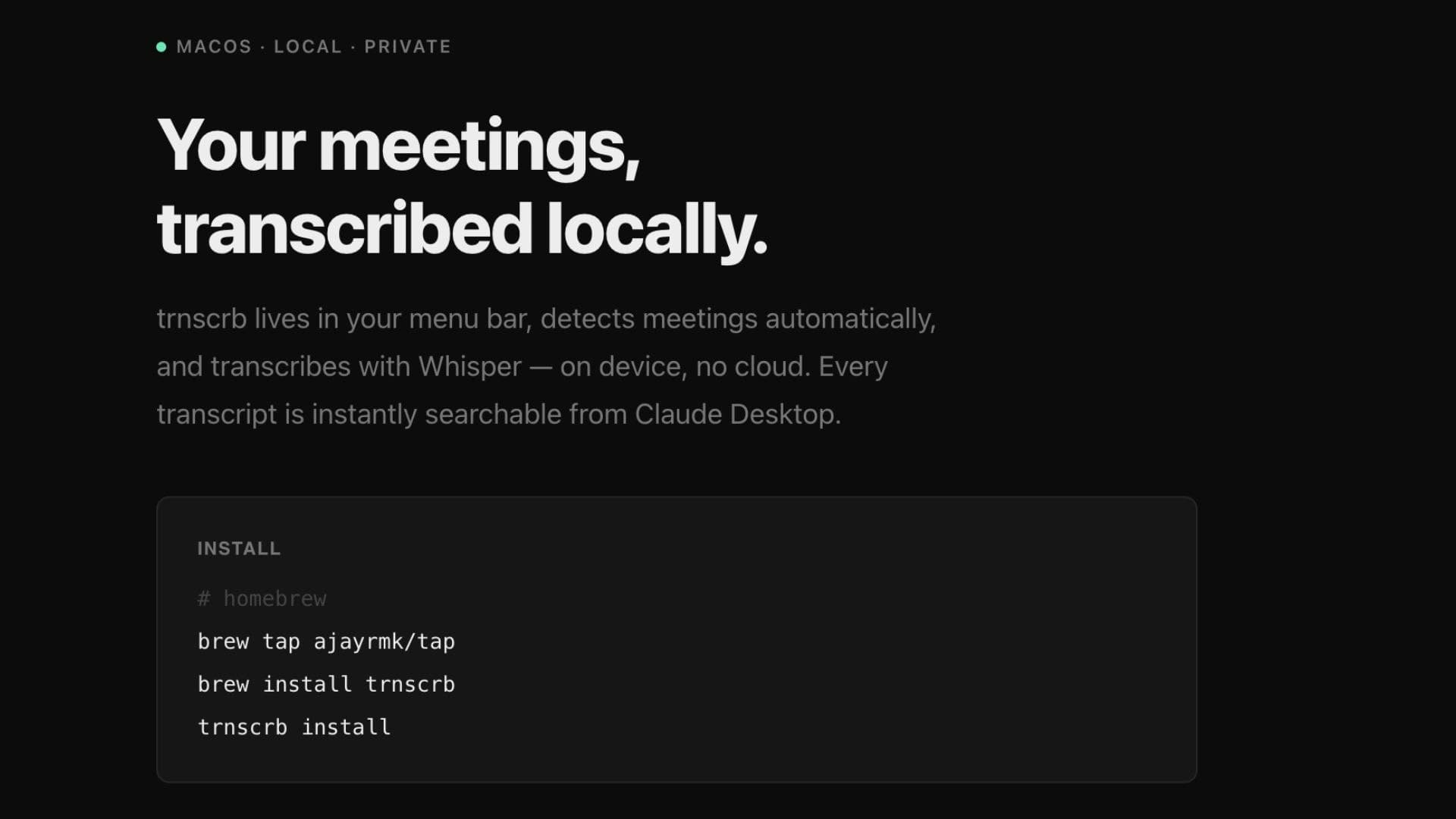
Local meeting transcription for macOS — trnscrb lives in your menu bar, auto-detects Zoom, Meet, Teams, Slack, and FaceTime, then transcribes on-device using Whisper on Apple Silicon. No cloud, no account, no subscription. Transcripts save as plaintxt with speaker diarization. The Claude Desktop MCP integration lets you search, summarize, and extract action items from past meetings. Requires macOS 13+ and M1+.see more
Founder
Screenshots
About
Imagine never having to worry about missing a crucial detail from your important online meetings again. That's the power of 12. trnscrb, the ultimate on-device transcription tool built exclusively for macOS users with Apple Silicon. This isn't just another cloud service trying to capture your sensitive conversations; trnscrb lives discreetly in your menu bar, ready to spring into action the moment a call starts. It intelligently listens across all your favorite platforms—Zoom, Google Meet, Microsoft Teams, Slack, and even FaceTime—automatically detecting and transcribing the entire conversation right there on your machine. Because everything happens locally using the robust Whisper model optimized for Apple Silicon, you gain unparalleled privacy and speed. There are no accounts to create, no monthly subscriptions to manage, and absolutely no data ever leaves your computer, giving you complete peace of mind when discussing confidential matters. Once the meeting concludes, you receive clean, easily searchable plain text files, complete with accurate speaker diarization so you always know who said what.
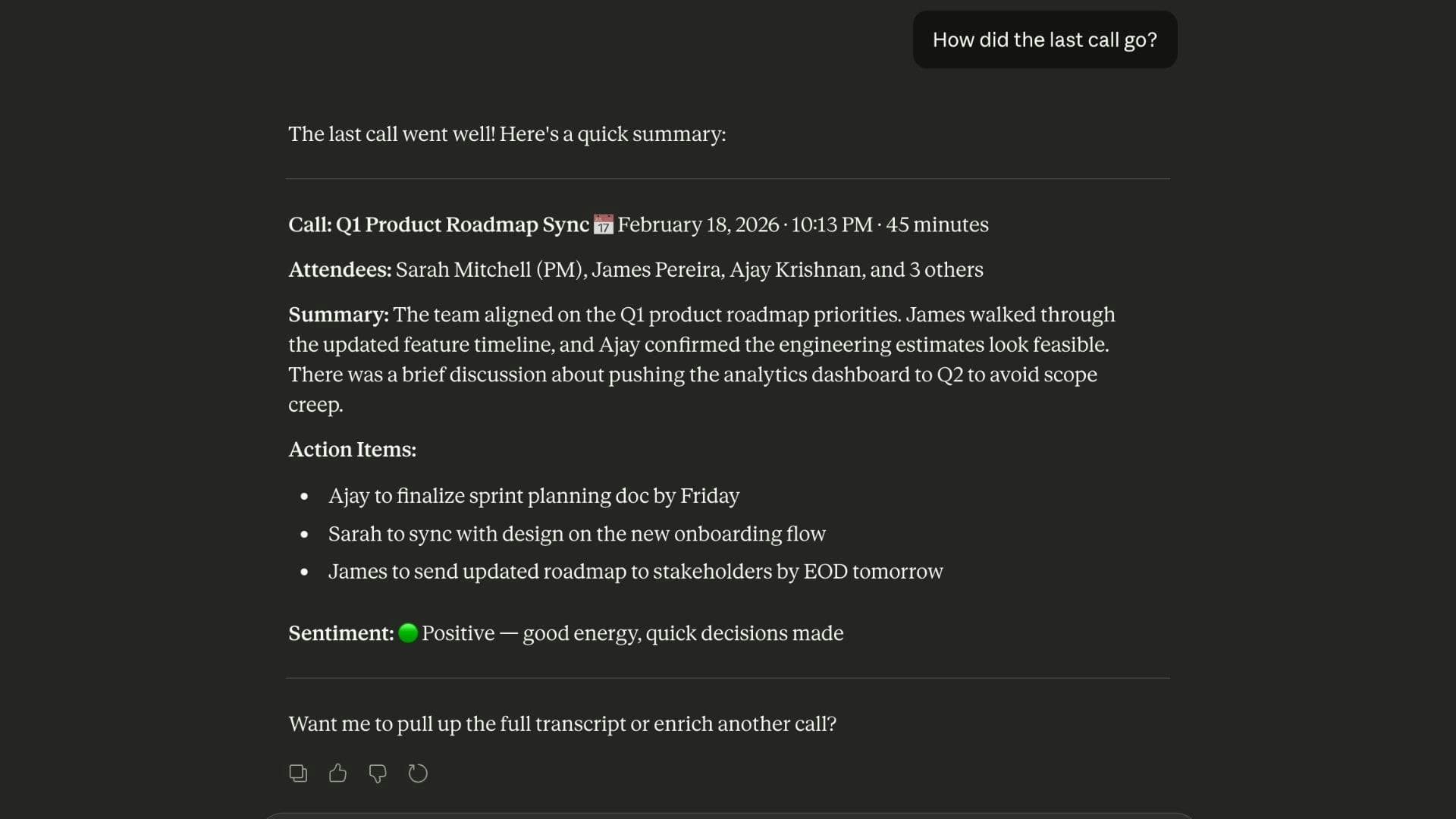
But trnscrb goes far beyond simple recording and transcription. We've integrated the intelligence of the Claude Desktop MCP to transform those raw transcripts into actionable insights. Think about the time you spend wading through hours of recorded dialogue just to find the next steps or key decisions. With trnscrb, that friction disappears. You can instantly search across your entire history of meetings, generate concise summaries of complex discussions, or have the system automatically extract clear action items assigned to specific people. This feature turns passive recordings into an active, searchable knowledge base, fundamentally changing how you follow up after every call. It’s about reclaiming your focus during the meeting, knowing that the detailed record and the analysis are being handled seamlessly in the background.
This seamless integration of local processing and advanced AI analysis makes trnscrb an indispensable tool for professionals who value both security and efficiency. If you rely on frequent video conferencing for your work—whether you are managing projects, conducting client interviews, or collaborating with remote teams—trnscrb ensures that the valuable information exchanged is captured, organized, and ready for immediate use without compromising your data security protocols. Simply install it on your macOS 13+ system with an M1 chip or better, and instantly elevate your meeting workflow from chaotic note-taking to streamlined productivity.