
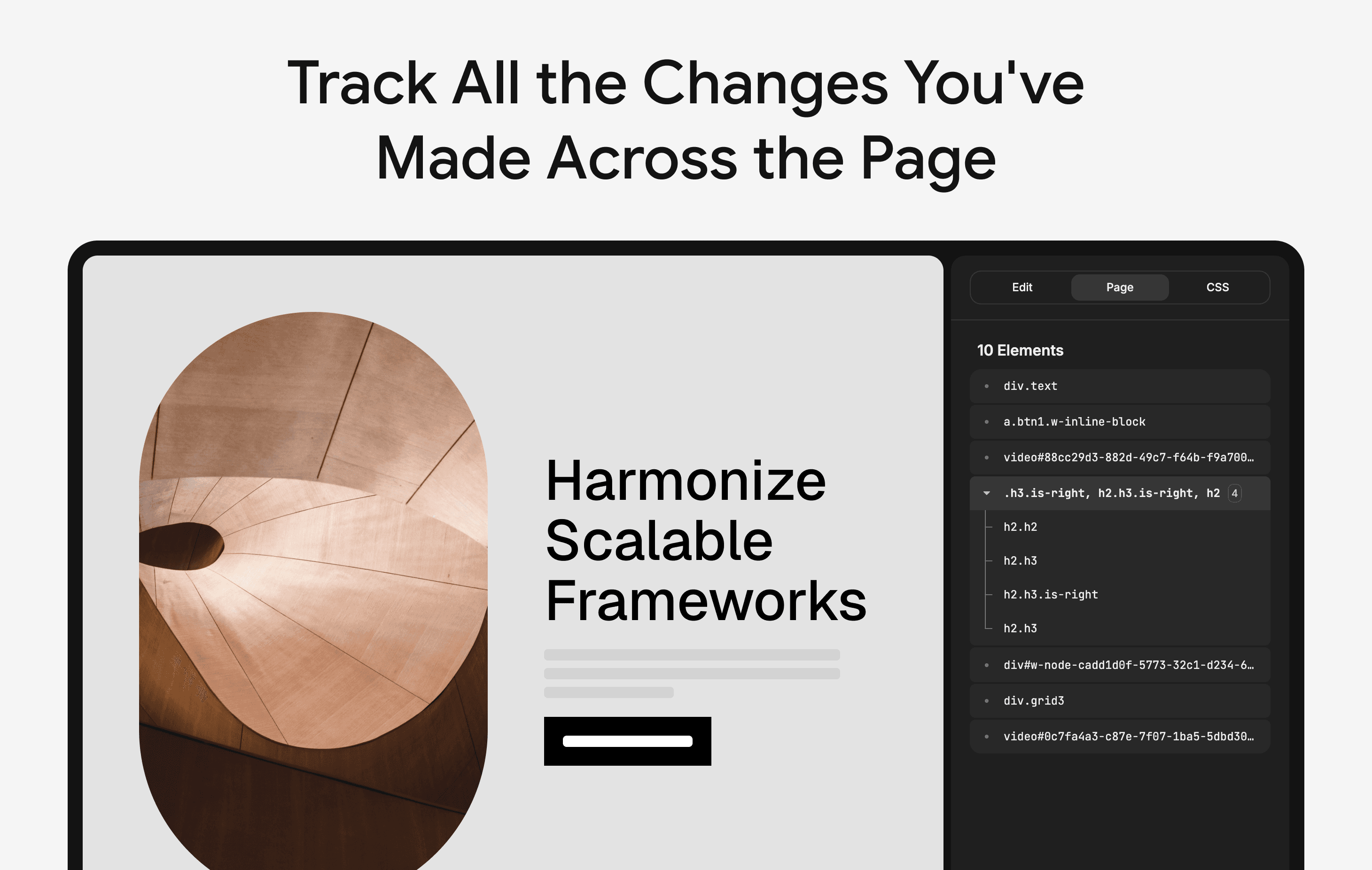
Inspect and visually edit elements directly on the page for faster design and UI debugging.
Founder
Screenshots
About
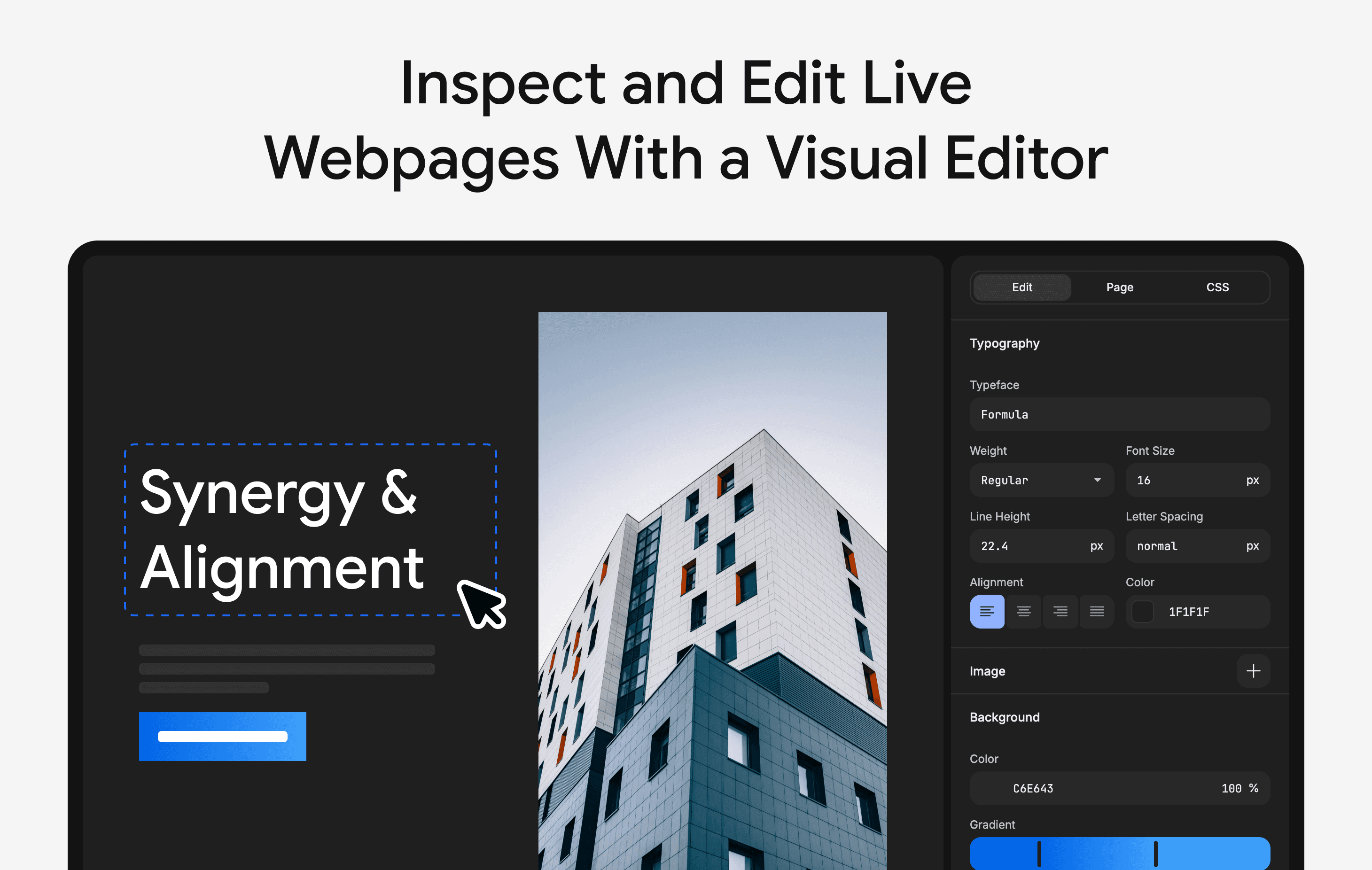
Tired of the endless back-and-forth between your browser's developer tools and your code editor when trying to fine-tune a design? Meet the 11. UI Inspector, your new secret weapon for achieving pixel-perfect interfaces with unprecedented speed and ease. This powerful Google Chrome extension transforms the way you approach front-end design and debugging by bringing a visual, intuitive editing experience right to the live webpage. Imagine being able to click on any element, see its current styles instantly, and then tweak padding, margins, colors, fonts, or layout properties using simple visual controls, rather than manually digging through cascading style sheets. It’s like having a live Photoshop layer editor applied directly to your live website. This immediate feedback loop drastically cuts down on the time spent chasing down minor visual inconsistencies, allowing you to iterate on user interfaces faster than ever before. Whether you are a seasoned developer ensuring brand compliance or a designer collaborating closely with engineering, the UI Inspector bridges the gap between concept and execution, making the entire process fluid and frustration-free.
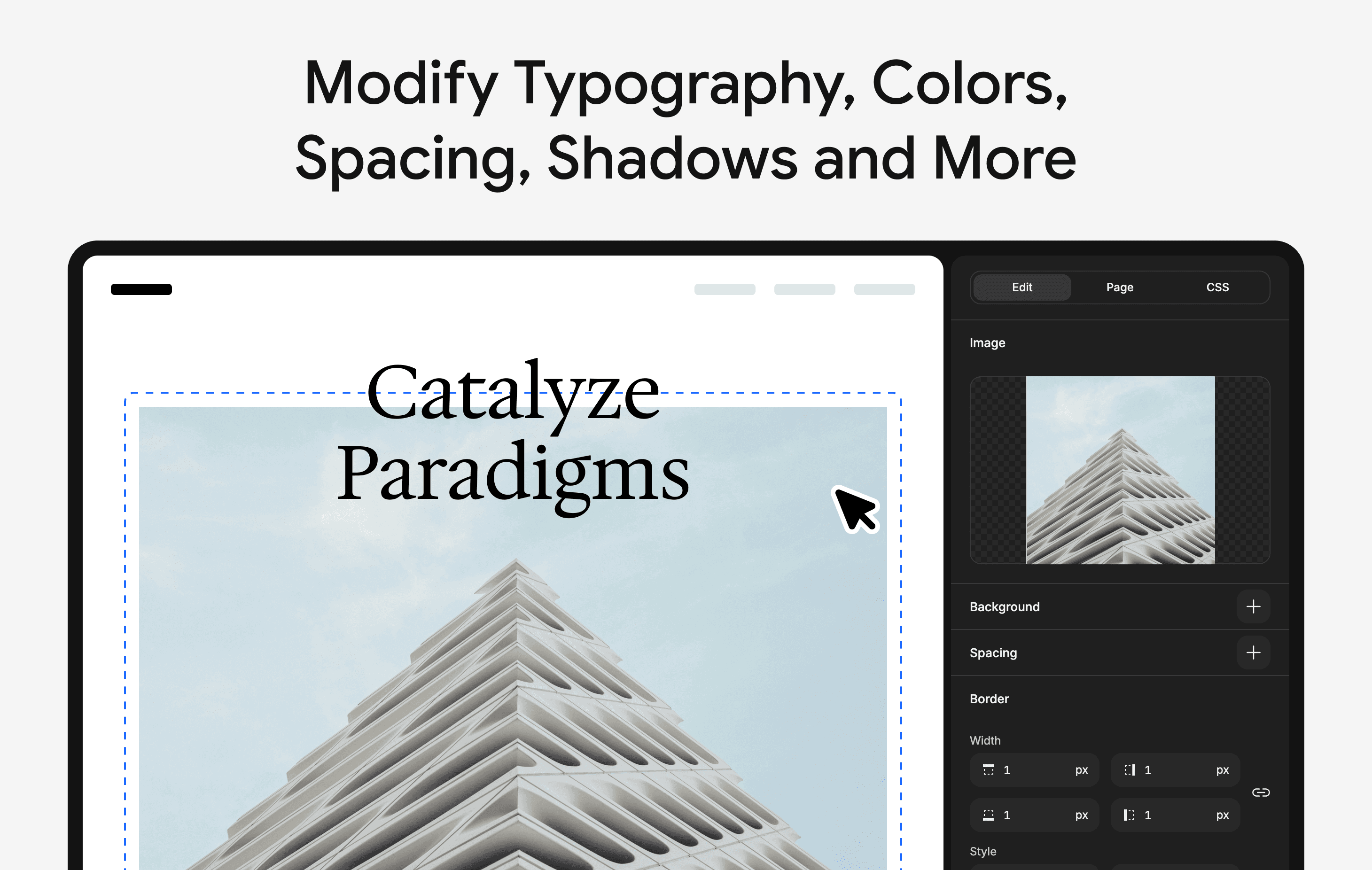
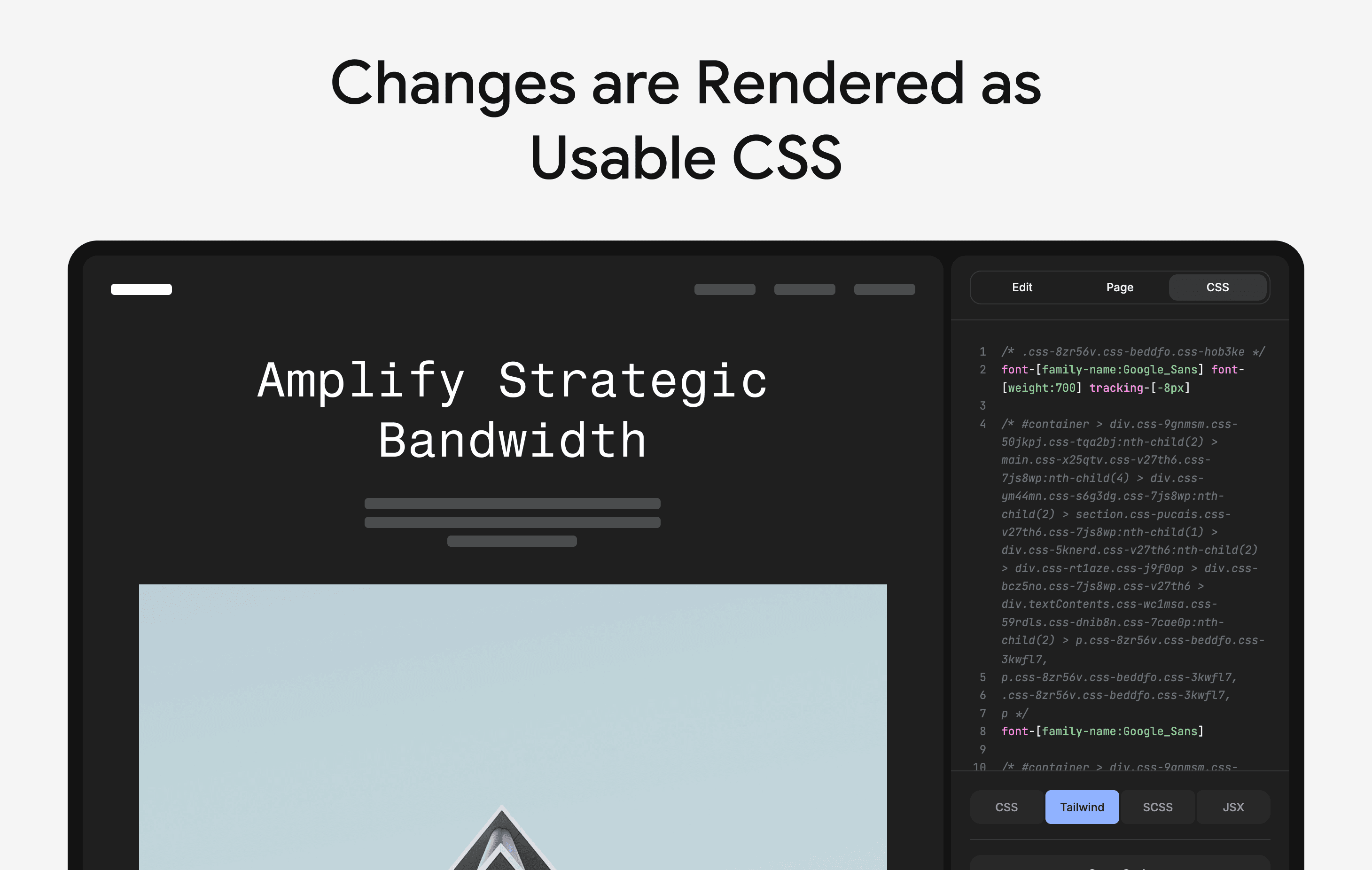
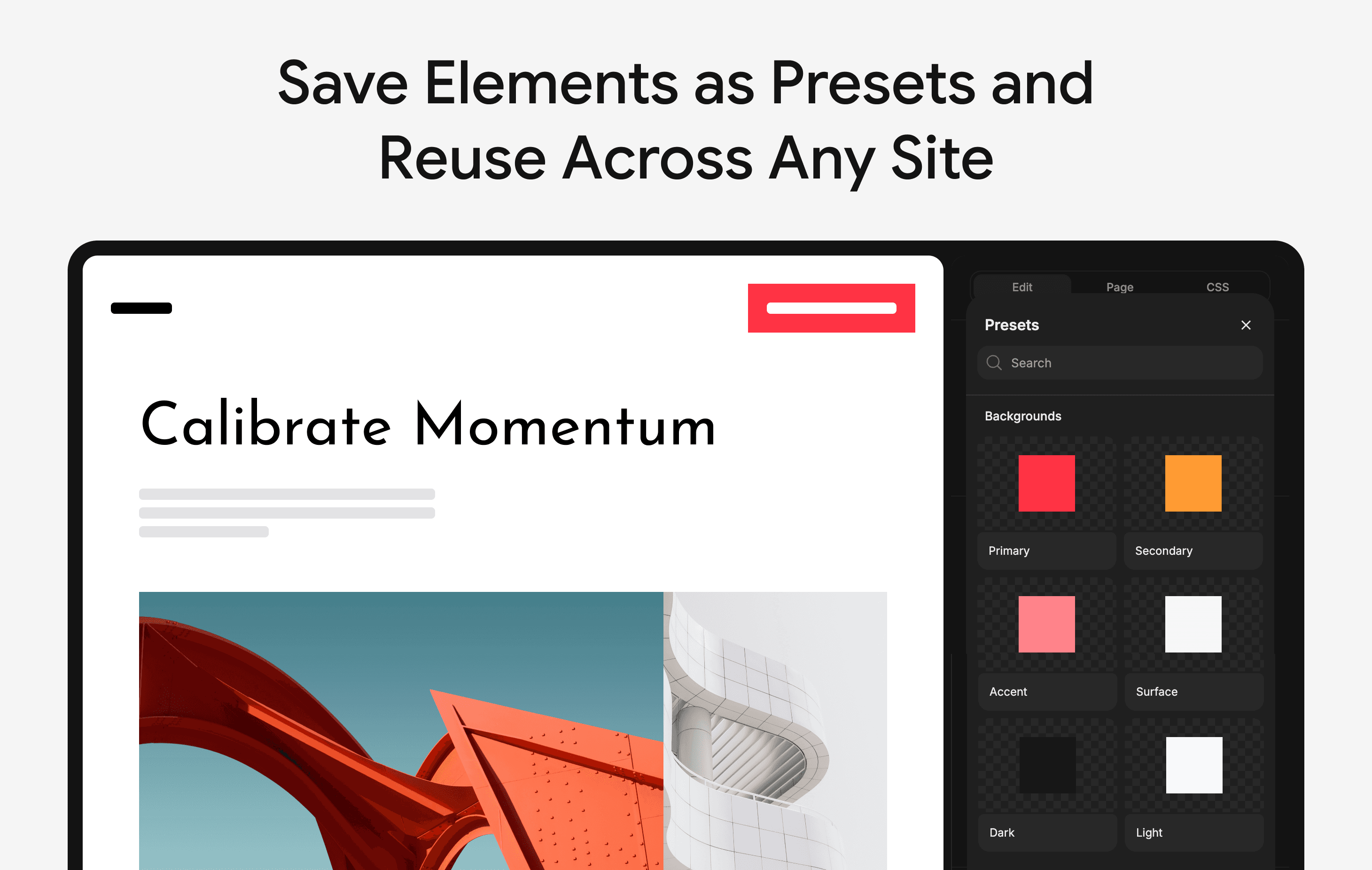
What truly sets the 11. UI Inspector apart is its commitment to making complex CSS adjustments accessible to everyone. Instead of relying solely on memorizing selectors or navigating complex DevTools panels, you manipulate the design visually, and the tool intelligently translates those changes into clean, accurate CSS code in real time. This means you can experiment boldly; change a border radius, adjust the opacity of a shadow, or even reposition an element using drag handles, all while seeing the exact impact on the user experience. Once you land on the perfect look, the generated code is instantly available for you to copy and paste directly into your project files. This isn't just about making things look good; it’s about streamlining your workflow so you can focus your mental energy on solving bigger architectural problems instead of wrestling with minor styling details. It’s the efficiency boost your design process has been waiting for, ensuring that what you see is exactly what you get, every single time.