
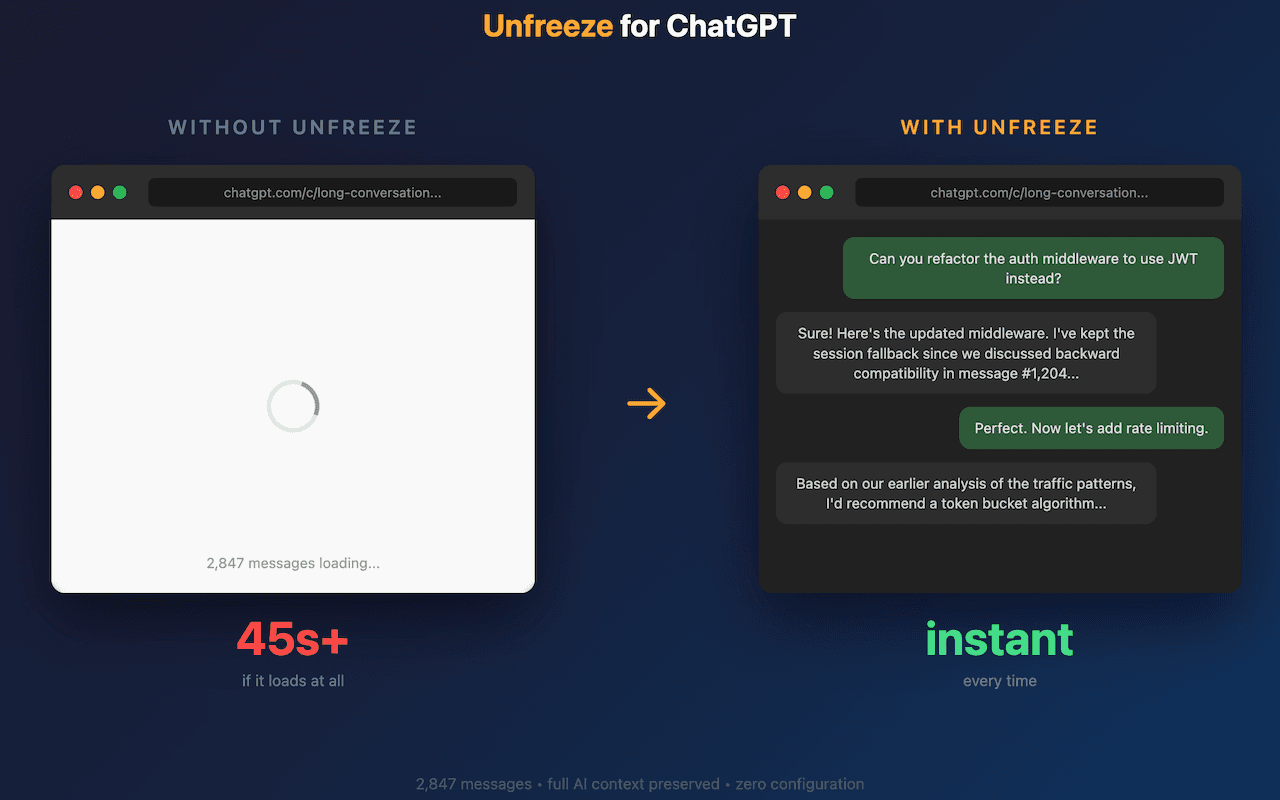
Your longest ChatGPT conversations are unusable. You can't scroll, can't type, the tab eats 4GB of RAM, and eventually crashes. Unfreeze shows only the last 100 messages. The rest stay in memory — click "Load earlier" when you need them. 30KB. No tracking. No permissions beyond chatgpt.com.
Founder
Screenshots

About
Have you ever reached that point in a brilliant, in-depth ChatGPT conversation where everything grinds to a halt? It’s incredibly frustrating when you’re deep into brainstorming, coding, or writing, and suddenly your browser tab becomes unresponsive. You can’t scroll back to review that crucial point you made an hour ago, typing feels sluggish, and you can practically hear your computer fan spinning as the tab devours gigabytes of memory, threatening to crash the entire session. This common frustration with long ChatGPT threads is exactly what Unfreeze for ChatGPT solves. This isn't a massive overhaul or a complicated piece of software; it's a tiny, elegant 30KB fix designed to restore smooth performance to your most valuable AI interactions. It intelligently manages the conversation history, ensuring that your current work remains fast and fluid without sacrificing access to your past context when you actually need it.
Unfreeze works by smartly segmenting your chat history. Instead of forcing your browser to render thousands of messages simultaneously, which tanks performance and memory usage, Unfreeze displays only the most recent 100 messages by default. This keeps the active window snappy, allowing you to type, edit, and scroll through the immediate context effortlessly. But here is the clever part: all those earlier messages aren't deleted; they remain safely tucked away in the background memory. When you need to reference something from further up the thread, a simple click on the "Load earlier" button instantly retrieves and displays that older segment. This on-demand loading keeps your browser lean and responsive, turning unusable marathon chats back into productive sessions. It’s about giving you control back over your workflow, ensuring that the tool designed to boost your productivity doesn't become the bottleneck.
What truly sets Unfreeze apart is its commitment to simplicity and privacy. At just 30 kilobytes, it’s incredibly lightweight and won't bog down your browser startup time. Furthermore, we built this tool with trust in mind. It requires no invasive permissions—it only operates within the context of chatgpt.com—and there is absolutely no tracking involved. You get a powerful performance boost for your AI sessions without trading your data or system resources. If you rely on ChatGPT for serious, extended work, Unfreeze for ChatGPT is the essential, invisible upgrade that keeps your momentum going, conversation after conversation.