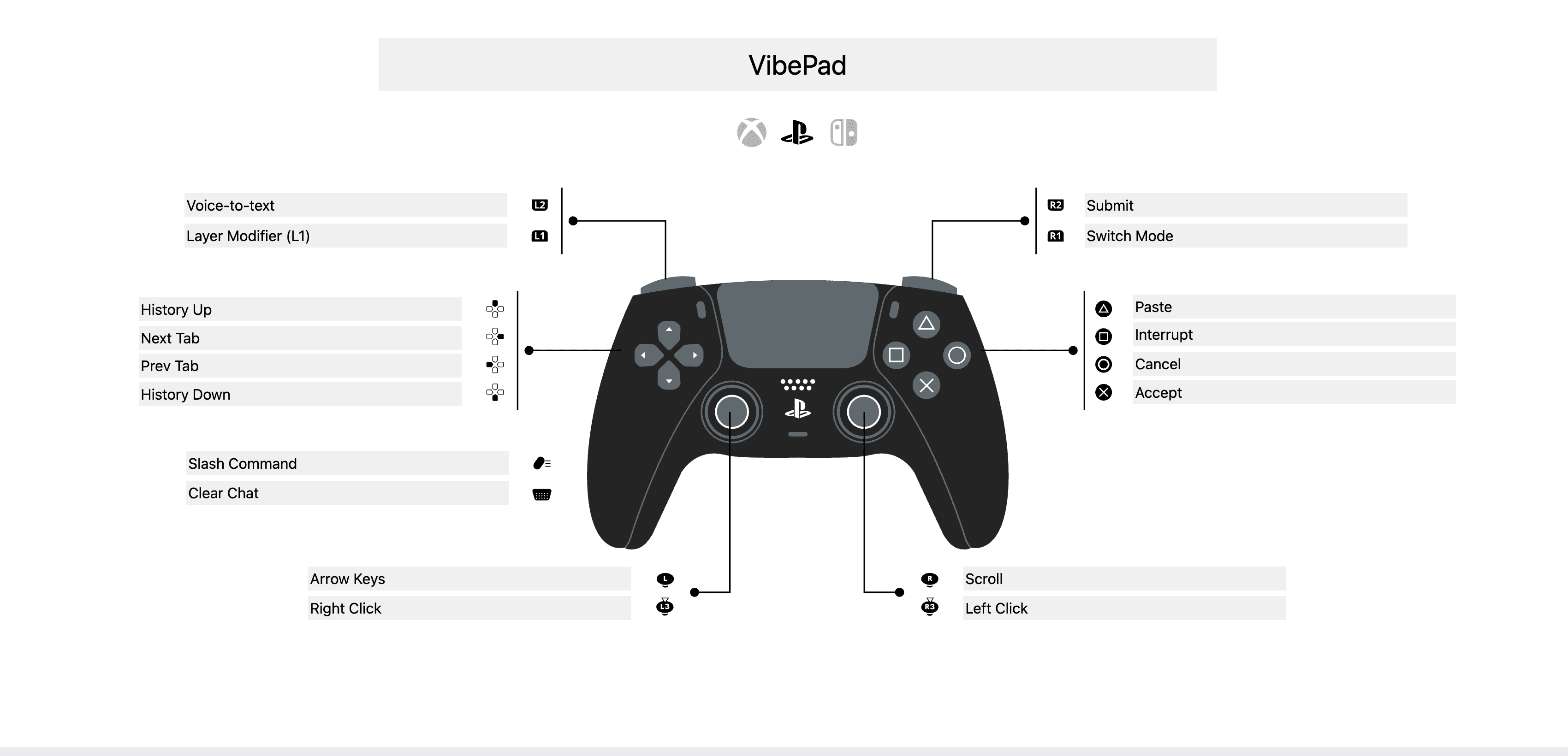
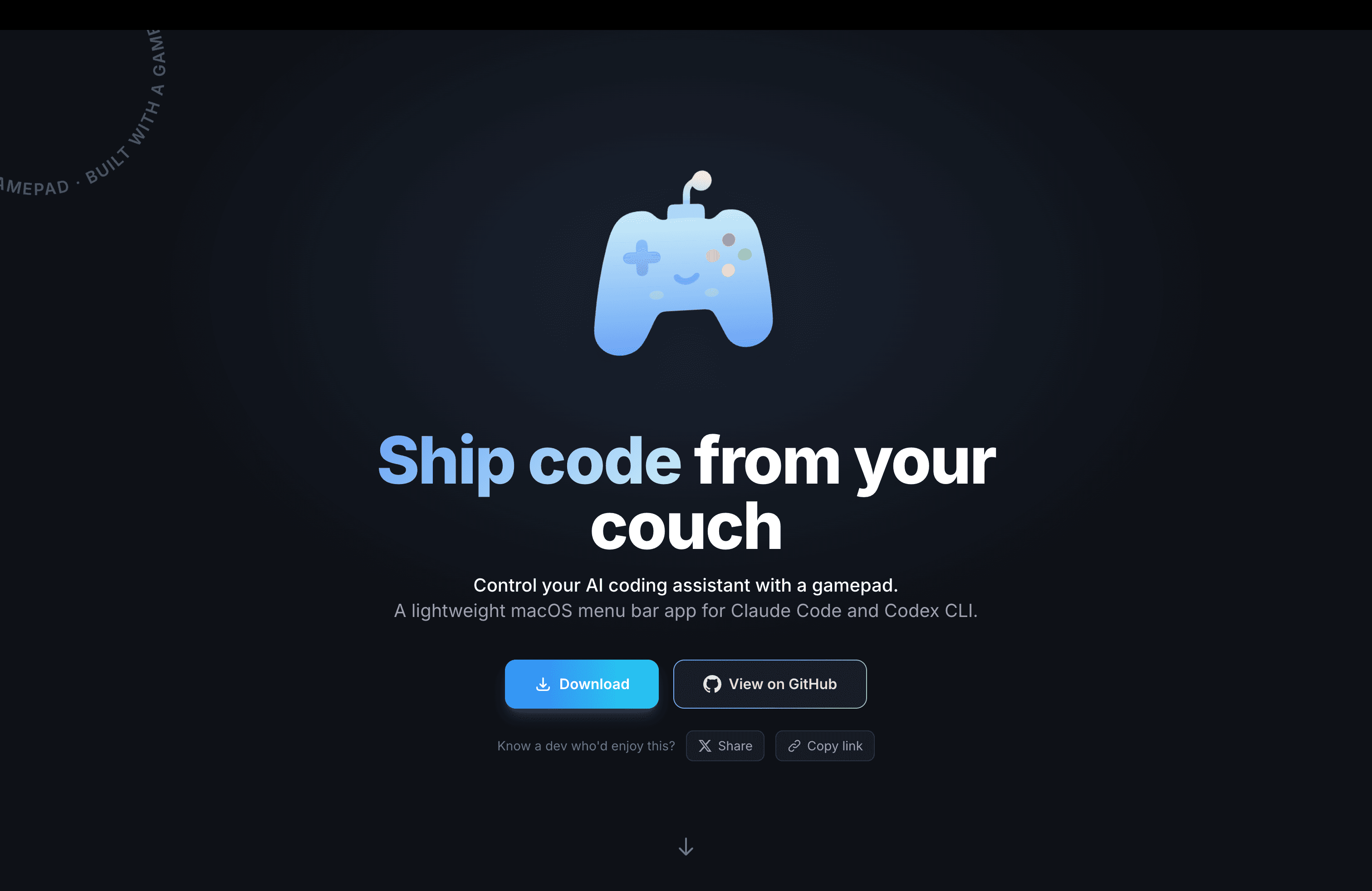
VibePad is a free macOS menu bar app that maps your gamepad to keyboard shortcuts. Built for AI coding tools like Claude Code and Codex where the workflow is mostly Accept, Reject, Scroll, Navigate and Dictate. X - approve, O - reject, L2 trigger = hold-to-talk dictation, Right stick = scroll. Config is a JSON file if you want to remap anything. Native Swift. Open source. No account, no subscription, no catch. The idea started as a joke - then I built most of VibePad using VibePad itself.see more
Founder
Screenshots
About
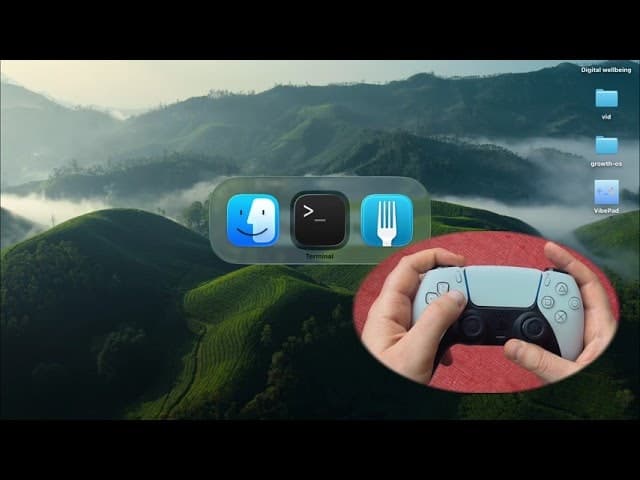
Imagine transforming your coding workflow from tedious keyboard tapping to a fluid, console-like experience, all without leaving the comfort of your favorite chair. That is the core promise of VibePad, a brilliant and surprisingly practical macOS menu bar application designed to bridge the gap between modern AI coding assistants and the intuitive control of a standard gamepad. We all know the rhythm of working with tools like Claude Code or Codex: you review a suggestion, you accept it, you reject it, you scroll through a long response, or perhaps you need to quickly dictate a new prompt. Instead of constantly shifting your hands between the mouse, keyboard, and microphone, VibePad lets you map these essential actions directly to the buttons and sticks of your favorite controller. Think of it as bringing the satisfaction of gaming controls into your development environment. The X button becomes your 'Approve' command, the O button handles 'Reject,' and the right analog stick offers smooth, precise scrolling through extensive code blocks, making navigation feel incredibly natural and fast. This isn't just about novelty; it’s about reducing friction so you can stay deep in the zone, focusing purely on the logic rather than the mechanics of interaction.
What truly sets VibePad apart is its commitment to simplicity and user control. This is a native Swift application built for macOS, meaning it runs cleanly in the background without hogging resources. Crucially, it operates entirely locally; there are absolutely no accounts, subscriptions, or hidden costs involved—it is completely free and open source, reflecting a genuine desire to improve developer tooling. For those who like to tinker, the configuration is transparently managed via a simple JSON file, giving you the power to remap every single button to suit your specific AI assistant or personal preference. The L2 trigger, for instance, is cleverly mapped to a hold-to-talk dictation feature, allowing you to speak your next command or block of code instantly and naturally. This entire concept, born from a spark of creative thinking, was even built using VibePad itself, proving its effectiveness in a real-world coding scenario.
This tool fundamentally changes the ergonomics of AI assisted development. If you spend hours reviewing, accepting, and refining AI generated code, the constant repetition can lead to fatigue. VibePad introduces a physical, tactile element back into the process, allowing for quick, decisive inputs that maintain momentum. It transforms the often sterile process of interacting with a command line or web interface into something responsive and almost physical. Whether you are kicking back on a couch during a late night session or simply prefer a controller interface for repetitive tasks, VibePad offers a unique, efficient, and surprisingly fun way to manage your AI coding partners, ensuring your focus stays exactly where it should be: on writing great software.