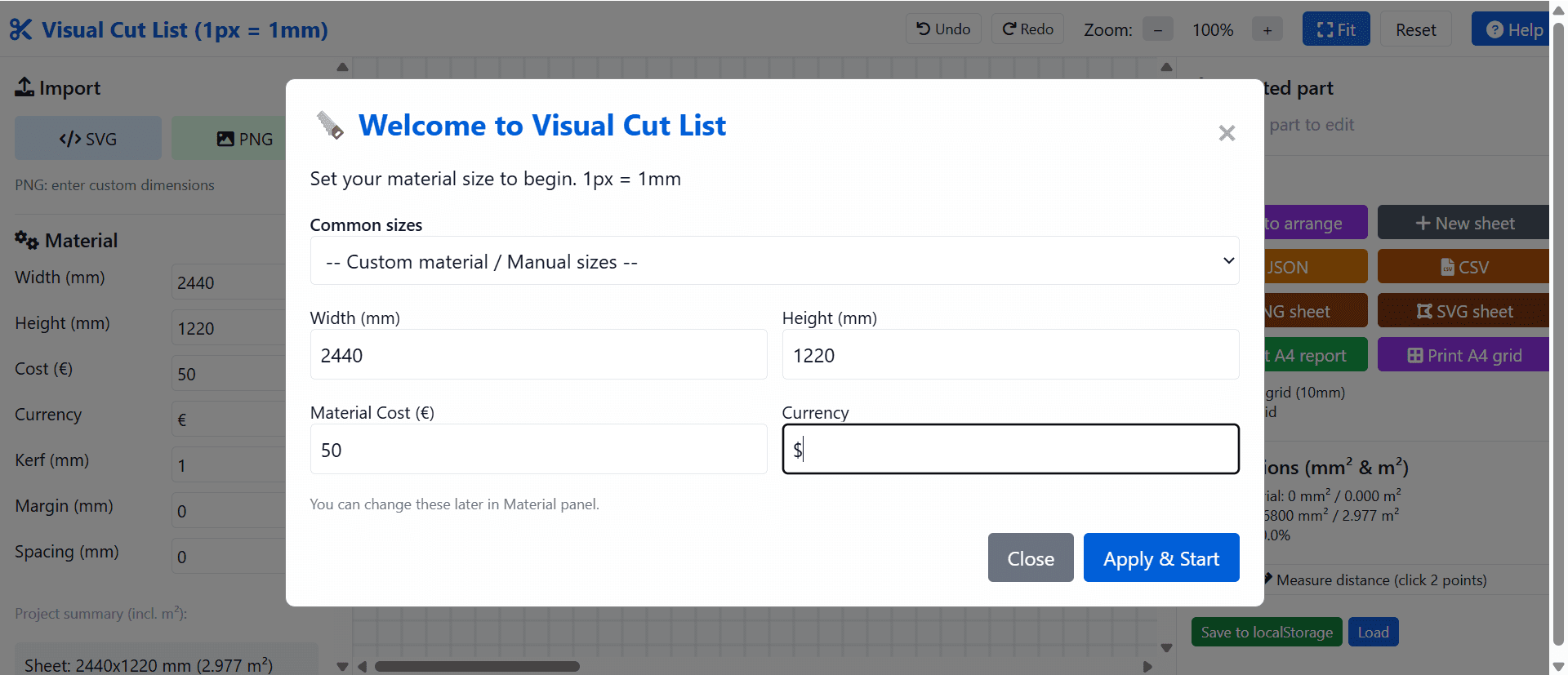
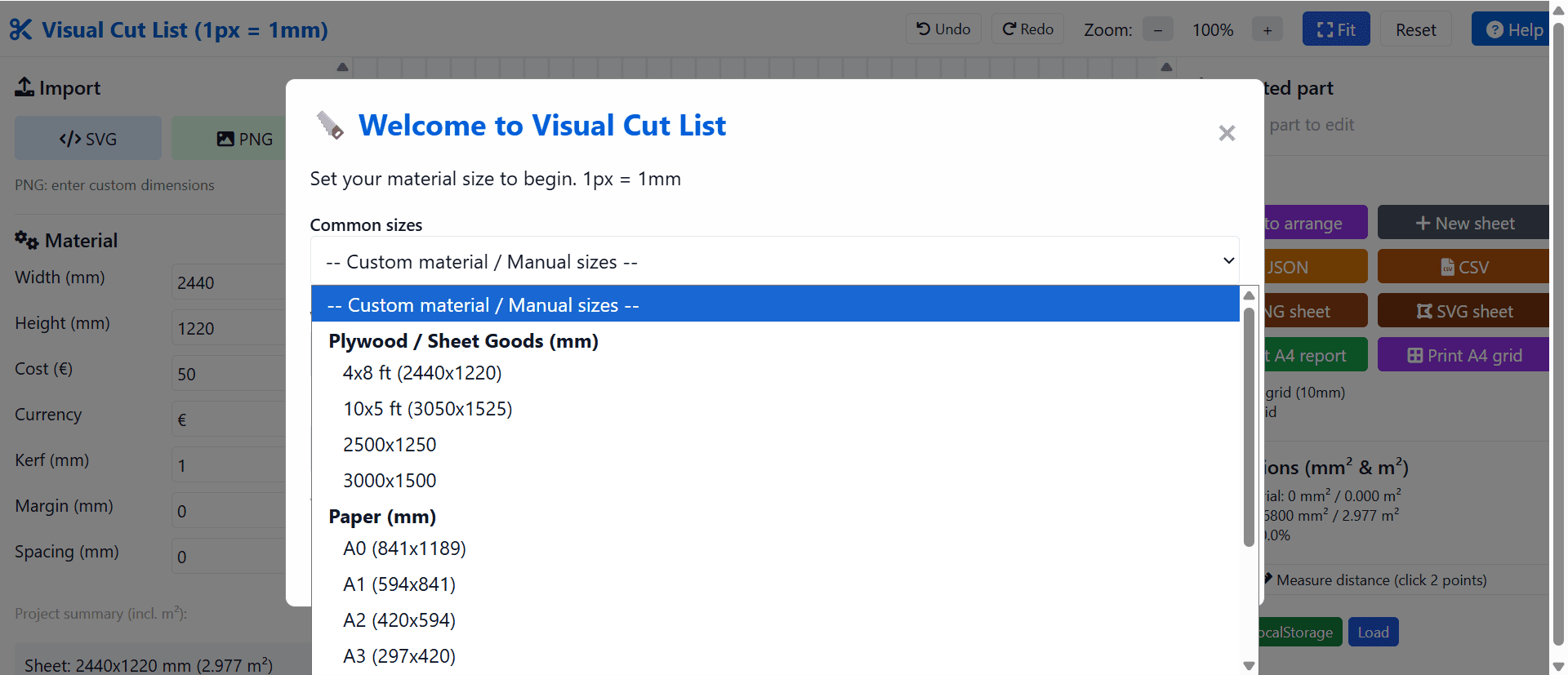
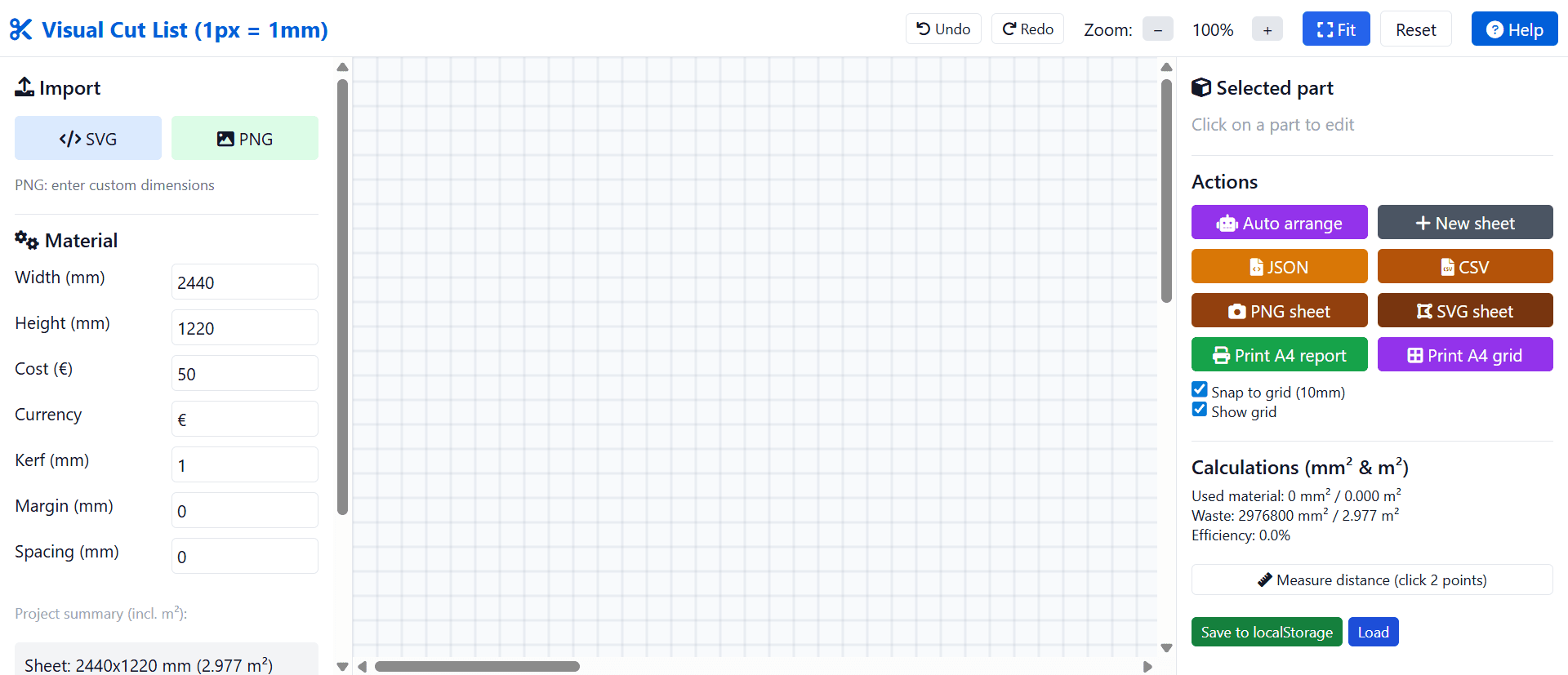
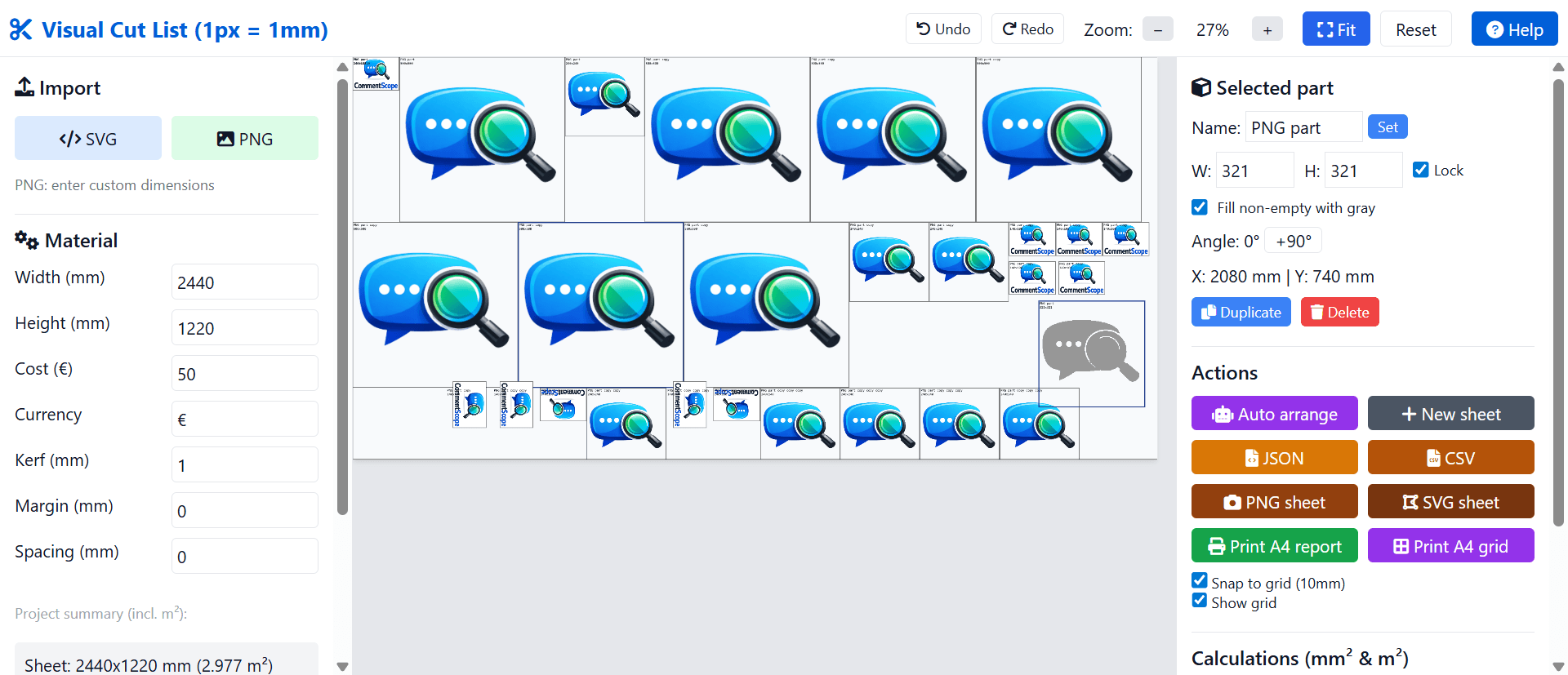
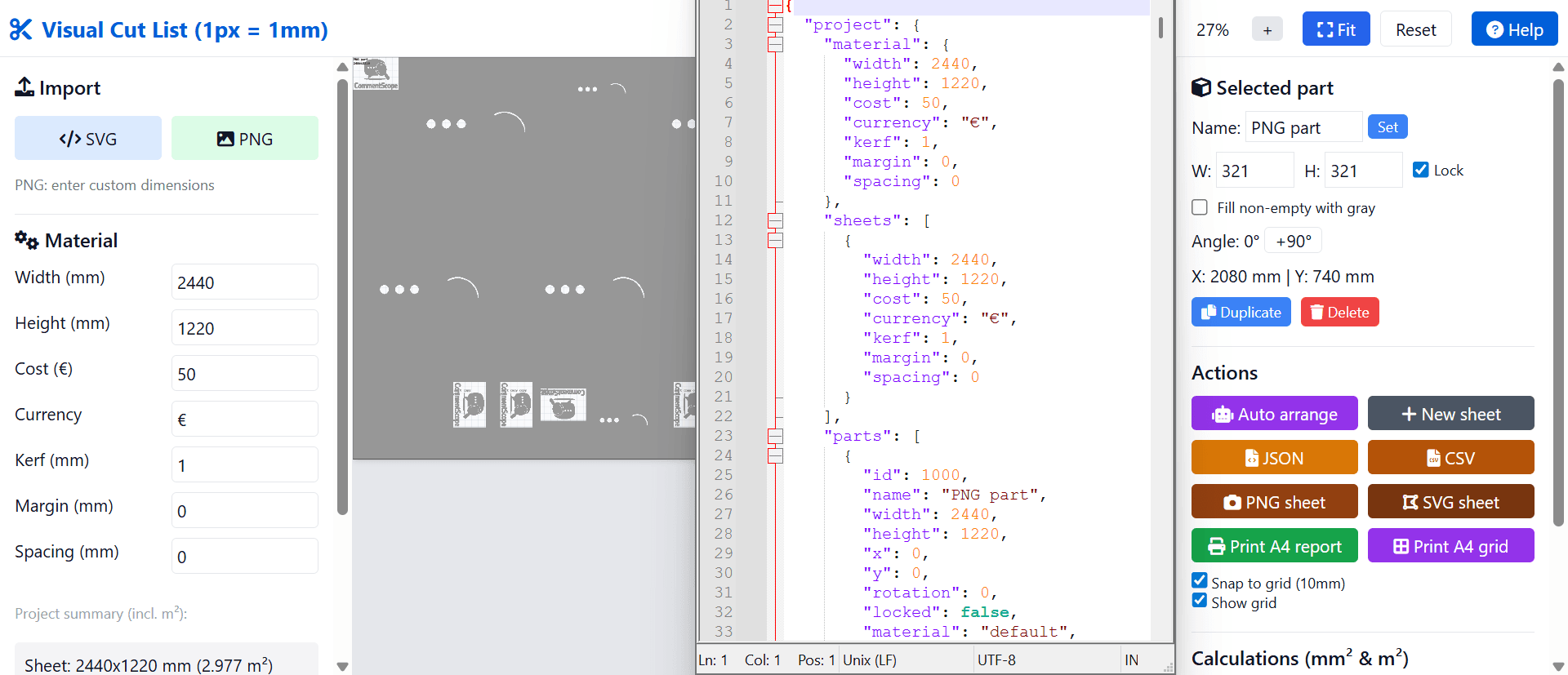
Free online cut lists sheet layouts maker for metal sheets, woodworking, CNC, plotters and textile cutting Import, drag & rotate parts, calculate material usage and costs, print reports and tiled grid sheets for cutting. 1px = 1mm. You'll have to have parts for cutting drawn in PNG or SVG using your favorite image editor. For best usage optimization Images should fill the canvas as much as possible, so use appropriate aspect ratios and dimensions where 1px = 1mm in real sizesee more
Founder
Screenshots


About
Imagine finally taking control of your material waste and cutting process, turning what used to be guesswork into a precise, visual science. That is the power of the Visual Cut List tool. This isn't just another spreadsheet for tracking inventory; it’s an intuitive, free online layout maker specifically designed to help makers, woodworkers, metalworkers, and anyone using CNC machines or plotters maximize every inch of their raw material. Whether you are fabricating custom furniture, cutting intricate textile patterns, or preparing metal sheets for welding, efficiency is everything. This tool lets you upload your pre-drawn parts as simple PNG or SVG files. The real magic happens when you start arranging them visually. You can effortlessly drag and drop your components onto the digital canvas, rotating them as needed to find that perfect fit that minimizes scrap. Since the system operates on a precise 1-pixel equals 1-millimeter scale, you maintain absolute accuracy from design to final cut, ensuring your material usage is calculated down to the smallest fraction. Say goodbye to costly errors caused by inefficient nesting and hello to significant savings on every project.
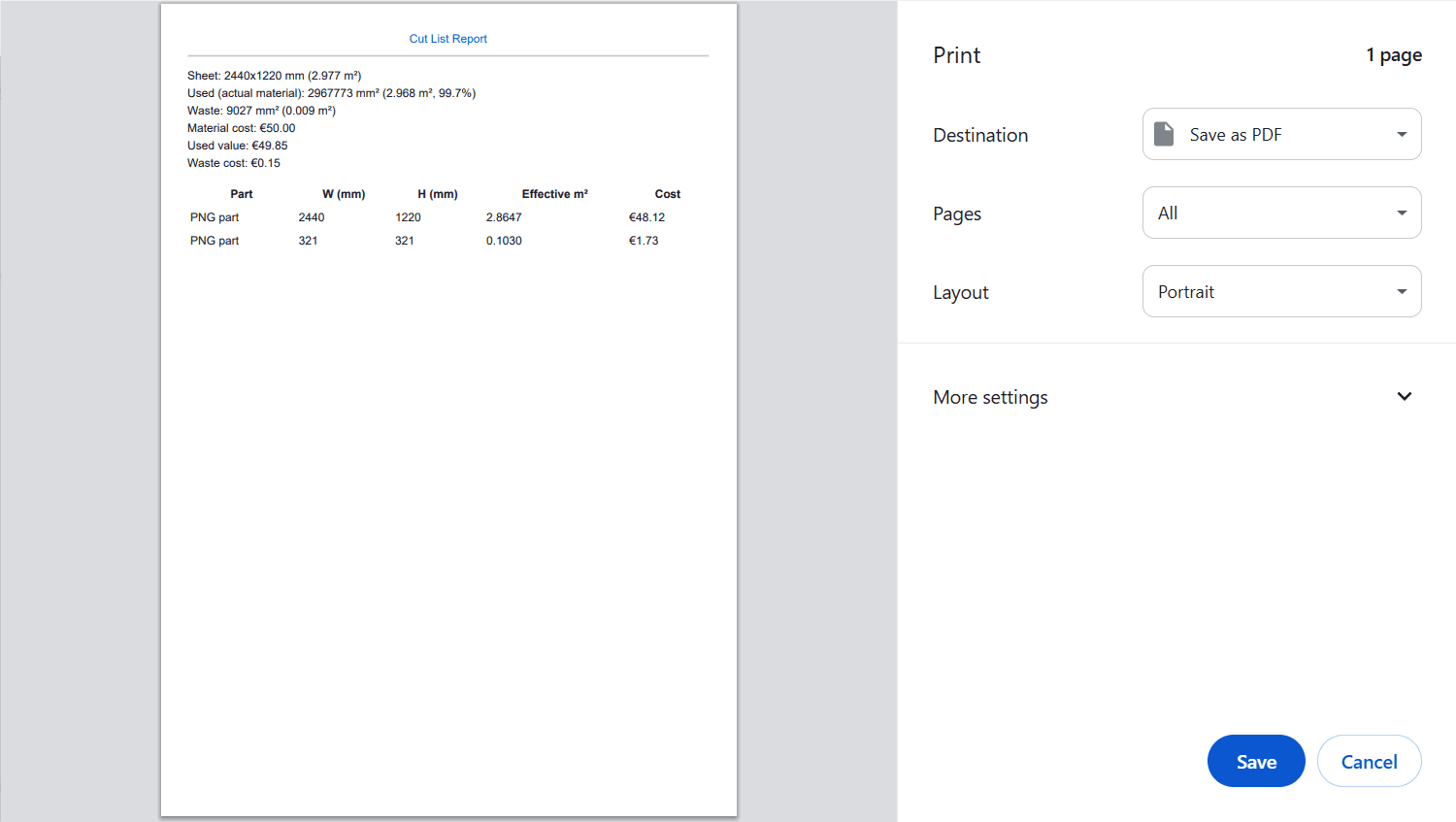
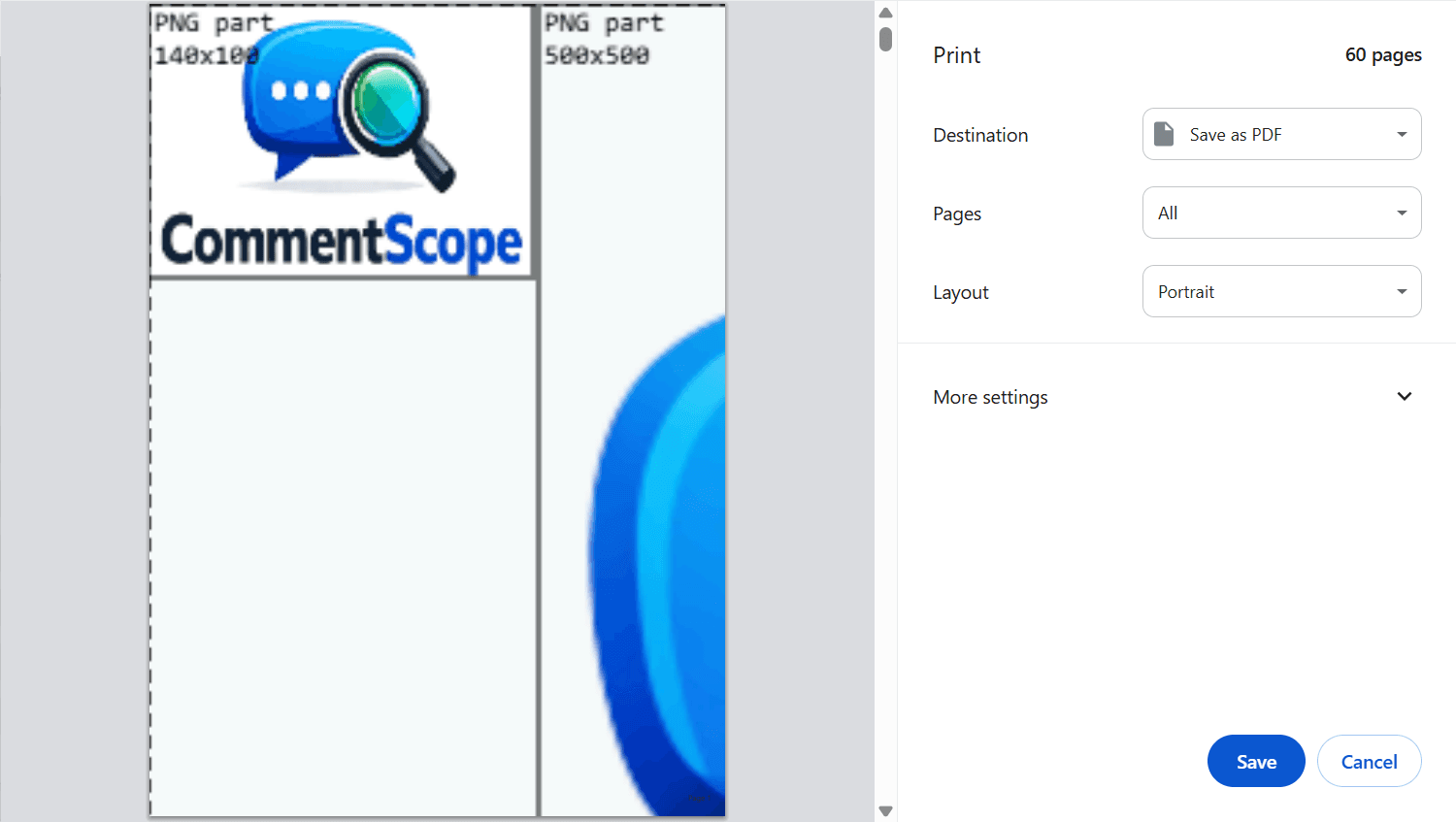
What truly sets the Visual Cut List apart is how seamlessly it integrates optimization with practical output. As you arrange your parts, the system actively calculates your material usage and gives you a clear picture of the associated costs, allowing you to make real time adjustments before a single cut is made. This immediate feedback loop is invaluable for budget conscious projects. Once you have achieved your optimal layout, generating professional documentation is simple. You can print detailed reports summarizing material consumption, or, perhaps even more useful for the workshop floor, generate tiled grid sheets. These sheets provide a clear, scaled map for your cutting operators, ensuring that the complex arrangement you designed on screen translates perfectly to the physical material. It transforms the often tedious task of nesting into an engaging, visual puzzle where the reward is reduced waste and faster production times, making it an essential utility for any serious hobbyist or professional fabrication shop looking to streamline their workflow and boost profitability.